

Manual of product Aspire E17 E5-723
Editorial note
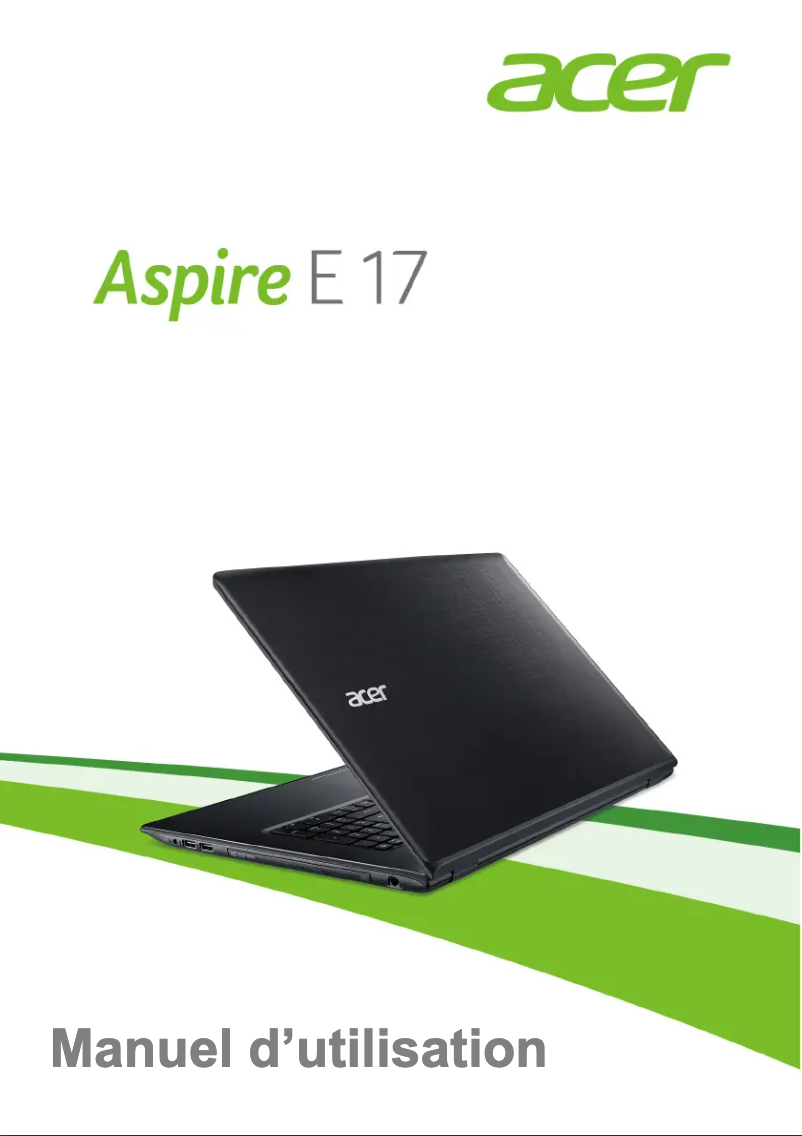
The Acer Aspire E17 E5-723 is a laptop that stands out for its optimal performance, suitable for both work and leisure. Thanks to its established reputation, the Acer brand guarantees remarkable quality and innovation, thus providing an enhanced user experience. The intuitive interface allows for simplified daily use, and the included user manual is a valuable asset for quickly familiarizing oneself with the product. However, it is important to note some drawbacks. Its relatively high weight can make transport less convenient, which is a point to consider for those contemplating mobile use. Additionally, the battery life is limited, requiring frequent recharges during prolonged use. The screen, while generous, suffers from limitations in terms of viewing angles and brightness, particularly outdoors. Finally, the graphics performance is not up to par for recent games or demanding applications, and the cooling system can prove noisy under heavy load. In summary, the Acer Aspire E17 E5-723 offers good value for money, combining performance and reliability, but it is essential to weigh these advantages against its limitations.Score details
User experience
The user experience is enhanced by an intuitive and user-friendly interface, making daily use easier.
Performance
Performance is solid for everyday tasks, but may be limited for applications requiring high graphical resources.
Battery life
Battery life can be limited, requiring frequent recharges during prolonged use.
Design
The design is modern, but the relatively high weight can make transport less convenient.
Value for money
The product offers good value for money, considering its performance and the reputation of the Acer brand.
Documentation
A detailed user manual is provided, allowing users to quickly familiarize themselves with the product.
Robustness
Build quality is good, although the cooling system can be noisy under heavy workload.
Advantages
Solid performance for various tasks
Reputation for innovation and quality Acer
Intuitive and user-friendly interface
User manual included for assistance
Versatile for internet, office, and multimedia
Disadvantages
Heavy weight, complicated transport
Limited battery life
Restricted viewing angles
Insufficient graphics performance for gaming
Noisy cooling system
Technical Specifications Aspire E17 E5-723
General Information
-
ModelASPIRE E17 E5-723
-
Brand
-
Category
-
Type
-
SKU865870
-
MPN865870
Frequently Asked Questions
What factors influence download speed on the Internet?
Quelles sont les dimensions de l'écran de mon ordinateur portable ?
Que signifie l'acronyme HDMI ?
Quelle est la meilleure méthode pour nettoyer mon ordinateur portable ?
Comment puis-je nettoyer mon clavier ?
Qu'est-ce que le Bluetooth ?
Le manuel du Acer Aspire E17 E5-723 est-il accessible en français ?
Similar products


More product categories from brand Acer
Computers and accessories Acer
Phones Acer
Other Acer
Home appliances Acer
Audio Acer
Interior Acer
More product types from brand Acer





Presentation of product Aspire E17 E5-723 specifications from brand Acer
General Information
The Acer Aspire E17 E5-723 is a laptop from the Acer brand, which is renowned for its commitment to quality and innovation in the technology sector. This model is designed to deliver solid performance, making it suitable for a wide range of applications, whether for professional tasks, leisure, or entertainment.
With an intuitive and user-friendly interface, the Acer Aspire E17 E5-723 offers an enhanced user experience, thus facilitating daily navigation. Additionally, a user manual is included, allowing new owners to quickly familiarize themselves with the device's features and optimize its use.
This model stands out for its versatility, effectively meeting the varied needs of users, whether it's browsing the Internet, writing documents, or watching movies.
Advantages
- Solid performance: Designed to handle various tasks effortlessly.
- Brand reputation: Acer is synonymous with innovation and quality.
- User-friendly interface: Facilitates daily use.
- Provided documentation: A user manual helps with quick onboarding.
- Versatility: Suitable for a variety of activities ranging from browsing to multimedia consumption.
Disadvantages
- Significant weight: May make transport less convenient, especially during frequent travel.
- Battery life: May be limited, requiring regular recharges during prolonged use.
- Screen quality: Viewing angles are restricted and brightness may be insufficient for bright environments.
- Graphics performance: Not suitable for recent video games or applications requiring high graphic resources.
- Cooling system noise: May be audible under heavy workload, which could be disruptive in quiet environments.


