

Manual of product Aspire E17-E5-752
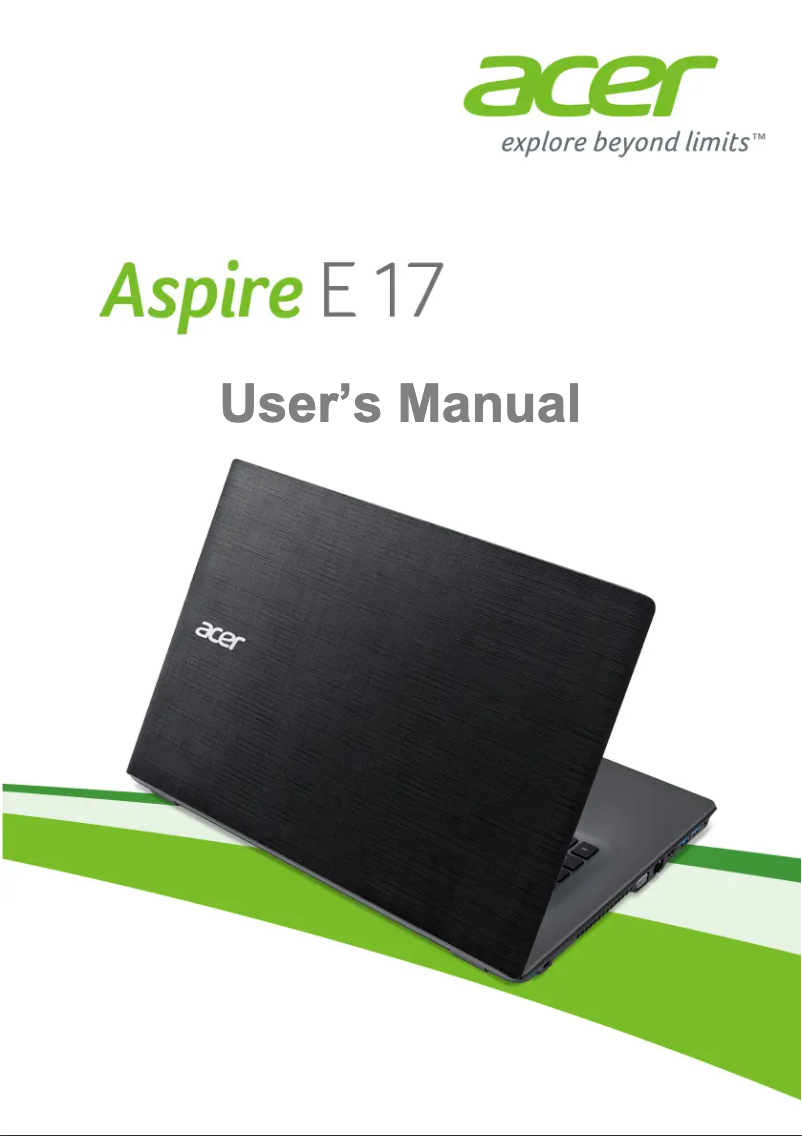
Editorial note
The Acer Aspire E17-E5-752 stands out for its optimal performance, providing a smooth experience for everyday tasks and demanding applications. Its spacious 17-inch screen contributes to an enjoyable visual immersion, enhancing its functionality for both work and entertainment. Additionally, Acer's reputation for reliability and after-sales service is a significant asset for users. However, this model has some drawbacks. Its relatively high weight can pose transport issues for mobile users, and the battery life is limited, requiring frequent recharges, especially during intensive use. The longer boot time compared to some competitors can also affect the user experience, as can the lack of brightness and contrast of the screen in very bright environments. Finally, the cooling system can be noisy during demanding use, which can be bothersome in quiet spaces. In summary, the Acer Aspire E17-E5-752 offers good value for money, supported by the robustness of Acer products and the availability of a practical user manual to facilitate handling. Although it has some limitations, its advantages make it a solid choice for those looking for a versatile and high-performing laptop.Score details
User experience
The user experience is generally positive thanks to a user-friendly interface and ergonomic features, but the longer startup time can hinder usability.
Performance
Performance is optimal for everyday tasks and demanding applications, but battery life may be limited during intensive use.
Battery life
Battery life is insufficient, requiring frequent recharges, which can be a drawback for users on the go.
Design
The design is modern, with a spacious 17-inch screen, but the relatively high weight can make it impractical to carry.
Value for money
The value for money is good, especially considering the reliability of the Acer brand and the appreciated after-sales service by users.
Support
The availability of an 82-page user manual makes it easier to get started and helps quickly resolve any issues.
Features
The features are interesting, but the screen may lack brightness and contrast, which limits the visual experience in very bright environments.
Robustness
Durability is a strong point, with good robustness characteristic of Acer products, although the cooling system can be noisy during intensive use.
Advantages
Smooth and responsive performance
Intuitive and enjoyable use
Reliable and durable brand
Immersive 17-inch screen
User manual included
Disadvantages
Heavy weight, difficult to transport.
Limited battery life.
Slow startup compared to the competition.
Screen lacking brightness.
Noisy cooling system.
Technical Specifications Aspire E17-E5-752
General Information
-
ModelASPIRE E17-E5-752
-
Brand
-
Category
-
Type
-
SKU865861
-
MPN865861
Frequently Asked Questions
What factors influence download speed on the Internet?
What are the dimensions of my laptop screen?
What does the acronym HDMI stand for?
What is the best method to clean my laptop?
What is the procedure for cleaning my keyboard?
What is Bluetooth?
Is the manual for the Acer Aspire E17-E5-752 available in French?
Similar products


More product categories from brand Acer
Computers and accessories Acer
Phones Acer
Other Acer
Home appliances Acer
Audio Acer
Interior Acer
More product types from brand Acer





Presentation of product Aspire E17-E5-752 specifications from brand Acer
General Information
The Acer Aspire E17-E5-752 is a laptop from the Acer brand, known for its commitment to quality and innovation in the tech sector. This model stands out for its ability to deliver robust performance, making daily use and more demanding applications both smooth and responsive.
With a generous 17-inch display, this laptop offers an immersive visual experience, perfect for both work and entertainment. The ergonomic design of the interface contributes to intuitive use, thereby enhancing the user experience.
Furthermore, the Acer Aspire E17-E5-752 benefits from Acer's reputation for reliability, ensuring impressive durability and customer service appreciated by its clientele. A user manual is included, allowing for quick and effective onboarding.
Advantages
- Optimal performance: Ideal for daily tasks and demanding applications.
- Enhanced user experience: Ergonomic features and user-friendly interface.
- Brand reliability: Recognized for the quality and durability of products.
- Spacious display: 17-inch format for optimal visual immersion.
- User manual included: Facilitates onboarding and troubleshooting.
Disadvantages
- Relatively high weight: May be inconvenient for frequent transport.
- Limited battery life: Requires frequent recharges during intensive use.
- Longer boot time: May affect the user experience compared to some competitors.
- Screen lacking brightness: Viewing may be affected in very bright environments.
- Noisy cooling system: Can be disruptive in quiet spaces during intensive use.


