

Manuals of product ConceptD 3 Ezel Pro

Editorial note
The Acer ConceptD 3 Ezel Pro stands out for its optimal performance, ideal for creative professionals who demand high processing capacity. Its ergonomic design and intuitive features enhance the user experience, making navigation enjoyable and smooth. Additionally, the rotating touchscreen offers valuable flexibility, allowing for easy switching between presentation mode and drawing mode, which is particularly appreciated by designers and artists. However, some drawbacks deserve to be highlighted. The price of this laptop is relatively high compared to other models with similar specifications, which may make it less accessible to certain audiences. Furthermore, its weight can be a disadvantage for those seeking a lightweight and easily portable device. The battery life, while adequate, may not be sufficient for prolonged use, especially when running resource-intensive software. Finally, the innovative design, although appreciated by some, may not suit all users, and the graphical interface may require a learning curve for those unfamiliar with the brand's devices. In terms of documentation, the Acer ConceptD 3 Ezel Pro proves to be comprehensive with the presence of a user manual and safety instructions, ensuring quick handling and safe use. In summary, this laptop combines power and innovation, but its cost and weight may pose barriers for some users.Score details
User experience
The user experience is enhanced by an ergonomic design and intuitive features, making navigation enjoyable.
Performance
Performance is optimal, ideal for creative professionals requiring high processing capacity.
Battery life
Battery life may be insufficient for prolonged use, especially with resource-intensive software.
Design
The innovative design with a rotating touchscreen is appreciated, although it may not suit all users.
Value for money
The price is high compared to other laptops with similar specifications, which may make it less accessible.
Documentation
The comprehensive documentation, including a manual and safety instructions, ensures quick and secure handling.
Usability
The graphical interface may require a learning curve for users unfamiliar with the brand's devices.
Advantages
Powerful performance for creation
Ergonomic design for comfortable use
Rotating touchscreen for flexibility
Recognized durability and reliability
User manual for quick handling
Disadvantages
High price compared to the competition
Heavy weight for mobile use
Insufficient battery life for long sessions
Unconventional design for some users
Learning curve for new users
Technical Specifications ConceptD 3 Ezel Pro
General Information
-
ModelCONCEPTD 3 EZEL PRO
-
Brand
-
Category
-
Type
-
SKU1380926
-
MPN1380926
Frequently Asked Questions
What are the factors influencing download speed on the Internet?
What are the measurements of my laptop screen?
What does the acronym HDMI stand for?
What is the best method to clean my laptop?
What is the procedure for cleaning my keyboard?
What is Bluetooth technology?
Is the manual for the Acer ConceptD 3 Ezel Pro available in French?
Similar products


More product categories from brand Acer
Computers and accessories Acer
Phones Acer
Other Acer
Home appliances Acer
Audio Acer
Interior Acer
More product types from brand Acer





Presentation of product ConceptD 3 Ezel Pro specifications from brand Acer
General Information
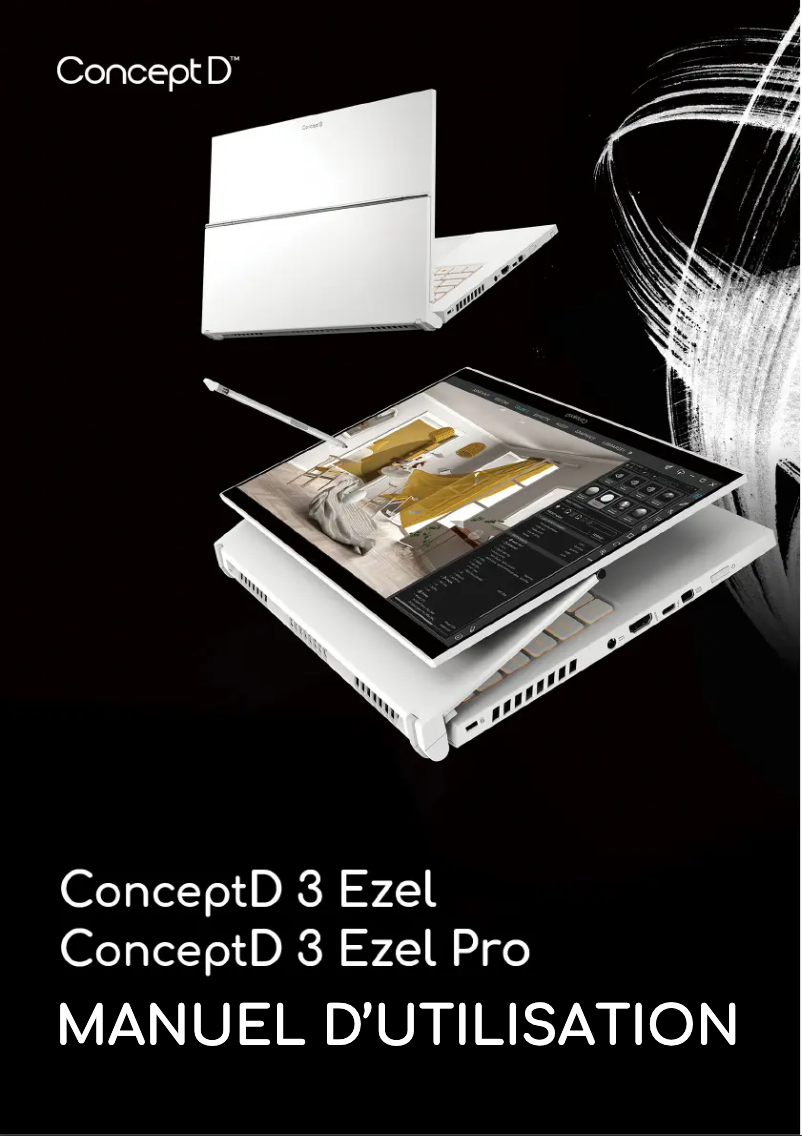
The Acer ConceptD 3 Ezel Pro is a laptop from the Acer brand, known for its commitment to quality and technological innovation. This model, specifically designed for creative professionals, offers exceptional performance tailored to the demanding needs of artists, graphic designers, and designers. With an ergonomic design and intuitive features, this device ensures an enhanced user experience, allowing for smooth and enjoyable navigation.
Advantages
The strengths of the Acer ConceptD 3 Ezel Pro include:
- Powerful performance: This model is optimized for intensive tasks, ensuring fast and efficient processing of creative projects.
- Flexibility of use: Equipped with a rotating touchscreen, the Ezel Pro allows for easy switching between presentation mode and drawing mode, meeting the demands of design professionals.
- Build quality: Acer's reputation for durability and reliability is reflected in this product, ensuring appreciable longevity.
- Comprehensive documentation: The user manual and safety instructions provided facilitate quick handling and safe usage.
Disadvantages
However, some aspects may pose challenges:
- Price: Its cost may be high compared to other laptops with similar specifications, making it less accessible to some users.
- Weight: For those who prioritize lightness and portability, the weight of this laptop may be a drawback.
- Battery life: The battery life may prove insufficient during prolonged use, especially with resource-intensive applications.
- Design: Although innovative, the design of the device may not suit all users, particularly those who prefer a more traditional aesthetic.
- Interface and features: Users unfamiliar with Acer devices or creative software may encounter a learning curve.


