

Manuals of product Swift 3
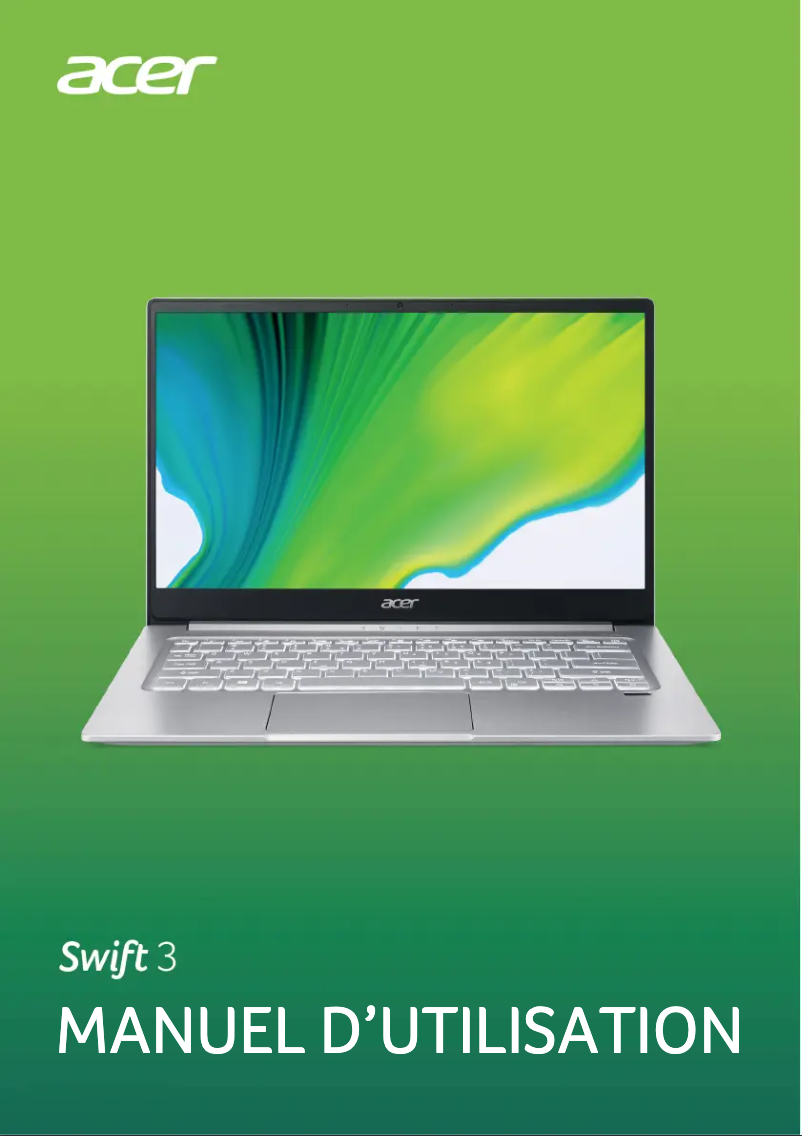

Editorial note
The Acer Swift 3 stands out for its optimal performance, making it a suitable choice for everyday tasks as well as more demanding applications. Its user experience is enhanced by modern features and an intuitive interface, ensuring smooth and enjoyable use. Additionally, its slim and lightweight design makes it easy to transport, ideal for students and professionals on the go. However, some drawbacks are worth mentioning. Connectivity is limited with a restricted number of USB ports, which can be problematic for users needing to connect multiple devices simultaneously. Battery life, while adequate, may not suffice for extended sessions without recharging, especially for heavy users. Furthermore, the screen may lack brightness in direct sunlight, making visibility difficult. Lastly, the fan can become noisy during intensive tasks, which can be disruptive in a quiet environment. In terms of sturdiness, the aluminum construction is solid but requires regular maintenance to avoid fingerprints and scratches. The product comes with comprehensive documentation, including a user manual and safety instructions, ensuring safe and optimal use. In summary, the Acer Swift 3 is a high-performing and portable laptop, well-suited to the needs of users on the go, but it has some limitations in terms of connectivity and battery life.Score details
User experience
The user experience is enhanced by modern features and an intuitive interface, making usage smooth and enjoyable.
Performance
The Acer Swift 3 offers optimal performance, ideal for everyday tasks and demanding applications.
Battery life
The battery life is decent but may not be sufficient for prolonged use without recharging, especially for heavy users.
Design
The design is slim and lightweight, making it easily portable, but the aluminum construction may be prone to fingerprints and scratches.
Features
Although the product is equipped with several modern features, connectivity is limited with a restricted number of USB ports.
Robustness
The aluminum construction is sturdy but requires regular maintenance to keep its appearance, and the fan can become noisy during intensive tasks.
Documentation
The product comes with a user manual and safety instructions, ensuring safe and optimal use.
Advantages
High performance for all tasks
Lightweight and easily portable design
Quality and reliability of Acer
Intuitive interface and efficient connectivity
User manual provided for safe use
Disadvantages
Limited connectivity with few USB ports
Insufficient battery life for heavy use
Dim screen in bright sunlight
Noisy fan during intensive tasks
Prone to fingerprints and scratches
Technical Specifications Swift 3
General Information
-
ModelSWIFT 3
-
Brand
-
Category
-
Type
-
SKU865965
-
MPN865965
Frequently Asked Questions
What influences the download speed on the Internet?
What are the dimensions of my laptop screen?
What does the acronym HDMI stand for?
What is the best method to clean my laptop?
How can I clean my keyboard?
What is Bluetooth?
What should I do if my Acer Swift 3 laptop won't turn on?
How can I extend the battery life of my Acer Swift 3?
What are the possible causes of my laptop overheating?
How do I connect my laptop to an external monitor?
What should I do if my Acer Swift 3 is running slowly?
Is the manual for the Acer Swift 3 available in French?
Similar products


More product categories from brand Acer
Computers and accessories Acer
Phones Acer
Other Acer
Home appliances Acer
Audio Acer
Interior Acer
More product types from brand Acer





Presentation of product Swift 3 specifications from brand Acer
General Information
The Acer Swift 3 is a laptop from the Acer brand, known for its commitment to innovation and quality in the tech sector. This model, referenced under the number Swift 3 | 711730349924, is designed to deliver high performance, suitable for both everyday tasks and more demanding applications.
Thanks to its slim and lightweight design, this device proves particularly convenient for students and professionals on the go. It stands out with a modern and intuitive interface, as well as efficient connectivity, ensuring a smooth and enjoyable user experience.
To assist the user in their experience, the Acer Swift 3 comes with comprehensive documentation, including a user manual and safety instructions, thus ensuring optimal and safe usage.
Advantages
- Optimal performance: Ideal for daily use and applications requiring significant resources.
- Lightweight and portability: Its compact design makes it easy to transport, making it a wise choice for travel.
- Innovation and quality: Benefiting from Acer's expertise, it showcases reliability and modern technology.
- Enhanced user experience: Equipped with modern features for enjoyable use.
- Comprehensive documentation: Includes a user manual for safe usage.
Disadvantages
- Limited connectivity: The limited number of USB ports may complicate connecting multiple devices simultaneously.
- Battery life: While reasonable, it may not suffice for prolonged use without recharging, especially for heavy users.
- Screen visibility: May lack brightness in sunny weather, making reading difficult.
- Fan noise: May become audible during intensive tasks, which can be disruptive in a quiet environment.
- Construction maintenance: Although sturdy, aluminum can be prone to fingerprints and scratches, requiring regular cleaning.


