

Manual of product Swift X 14
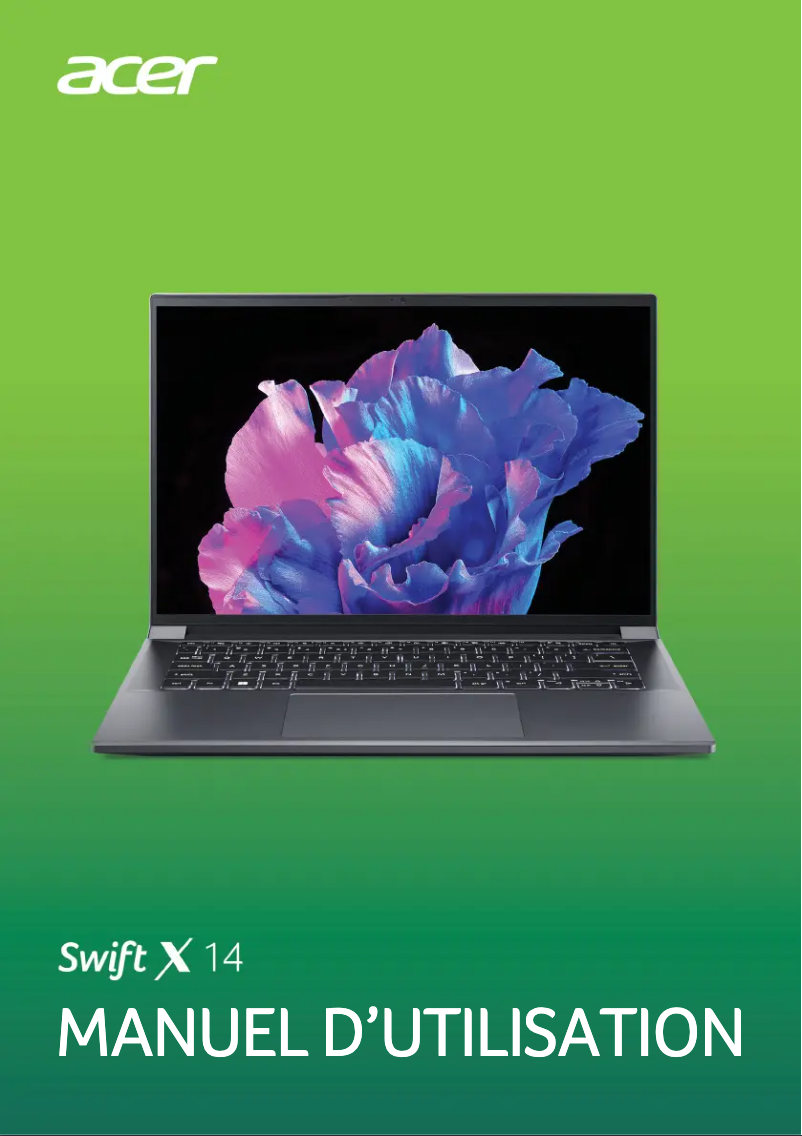
Editorial note
The Acer Swift X 14 stands out for its optimal performance, making it an ideal choice for users with demanding multitasking needs. Its sleek and portable design makes it easy to transport, which is particularly appreciated by professionals on the go. Additionally, the build quality of the Acer brand ensures durability and reliability over the long term, making the user experience enjoyable. However, a few points may be a source of disappointment. The price of the Acer Swift X 14 is considered high compared to other laptops with similar specifications, which could deter some buyers. The battery life, while adequate, may not meet the expectations of intensive users looking for extended autonomy. Furthermore, the absence of certain high-end features, such as a touchscreen or a Thunderbolt port, may disappoint those who desire these options. Finally, although the device is relatively lightweight, it may feel a bit heavy for fans of ultra-portable models, and the fan noise during heavy tasks can disrupt the experience in quiet environments. Overall, the Acer Swift X 14 is a high-performing and well-designed laptop, but it is important to consider these drawbacks before making a choice. Access to a detailed user manual facilitates onboarding, which is a positive point to highlight for new users.Score details
User experience
The user experience is enhanced by innovative features that make usage enjoyable and efficient.
Performance
Performance is optimal, making it an excellent choice for demanding tasks and multitasking.
Design
The design is sleek and portable, making it easy to transport for professionals on the go.
Battery life
The battery life is decent, but may not satisfy heavy users looking for extended longevity.
Value for money
The price is considered high compared to other similar models, which may deter some from purchasing.
Features
The absence of certain high-end features, such as a touchscreen or Thunderbolt port, may disappoint some users.
Usability
Access to an 87-page user manual makes it easier to get started and use the product.
Robustness
Acer's build quality ensures durability and reliability over the long term.
Support
Support is acceptable, but the lack of additional documentation could be a drawback for some users.
Advantages
High performance for efficient multitasking
Slim and lightweight design for easy portability
Recognized durability and reliability of Acer
Innovative features for user experience
User manual for easy handling
Disadvantages
High price compared to the competition
Limited battery life for heavy users
Lack of touchscreen and Thunderbolt
Still too heavy for ultra-portables
Noisy fan during heavy tasks
Technical Specifications Swift X 14
General Information
-
ModelSWIFT X 14
-
Brand
-
Category
-
Type
-
SKU1996641
-
MPN1996641
Frequently Asked Questions
What influences the download speed on the Internet?
What are the dimensions of my laptop screen?
What does the acronym HDMI mean?
What is the best method to clean my laptop?
How can I clean my keyboard?
What is Bluetooth?
Is the manual for the Acer Swift X 14 available in French?
Similar products


More product categories from brand Acer
Computers and accessories Acer
Phones Acer
Other Acer
Home appliances Acer
Audio Acer
Interior Acer
More product types from brand Acer





Presentation of product Swift X 14 specifications from brand Acer
General Information
The Acer Swift X 14 embodies Acer's commitment to quality and innovation in the laptop sector. This model, designed to deliver optimal performance, is particularly aimed at users seeking a smooth and responsive experience, whether for demanding tasks or multitasking.
Its elegant and portable design makes it a wise choice for professionals on the go, thanks to its lightweight and slim format. Furthermore, the Acer Swift X 14 stands out for its build quality, a guarantee of durability and reliability, ensuring a satisfying user experience in the long run.
This model incorporates several innovative features that enhance interaction and efficiency, making its use enjoyable and intuitive. Additionally, a user manual is provided, facilitating the setup and allowing users to maximize the use of the device.
Advantages and Disadvantages
Advantages
- High performance suited for demanding tasks and multitasking.
- Slim and lightweight design, ideal for travel.
- Durability and reliability, hallmarks of Acer products.
- Innovative features for an enhanced user experience.
- User manual included for simplified setup.
Disadvantages
- Potentially high price compared to some competitors offering similar specifications.
- Battery life considered insufficient by some heavy users.
- Lack of high-end features, such as a touchscreen or Thunderbolt port.
- Relatively light weight, but not ultra-portable for all users.
- Ventilation can be noisy during heavy tasks, disrupting the experience in quiet environments.


