

Manual of product Switch 3
Editorial note
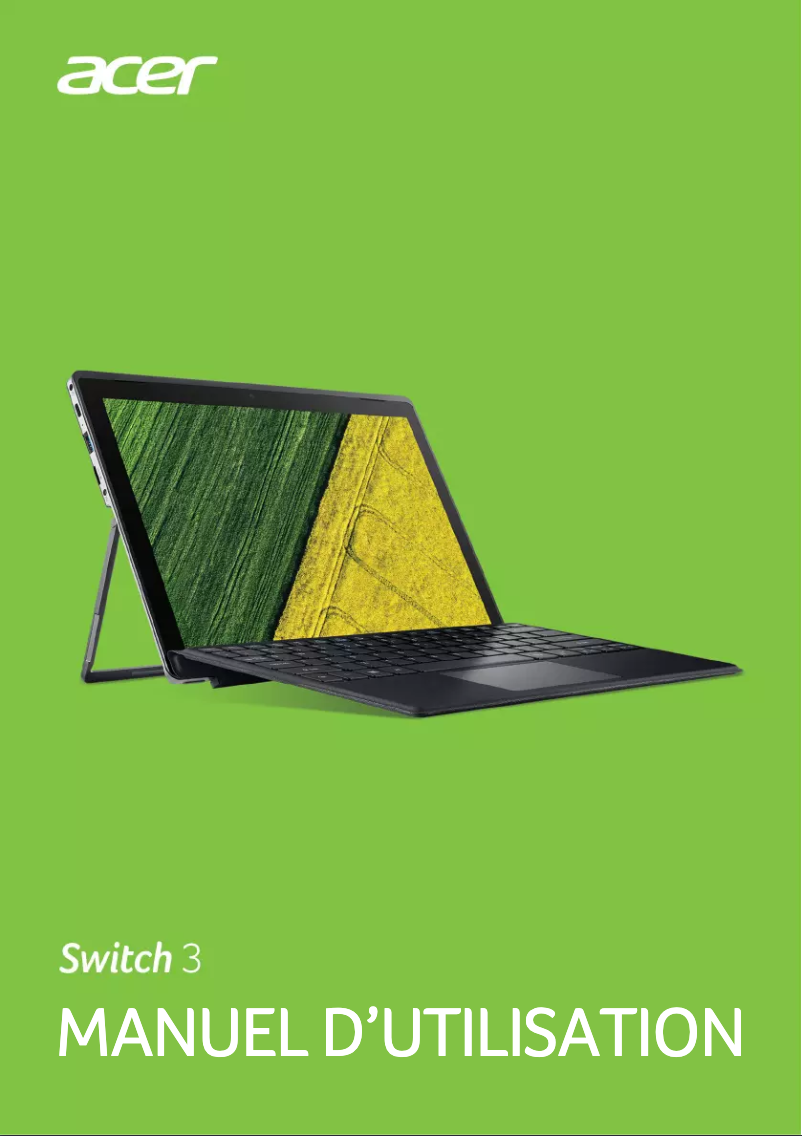
The Acer Switch 3 is a versatile laptop that stands out for its lightweight and compact design, ideal for users on the go. Its ability to function both as a laptop and a tablet offers great flexibility for work and entertainment. Additionally, the reputation of the Acer brand ensures appreciable build quality, making it an interesting choice in terms of value for money. However, this model has some limitations. The processor performance may be insufficient for demanding tasks such as video editing or gaming, which could disappoint some users. The battery life is also a weak point, often deemed insufficient for extended sessions without recharging. Furthermore, the screen, while acceptable, does not shine in terms of brightness and contrast, making its use outdoors less enjoyable. Finally, the quality of the materials used in its construction may seem less robust, raising concerns about its long-term durability. In summary, the Acer Switch 3 is an excellent choice for users looking for a lightweight and versatile device for everyday use, but it may not satisfy those who need high performance or extended battery life.Score details
User experience
The Acer Switch 3 model guarantees a smooth and efficient user experience for everyday tasks, but some users may find the initial setup a bit complex.
Performance
Although performance is optimal for common tasks, the processor may be limited for demanding applications like video editing or gaming.
Battery life
Battery life is often deemed insufficient for prolonged use without recharging, which can be a drawback for those who work on the go.
Design
The lightweight and compact design of the Switch 3 enhances portability, making it ideal for users who want to work or entertain themselves while traveling.
Value for money
With Acer's brand reputation and recognized build quality, this product offers good value for money, although the quality of materials may seem less robust.
Usability
The product comes with a user manual, making it easier to get started, but some users may need some time to adapt to optimize its features.
Robustness
The quality of materials used in the construction may seem less robust, which could pose durability issues in the long run.
Features
The Switch 3 offers versatile features, allowing use as both a laptop and a tablet, but the screen may lack brightness and contrast.
Advantages
Optimal performance for smooth use
Durable and reliable build quality
Versatile: laptop and tablet
Lightweight design for easy portability
User manual for quick familiarization
Disadvantages
Limited processor for demanding tasks
Insufficient battery life
Dim screen outdoors
Fragile construction materials
Noisy cooling system
Technical Specifications Switch 3
General Information
-
ModelSWITCH 3
-
Brand
-
Category
-
Type
-
SKU1084591
-
MPN1084591
Frequently Asked Questions
What factors influence download speed on the Internet?
What are the dimensions of my laptop screen?
What does the acronym HDMI stand for?
What is the best method to clean my laptop?
How can I clean my keyboard?
What is Bluetooth?
Is the manual for the Acer Switch 3 available in French?
Similar products


More product categories from brand Acer
Computers and accessories Acer
Phones Acer
Other Acer
Home appliances Acer
Audio Acer
Interior Acer
More product types from brand Acer





Presentation of product Switch 3 specifications from brand Acer
General Information
The Acer Switch 3 is a laptop from the Acer brand, known for its commitment to quality and innovation in the tech sector. This model is designed to provide reliable performance and an enriching user experience, whether for everyday tasks or leisure activities.
This versatile device easily transforms into a tablet, meeting the varied needs of users, whether in a professional or personal setting. Its lightweight and compact design makes it ideal for those who are often on the go, allowing them to work or entertain themselves easily, wherever they are.
Advantages
The Switch 3 stands out for its ability to deliver smooth performance for everyday tasks. Thanks to Acer's well-established reputation, this model benefits from quality construction, ensuring appreciable durability over the long term. Additionally, it comes with a comprehensive user manual, making it easier for new users to get accustomed to it.
Disadvantages
However, it is important to note some limitations. The processor's power may not be sufficient for resource-intensive applications, such as video editing or gaming, which could disappoint users seeking high performance. Furthermore, the battery life may be inadequate for extended sessions without access to a power source.
The screen, while acceptable for general use, may lack brightness and contrast, making outdoor use less enjoyable. Additionally, the quality of the construction materials may seem less robust, raising questions about long-term durability. Finally, the cooling system may produce noticeable noise during intensive use, which could be bothersome in quiet environments.


