
Manual of product Viva i8
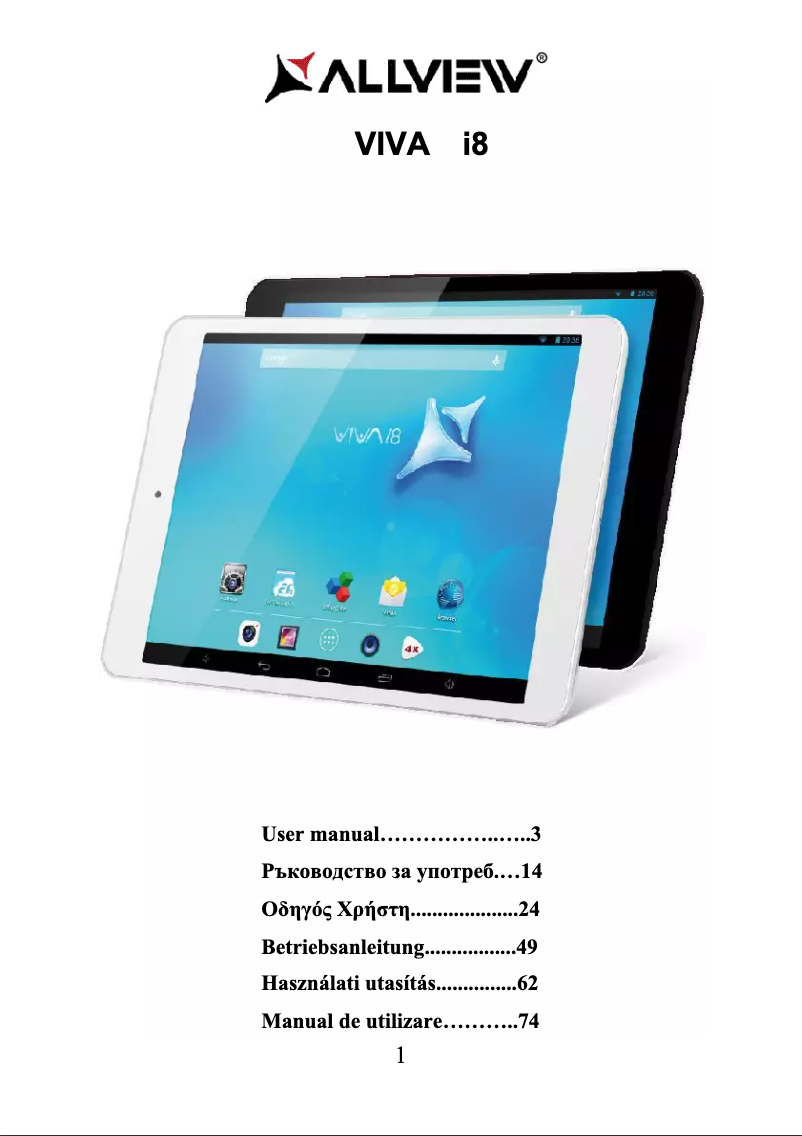
Editorial note
The Allview Viva i8 tablet stands out for its optimal performance for everyday tasks and an enhanced user experience thanks to its intuitive interface. Users will appreciate its smooth navigation and easy access to applications, making it an ideal choice for entertainment and light professional activities. However, it is important to note that the Viva i8 has some limitations. Its performance may be insufficient for resource-intensive applications, which can affect the user experience when using heavy software. Additionally, battery life may be an issue for those who need prolonged use without recharging. The screen, while satisfactory, may disappoint users seeking superior display quality for multimedia. In terms of design, the build quality is generally good, but the materials used may give a sense of fragility, requiring special attention to avoid damage. Finally, although the tablet offers some versatility for various activities, software support is sometimes limited, which can lead to less frequent updates. Overall, the value for money of the Allview Viva i8 is fair, particularly for users looking for a tablet suitable for simple tasks and entertainment.Score details
User experience
The user experience is enhanced by an intuitive interface and user-friendly features, making navigation and access to applications easier.
Performance
Performance is optimal for everyday tasks, but limited for resource-intensive applications, which can affect the user experience.
Battery life
Battery life may be insufficient for prolonged use without recharging, which can be problematic for users on the go.
Design
The build quality is satisfactory, although the materials may give a sense of fragility, requiring special attention.
Features
The versatility of the tablet allows for varied use, but software support is sometimes limited, with less frequent updates.
Value for money
The value for money is fair, especially for users looking for a tablet for simple tasks and entertainment.
Advantages
Smooth performance for work and leisure
Intuitive interface for easy navigation
Durability and reliability of manufacturing
User manual for quick onboarding
Versatile for various activities
Disadvantages
Limited performance for heavy applications
Insufficient battery life for prolonged use
Modest resolution screen for multimedia
Limited software support and rare updates
Fragile materials requiring additional precautions
Technical Specifications Viva i8
General Information
-
ModelVIVA I8
-
Brand
-
Category
-
Type
-
SKU958986
-
MPN958986
Frequently Asked Questions
What factors influence download speed on the Internet?
What are the dimensions of my tablet's screen?
Is the user manual for the Allview Viva i8 available in French?
Similar products


More product categories from brand Allview
More product types from brand Allview





Presentation of product Viva i8 specifications from brand Allview
General Information
The Allview Viva i8 is a tablet produced by the Allview brand, known for its commitment to quality and innovation in the electronics sector. This model, the Viva i8, is designed to provide a smooth and enjoyable user experience, whether for entertainment or professional tasks.
It stands out for its optimal performance, allowing for seamless use across various applications. Its intuitive interface and user-friendly features facilitate navigation, making access to applications quick and effortless. Furthermore, Allview's build quality ensures appreciable durability and reliability over time.
The tablet is also designed to be versatile: it adapts to a variety of activities, whether reading, watching videos, or managing professional tasks. Additionally, a user manual is provided, allowing users to quickly familiarize themselves with the features of the Viva i8, thus optimizing their experience.
Advantages
- Smooth performance: Ideal for daily use, whether for work or leisure.
- Intuitive interface: Facilitates navigation and quick access to applications.
- Durability: Quality materials ensuring appreciable longevity.
- User support: User manual included for quick onboarding.
- Versatility: Suitable for various activities, from reading to watching multimedia content.
Disadvantages
- Limited performance: May struggle with resource-intensive applications.
- Battery life: May be insufficient for prolonged use without recharging.
- Modest screen resolution: May not satisfy users seeking superior display quality.
- Limited software support: Less frequent updates and restricted compatibility with some recent applications.
- Construction materials: May give an impression of fragility, requiring precautions during use.


