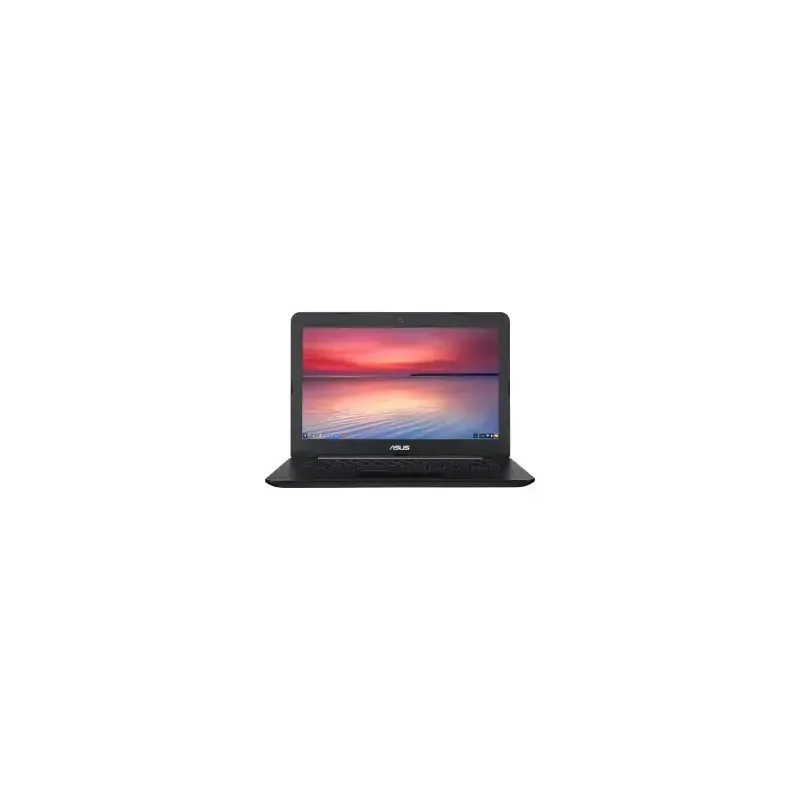

Manual of product Chromebook C300

Editorial note
The Asus Chromebook C300 stands out for its smooth performance, ideal for everyday tasks thanks to its Chrome OS operating system. The integration of Google applications enriches the user experience, although the reliance on a stable Internet connection may constrain some users. This model is characterized by a lightweight and compact design, facilitating its mobility, making it particularly suitable for students and professionals on the go. The battery life is also a strong point, offering prolonged use without frequent recharging. However, it is worth noting that the storage capacity is limited, which can be problematic for those who need to save many files. Despite its strengths, the Chromebook C300 has drawbacks, including limited performance for heavy applications like video editing or demanding games. Additionally, some users have reported durability issues related to its plastic chassis, which can scratch or crack easily. Thus, while the value for money is appealing for everyday use, its sturdiness and storage capacity may leave something to be desired.Score details
User experience
The user experience is pleasant thanks to the integration of Google applications and the intuitive interface of Chrome OS, although the reliance on the Internet can be a drawback.
Performance
Performance is optimal for everyday tasks, but the Chromebook C300 may encounter limitations with heavy applications.
Battery life
Battery life is excellent, allowing for extended use without recharging, which is ideal for users on the go.
Design
The lightweight and compact design makes it easy to transport, but the durability of the plastic chassis may pose issues.
Value for money
The value for money is interesting for daily use, despite the limited storage capacity.
Robustness
Durability is a weak point, with user feedback on durability issues related to the chassis.
Advantages
Smooth performance with Chrome OS
Lightweight and portable design
Extended battery life
Easy access to Google apps
Regular automatic updates
Disadvantages
Limited performance for heavy tasks
Requires a stable Internet connection
Restricted storage capacity
Mediocre screen resolution
Questionable durability of the plastic chassis
Technical Specifications Chromebook C300
General Information
-
ModelCHROMEBOOK C300
-
Brand
-
Category
-
Type
-
SKU873591
-
MPN873591
Frequently Asked Questions
What factors influence download speed on the Internet?
What are the dimensions of my laptop screen?
What does the acronym HDMI stand for?
What is the best method to clean my laptop?
What is the procedure to clean my keyboard?
What is Bluetooth?
Is the manual for the Asus Chromebook C300 available in French?
Similar products



More product categories from brand Asus
Computers and accessories Asus
Phones Asus
Other Asus
Audio Asus
Home appliances Asus
Interior Asus
More product types from brand Asus


Presentation of product Chromebook C300 specifications from brand Asus
General Information
The Asus Chromebook C300 is a laptop designed by the brand Asus, known for its commitment to quality and technological innovation. This model, the Chromebook C300, stands out for its ability to deliver efficient performance, ensuring a pleasant and smooth user experience.
Advantages
Among the strengths of this device, we note:
- Smooth performance: Thanks to its Chrome OS operating system, the Chromebook C300 is perfectly suited for daily use, whether for work or leisure.
- Increased mobility: With a lightweight and compact design, this computer is ideal for students and professionals on the go.
- Extended battery life: Designed to last all day, it offers excellent battery life, allowing for uninterrupted work.
- Access to Google applications: The integration of Google applications allows users to enjoy a wide range of productivity and entertainment tools, accessible in the blink of an eye.
- Automatic updates: The Chromebook C300 benefits from regular updates, ensuring enhanced security and access to the latest features without user effort.
Disadvantages
However, some disadvantages must be taken into account:
- Limited performance for heavy applications: This model may struggle with demanding software, making it less suitable for tasks like video editing or resource-intensive gaming.
- Dependence on Internet connection: Being primarily designed to work with online applications, a stable Internet connection is crucial to fully enjoy the features offered.
- Limited storage capacity: The Chromebook C300 has a generally reduced storage capacity, which can be problematic for users needing to save many files or applications.
- Modest resolution screen: While sufficient for basic use, the screen quality may not satisfy users seeking a more immersive visual experience.
- Durability and robustness: Some users have reported durability issues, particularly with the plastic chassis, which may scratch or crack more easily than other materials.


