

Manual of product BK3-31
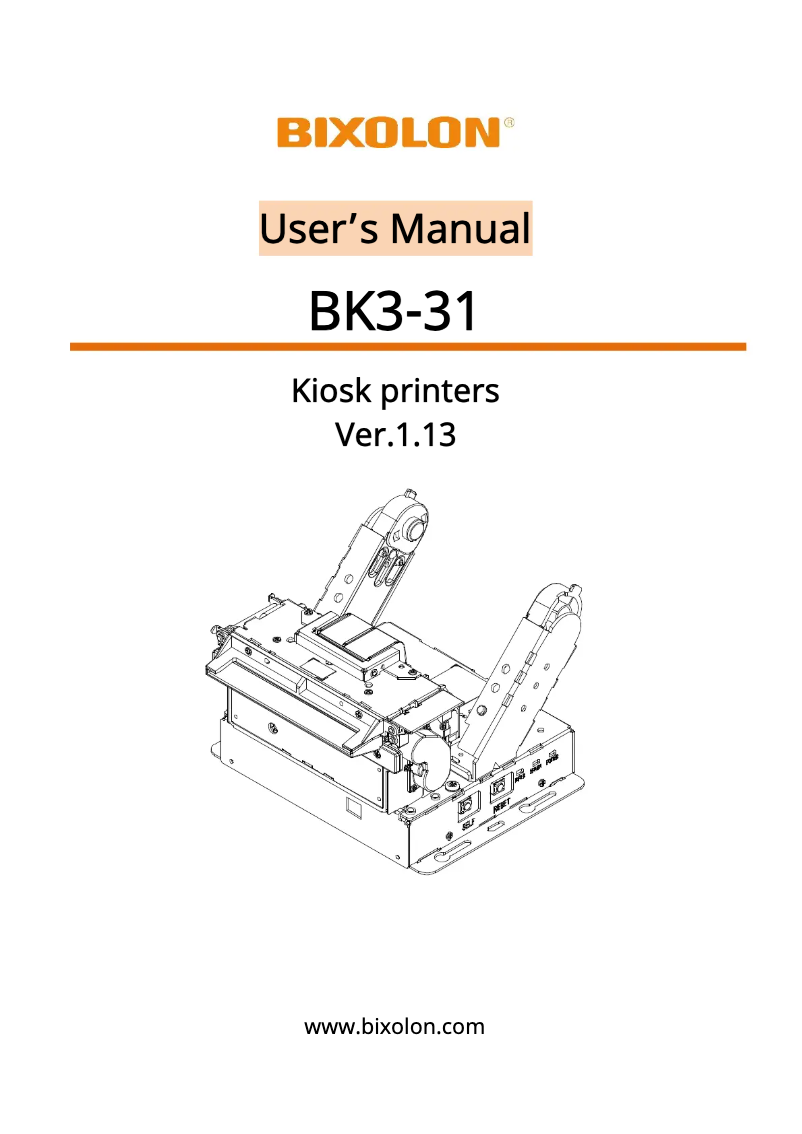
Editorial note
The Bixolon BK3-31 printer stands out for its optimal performance, allowing for fast and efficient document printing. Its ergonomic design and intuitive features enhance the user experience, making each printing task more enjoyable. Additionally, Bixolon is a recognized brand for its reliability and innovation, thus ensuring users a durable product supported by quality after-sales service. However, it is worth noting that the price of the printer may be relatively high compared to other similar models, which could deter some buyers. Furthermore, compatibility with certain operating systems is limited, which may pose issues for users of specific software. The printing volume may also be restricted, which is not ideal for high-demand environments. Finally, the lack of advanced features such as wireless connectivity and the weight of the printer may reduce its versatility and practicality for users on the go. In summary, the Bixolon BK3-31 is a high-performing and reliable printer, ideal for users seeking an efficient printing solution, but it may not be suitable for those with specific needs in terms of features or budget.Score details
User experience
The user experience is enhanced by an ergonomic design and intuitive features, making the use of the printer enjoyable.
Performance
The performance of the Bixolon BK3-31 printer is optimal, allowing for fast and efficient document printing.
Value for money
The price of the printer may be high compared to other similar models, which could deter some users.
Features
Although the printer offers interesting features, the lack of certain advanced options like wireless connectivity limits its versatility.
Support
The documentation is accessible with a 46-page user manual, making it easier to get started and use the various features.
Robustness
Bixolon is known for its reliability, offering a durable product, but the weight of the printer may make it less portable.
Advantages
Fast and efficient printing
Ergonomic and intuitive design
Brand recognized for its reliability
Accessible user manual
Compatible with various environments
Disadvantages
High price compared to the competition
Limited compatibility with certain operating systems
Restricted print volume for high demand
Lack of duplex and wireless connectivity
Heavy weight, less portable for users
Technical Specifications BK3-31
General Information
-
ModelBK3-31
-
Brand
-
Category
-
Type
-
SKU1619421
-
MPN1619421
Frequently Asked Questions
How can I remove a jammed paper from the printer?
Why is my printer not recognizing the original cartridges?
What are the possible reasons for poor print quality?
What is the difference between a laser printer and an inkjet printer?
Why does my inkjet printer leave black streaks on my prints?
What does the acronym DPI mean?
Is the Bixolon BK3-31 manual available in French?
Similar products


More product categories from brand Bixolon
Other Bixolon
Phones Bixolon
More product types from brand Bixolon


Presentation of product BK3-31 specifications from brand Bixolon
General Information
The Bixolon BK3-31 printer, from the renowned Bixolon brand, is a model that stands out for its commitment to quality and innovation in the printing equipment sector. This model is designed to deliver high performance, ensuring fast and efficient document printing, making it a relevant choice for various professional environments.
Advantages
Optimal performance: The Bixolon BK3-31 is specifically designed to ensure remarkable printing efficiency, allowing users to quickly produce documents without compromising quality.
Enhanced user experience: Its ergonomic design and intuitive features simplify its use, making the printing process more enjoyable and accessible to everyone.
Brand reliability: Bixolon is known for its durability and innovations, providing a printer that meets user expectations, supported by a responsive after-sales service.
Accessible documentation: The printer comes with a clear user manual, facilitating the handling and exploration of its various features.
Extensive compatibility: The Bixolon BK3-31 easily integrates into various work environments, making it versatile for a variety of professional applications.
Disadvantages
Potentially high cost: The price of the Bixolon BK3-31 may be higher than that of other similar models, which could deter some users.
Limited compatibility: Support for certain operating systems may be restricted, which could pose challenges for users of specific software.
Restricted print volume: This model may not be suitable for high-demand printing environments due to its volume limitations.
Missing advanced features: The absence of certain options like duplex or wireless connectivity may reduce its versatility for some users.
Weight: The weight of the printer may make it less portable, which is a disadvantage for those seeking a mobile printing solution.


