

Manual of product DCP-7025
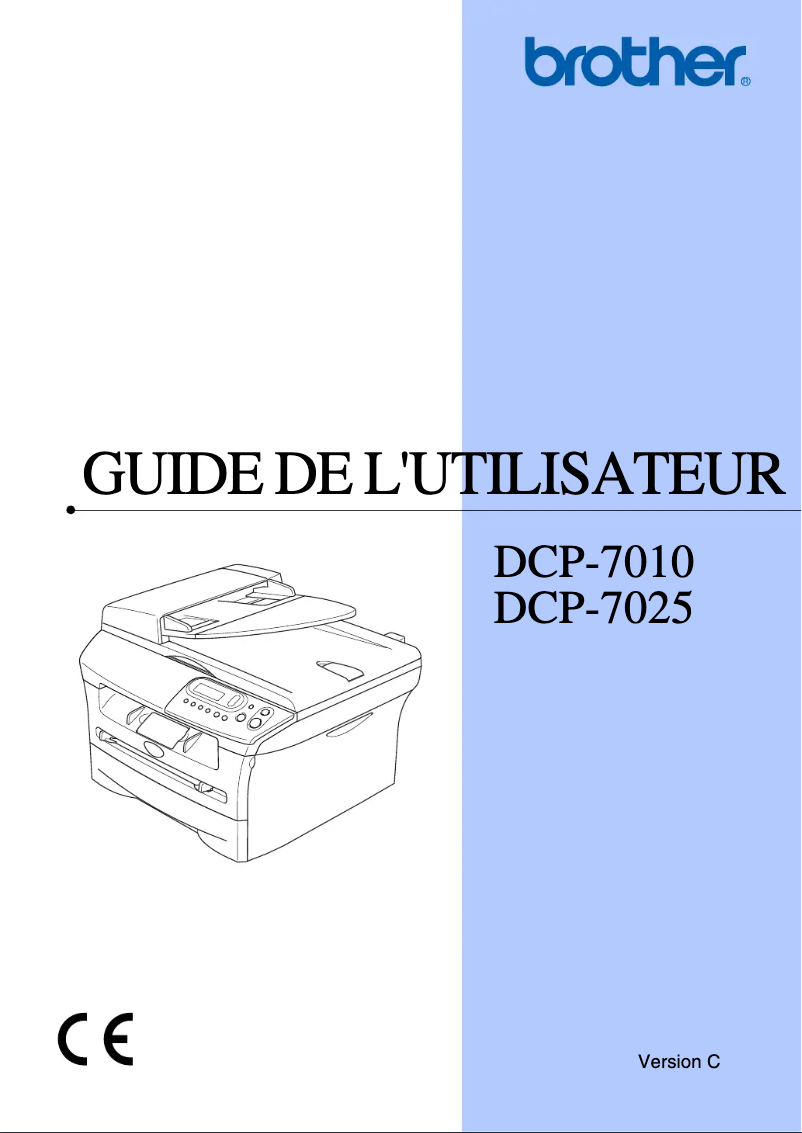
Editorial note
The Brother DCP-7025 stands out for its all-in-one functionality that includes printing, scanning, and copying, thus offering valuable versatility for various office needs. Its printing speed of 20 pages per minute and a maximum resolution of 2400 x 600 DPI ensure clear and good-quality prints, ideal for everyday use. Additionally, its 250-sheet paper capacity allows for handling a large volume of documents without interruption, which is a considerable advantage in a demanding work environment. However, this model has some notable drawbacks. It is not compatible with Mac operating systems, which limits its use for some users. Its internal memory of 32 MB may also be insufficient for managing complex printing or scanning tasks, thus slowing down performance when using multiple features simultaneously. Furthermore, while the printing speed is adequate, it may seem relatively slow compared to other newer models. The lack of faxing features and the weight of 9450 g, which complicates handling, are also points to consider. Overall, the Brother DCP-7025 offers good value for money thanks to its versatile features, but users should assess whether its limitations align with their specific needs.Score details
User experience
The user experience is generally positive thanks to the all-in-one feature that includes printing, scanning, and copying. However, the lack of compatibility with Mac systems limits its use.
Performance
The printing speed of 20 ppm is adequate for daily use, but may be considered slow compared to newer models. Additionally, the internal memory of 32 MB may restrict performance during complex tasks.
Design
The design is functional and suitable for home or professional use, although its weight of 9450 g may make handling less convenient.
Value for money
The product offers good value for money with its versatile features and 250-sheet paper capacity, although the lack of faxing may disappoint some users.
Usability
Connectivity via USB port is easy, but the absence of certain modern features like faxing or Mac compatibility could limit its appeal.
Advantages
Print speed of 20 pages per minute.
Print resolution up to 2400 x 600 DPI.
All-in-one function: printing, scanning, copying.
250-sheet capacity for high volumes.
USB connectivity for easy integration.
Disadvantages
Not compatible with Mac.
Insufficient internal memory of 32 MB.
Slow print speed of 20 ppm.
No fax functionality.
Impractical weight of 9450 g.
Technical Specifications DCP-7025
General Information
-
ModelDCP-7025
-
Brand
-
Category
-
Type
-
SKU83285
-
MPN83285
Print speed
-
Print speed (black, normal quality, A4/US Letter)20 ppm
-
Copy time for the first page (Black, normal)10 s
-
Maximum resolution2400 x 600 DPI
-
Printing technologyLaser
-
PrintingNo
Digitization
-
Input color display depth24 bit
-
Type of scannerFlatbed scanning
-
Optical scanning resolution600 x 2400 DPI
-
Maximum scanning resolution9600 x 9600 DPI
-
Gray levels256
-
DigitizationMonochrome scanning
Copier
-
Copy speed (normal quality, black, A4)20 cpm
-
CopyNo
Input and output capacity
-
Total power capacity250 sheets
-
Total output capacity100 sheets
Representation / realization
-
Internal memory32 MB
-
Mac CompatibilityYes
Other features
-
Compatible operating systemsWindows 98/98SE / Me / 2000
-
Dimensions (LxWxH)WinNT 4.0/XP/server 2003/Vista
-
Package dimensions (LxWxH)MacOS 9.1-9.2 / Mac OS X 10.2.4
-
All-in-one functions432 x 395 x 294 mm
-
All-in-one color functions550 x 495 x 500 mm
-
Scanning
-
No
Connectivity
-
Standard interfacesUSB 2.0
-
USB portYes
Weight and dimensions
-
Weight9450 g
Paper management
-
ISO, Format Series A (A0...A9)A4
-
ISO, Formats Series-B (B0...B9)A5
-
Type of paper tray supportA6
-
Non-ISO print support sizesB5
-
Maximum ISO A series paper sizeB6
-
Bond paper
-
Envelopes
-
Labels
-
Plain paper
-
Recycled paper
-
Transparencies
-
Executive
-
A4
Packaging information
-
Package weight13600 g
Fax
-
FaxNo
Features
-
Digital senderNo
Design
-
Market positionDomestic and professional
Frequently Asked Questions
What is the weight of the Brother DCP-7025?
What is the recommended method for removing paper jammed in the printer?
Why does my printer not recognize original cartridges?
What could be the reasons for poor print quality?
What is the difference between a laser printer and an inkjet printer?
Why does my inkjet printer leave black streaks on prints?
What does the acronym DPI mean?
Is the manual for the Brother DCP-7025 available in French?
Similar products


More product categories from brand Brother
Home appliances Brother
Other Brother
Tools Brother
Phones Brother
Interior Brother
More product types from brand Brother


Presentation of product DCP-7025 specifications from brand Brother
General Information
The Brother DCP-7025 is a multifunction printer from Brother, known for its excellence and innovation in the office equipment sector. This model, the DCP-7025, is designed to provide reliable performance and an enhanced user experience. The EAN code for this product, which allows for its unique identification in distribution systems, is 4977766632157, 4977766632164, 4977766632836.
Print Speed
The Brother DCP-7025 is capable of printing at a speed of 20 pages per minute in black, ensuring appreciable efficiency for daily tasks. The time to first page output is only 10 seconds, which is particularly advantageous for dynamic work environments. With a maximum print resolution of 2400 x 600 DPI, this printer delivers documents with remarkable clarity, suitable for both professional needs and personal use. The laser printing technology ensures optimal quality and precise results, especially for color prints.
Scanning
The DCP-7025 model is equipped with a flatbed scanner with a 24-bit color depth, allowing for faithful color reproduction. Its optical scanning resolution of 600 x 2400 DPI guarantees high-quality images, while the maximum scanning resolution reaches 9600 x 9600 DPI for exceptional detail accuracy. It also offers color scanning, enabling vibrant reproductions of documents and images.
Copier
The built-in copier of the Brother DCP-7025 operates at a speed of 20 copies per minute (cpm) in black, ensuring efficiency for regular printing needs. It also supports color copies, guaranteeing bright and faithful results to the originals.
Input and Output Capacity
This printer has a paper feed capacity of 250 sheets, allowing it to handle a significant volume of documents without requiring frequent reloads. The output capacity is 100 sheets, providing adequate performance for daily use.
Representation / Performance
The Brother DCP-7025 is equipped with 32 MB of internal memory, allowing for efficient management of printing and scanning tasks. However, it should be noted that this memory may be insufficient for more complex operations, thus limiting the smoothness when using multiple features simultaneously. This model is not compatible with Mac operating systems.
Other Features
Compatible with Windows XP, Vista, and 7, the Brother DCP-7025 easily integrates into various work environments. Its compact dimensions of 432 x 395 x 294 mm ensure an optimal fit in office spaces. As an all-in-one solution, it combines printing, scanning, and copying functions, thus meeting a variety of office needs.
Connectivity
The Brother DCP-7025 offers standard interfaces, facilitating connectivity with different devices. It is equipped with a USB port for quick and easy connection.
Weight and Dimensions
With a weight of 9450 g, this printer is designed for practical use, although its weight may make it less easy to move in confined workspaces.
Paper Management
This printer supports multiple paper formats, including ISO A4, A5, A6 formats, as well as B formats such as B5 and B6. It is compatible with various types of media, including plain paper, envelopes, labels, and transparencies, thus offering flexibility for different printing needs.
Packaging Information
The total weight of the Brother DCP-7025 package is 13600 g, ensuring adequate protection during transport and delivery.
Fax
This model does not have fax functionality, which may be a disadvantage for users looking for a complete solution for all their professional communications.
Features
The Brother DCP-7025 does not have a digital sender, which may limit certain sending management options for users.
Design
Designed for both home users and professionals, the Brother DCP-7025 offers features suited to the varied needs of its target audience.


