

Manuals of product Color imageCLASS MF8050Cn
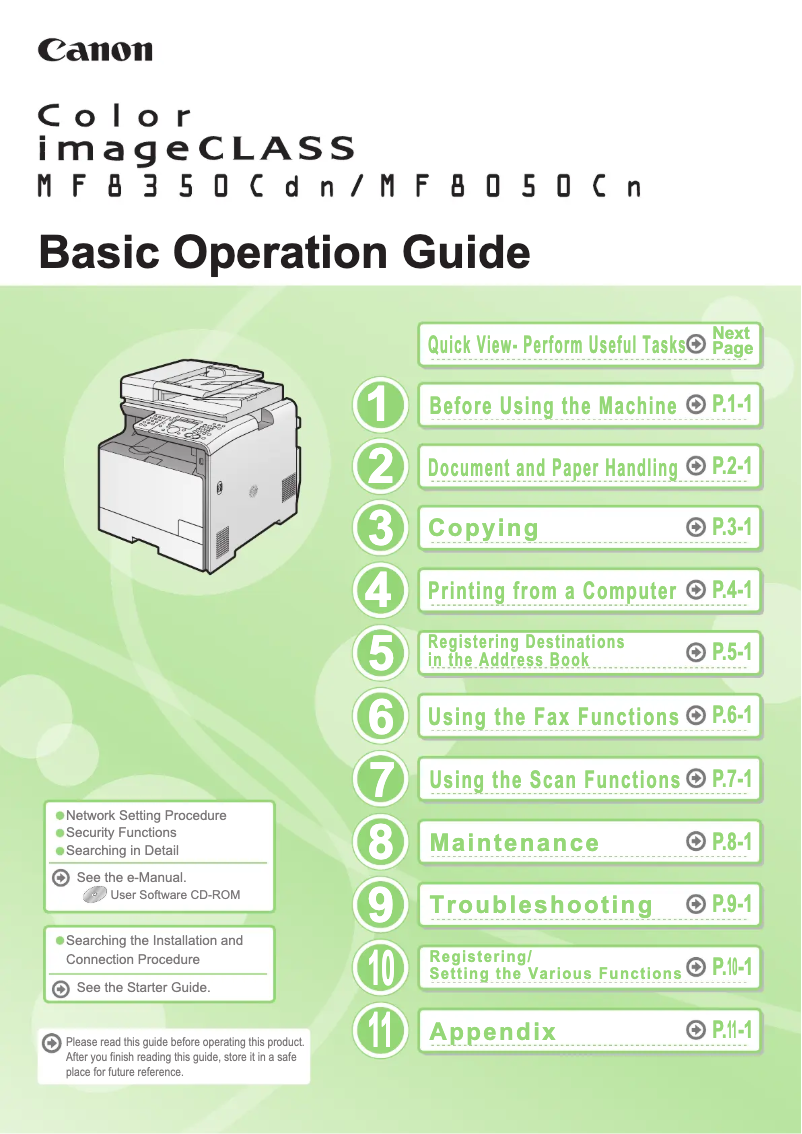
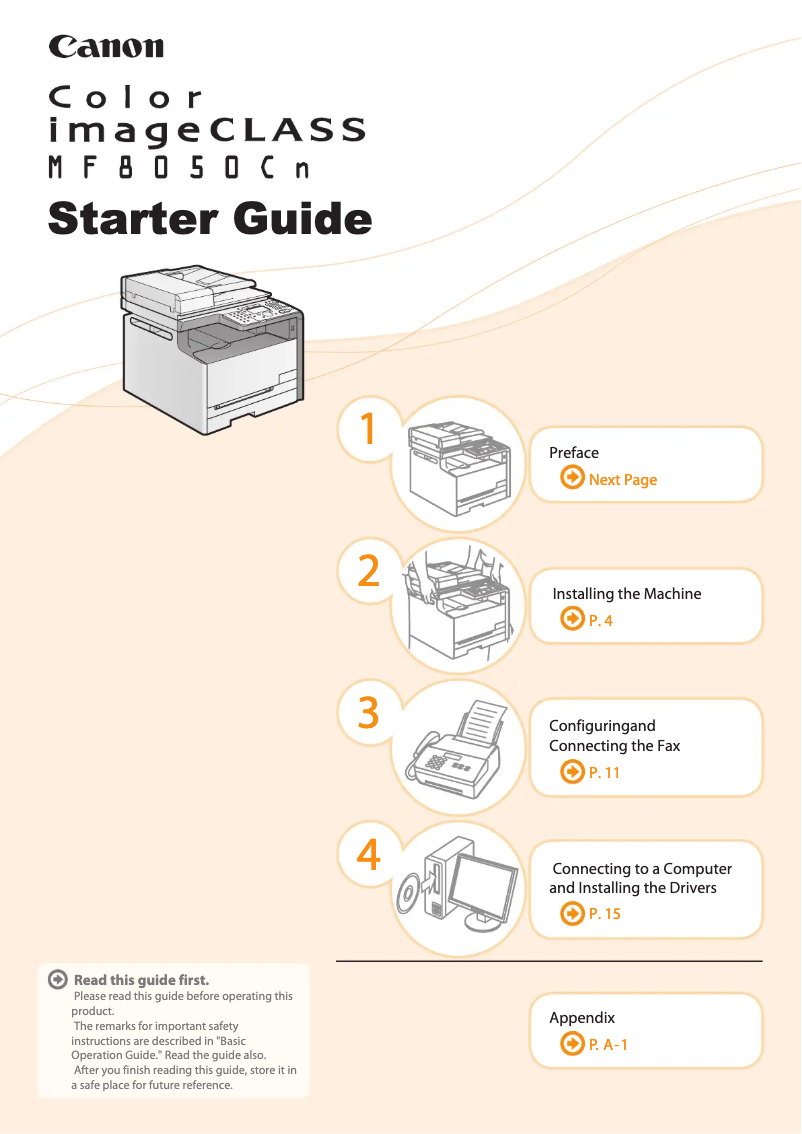
Editorial note
The Canon Color imageCLASS MF8050Cn stands out for its high print quality, offering vibrant colors and precise details, making it ideal for professional documents and presentations. Its versatility as a multifunction printer allows for printing, copying, and scanning, thus meeting various office needs. Additionally, ease of use is a major asset, with a quick start guide and a user manual that simplify setup. However, a few drawbacks are worth mentioning. Its relatively large volume may pose placement issues in tight spaces. Furthermore, the cost of ink and toner cartridges can be high, increasing the total cost of ownership in the long run. The print speed, while satisfactory, may not be suitable for high-demand environments, while network setup can be complex for less experienced users. Finally, the noise level during operation can be disruptive in quiet workspaces. Overall, the Canon Color imageCLASS MF8050Cn is a robust and reliable printer, representative of the quality of the Canon brand. Its durability and varied features make it a wise choice for professionals, provided that its limitations in terms of size and operating costs are taken into account.Score details
User experience
The user experience is generally positive due to the ease of use with a quick start guide and a manual available. However, network setup can be complex for some users.
Performance
The print quality is high with vibrant colors, but the print speed may not be sufficient for high-demand environments.
Value for money
Although the print quality is excellent, the high cost of ink and toner cartridges can increase the total cost of ownership in the long run.
Design
The printer is quite large, which may limit its placement in tight spaces, but its design is functional and practical for a work environment.
Robustness
Canon is known for the durability of its products, providing peace of mind to users looking for a reliable and sturdy device.
Features
The multifunction features of the printer, including printing, copying, and scanning, meet various office needs well.
Support
The availability of a user manual and a quick start guide makes support easier for users, although some may encounter technical difficulties.
Advantages
High-quality prints and vibrant colors
Multifunction: prints, copies, scans
Easy setup for beginners
Reliable brand with recognized durability
Wireless connectivity and easy sharing
Disadvantages
Bulky size, difficult placement.
High cost of cartridges.
Insufficient printing speed for some.
Complex setup for novice users.
High noise level during operation.
Technical Specifications Color imageCLASS MF8050Cn
General Information
-
ModelCOLOR IMAGECLASS MF8050CN
-
Brand
-
Category
-
Type
-
SKU1651321
-
MPN1651321
Frequently Asked Questions
What is the recommended method for removing jammed paper from the printer?
Why is my printer not recognizing the original cartridges?
What are the possible reasons for poor print quality?
What are the differences between a laser printer and an inkjet printer?
Why is my inkjet printer producing black streaks?
What does the acronym DPI mean?
Is the manual for the Canon Color imageCLASS MF8050Cn available in French?
Similar products


More product categories from brand Canon
Computers and accessories Canon
Camera and photography Canon
Other Canon
Audio Canon
Software Canon
Interior Canon
More product types from brand Canon





Presentation of product Color imageCLASS MF8050Cn specifications from brand Canon
General Information
The Canon Color imageCLASS MF8050Cn is a multifunction printer from the renowned brand Canon, known for its commitment to quality and innovation in the field of office equipment. This model stands out for its ability to deliver optimal performance while ensuring a smooth and intuitive user experience.
Advantages
This printer is characterized by a high print quality, producing documents with vibrant colors and meticulous details, making it particularly suitable for professional prints and presentations. Its versatility allows not only printing but also copying and scanning documents, thus meeting various needs within a single device.
The ease of use is another major asset, with a quick start guide and accessible user manual, making setup simple even for novice users. Furthermore, the reliability of the brand Canon ensures durability and consistent performance, providing peace of mind to users.
Finally, the convenient connectivity of the printer allows for easy integration into a work environment, with multiple connection options that promote smooth sharing among several users.
Disadvantages
However, the Canon Color imageCLASS MF8050Cn has some drawbacks. Its relatively large volume may restrict its placement in small spaces. Additionally, the cost of ink and toner cartridges can be high, leading to an increase in the total cost of ownership over time.
Although the print speed is acceptable, it may not meet the demands of high-demand work environments, causing delays. The setup and networking of the printer can also pose a challenge for less experienced users, requiring some technical skill. Finally, the noise level during operation can be high, which may disrupt quiet work environments.


