

Manual of product i-SENSYS LBP2900
Editorial note
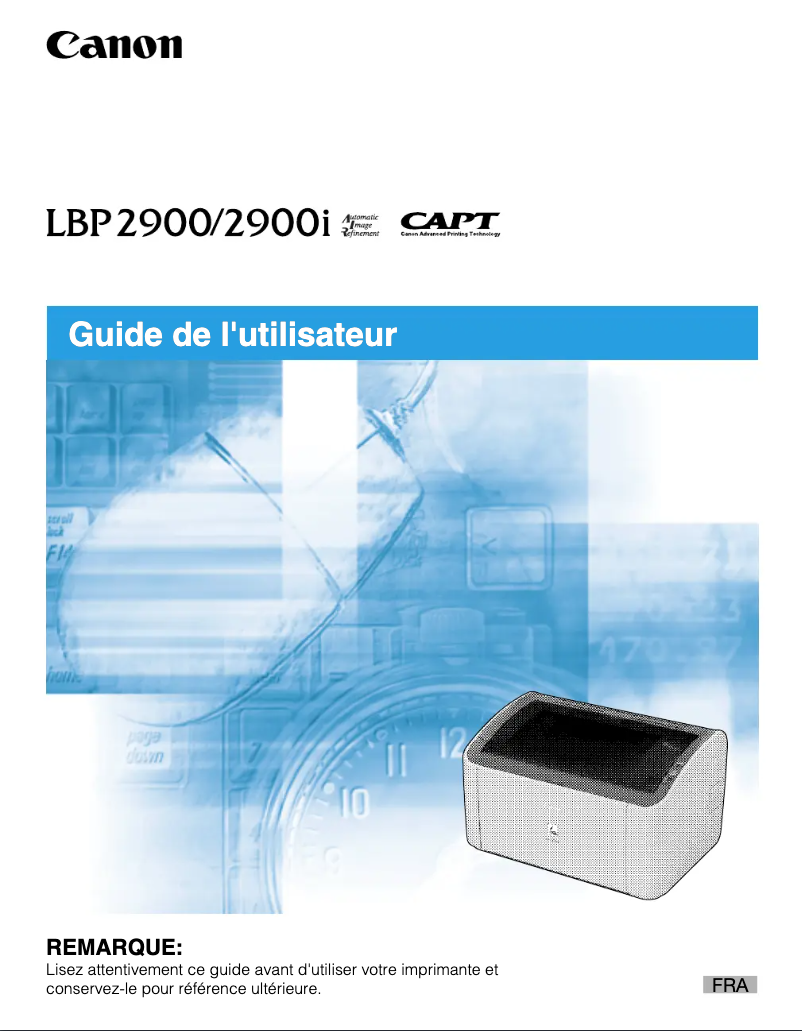
The Canon i-SENSYS LBP2900 is a laser printer that stands out for the quality of its prints, ideal for professional documents. Thanks to its printing speed, it allows for efficient management of high-volume tasks, which is an asset for users in a hurry. Its compact and understated design makes it a wise choice for offices where space is limited, although this aspect may make access to connection ports more difficult. However, the printer has some limitations. The lack of scanning and copying features may disappoint those looking for an all-in-one solution. Additionally, the toner cartridges, while efficient, can lead to high operating costs in the long run. Connectivity is also limited, with no wireless options, making it difficult to print from mobile devices. Finally, while its printing speed is adequate, it may not be sufficient for high-volume offices. In terms of user experience, the ease of installation and use, coupled with a clear user manual, makes the device accessible to all levels of users. Canon's well-established reputation for its after-sales service and technical support remains an undeniable strength, providing reliable support to users. Overall, the Canon i-SENSYS LBP2900 is a high-performing and reliable printer, ideal for work environments requiring quality prints, but it may not meet the needs of users seeking more varied features.Score details
User experience
The user experience is very satisfactory due to the ease of use and a clear user manual, suitable for all levels.
Performance
The printing performance is excellent, with sharp laser quality and satisfactory speed, although not always sufficient for high-volume offices.
Design
The compact and understated design is an asset for tight spaces, but it can complicate access to the connection ports.
Value for money
The cost of toner cartridges can increase long-term expenses, which somewhat limits the overall value of the product.
Features
The lack of scanning and copying features reduces the printer's appeal for users looking for multifunction capabilities.
Support
Canon's reputation for after-sales service and technical support is an undeniable strength.
Advantages
Clear prints thanks to laser technology.
Fast printing for time savings.
Compact and sleek design for small offices.
Easy installation and use for everyone.
Reliability and technical support from Canon.
Disadvantages
No built-in scanning or photocopying.
Expensive toner cartridges to replace.
No wireless connectivity available.
Insufficient printing speed for offices.
Difficult access to ports in small spaces.
Technical Specifications i-SENSYS LBP2900
General Information
-
ModelI-SENSYS LBP2900
-
Brand
-
Category
-
Type
-
SKU1338819
-
MPN1338819
Frequently Asked Questions
What is the recommended method for removing paper jammed in the printer?
Why is my printer not recognizing the original cartridges?
What are the possible reasons for poor print quality?
How does a laser printer differ from an inkjet printer?
Why is my inkjet printer leaving black streaks on prints?
What does the acronym DPI mean?
Is it possible to obtain the manual for the Canon i-SENSYS LBP2900 in French?
Similar products


More product categories from brand Canon
Computers and accessories Canon
Camera and photography Canon
Other Canon
Audio Canon
Software Canon
Interior Canon
More product types from brand Canon





Presentation of product i-SENSYS LBP2900 specifications from brand Canon
General Information
The Canon i-SENSYS LBP2900 is a monochrome laser printer from the brand Canon, known for its innovation and reliability in the printing device sector. This model is designed to deliver high performance and a smooth user experience, thus facilitating print management in various professional environments.
Advantages
- Exceptional print quality: Thanks to its laser technology, this printer produces documents with remarkable clarity, ideal for professional printing.
- Fast printing: The Canon i-SENSYS LBP2900 is capable of printing quickly, which is a major asset for handling large print volumes.
- Compact design: With its reduced size and minimalist aesthetic, this printer fits seamlessly into offices with limited space.
- Ease of use: Its installation and operation are straightforward, making this device accessible to all users, even those with little experience.
- Brand reliability: Canon is synonymous with quality, providing strong after-sales service and technical support for its products.
Disadvantages
- Limited features: The lack of scanning and copying functions may restrict the printer's capabilities for those who require these integrated options.
- Cost of cartridges: Toner cartridges can represent a significant long-term cost, thus increasing operating expenses.
- Restricted connectivity: The printer does not have wireless features, making it difficult to print from mobile devices.
- Print speed: While satisfactory, its speed may not be suitable for high-volume offices where fast print throughput is crucial.
- Access to ports: The compact design may make it difficult to access connection ports, especially in tight workspaces.


