

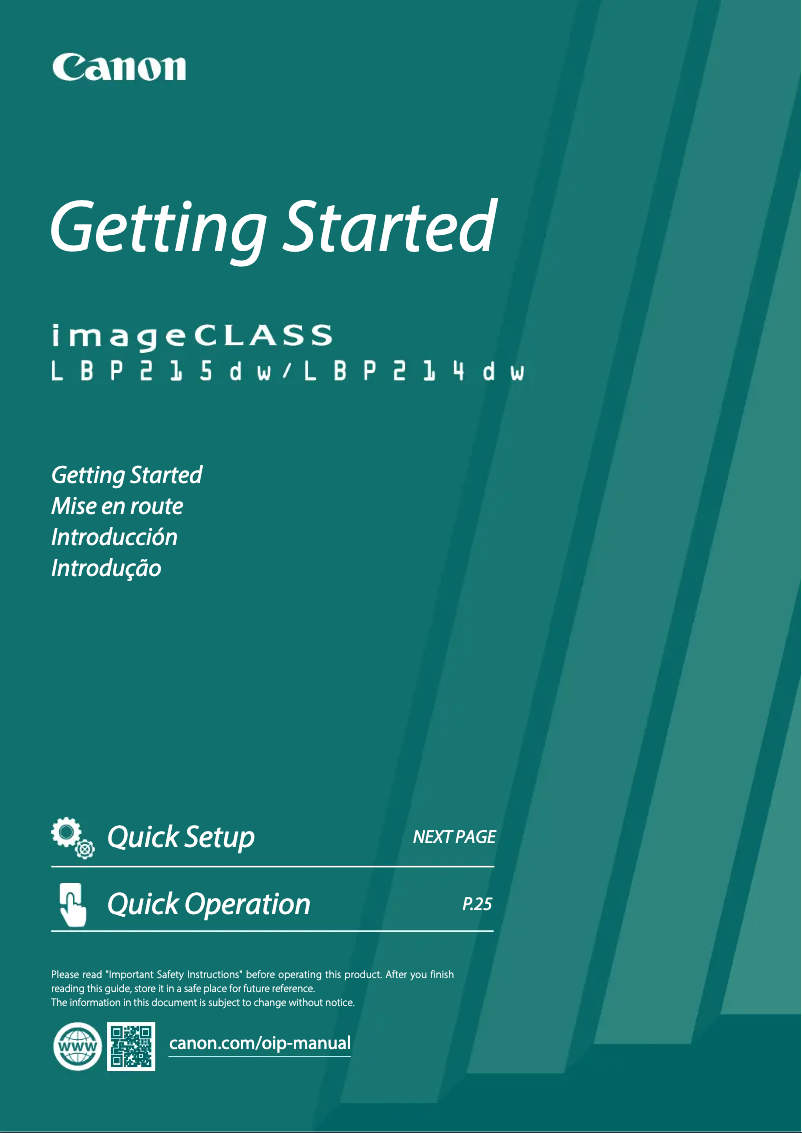
Manual of product imageCLASS LBP215dw
Editorial note
The Canon imageCLASS LBP215dw printer stands out with its impressive printing speed of 40 pages per minute, ideal for demanding work environments. Its 5-inch touchscreen makes managing print tasks easy, although its size may be considered a bit small for some users. The complete connectivity, including Ethernet, Wi-Fi, and Wi-Fi Direct options, allows for efficient wireless printing from various devices. However, this model also has some drawbacks. The lack of color printing may disappoint users with specific needs in this area. Additionally, the manual duplex printing mode can be inconvenient and time-consuming. The limited paper capacity of 350 sheets requires frequent reloading, which can disrupt workflow in high-volume printing environments. In terms of energy efficiency, although the printer has received EPEAT Silver and ENERGY STAR sustainability certifications, its maximum consumption of 1320 W during printing could impact electricity costs for regular users. Finally, the limited compatibility with some older operating systems may pose issues for those not on Windows or Mac. Overall, the Canon imageCLASS LBP215dw is a solid choice for those looking for a fast and efficient printer, but it is important to consider its limitations before making a purchase.Score details
User experience
The user experience is generally positive thanks to a 5-inch touchscreen that facilitates print task management, although some users may find its small size uncomfortable.
Performance
The printing speed of 40 pages per minute is ideal for demanding work environments, but the limited paper capacity of 350 sheets may require frequent reloading.
Features
Although the printer offers interesting features like manual duplex printing and full connectivity, the lack of color printing may be a drawback for some users.
Battery life
The maximum power consumption of 1320 W during printing can be considered high, which could impact electricity costs for regular users.
Support
Limited compatibility with certain older or less common operating systems may pose issues for some users who are not on Windows or Mac.
durability
The EPEAT Silver and ENERGY STAR sustainability certifications ensure high standards for energy efficiency and environmental respect.
Advantages
Print speed of 40 pages per minute.
Manual duplex printing to save paper.
Ethernet, Wi-Fi, and Wi-Fi Direct connectivity.
Intuitive 5-inch touchscreen.
EPEAT Silver and ENERGY STAR certified.
Disadvantages
Printer only in black and white.
Manual double-sided printing.
Paper capacity limited to 350 sheets.
Small and impractical touchscreen.
High energy consumption during printing.
Limited compatibility with certain operating systems.
Technical Specifications imageCLASS LBP215dw
General Information
-
ModelIMAGECLASS LBP215DW
-
Brand
-
Category
-
Type
-
SKU1367018
-
MPN1367018
Print speed
-
ColorNo
-
Maximum resolution600 x 600 DPI
-
Preheating time (from standby mode)4 s
-
Preheating time14 s
-
Printing technologyLaser
-
Print speed (black, normal quality, A4/US Letter)40 ppm
-
Copy time for the first page (Black, normal)5 s
-
Secure printingYes
-
Duplex printing modeAuto
-
Secure printingYes
Design
-
Touch screenYes
-
Product colorBlack, White
-
Touch screenYes
-
Screen size5 "
-
Touch screenYes
-
Order typeTactile
Representation / realization
-
Internal memory1024 MB
-
Maximum internal memory- MB
Connectivity
-
Quantity of USB 2.0 Ports3
-
Standard interfacesEthernet, USB 2.0, Wireless LAN
-
Direct printingYes
Network
-
Wi-Fi DirectYes
-
Wi-Fi DirectYes
-
Wi-Fi DirectYes
-
Wifi standards802.11b, 802.11g, Wi-Fi 4 (802.11n)
-
Wi-Fi DirectYes
-
Wiring technology10/100/1000Base-T(X)
-
Mobile printing technologiesApple AirPrint, Canon PRINT Business, Google Cloud Print, Mopria Print Service
-
Security-supported algorithm64-bit WEP, 128-bit WEP, IPSEC, SNMPv3, SSL/TLS, WPA-AES, WPA-PSK, WPA-TKIP, WPA2-AES, WPA2-PSK
-
LAN Ethernet: data transfer rate10,100,1000 Mbit/s
Input and output capacity
-
Total power capacity350 sheets
-
Maximum input capacity900 sheets
-
Total number of power supply units1
-
Paper feed typeCassette
-
Maximum number of feed bins2
-
Total output capacity65 sheets
Paper management
-
Type of paper tray supportBond paper
-
Envelope sizesPlain paper
-
Types of multi-purpose binsRecycled paper
-
Weight of paper tray support (imperial)Thick paper
-
Weight of paper tray supportThin paper
-
Weight of the multifunctional tray support10
-
Weight of the versatile tray supportC5
-
DL
-
Monarch
-
Envelopes
-
Executive
-
Legal
-
Letter
-
14 - 32 kg
-
52 - 120 g/m²
-
52 - 163 g/m²
-
14 - 43 kg
Weight and dimensions
-
Width438 mm
-
Depth373 mm
-
Height312 mm
-
Weight9200 g
Packaging information
-
Package weight13000 g
Features
-
Service cycle (recommended)750 - 4000 pages per month
-
Languages of the page descriptionPCL 5, PCL 6, PostScript 3, UFRII
-
Number of printer fonts229
-
Number of print cartridges1
-
Service cycle (Maximum)- pages per month
Minimum system requirements
-
Support for the Windows operating systemWindows 10
-
Support for the server operating systemWindows 7
-
Support for the Mac operating systemWindows 8.1
-
Windows Server 2008
-
Windows Server 2008 R2
-
Windows Server 2012
-
Windows Server 2012 R2
-
Windows Server 2016
-
Mac OS X 10.10 Yosemite
-
Mac OS X 10.11 El Capitan
-
Mac OS X 10.12 Sierra
-
Mac OS X 10.8 Mountain Lion
-
Mac OS X 10.9 Mavericks
Environmental conditions
-
Operating temperature10 - 30 °C
-
Operating relative humidity (H-H)20 - 80 %
Power
-
AC input frequency60 Hz
-
Current intensity6.5 A
-
Consumption (max)1320 W
-
Average power consumption in Print mode- W
-
Energy consumption (standby mode)10 W
-
Energy consumption (loan)0.9 W
-
Energy Star, typical electrical consumption (TEC)1.3 kWh/week
-
AC input voltage120 - 127 V
Sustainability
-
Sustainability certificatesEPEAT Silver
-
ENERGY STAR
Frequently Asked Questions
What is the weight of the Canon imageCLASS LBP215dw?
How do I remove a paper jam from the printer?
Why is my printer not accepting original cartridges?
What are the possible reasons for poor print quality?
What is the difference between a laser printer and an inkjet printer?
Why is my inkjet printer leaving black streaks?
What does the acronym DPI mean?
How many cartridges can be inserted into the Canon imageCLASS LBP215dw?
What is the size of the screen on the Canon imageCLASS LBP215dw?
What is the height of the Canon imageCLASS LBP215dw?
What is the width of the Canon imageCLASS LBP215dw?
What is the depth of the Canon imageCLASS LBP215dw?
Is the manual for the Canon imageCLASS LBP215dw available in French?
Similar products


More product categories from brand Canon
Computers and accessories Canon
Camera and photography Canon
Other Canon
Audio Canon
Software Canon
Interior Canon
More product types from brand Canon





Presentation of product imageCLASS LBP215dw specifications from brand Canon
General Information
The Canon imageCLASS LBP215dw model is a desktop printer from the renowned brand Canon, known for its innovation and reliability in the printing device sector. This model, identified by the code 2221C001, offers optimal performance tailored to modern printing needs. The EAN code 0013803304718 ensures unique identification in the distribution network.
Print Speed
This printer is designed exclusively for black and white printing, which may be a drawback for some users. It delivers a maximum resolution of 600 x 600 DPI, ensuring sharp and professional prints. With a warm-up time of only 4 seconds and a print speed of 40 pages per minute, the LBP215dw model is ideal for demanding work environments. The first page print delay is 5 seconds, and it supports manual duplex printing, allowing for significant paper savings.
Design
The printer is equipped with a 5-inch touchscreen, providing a user-friendly interface for easy management of printing tasks. Its sleek design, available in black and white, integrates seamlessly into any workspace.
Performance / Execution
With an internal memory of 1024 MB, the Canon imageCLASS LBP215dw allows for smooth operation, even when executing complex tasks.
Connectivity
This printer features 3 USB 2.0 ports, facilitating connection with various devices. It also supports direct printing, allowing for quick printing from your devices without intermediaries.
Network
The Canon imageCLASS LBP215dw is equipped with Ethernet and Wi-Fi connectivity, including Wi-Fi Direct for easy sharing without a traditional Wi-Fi network. The Wi-Fi standards 802.11b/g/n ensure a stable and fast connection.
Input and Output Capacity
With a paper feed capacity of 350 sheets and a maximum input capacity of 900 sheets, this printer is designed to handle large volumes of documents. It has a single feed tray, optimizing paper management.
Paper Management
The paper tray is compatible with various types of media, including plain paper, recycled paper, and envelopes. Accepted envelope sizes include 10, C5, DL, and Monarch, making this device versatile for different printing needs.
Weight and Dimensions
The printer's dimensions are 438 mm in width, 373 mm in depth, and 312 mm in height, with a total weight of 9.2 kg, facilitating its integration into various workspaces.
Packaging Information
The total weight of the printer's packaging is 13 kg, ensuring adequate protection during transport.
Features
The recommended service cycle is 750 to 4000 pages per month, allowing for intensive use. The printer supports multiple page description languages, such as PCL 5, PCL 6, and PostScript 3, providing flexibility in use. The number of available printer fonts is 229, allowing for customization of prints.
Minimum System Requirements
The Canon imageCLASS LBP215dw is compatible with several operating systems, including Windows 10, 7, 8.1, as well as various versions of Windows Server and Mac OS X, ensuring easy integration into different computing environments.
Environmental Conditions
This printer operates optimally within a temperature range of 10 to 30 °C and a relative humidity of 20 to 80 %, making it suitable for various office environments.
Power
It operates on an AC input frequency of 60 Hz and consumes up to 1320 W during printing, with a standby consumption of 10 W. These specifications allow for better assessment of the device's energy efficiency.
Durability
The Canon imageCLASS LBP215dw is certified EPEAT Silver and ENERGY STAR, demonstrating its commitment to energy efficiency and environmental sustainability.


