

Manual of product imageCLASS MF644Cdw
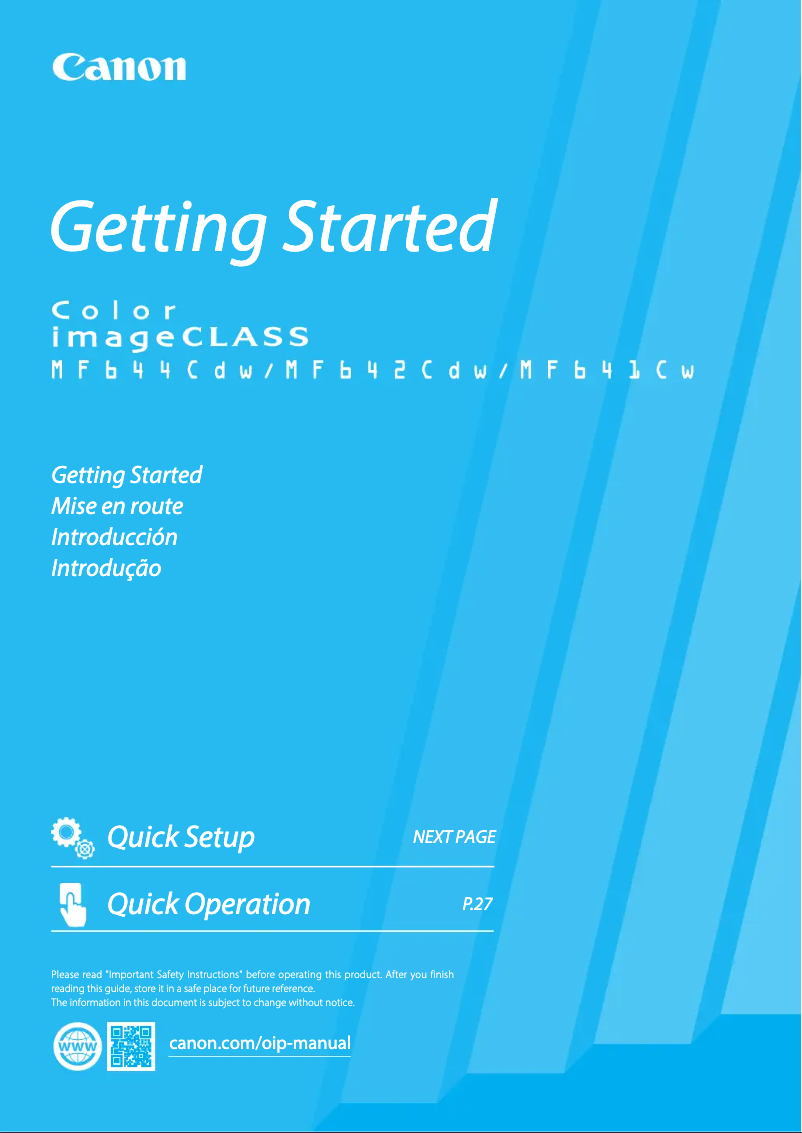
Editorial note
The Canon imageCLASS MF644Cdw printer stands out for its color printing quality, thanks to its laser technology that delivers precise results and vibrant colors, perfect for professional documents. Its printing speed of 22 pages per minute and its 250-sheet paper capacity allow for handling a large volume of documents without interruption, making it a wise choice for high-volume work environments. Additionally, its varied connectivity including USB, Ethernet, and Wi-Fi facilitates integration into different workspaces. However, the printer has some drawbacks. Duplex printing is manual, which may be less convenient for users seeking an automatic feature. Furthermore, the lack of automatic duplex copy function may slow down the process for those who need to frequently copy double-sided documents. The internal storage capacity of 1 GB may not be sufficient for users with intensive document management needs, while its weight of 22 kg can complicate its movement within an office. Regarding user experience, the intuitive interface contributes to a pleasant use, although the absence of certain automatic functions may disappoint some users. The modern and functional design of the printer is an asset, although its weight may pose mobility issues. The value for money is reasonable, considering the features offered, but some limitations remain. Finally, the availability of a detailed user manual and comprehensive documentation facilitates the handling and use of the device, thus providing good support to users.Score details
User experience
The user experience is generally positive due to an intuitive interface, although manual duplex printing may be less convenient.
Performance
The printing speed of 22 ppm is adequate for regular use, but may be insufficient for high-volume environments.
Design
The design is modern and functional, although the weight of 22 kg may pose mobility issues.
Value for money
The value for money is reasonable considering the features offered, although some limitations like the internal storage capacity may be a drawback.
Features
The printer offers interesting features like color laser printing and varied connectivity, but lacks some automatic functions like duplex copying.
Support
The availability of a detailed user manual makes it easier to get started and use the device.
Documentation
The documentation is comprehensive and well-structured, helping users to fully utilize the printer's capabilities.
Advantages
High-quality color laser printing.
Manual double-sided printing for less paper.
Print speed of 22 pages per minute.
250-sheet paper capacity.
USB, Ethernet, and Wi-Fi connectivity.
Disadvantages
Manual double-sided printing, not automatic.
No automatic duplex copying.
Internal storage limited to 1 GB.
Weight of 22 kg, difficult to move.
Printing speed of 22 ppm insufficient.
Technical Specifications imageCLASS MF644Cdw
General Information
-
ModelIMAGECLASS MF644CDW
-
Brand
-
Category
-
Type
-
SKU1375163
-
MPN1375163
Print speed
-
Printing technologyLaser
-
PrintingColor printing
-
Maximum resolution600 x 600 DPI
-
Double-sided printingYes
-
Duplex printing modeAuto
-
Print speed (black, normal quality, A4/US Letter)22 ppm
Features
-
Number of print cartridges-
-
Languages of the page descriptionUFRII
-
Service cycle (Maximum)2500 pages per month
-
Double-sided functionsPrint, Scan
-
Printing colorsBlack, Cyan, Magenta, Yellow
Paper management
-
Type of paper tray support-
-
ISO, Format Series A (A0...A9)-
-
Maximum ISO A series paper size-
-
Non-ISO print support sizesExecutive (184 x 267mm)
-
Envelope sizesLegal (media size)
-
Maximum print formatLetter (media size)
-
Statement (140 x 216mm)
-
10
-
C5
-
DL
-
Monarch
-
216 x 356 mm
Representation / realization
-
Internal storage capacity1 Go
-
Internal memory- Mo
Copier
-
Duplex copy-
-
Max. resolution of copies600 x 600 DPI
-
CopyColor copy
-
Release time of the first print (black, normal)11.2 s
-
Release time of the first print (color, concept)13.1 s
-
Resizing copy25 - 400 %
Fax
-
FaxColor fax
-
Modem speed33.6 Kbit/s
-
Fax resolution (black)400 x 400 DPI
-
Fax memory512 pages
-
Quick numberingYes
Digitization
-
DigitizationColor scanning
-
Double-sided scanningYes
-
Duplex scanning modeAuto
-
Optical scanning resolution600 x 600 DPI
-
Scan driversTWAIN, WIA
-
Supported image formatsJPEG, TIFF
-
Support for text formatsPDF
-
Type of scannerFlatbed scanner and ADF
Input and output capacity
-
Total power capacity250 sheets
-
Total number of power supply units1
-
Total output capacity75 sheets
Connectivity
-
Direct printing-
-
Quantity of USB 2.0 Ports3
-
USB portYes
Network
-
WifiYes
-
Wiring technology10/100/1000Base-T(X)
-
WifiYes
-
Wifi standards802.11b, 802.11g, Wi-Fi 4 (802.11n)
-
Security-supported algorithmWEP, WPA-PSK, WPA2-PSK
Design
-
Product colorBlack, White
-
Built-in screenYes
-
Order typeTactile
-
Screen size5 "
-
Market positionProfessional
Minimum system requirements
-
Support for the Windows operating systemWindows 10
-
Support for the server operating systemWindows 7
-
Support for the Mac operating systemWindows 8
-
Windows 8.1
-
Windows Server 2008
-
Windows Server 2008 R2
-
Windows Server 2012
-
Windows Server 2012 R2
-
Windows Server 2016
-
Mac OS X 11.0 Big Sur
Power
-
Electricity consumption (average operation)- W
-
Consumption (max)900 W
-
Energy consumption (standby mode)10.5 W
-
Energy consumption (in standby mode)0.8 W
-
AC input voltage120 - 127 V
-
AC input frequency60 Hz
Weight and dimensions
-
Width429 mm
-
Depth419 mm
-
Depth419 mm
-
Weight22000 g
Frequently Asked Questions
What is the weight of the Canon imageCLASS MF644Cdw printer?
What is the recommended procedure for removing paper jammed in the printer?
Why is my printer not recognizing the original cartridges?
What could be the reasons for poor print quality?
How does a laser printer differ from an inkjet printer?
Why is my inkjet printer producing black streaks?
What does the acronym DPI mean?
How many cartridges can be installed in the Canon imageCLASS MF644Cdw?
What is the size of the screen on the Canon imageCLASS MF644Cdw?
What is the height of the Canon imageCLASS MF644Cdw printer?
What is the width of the Canon imageCLASS MF644Cdw?
What is the depth of the Canon imageCLASS MF644Cdw printer?
What is the memory capacity of the Canon imageCLASS MF644Cdw printer?
Is the user manual for the Canon imageCLASS MF644Cdw available in French?
Similar products


More product categories from brand Canon
Computers and accessories Canon
Camera and photography Canon
Other Canon
Audio Canon
Software Canon
Interior Canon
More product types from brand Canon





Presentation of product imageCLASS MF644Cdw specifications from brand Canon
General Information
The Canon imageCLASS MF644Cdw is a multifunction printer recognized for its reliability and performance in modern office environments. This model, identified by the reference number 3102C005, embodies Canon's innovation, a brand renowned for its quality devices. The EAN code 0013803307627 uniquely identifies this product within the distribution network.
Print Speed
Equipped with laser printing technology, the Canon imageCLASS MF644Cdw offers high-quality color printing, producing documents with vibrant and accurate colors. With a maximum resolution of 600 x 600 DPI, it ensures exceptional clarity in prints. The print speed is 22 pages per minute in black and white, which is suitable for daily use, although duplex printing is manual, which may be less convenient for some users.
Features
This printer supports multiple languages for UFRII page description and has a maximum service cycle of 2500 pages per month, making it a suitable choice for intensive use. It uses a single cartridge printing system, offering a variety of colors: black, cyan, magenta, and yellow, thus ensuring quality visual output.
Paper Management
The Canon imageCLASS MF644Cdw allows printing on various paper sizes, such as Executive, Legal, Letter, and Statement, as well as on different envelope sizes, including 10, C5, DL, and Monarch. It is also compatible with A4 and A5 formats and can handle a maximum print size of 216 x 356 mm, allowing for flexible use.
Representation / Performance
It is equipped with an internal storage capacity of 1 GB, allowing for efficient management of the data and applications necessary for smooth operation.
Copier
With a maximum copy resolution of 600 x 600 DPI, the Canon imageCLASS MF644Cdw offers high-quality prints. Although it does not have an automatic duplex copy function, it allows for vibrant color prints. The first print output times are 11.2 seconds for black and 13.1 seconds for color.
Fax
The built-in fax machine allows for sending and receiving color documents, with a modem speed of 33.6 Kbit/s. Its fax memory of 512 pages facilitates the management of document sending and receiving.
Scanning
The color scanning function allows for creating faithful reproductions of your documents. Although duplex scanning is not available, the automatic duplex scanning mode ensures efficient scanning. The optical scanning resolution is 600 x 600 DPI, guaranteeing precise details.
Input and Output Capacity
The Canon imageCLASS MF644Cdw has a paper input capacity of 250 sheets and an output capacity of 75 sheets, ensuring efficient document management.
Connectivity
It offers several connectivity options, including 3 USB 2.0 ports, ensuring a quick connection to various devices. Additionally, it supports Wi-Fi, making wireless printing easy.
Network
Network connectivity is provided by Ethernet/LAN technology, with cabling speeds of 10/100/1000Base-T(X). Wi-Fi security protocols, such as WEP, WPA-PSK, and WPA2-PSK, ensure data protection.
Design
Its modern design, with a black and white finish, fits perfectly into a professional environment. The 5-inch touchscreen makes using the device easy, making interaction intuitive.
Minimum System Requirements
The Canon imageCLASS MF644Cdw is compatible with Windows operating systems (10, 7, 8, 8.1) and Mac OS X 11.0 Big Sur, ensuring easy integration into various work environments.
Power
The power consumption during operation can reach up to 900 W, with a standby consumption of 10.5 W, contributing to energy savings.
Weight and Dimensions
With dimensions of 429 mm wide, 419 mm high, and 419 mm deep, this printer weighs 22 kg, which may make it less easy to move in a dynamic office.


