

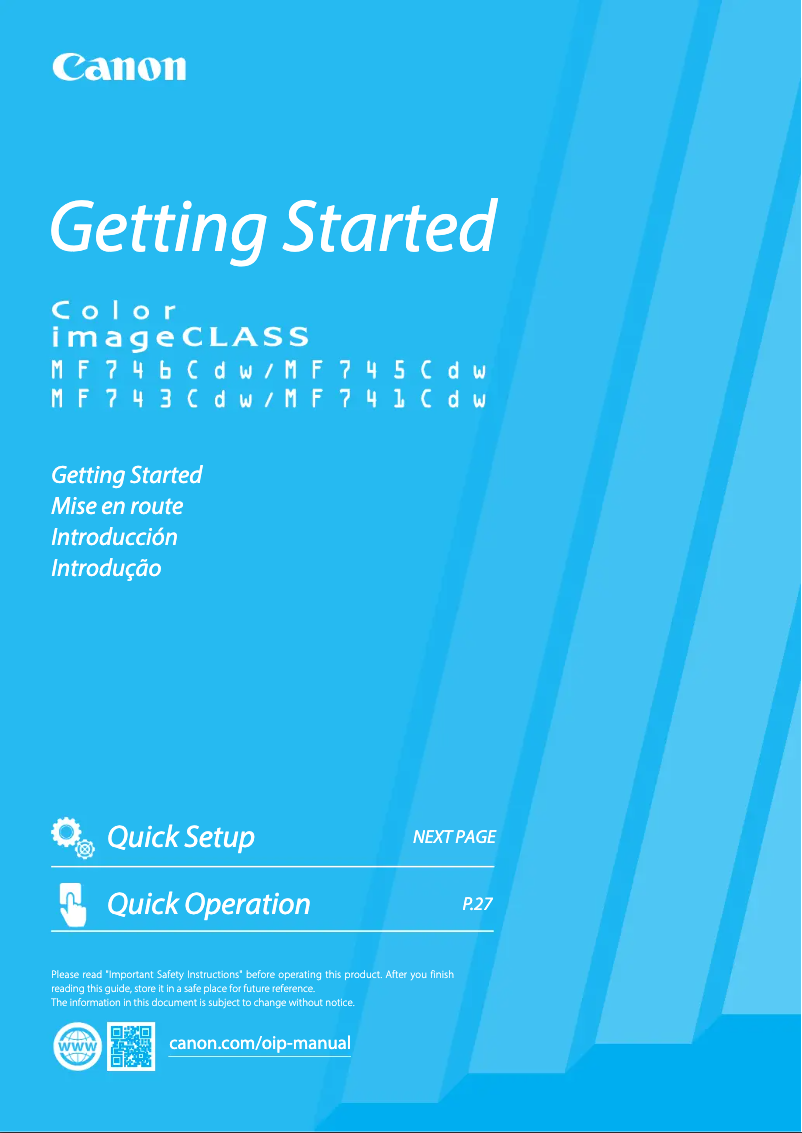
Manual of product ImageCLASS MF741Cdw
Editorial note
The Canon ImageCLASS MF741Cdw printer stands out for its fast printing speed of 28 pages per minute and its laser printing technology, providing high-quality results suitable for professional environments. Its 5-inch touchscreen makes it easy to access various features, allowing for an intuitive user experience. However, there are some drawbacks to consider. The lack of automatic duplex copying may slow down the process for those who frequently need double-sided copies. Additionally, while the maximum resolution of 600 x 600 DPI is satisfactory for many uses, it may not meet the higher print quality requirements of some users. The weight of 29 kg also makes the printer relatively difficult to move, which can pose space issues for some offices. In terms of value for money, the printer offers appreciated features like duplex printing and wireless connectivity, although the monthly duty cycle of 4000 pages may be insufficient for very high printing needs. The product is designed to be robust, but the lack of easy access to spare parts could complicate repairs. Overall, the Canon ImageCLASS MF741Cdw represents a solid option for professionals looking for a high-performing printer, although some limitations may not suit all users.Score details
User experience
The user experience is enhanced by a 5-inch touchscreen that makes accessing features intuitive and convenient.
Performance
The printing speed of 28 pages per minute and laser printing technology ensure fast and high-quality results, although the maximum resolution of 600 x 600 DPI may be limited for some users.
Design
The design is modern and professional, but the weight of 29 kg can make moving the printer difficult.
Value for money
The printer offers good value for money for standard work environments, but the service cycle of 4000 pages per month may be insufficient for intensive needs.
Features
Features like duplex printing and wireless connectivity add value, but the lack of automatic duplex copying can be a drawback for some users.
repairability
The product is designed to be durable, but the lack of easy access to spare parts can complicate repairs.
Robustness
The printer is robust and designed for professional use, although its weight may pose maneuverability issues.
Usability
The interface and features are generally easy to use, but the absence of an integrated memory card reader may limit some options for users.
Support
Documentation is available, but technical support may be limited for users with specific needs.
Documentation
The user manual provided is comprehensive and helpful for setting up and using the printer.
Advantages
Fast printing: 28 pages per minute.
Laser print quality: 600 x 600 DPI.
Built-in duplex printing for savings.
Wireless connectivity and mobile printing.
Intuitive 5-inch touchscreen.
Disadvantages
No automatic duplex copying.
Print resolution limited to 600 x 600 DPI.
Weight of 29 kg, difficult to move.
No built-in memory card reader.
Duty cycle limited to 4000 pages/month.
Technical Specifications ImageCLASS MF741Cdw
General Information
-
ModelIMAGECLASS MF741CDW
-
Brand
-
Category
-
Type
-
SKU1298290
-
MPN1298290
Print speed
-
Double-sided printing-
-
Printing technologyLaser
-
PrintingColor printing
-
Maximum resolution600 x 600 DPI
-
Print speed (black, normal quality, A4/US Letter)28 ppm
-
Preheating time13 s
-
Copy time for the first page (Black, normal)7.5 s
Design
-
Built-in screenYes
-
Order typeTactile
-
Screen size5 "
-
Product colorWhite
-
Market positionProfessional
Representation / realization
-
Internal memory1024 MB
-
Built-in memory card readerNo
-
Integrated into the processorYes
Connectivity
-
Quantity of USB 2.0 Ports2
-
USB portYes
-
USB portYes
Network
-
Ethernet/LANYes
-
Wifi standards802.11b, 802.11g, Wi-Fi 4 (802.11n)
-
Mobile printing technologiesApple AirPrint, Canon PRINT Business, Google Cloud Print, Mopria Print Service
-
Ethernet/LANYes
-
Security-supported algorithmWEP, WPA-PSK, WPA2-AES, WPA2-PSK
Input and output capacity
-
Total number of power supply units-
-
Total power capacity300 sheets
-
Total output capacity75 sheets
Paper management
-
Type of paper tray supportCoated paper
-
ISO, Format Series A (A0...A9)Envelopes
-
ISO, Formats Series-B (B0...B9)Labels
-
Weight of paper tray supportLetterhead
-
Maximum ISO A series paper sizePlain paper
-
Envelope sizesRecycled paper
-
Non-ISO print support sizesThick paper
-
Thin paper
-
A4
-
A5
-
B5
-
60 - 200 g/m²
-
A4
-
C5
-
Com-10
-
DL
-
Monarch
-
Legal (media size)
-
Letter (media size)
Weight and dimensions
-
Depth478 mm
-
Depth478 mm
-
Height467 mm
-
Weight29000 g
Packaging information
-
Package width602 mm
-
Package depth479 mm
-
Package height589 mm
-
Package weight35000 g
Features
-
Service cycle (Maximum)4000 pages per month
-
Languages of the page descriptionUFRII
-
Number of print cartridges1
-
Printing colorsBlack
Copier
-
Duplex copy-
-
CopyColor copy
-
Max. resolution of copies600 x 600 DPI
-
Release time of the first print (black, normal)9.5 s
-
Maximum number of copies999 copies
-
Resizing copy25 - 400 %
-
Copy book functionYes
Digitization
-
Double-sided scanning-
-
DigitizationColor scanning
-
Optical scanning resolution600 x 600 DPI
-
Type of scannerADF scanner
-
Scan driversTWAIN, WIA
-
Supported image formatsJPG, TIFF
-
Support for text formatsPDF
Power
-
AC input voltage120 - 127 V
-
AC input frequency60 Hz
-
Consumption (max)1470 W
-
Energy consumption (standby mode)20.5 W
-
Energy consumption (in standby mode)0.6 W
-
Energy Star, typical electrical consumption (TEC)1 kWh/week
-
Electricity consumption (average operation)- W
Sustainability
-
Sustainability certificatesENERGY STAR
Fax
-
Fax-
Packaging contents
-
Cartridge(s) includedYes
-
Included cartridge capacity (CMY)1 pages
-
Included cartridge capacity (CMY)1 pages
-
Cables includedSector
Minimum system requirements
-
Support for the Windows operating systemWindows 7
-
Support for the server operating systemWindows 8.1
-
Support for the Mac operating systemWindows 10
-
Windows Server 2008
-
Windows Server 2008 R2
-
Windows Server 2012
-
Windows Server 2012 R2
-
Windows Server 2016
-
Mac OS X 11.0 Big Sur
Frequently Asked Questions
What is the weight of the Canon ImageCLASS MF741Cdw?
What is the best method to remove paper jammed in the printer?
Why does my printer not recognize the original cartridges?
Why is the quality of my prints poor?
What is the difference between a laser printer and an inkjet printer?
Why is my inkjet printer producing black streaks?
What does the acronym DPI mean?
How many cartridges can be installed in the Canon ImageCLASS MF741Cdw?
What is the size of the screen on the Canon ImageCLASS MF741Cdw?
What is the height of the Canon ImageCLASS MF741Cdw?
What is the width of the Canon ImageCLASS MF741Cdw?
What is the depth of the Canon ImageCLASS MF741Cdw?
Is the manual for the Canon ImageCLASS MF741Cdw available in French?
Similar products


More product categories from brand Canon
Computers and accessories Canon
Camera and photography Canon
Other Canon
Audio Canon
Software Canon
Interior Canon
More product types from brand Canon





Presentation of product ImageCLASS MF741Cdw specifications from brand Canon
General Information
The Canon ImageCLASS MF741Cdw is a multifunction printer from the Canon brand, known for its excellence and innovation in the printing field. This model, identified by the code 3101C015, offers remarkable performance for professional use. The EAN code 0013803307610 allows for easy identification in the distribution circuit.
Print Speed
Equipped with laser printing technology, the Canon ImageCLASS MF741Cdw ensures superior print quality with a maximum resolution of 600 x 600 DPI. It allows for vibrant color prints, ideal for various documents. With a print speed of 28 pages per minute for black documents, it quickly meets daily printing needs. The warm-up time is 13 seconds, while the first page output delay is 7.5 seconds, which is particularly advantageous in a demanding professional environment.
Design
This printer features a 5-inch touchscreen, making access to various functions intuitive. Its white color gives it a modern and elegant design, easily fitting into any work environment. Designed for professionals, the Canon ImageCLASS MF741Cdw perfectly meets the expectations of those seeking efficiency and functionality.
Performance / Execution
With an internal memory of 1024 MB, this device allows for quick processing of data and applications. Although it is not equipped with a memory card reader, it integrates essential features for smooth use, thanks to its powerful processor.
Connectivity
The Canon ImageCLASS MF741Cdw offers two USB 2.0 ports for fast connections. It also supports direct printing from various devices, facilitating integration into a modern work environment.
Network
This printer supports wireless networking with 802.11b/g/n standards, allowing for a reliable connection for all your devices. Additionally, it is compatible with mobile printing technologies, adding to its flexibility of use.
Input and Output Capacity
The paper capacity of the Canon ImageCLASS MF741Cdw is 300 sheets, providing efficient management of large print volumes. The output capacity is 75 sheets, ensuring optimal performance in all your tasks.
Paper Management
Compatible with various types of media, ranging from plain paper to recycled paper, this printer supports several standard formats, including A4 and A5. It can also print on envelopes and different types of paper, expanding its usage possibilities.
Weight and Dimensions
The dimensions of the Canon ImageCLASS MF741Cdw are as follows: width of 478 mm, depth of 478 mm, and height of 467 mm. Its weight is 29 kg, which may be a disadvantage for those who require frequent reorganization of their workspace.
Packaging Information
For secure transport, the packaging dimensions are 602 mm wide, 479 mm deep, and 589 mm high, with a total weight of 35 kg.
Features
The Canon ImageCLASS MF741Cdw is designed for a maximum service cycle of 4000 pages per month, making it suitable for professional environments. It uses a single print cartridge, ensuring consistent print quality in black.
Copier
This printer offers a color copy function, with a maximum resolution of 600 x 600 DPI. However, it does not offer automatic duplex copying, which may slow down the process for those who need frequent double-sided copies.
Scanning
The Canon ImageCLASS MF741Cdw allows for color scanning with an optical resolution of 600 x 600 DPI. Although it does not support duplex scanning, it uses an ADF scanner to process multiple documents quickly and efficiently.
Power
This printer operates with an AC input voltage of 120 - 127 V and a frequency of 60 Hz. Its maximum power consumption is 1470 W, while it consumes only 20.5 W in standby mode, helping to reduce your energy footprint.
Durability
The Canon ImageCLASS MF741Cdw is ENERGY STAR certified, ensuring its energy efficiency and compliance with environmental standards.
Fax
This model does not have fax functionality, which may be a disadvantage for some users.
Contents of the Package
The Canon ImageCLASS MF741Cdw comes with included cartridges, allowing you to start printing immediately. It also includes a power cable for optimal electrical connection.
Minimum System Requirements
Compatible with Windows (7, 8.1, 10) and Mac OS X 11.0 Big Sur operating systems, this printer ensures seamless integration into various computing environments.


