

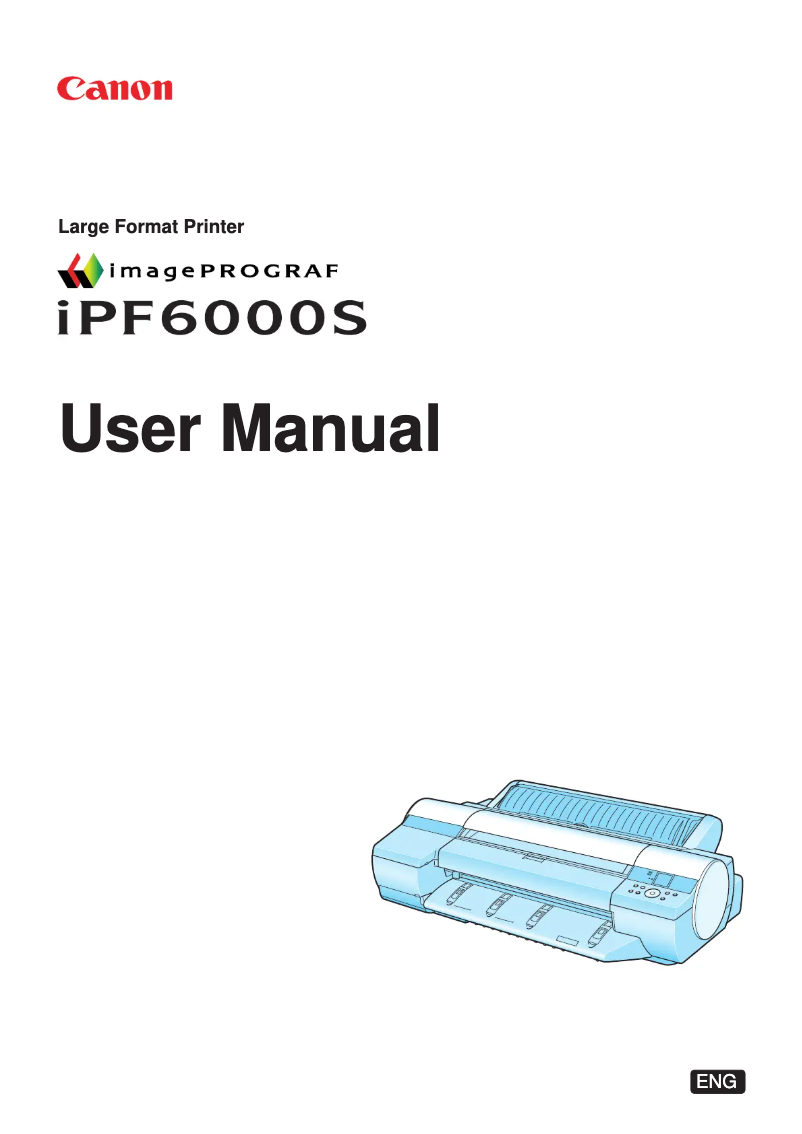
Manual of product imagePROGRAF iPF6000S
Editorial note
The Canon imagePROGRAF iPF6000S printer stands out for its ability to produce high-quality prints, with a maximum resolution of 2400 x 1200 DPI, ensuring exceptional visual results for both professional and personal needs. Its printing flexibility is also a major asset, allowing the use of various paper formats, including rolls and separate sheets, which perfectly meets the diverse requirements of users. However, there are some drawbacks to consider. Weighing 66 kg and with imposing dimensions of 870 x 991 x 1177 mm, this printer can be difficult to move and requires significant space for installation, which may not be suitable for all work environments. Additionally, its typical power consumption of 100 W is relatively high, which could lead to higher energy costs compared to other models. In terms of performance, although the user experience is generally positive, the limited compatibility with Windows operating systems (not compatible with Mac) restricts its use for some users. Furthermore, the noise level of 49 dB during printing can be disruptive in noise-sensitive environments, which should be taken into account when integrating this device into a workspace. In summary, the Canon imagePROGRAF iPF6000S is a powerful and versatile printer, ideal for those seeking exceptional print quality, but it may pose challenges in terms of mobility and operating costs.Score details
User experience
The user experience is overall positive due to a high-quality impression with a maximum resolution of 2400 x 1200 DPI, ensuring exceptional visual results.
Performance
The printer's performance is good, but its weight of 66 kg and its large size (870 x 991 x 1177 mm) can make installation and movement difficult.
Design
The design is functional, but requires significant space for installation, which may not be suitable for all work environments.
Battery life
The typical power consumption of 100 W is relatively high, which can lead to higher energy costs compared to other models.
Features
The printer offers printing flexibility thanks to support for various paper formats, including rolls and separate sheets.
Usability
Although the printer is compatible with several network protocols, it is not compatible with Mac operating systems, which limits its use for some users.
Support
The internal storage capacity of 80 GB facilitates data management, but the sound pressure level of 49 dB during printing can be bothersome in noise-sensitive environments.
Advantages
High-quality printing up to 2400 x 1200 DPI.
Support for various formats up to 610 mm.
Quiet operation at 49 dB.
Internal storage of 80 GB.
Ethernet and USB connectivity.
Disadvantages
Incompatible with Mac systems."
Weight of 66 kg, difficult to move."
Imposing dimensions requiring a lot of space."
High power consumption of 100 W."
Noise level of 49 dB bothersome.
Technical Specifications imagePROGRAF iPF6000S
General Information
-
ModelIMAGEPROGRAF IPF6000S
-
Brand
-
Category
-
Type
-
SKU132938
-
MPN132938
Print speed
-
Maximum resolution2400 x 1200 DPI
-
Printing colorsBlack, Cyan, Magenta, Matte black, Photo cyan, Photo magenta, Yellow
-
ColorYes
-
Print head nozzles30720
Paper management
-
Maximum print format610 x 1897 mm
-
Maximum width of the support610 mm
-
Leaves (separated)Yes
-
Leaves (separated)Yes
-
Maximum roll length18 m
-
ISO, Format Series A (A0...A9)A1, A2, A3, A4
-
JIS series B format (B0...B9)B2, B3, B4
-
JIS series B format (B0...B9)B2, B3, B4
-
ISO Paper Size, Series C Formats (C0…C9)C2, C3, C4
Other features
-
Coated paperYes
-
Coated paperYes
Representation / realization
-
Integrated into the processorL-COA
-
Buffer size256 KB
-
Sound pressure level (impression)49 dB
-
Sound power level (standby)6.6 dB
-
Internal storage capacity80 GB
-
CertificationCE-Mark, CB Certification, TÜV (GS), Gost-R, UL, FCC Class B
-
Storage mediaHDD
Connectivity
-
Supported network protocolsIPX/SPX (Netware 3.2 (J), 4.1 (J), 4.11 (J), 4.2 (J), 5.0 (J), 5.1 (J)), SNMP (Canon-MIB), HTTP, TCP/IP, AppleTalk
-
RJ-45 Number of ports1
-
RJ-45 Number of ports1
-
USB portYes
-
USB portYes
-
USB connectorUSB Type-A
Minimum system requirements
-
Mac CompatibilityYes
-
Compatible operating systemsWindows (2000/XP/Vista 32/64bit)
-
MAC (OS10)
Weight and dimensions
-
Dimensions (LxWxH)870 x 991 x 1177 mm
-
Weight66 g
Power
-
Power requirementsAC 100-120V, 50/60Hz
-
Energy consumption (eco mode)1 W
-
Energy consumption (standby mode)5 W
-
Typical electricity consumption100 W
Environmental conditions
-
Operating temperature15 - 30 °C
Frequently Asked Questions
What is the weight of the Canon imagePROGRAF iPF6000S printer?
What is the recommended method for removing jammed paper from the printer?
Why is my printer not recognizing the original cartridges?
What could be the reasons for poor print quality?
What is the difference between a laser printer and an inkjet printer?
Why does my inkjet printer leave black streaks on prints?
What does the acronym DPI mean?
What certifications does the Canon imagePROGRAF iPF6000S have?
What is the memory capacity of the Canon imagePROGRAF iPF6000S?
Is the manual for the Canon imagePROGRAF iPF6000S available in French?
Similar products


More product categories from brand Canon
Computers and accessories Canon
Camera and photography Canon
Other Canon
Audio Canon
Software Canon
Interior Canon
More product types from brand Canon





Presentation of product imagePROGRAF iPF6000S specifications from brand Canon
General Information
The Canon imagePROGRAF iPF6000S is a printer from the Canon brand, known for its innovation and quality in the printing field. This model, identified by the serial number 3174B003, is designed to deliver superior performance and a smooth user experience. Its EAN code, 4960999618975, allows for precise identification in the distribution system.
Print Speed
With a maximum resolution of 2400 x 1200 DPI, the Canon imagePROGRAF iPF6000S produces prints with remarkable clarity, suitable for both professional and personal requirements. It uses several print colors, including black, cyan, magenta, matte black, photo cyan, photo magenta, and yellow, ensuring striking visual results. This model is equipped with 800 print head nozzles for each color, ensuring consistent print quality.
Paper Handling
This printer supports a maximum print size of 610 x 1897 mm, allowing for the creation of large documents with optimal quality. Its media width of 610 mm offers great flexibility for various paper formats, including rolls and separate sheets. The product also supports ISO A (A1 to A4), B (B2 to B4), and C (C2 to C4) formats, ensuring extensive compatibility.
Other Features
The Canon imagePROGRAF iPF6000S is compatible with various types of paper, including glossy paper and coated paper, allowing for high-quality prints with a smooth and vibrant finish.
Performance / Execution
Equipped with an integrated L-COA processor, this printer ensures efficient performance. Its 256 KB buffer optimizes data processing, while its sound pressure level in print mode is 49 dB, ensuring relatively quiet operation. Its internal storage capacity of 80 GB allows for easy data management without the need for external storage solutions. The product is CE, CB, TÜV (GS), Gost-R, UL, and FCC Class B certified, attesting to its compliance with safety standards.
Connectivity
For connectivity, the Canon imagePROGRAF iPF6000S supports several network protocols, including IPX/SPX, SNMP, HTTP, TCP/IP, and AppleTalk, ensuring smooth integration into various computing environments. It features a USB 2.0 port and an RJ-45 port for versatile connectivity.
Minimum System Requirements
This printer is not compatible with Mac operating systems, but it operates efficiently on Windows XP, Vista, and 7, ensuring optimal use for users of these platforms.
Weight and Dimensions
The dimensions of the Canon imagePROGRAF iPF6000S are 870 x 991 x 1177 mm, which requires appropriate installation space. With a weight of 66 kg, it can be difficult to move, which is a factor to consider during installation.
Power
The printer's power requirements are AC 100-120V at 50/60Hz. In economy mode, the power consumption is 1 W, while in standby mode, it is 5 W. Its typical power consumption is 100 W, which can lead to significant energy costs.
Environmental Conditions
The Canon imagePROGRAF iPF6000S operates optimally within a temperature range of 15 to 30 °C, making it suitable for use in various work environments.


