

Manual of product imagePROGRAF iPF6300
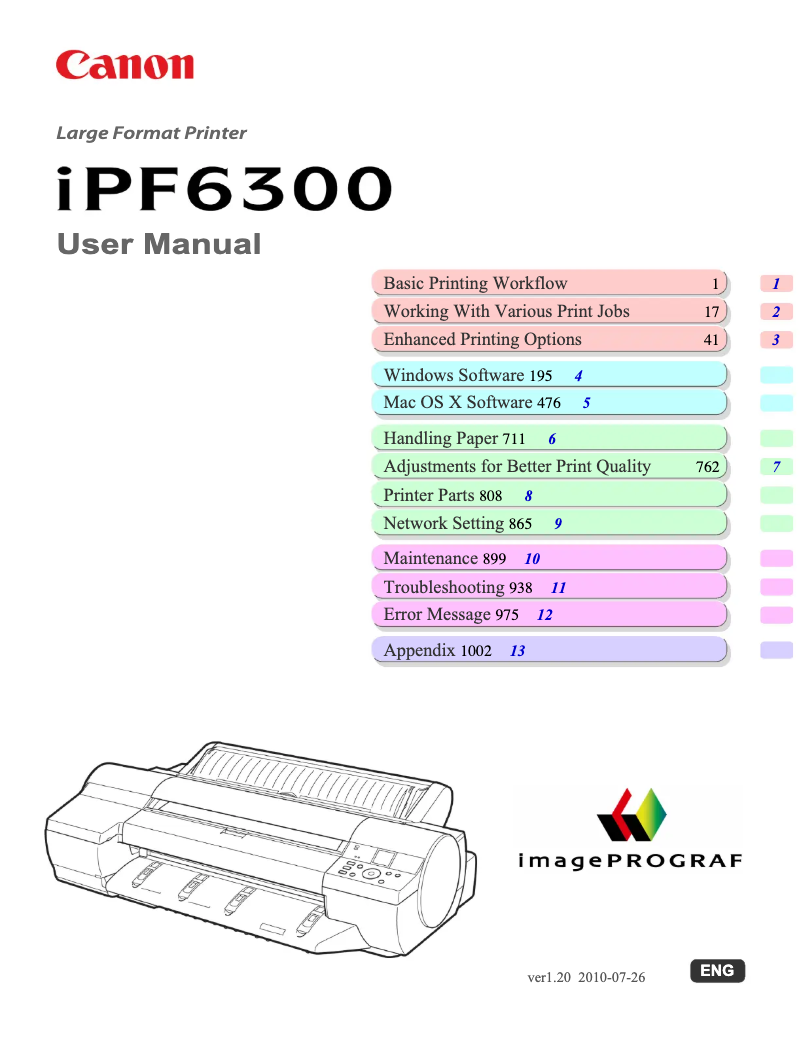
Editorial note
The Canon imagePROGRAF iPF6300 stands out for its exceptional print quality, offering precise details and vibrant colors, making it an ideal choice for art and design professionals. Its performance is also up to par, allowing for fast and efficient prints, essential in high-volume work environments. The reliability of the Canon brand ensures satisfactory durability, providing peace of mind to users. However, this device has some drawbacks. Its high purchase cost can represent a significant investment for small businesses or occasional users. Additionally, its size and weight can complicate installation and movement, especially in tight spaces. The printer also tends to consume a lot of ink, which can lead to additional costs, particularly when printing large batches of documents. Finally, the complexity of some features may require significant learning time for novice users, and the noise level during printing can be high, thus disturbing in a quiet environment. Overall, the Canon imagePROGRAF iPF6300 is a wise choice for those seeking professional print quality, but it is important to be aware of its cost and its space and maintenance requirements.Score details
User experience
The user experience is enhanced by a comprehensive user manual, allowing for quick and intuitive handling.
Performance
The performance is excellent, with fast and high-quality prints, ideal for professional environments.
Value for money
Although the purchase cost is high, the print quality and brand reliability partly justify the investment.
Robustness
The reliability of the Canon brand ensures satisfactory durability, providing peace of mind to users.
Usability
The complexity of certain features can make usage difficult for novices, requiring a learning period.
Design
The size and weight of the printer can pose installation and mobility issues in small spaces.
Features
The advanced connectivity options allow for easy integration into various work environments.
Support
The user manual is very comprehensive, providing a good level of support for users.
Battery life
The printer consumes a lot of ink, which can lead to additional costs for the user.
noise_level
The noise level during printing can be high, which could be disruptive in a quiet work environment.
Advantages
High-quality prints and vibrant colors.
Fast performance for efficient work.
Recognized reliability and durability of Canon.
Easy and quick handling.
Versatile connectivity for various devices.
Disadvantages
High purchase cost for small businesses.
Difficult installation in tight spaces.
High ink consumption for large prints.
Complex features requiring learning.
High noise level during printing.
Technical Specifications imagePROGRAF iPF6300
General Information
-
ModelIMAGEPROGRAF IPF6300
-
Brand
-
Category
-
Type
-
SKU1375235
-
MPN1375235
Frequently Asked Questions
What is the best method to remove paper jammed in the printer?
Why is my printer not recognizing the original cartridges?
What are the possible reasons for poor print quality?
What is the difference between a laser printer and an inkjet printer?
Why is my inkjet printer leaving black streaks on prints?
What does the acronym DPI mean?
Is the manual for the Canon imagePROGRAF iPF6300 available in French?
Similar products


More product categories from brand Canon
Computers and accessories Canon
Camera and photography Canon
Other Canon
Audio Canon
Software Canon
Interior Canon
More product types from brand Canon





Presentation of product imagePROGRAF iPF6300 specifications from brand Canon
General Information
The Canon imagePROGRAF iPF6300 printer is a flagship model from the Canon brand, known for its excellence and innovation in the printing field. This device is designed to deliver high-level performance, meeting the needs of professionals in the artistic and design sectors. Its EAN code, 0853585560397, allows for precise identification in distribution systems.
Advantages
The print quality of the imagePROGRAF iPF6300 is simply exceptional, thanks to its advanced technology that ensures fine details and vibrant colors. Additionally, this printer is designed to provide optimal performance, allowing for fast and efficient printing, a valuable asset in high-volume work environments.
By choosing Canon, users benefit from the reliability of a brand recognized for the durability of its products, thus providing peace of mind regarding the longevity of their investment. Furthermore, the ease of use is another strong point, thanks to a detailed user manual that allows for quick handling.
Finally, the advanced connectivity of the printer facilitates its integration into various work environments, enabling users to print easily from multiple devices.
Disadvantages
However, it is important to consider some disadvantages. The purchase cost of the imagePROGRAF iPF6300 can be high, which may represent a significant investment for small businesses or occasional users. Additionally, its size and weight can complicate its installation and transport in tight spaces.
Moreover, this printer can consume a significant amount of ink, leading to additional costs, especially when printing large batches of documents. The complexity of certain features may also require considerable learning time for users who are not familiar with professional printers. Finally, the noise level during printing can be relatively high, which could disrupt quiet work environments.


