

Manual of product imagePROGRAF iPF710
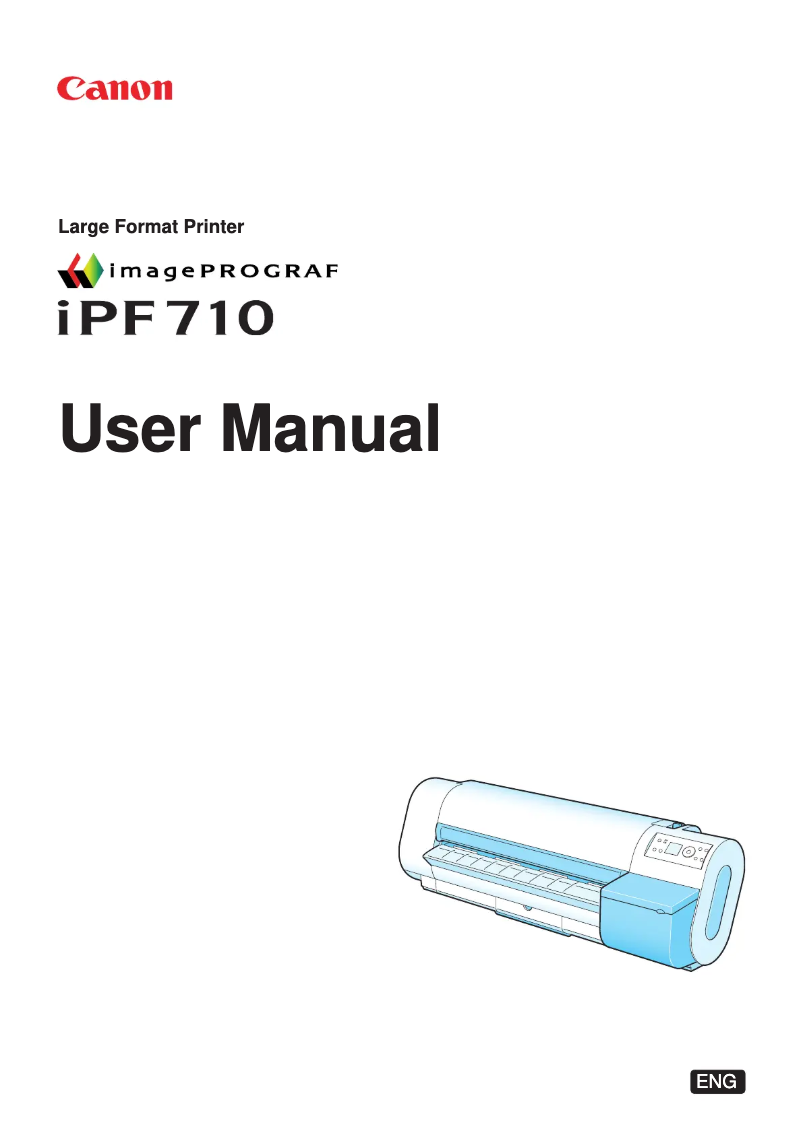
Editorial note
The Canon imagePROGRAF iPF710 stands out for its ability to produce high-quality prints, with a maximum resolution of 2400 x 1200 DPI that ensures clear and detailed documents, perfect for professional use. Its flexibility in paper handling, allowing printing on various formats, including rolls and sheets, is a major asset to meet the specific needs of users. Additionally, its quiet operation, with a sound pressure level of only 52 dB, makes it an ideal choice for noise-sensitive environments. Connectivity is also a strong point, thanks to USB ports and Ethernet support, facilitating integration into various systems. However, the Canon imagePROGRAF iPF710 has some drawbacks. Its incompatibility with Mac operating systems limits its use for some users. Weighing 64 kg, the printer can be difficult to move, which may pose a problem in tight workspaces. Furthermore, its typical power consumption of 140 W is relatively high compared to other models, which could lead to higher energy costs. Finally, while its printing speed is satisfactory, it may not be suitable for users with high-volume or urgent printing needs. Overall, the product writing score reveals a positive user experience thanks to an intuitive interface and practical features. Print performance is excellent, although speed may be a barrier for some. Optimized energy consumption contributes to savings, while the functional design, although bulky, may require consideration of available space. Finally, despite a potentially high price, the print quality and paper handling flexibility justify the investment.Score details
User experience
The user experience is positive thanks to an intuitive interface and practical features like a built-in screen and varied connectivity.
Performance
The printing performance is excellent with a resolution of 2400 x 1200 DPI, although the speed may not suit users with high demands.
Battery life
Energy consumption is optimized, with only 1 W in standby mode, contributing to energy savings.
Design
The design of the printer is functional, but its large dimensions (1507 x 871 x 1094 mm) can be problematic in small spaces.
Value for money
Although the price may be high, the print quality and flexibility in paper handling justify the investment.
Usability
The printer is not compatible with Mac operating systems, which limits its use for some users.
Robustness
Weighing 64 kg, the printer is difficult to move, which can be a disadvantage in certain work environments.
Advantages
High-quality printing up to 2400 x 1200 DPI.
Printing on various paper sizes.
Quiet operation at only 52 dB.
USB connectivity and Ethernet support.
Low power consumption in sleep mode.
Disadvantages
Not compatible with macOS."
High weight of 64 kg."
Power consumption of 140 W."
Insufficient printing speed for large volumes."
Bulky dimensions for small offices.
Technical Specifications imagePROGRAF iPF710
General Information
-
ModelIMAGEPROGRAF IPF710
-
Brand
-
Category
-
Type
-
SKU1663136
-
MPN1663136
Print speed
-
Maximum resolution2400 x 1200 DPI
-
ColorYes
-
Print headPF-03
-
Print head nozzlesMBK: 5120
Paper management
-
Maximum print formatA0 (841 x 1189 mm)
-
Maximum width of the support254 - 914.4
-
Leaves (separated)Yes
-
Leaves (separated)Yes
-
ISO, Format Series A (A0...A9)A0, A1, A2, A3, A4
-
ISO, Formats Series-B (B0...B9)B1, B2, B3, B4
-
ISO Paper Size, Series C Formats (C0…C9)C0, C1, C2, C3, C4
-
Max. width of the roll914 mm
Other features
-
Photo paperYes
-
Photo paperYes
-
Photo paperYes
-
Compliance with industry standardsIEEE 802.3, IEEE 802.3u
Representation / realization
-
Sound pressure level (impression)52 dB
-
Sound power level (standby)35 dB
-
ScreenLCD
-
Built-in screenYes
Connectivity
-
USB portYes
-
Type of Ethernet interfaceFast Ethernet
-
Quantity of USB 2.0 Ports1
-
USB portYes
-
USB connectorUSB Type-A
Power
-
Energy consumption (standby mode)1 W
-
Typical electricity consumption140 W
Minimum system requirements
-
Mac CompatibilityYes
-
Compatible operating systemsWindows 2000/XP/Server 2003/Vista
-
Macintosh OS 9, OS X
Weight and dimensions
-
Dimensions (LxWxH)1507 x 871 x 1094 mm
-
Weight64000 g
Environmental conditions
-
Operating relative humidity (H-H)10 - 80 %
-
Operating temperature15 - 30 °C
Frequently Asked Questions
What is the weight of the Canon imagePROGRAF iPF710 printer?
What is the recommended method for removing jammed paper from the printer?
Why is my printer not recognizing the original cartridges?
What could be the reasons for poor print quality?
What is the difference between a laser printer and an inkjet printer?
Why is my inkjet printer producing black lines?
What does the acronym DPI mean?
Is the manual for the Canon imagePROGRAF iPF710 available in French?
Similar products


More product categories from brand Canon
Computers and accessories Canon
Camera and photography Canon
Other Canon
Audio Canon
Software Canon
Interior Canon
More product types from brand Canon





Presentation of product imagePROGRAF iPF710 specifications from brand Canon
General Information
The Canon imagePROGRAF iPF710 is a printer from the renowned brand Canon, known for its commitment to quality and innovation in the printing device sector. This specific model, imagePROGRAF iPF710 | 2160B002, offers high performance and an optimized user experience. The EAN code 0013803085822 allows for unique identification in distribution systems.
Print Speed
With a maximum resolution of 2400 x 1200 DPI, the Canon imagePROGRAF iPF710 ensures prints of remarkable clarity, ideal for both professional and personal use. This printer supports color printing, allowing for aesthetic customization. Equipped with a PF-03 print head, it ensures superior print quality. Additionally, it comes with 800 black and color print head nozzles, guaranteeing optimal printing performance.
Paper Management
The Canon imagePROGRAF iPF710 can print up to size A0 (841 x 1189 mm), which is perfect for large documents. Its maximum media width, ranging from 254 to 914.4 mm, offers great flexibility for different paper formats. This printer is compatible with paper rolls and separate sheets, allowing for efficient paper management. It also supports standard ISO formats, such as A0 to A9, as well as B0 to B9 and C0 to C9, ensuring versatility of use.
Other Features
The Canon imagePROGRAF iPF710 is compatible with several types of paper, including glossy paper, coated paper, and photo paper, providing high-quality prints with vibrant colors and precise details. Furthermore, it complies with industrial standards IEEE 802.3 and IEEE 802.3u, ensuring its compliance and safety.
Noise Level / Operation
The sound pressure level during printing is 52 dB, allowing for discreet operation, suitable for noise-sensitive environments. In standby mode, the sound level is 35 dB. The printer is equipped with a built-in LCD screen, offering high display quality for intuitive use.
Connectivity
The Canon imagePROGRAF iPF710 features an Ethernet/LAN interface, specifically of type Fast Ethernet, for fast network connections. It also has a USB 2.0 port, allowing for efficient connection to various devices via a USB Type-A connector.
Power
In standby mode, the power consumption is only 1 W, promoting energy savings. During normal use, the typical power consumption is 140 W, an aspect to consider for overall energy efficiency.
Minimum System Requirements
The Canon imagePROGRAF iPF710 is compatible with several Windows operating systems, including Windows XP, Windows Vista, and Windows 7. However, it is important to note that it is not compatible with Mac systems.
Weight and Dimensions
The dimensions of the printer, measuring 1507 x 871 x 1094 mm, allow for adequate integration into various workspaces. With a weight of 64000 g, it may require careful handling, especially in confined environments.
Environmental Conditions
The Canon imagePROGRAF iPF710 operates efficiently in a relative humidity of 10 to 80 % and an ambient temperature of 15 to 30 °C, thus offering a wide range of applications in various work environments.


