

Manual of product imagePROGRAF IPF810
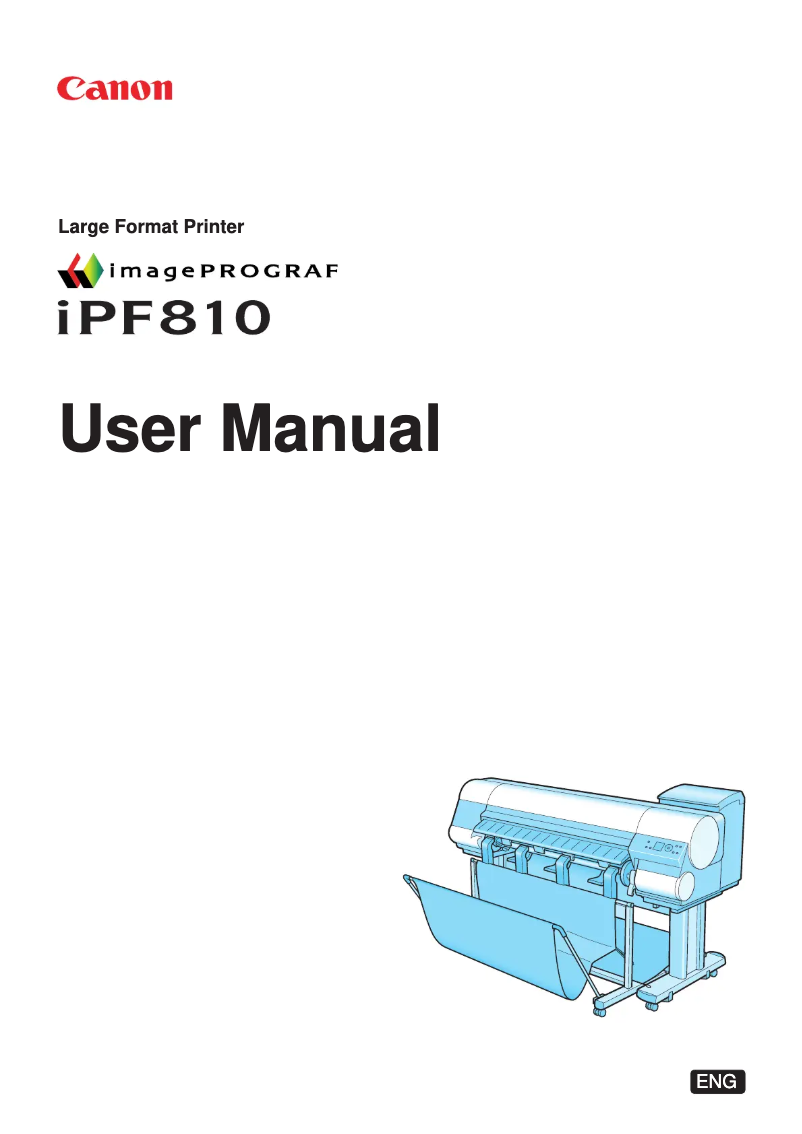
Editorial note
The Canon imagePROGRAF IPF810 stands out with its exceptional print resolution of 2400 x 1200 DPI, ensuring clear and detailed results, ideal for professional and creative documents. Additionally, its printing flexibility with a maximum format of A0 and a media width of 44 inches allows for the use of a variety of paper sizes, thus meeting various printing needs. Advanced connectivity via USB and Ethernet ports facilitates integration into modern work environments, while offering an internal storage capacity of 80 GB, convenient for managing large print projects. However, this model has notable drawbacks. Its heavy weight of 142 kg can complicate moving and installation, potentially requiring additional assistance. Furthermore, the purchase cost may be prohibitive for small offices or individual users, thus limiting its accessibility. Limited compatibility with certain operating systems could pose integration issues for some users. Although the noise level of 50 dB is moderate, it may be perceived as disruptive in quiet work environments. In terms of performance, the power consumption in standby mode of only 6 W is an undeniable advantage, helping to reduce electricity costs. However, the typical power consumption of 190 W can lead to higher operating costs, especially with frequent use. Overall, the Canon imagePROGRAF IPF810 is a high-performing and versatile printer, ideal for professionals seeking quality, but its cost and weight may limit its appeal for some users.Score details
User experience
The user experience is enhanced by an exceptional print resolution of 2400 x 1200 DPI, ensuring clear and detailed prints, ideal for professional and creative documents.
Performance
The performance is good, with printing flexibility that allows for a variety of paper formats, but the heavy weight can complicate moving and installation.
Battery life
The power consumption in standby mode of 6 W is very advantageous, helping to reduce electricity costs while preserving the environment.
Design
The design is functional, but the heavy weight of 142 kg can make moving difficult, potentially requiring additional assistance.
Value for money
The purchase cost can be prohibitive for small offices or individual users, limiting its accessibility despite its many features.
Usability
Advanced connectivity via USB and Ethernet facilitates integration into modern work environments, but limited compatibility with certain operating systems can be problematic.
Support
The noise level of 50 dB during printing is moderate, but may be perceived as bothersome in quiet work environments.
Advantages
High-resolution printing of 2400 x 1200 DPI
Maximum format A0, wide choice of paper
Built-in USB and Ethernet connectivity
Low power consumption in standby
80 GB internal storage for files
Disadvantages
Heavy weight of 142 kg, difficult to move.
High purchase cost, not easily accessible.
Limited compatibility with certain operating systems.
Noise level of 50 dB, bothersome in silence.
Power consumption of 190 W, high costs.
Technical Specifications imagePROGRAF IPF810
General Information
-
ModelIMAGEPROGRAF IPF810
-
Brand
-
Category
-
Type
-
SKU133514
-
MPN133514
Print speed
-
Maximum resolution2400 x 1200 DPI
-
Languages of the page descriptionGARO
-
ColorYes
Packaging information
-
Drivers includedYes
-
Provided softwareDigital Photo Front-Access
Paper management
-
Maximum print formatA0 (841 x 1189 mm)
-
Maximum width of the support44"
-
Thickness of the support0.07 - 0.8 mm
-
Maximum roll length18 m
-
Max. diameter of the roll150 mm
-
Max. width of the roll1118 mm
Weight and dimensions
-
Size (imperial)44 "
-
Dimensions (LxWxH)
-
Weight1892 x 975 x 1143 mm
-
-
142102 g
Representation / realization
-
Reader, buffer dimension384 MB
-
Sound pressure level (impression)50 dB
-
Sound power level (standby)35 dB
-
Internal storage capacity80 GB
-
Storage mediaHDD
Power
-
Power requirementsAC 100 - 120V, 50 - 60Hz
-
Energy consumption (standby mode)6 W
-
Typical electricity consumption190 W
Minimum system requirements
-
Compatible operating systemsWindows 2000/XP/Vista 32/64bit
-
MAC OS9, OSX
Other features
-
Ink drop4
Environmental conditions
-
Operating relative humidity (H-H)10 - 80 %
-
Operating temperature
-
59 - 86 °C
Connectivity
-
RJ-45 Number of ports1
-
RJ-45 Number of ports1
-
USB portYes
-
USB connectorUSB Type-A
-
USB portYes
Frequently Asked Questions
What is the weight of the Canon imagePROGRAF IPF810 printer?
How do I effectively remove paper jammed in the printer?
Why is my printer not recognizing the original cartridges?
Why is the print quality of my documents poor?
What are the main differences between a laser printer and an inkjet printer?
Why does my inkjet printer leave black streaks on my prints?
What does the acronym DPI mean?
What is the storage capacity of the Canon imagePROGRAF IPF810 printer?
Is the manual for the Canon imagePROGRAF IPF810 available in French?
Similar products


More product categories from brand Canon
Computers and accessories Canon
Camera and photography Canon
Other Canon
Audio Canon
Software Canon
Interior Canon
More product types from brand Canon





Presentation of product imagePROGRAF IPF810 specifications from brand Canon
General Information
The Canon imagePROGRAF IPF810 printer is an iconic product from the Canon brand, known for its excellence and innovation in the printing field. The IPF810 model, identified by the code 2982B002, is designed to deliver high-level performance and an enhanced user experience. Its EAN code, 0013803098464, allows for unique identification in distribution systems.
Print Speed
With an impressive maximum resolution of 2400 x 1200 DPI, the imagePROGRAF IPF810 ensures prints of exceptional clarity, perfect for a variety of professional and personal applications. This device supports multiple languages for page descriptions, thus meeting the diverse needs of users. Additionally, it offers color printing, providing aesthetic flexibility in your projects.
Packaging Information
The imagePROGRAF IPF810 comes with included drivers, facilitating quick and hassle-free installation. The associated software, Digital Photo Front-Access, enhances the user experience by optimizing the printer's performance.
Paper Management
This printer supports a maximum print size of A0 (841 x 1189 mm), ideal for large documents. Its maximum media width of 44 inches allows for varied use of paper formats, thus offering printing flexibility. The accepted paper thickness ranges from 0.07 to 0.8 mm, ensuring optimal print quality. It can handle rolls up to 18 meters long, with a maximum diameter of 150 mm and a maximum roll width of 1118 mm, which is essential for efficient use in various projects.
Weight and Dimensions
The Canon imagePROGRAF IPF810 model has a size of 44 inches, meeting specific printing requirements. Its dimensions (LxWxH) of 1892 x 975 x 1143 mm ensure an optimal fit in different spaces. Weighing 142 kg, this printer may require careful handling during installation.
Representation / Performance
Equipped with a 384 MB buffer, the imagePROGRAF IPF810 optimizes performance during data reading and writing. Its sound pressure level of 50 dB during printing ensures relatively quiet operation, suitable for noise-sensitive environments. In standby mode, its sound level drops to 35 dB, ensuring discreet use. The internal storage capacity of 80 GB allows for the retention of a significant amount of data and multimedia files, thus facilitating project management.
Power
The power requirements of the imagePROGRAF IPF810 are AC 100 - 120V, 50 - 60Hz, ensuring efficient operation. In standby mode, the power consumption is only 6 W, contributing to energy savings. The typical power consumption is 190 W, which should be considered in the assessment of operating costs.
Minimum System Requirements
This printer is compatible with several operating systems, including Windows XP, Vista, and 7, thus ensuring smooth and efficient use.
Other Features
The 4 picoliter ink droplet ensures precise print quality, allowing for detailed and professional results.
Environmental Conditions
The Canon imagePROGRAF IPF810 operates optimally in a relative humidity of 10 to 80%, and its operating temperature ranges from 15 to 30 °C, thus ensuring stable performance in varied environments.
Connectivity
For connectivity, the printer is equipped with a USB 2.0 port and an RJ-45 port, allowing for easy integration into modern networks. It also features a USB Type-A connector, facilitating data transfers and connection to other devices.


