

Manual of product imagePROGRAF TX-3000
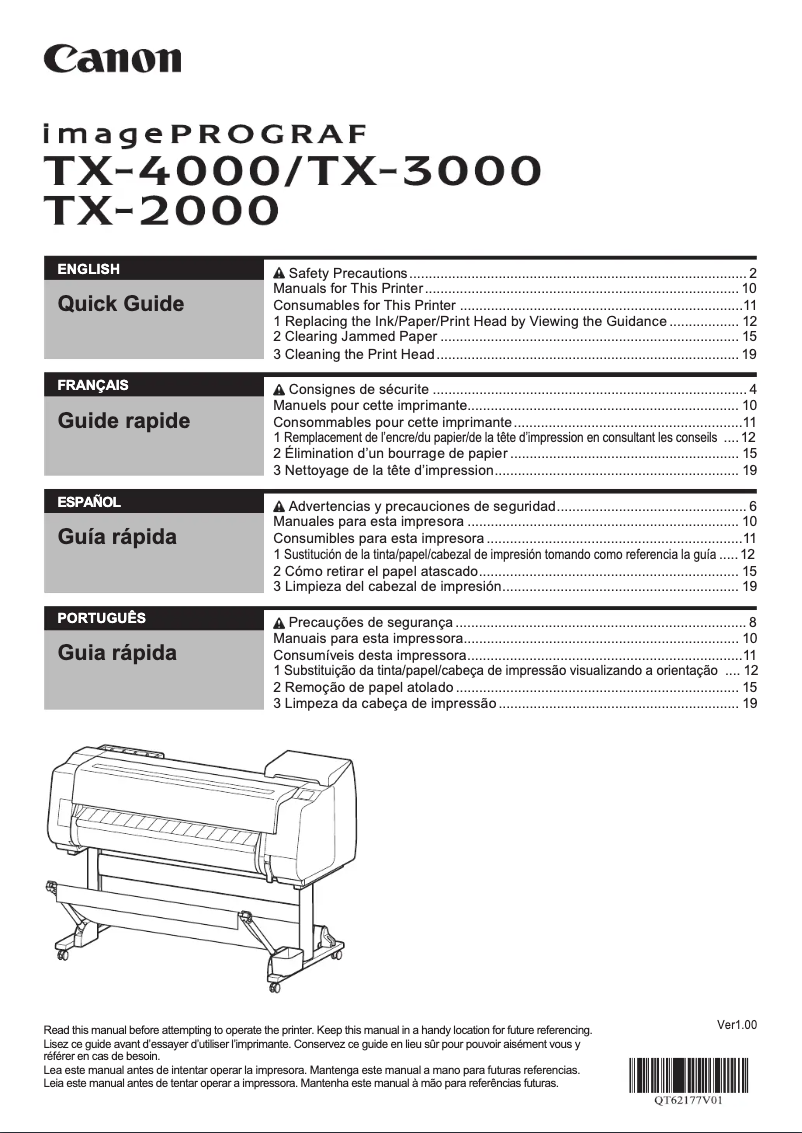
Editorial note
The Canon imagePROGRAF TX-3000 stands out for its exceptional print quality, offering precise details and vibrant colors, making it ideal for graphic design and architecture professionals. Its optimized performance allows for efficient management of large print tasks, a major asset for dynamic work environments. Additionally, its user-friendly interface and the availability of a user manual facilitate onboarding, thus enhancing the overall experience. However, several drawbacks deserve mention. The initial purchase cost can be high, which poses a barrier for small businesses and individual users. Furthermore, the printer's dimensions may make it cumbersome in restricted workspaces. Maintenance costs, particularly those related to ink cartridges and quality paper, can quickly add up. The complexity of advanced features may also require an adjustment period for less experienced users, while the noise level during operation could be disruptive in a quiet environment. In summary, the Canon imagePROGRAF TX-3000 is a quality printer that combines innovation and performance, but its cost and size may present disadvantages for some users.Score details
User experience
The handling of the Canon imagePROGRAF TX-3000 is facilitated by its user-friendly interface and the availability of a user manual, which enhances the overall experience.
Performance
This printer offers optimized performance, capable of handling large printing tasks quickly and efficiently, which is perfect for demanding work environments.
Value for money
The initial purchase cost is high, which can be a barrier for small businesses or individual users, despite the exceptional print quality.
Design
The dimensions of the printer can be bulky, which may make installation difficult in tight workspaces.
Features
Equipped with the latest technological innovations, the Canon imagePROGRAF TX-3000 uses high-quality inks, ensuring durable and resistant results.
Support
The complexity of the advanced features may require a learning curve, which can be a barrier for less experienced users.
Robustness
The noise level during operation may be higher than that of other printers, which can be disruptive in a quiet work environment.
Advantages
High-resolution prints and vibrant colors.
Fast production for high-volume printing tasks.
User-friendly interface and easy handling.
Advanced technologies for lasting results.
Printing on various media for flexibility.
Disadvantages
High purchase cost for small businesses.
Bulky dimensions for restricted spaces.
High maintenance and ink costs.
Learning curve for advanced features.
Noise level higher than other models.
Technical Specifications imagePROGRAF TX-3000
General Information
-
ModelIMAGEPROGRAF TX-3000
-
Brand
-
Category
-
Type
-
SKU1375228
-
MPN1375228
Frequently Asked Questions
What is the appropriate method for removing paper jammed in the printer?
Why does my printer not recognize original cartridges?
What are the possible reasons for poor print quality?
How does a laser printer differ from an inkjet printer?
Why does my inkjet printer leave black streaks on my prints?
What does the acronym DPI mean?
Is it possible to obtain the manual for the Canon imagePROGRAF TX-3000 in French?
Similar products


More product categories from brand Canon
Computers and accessories Canon
Camera and photography Canon
Other Canon
Audio Canon
Software Canon
Interior Canon
More product types from brand Canon





Presentation of product imagePROGRAF TX-3000 specifications from brand Canon
General Information
The Canon imagePROGRAF TX-3000 printer is a product of the renowned brand Canon, known for its commitment to quality and innovation in the printing field. This model is designed to deliver exceptional performance, ensuring an optimized user experience. The EAN code, which uniquely identifies this product, is 0013803296433 and 0660685177338.
Advantages
The Canon imagePROGRAF TX-3000 stands out for its remarkable print quality, providing high-resolution results that will appeal to professionals in graphic design and architecture. With a fast printing time, this printer is perfectly suited for dynamic work environments and can handle large tasks efficiently.
Its user-friendly interface and the included user manual make it easy to use, allowing users to focus on their projects without being distracted by technical complexities. Additionally, this printer incorporates recent technological innovations, using high-quality inks for durable and resilient prints. Its versatility allows it to print on various media, thus meeting the diverse needs of users.
Disadvantages
However, it is important to note some disadvantages associated with this model. The initial acquisition cost can be considerable, representing a significant investment for small businesses or individual users. Furthermore, its large dimensions may pose installation challenges in confined spaces.
The maintenance and operating costs, particularly regarding ink cartridges and quality paper, can quickly add up. The complexity of advanced features may also require some adjustment time for less experienced users. Finally, the noise level of the printer during operation may be higher than that of other models, which could be a drawback in quiet work environments.


