

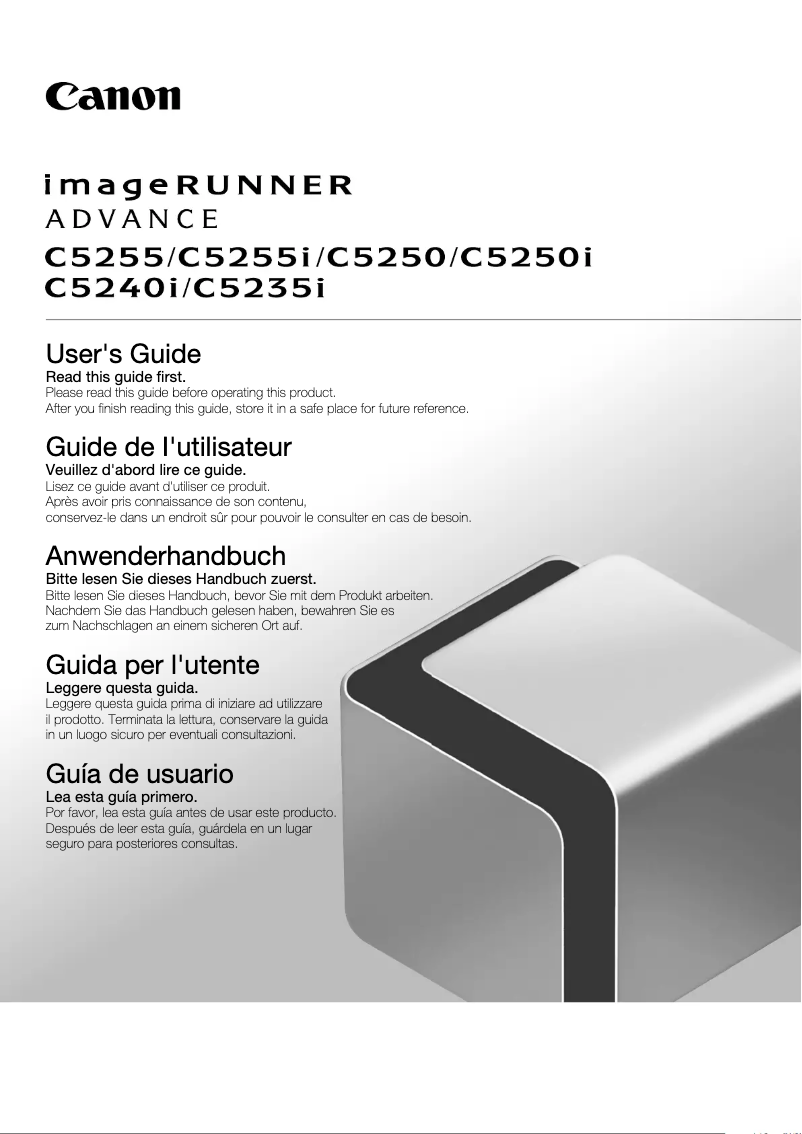
Manual of product ImageRUNNER ADVANCE C5240i
Editorial note
The Canon ImageRUNNER ADVANCE C5240i stands out for its optimal performance, ensuring fast and high-quality printing, making it an ideal choice for demanding work environments. With 2 GB of internal memory, this device allows for smooth data management, thus facilitating its daily use. Moreover, its design with dimensions of 620 x 700 x 1082 mm allows for easy integration into various office spaces while maintaining a neat aesthetic. However, it is important to consider some drawbacks. Its weight and dimensions can make installation and relocation difficult, especially in tight spaces. Additionally, the acquisition and maintenance costs could be a barrier for small businesses or occasional users. The 2 GB memory, while sufficient for routine tasks, may prove limited for environments requiring intensive document management. The lack of advanced connectivity features, such as Wi-Fi, could also restrict usage flexibility in modern offices. In terms of user experience, the intuitive interface makes it easy to use, making this device accessible even to less experienced users. Canon's reputation ensures reliable technical support, which is a significant advantage. Overall, the Canon ImageRUNNER ADVANCE C5240i is a solid choice for those seeking a high-performing printer while considering the practical aspects related to its installation and cost.Score details
User experience
The user experience is enhanced by an intuitive interface, making it accessible even to less experienced users.
Performance
Performance is optimal, ensuring fast and high-quality printing, which is ideal for demanding work environments.
Value for money
The acquisition and maintenance cost can be high, which may not be suitable for small businesses or occasional users.
Design
The dimensions of 620 x 700 x 1082 mm allow for easy integration into various workspaces, although this may make moving it difficult.
Features
The lack of advanced connectivity features, such as Wi-Fi, may restrict usage flexibility in modern offices.
Robustness
The Canon brand is recognized for its quality and innovation, ensuring reliable performance for users.
Usability
Although the 2 GB internal memory is sufficient for many tasks, it may be limited for work environments requiring intensive document management.
Support
Users can rely on Canon's reputation for reliable and quality technical support.
Advantages
Fast and quality printing performance.
2 GB of internal memory for smooth usage.
Compact dimensions for various workspaces.
Reputable brand for its reliability.
Intuitive interface for simplified use.
Disadvantages
Weight and dimensions make transportation difficult.
High purchase and maintenance cost.
Limited 2 GB internal memory.
Lack of Wi-Fi connectivity.
High noise level during printing.
Technical Specifications ImageRUNNER ADVANCE C5240i
General Information
-
ModelIMAGERUNNER ADVANCE C5240I
-
Brand
-
Category
-
Type
-
SKU802028
-
MPN802028
Weight and dimensions
-
Dimensions (LxWxH)620 x 700 x 1082 mm
Other features
-
Internal memory2 GB
Frequently Asked Questions
What is the recommended method for removing paper jammed in the printer?
Why does my printer not recognize the original cartridges?
What are the reasons for poor print quality?
What are the distinctions between a laser printer and an inkjet printer?
Why does my inkjet printer produce black streaks on my prints?
What does the acronym DPI mean?
Is the manual for the Canon ImageRUNNER ADVANCE C5240i available in French?
Similar products


More product categories from brand Canon
Computers and accessories Canon
Camera and photography Canon
Other Canon
Audio Canon
Software Canon
Interior Canon
More product types from brand Canon





Presentation of product ImageRUNNER ADVANCE C5240i specifications from brand Canon
General Information
The Canon ImageRUNNER ADVANCE C5240i is a printer from the Canon brand, known for its reliability and innovation in the office equipment sector. This model, designated by the reference ImageRUNNER ADVANCE C5240i | 5560B005, is designed to deliver exceptional performance, ensuring fast and high-quality printing. The EAN code 4960999849430 uniquely identifies this product within the distribution network.
Weight and Dimensions
The dimensions of the Canon ImageRUNNER ADVANCE C5240i are 620 x 700 x 1082 mm, providing a size suitable for effectively integrating into various work environments while remaining aesthetically pleasing. However, its weight and dimensions may make installation and movement more complex, especially in confined spaces.
Other Features
This printer is equipped with a 2 GB internal memory, allowing for the storage of a significant amount of data and applications, contributing to smooth and efficient use. While this capacity is adequate for many tasks, it is worth noting that it may prove insufficient in environments requiring intensive document management.
Advantages
- Optimal Performance: Fast and high-quality prints.
- Large Memory Capacity: Facilitates the storage of important data.
- Suitable Dimensions: Easily integrates into various workspaces.
- Trusted Brand: Canon is synonymous with quality and durability.
- Improved User Experience: Intuitive interface for comfortable use.
Disadvantages
- Weight and Dimensions: May make installation difficult in tight spaces.
- Acquisition and Maintenance Cost: Can be high, which may not suit all businesses.
- Memory Capacity: 2 GB may be limited for heavy tasks.
- Connectivity: Lack of advanced features like Wi-Fi, limiting flexibility.
- Noise Level: Can be high during printing, which may be disruptive in quiet environments.


