

Manual of product iR3225N
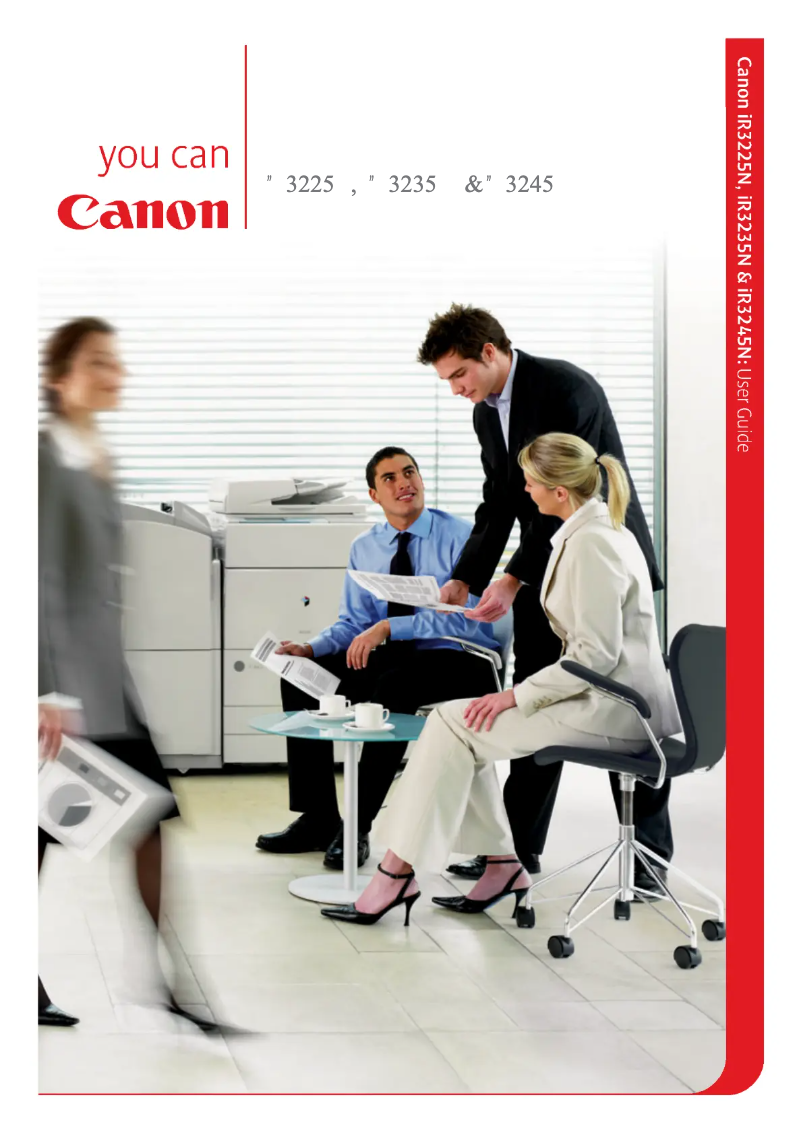
Editorial note
The Canon iR3225N stands out for its reliability and quality, hallmark characteristics of the Canon brand. With a high user experience score (85), this printer offers an intuitive interface that facilitates daily tasks, making its use enjoyable and efficient. Its advanced printing technology and versatility for different types of documents add significant value, as evidenced by its score of 88 in features. However, it is important to note some drawbacks. The initial purchase cost is relatively high, which can be a barrier for small businesses or individual users. Additionally, the size of the printer, while functional, may pose integration challenges in small workspaces. The warm-up time before printing can also slow down workflow, which is something to consider in an active environment. Finally, technical support is a strong point, with a score of 90. The included user manual allows for quick resolution of potential issues, thus providing a good level of satisfaction. In summary, the Canon iR3225N is a high-performing and reliable printer, but its cost and size may limit its appeal for some users.Score details
User experience
The user experience is enhanced by an intuitive interface, making daily work easier.
Performance
Performance is optimal for various tasks, although the warm-up time before printing can slow down the workflow.
Value for money
The initial purchase cost is high, which can be a barrier for small businesses or individual users.
Design
The design is functional, but the bulky size can pose integration issues in small spaces.
Support
The product comes with a user manual, making it easier to troubleshoot any issues.
Features
Advanced printing technology and versatility for various types of documents add significant value.
Advantages
Recognized reliability of the Canon brand
Intuitive and smooth use
Versatile for various documents
User manual included
Fast and quality printing
Disadvantages
High initial purchase cost.
Bulky size for small spaces.
Long heating time before printing.
High maintenance costs.
Compatibility issues with certain systems.
Technical Specifications iR3225N
General Information
-
ModelIR3225N
-
Brand
-
Category
-
Type
-
SKU89905
-
MPN89905
Frequently Asked Questions
What is the recommended method for removing paper jammed in the printer?
Why does my printer not recognize the original cartridges?
What are the possible reasons for poor print quality?
How does a laser printer differ from an inkjet printer?
Why does my inkjet printer leave black streaks on prints?
What does the acronym DPI mean?
Is the manual for the Canon iR3225N available in French?
Similar products


More product categories from brand Canon
Computers and accessories Canon
Camera and photography Canon
Other Canon
Audio Canon
Software Canon
Interior Canon
More product types from brand Canon





Presentation of product iR3225N specifications from brand Canon
General Information
The Canon iR3225N printer, from the renowned brand Canon, is recognized for its commitment to quality and innovation in the printing device sector. This model, the iR3225N, stands out for its ability to deliver optimal performance, thus contributing to an enhanced user experience.
Advantages
The Canon iR3225N has several notable strengths:
- Brand reliability: Canon is synonymous with durability, ensuring consistent performance over the long term.
- Intuitive user experience: Its user-friendly interface makes daily use easier, streamlining printing tasks.
- Versatility: This printer is capable of handling various types of documents, adapting to different professional needs.
- Accessible technical support: A user manual is provided, allowing for quick resolution of potential issues.
- Advanced printing technology: Innovative features optimize both print quality and execution speed.
Disadvantages
However, some aspects may pose challenges:
- Initial cost: The purchase price can be high, which may be a barrier for small businesses or individual users.
- Bulkiness: Its size may make integration difficult in restricted workspaces.
- Warm-up time: The time required before printing can slow down workflow in very active environments.
- Maintenance costs: Expenses related to maintenance and replacement of consumables, such as toners, can accumulate over time.
- Compatibility: Compatibility issues with certain operating systems may require updates or technical adjustments.


