

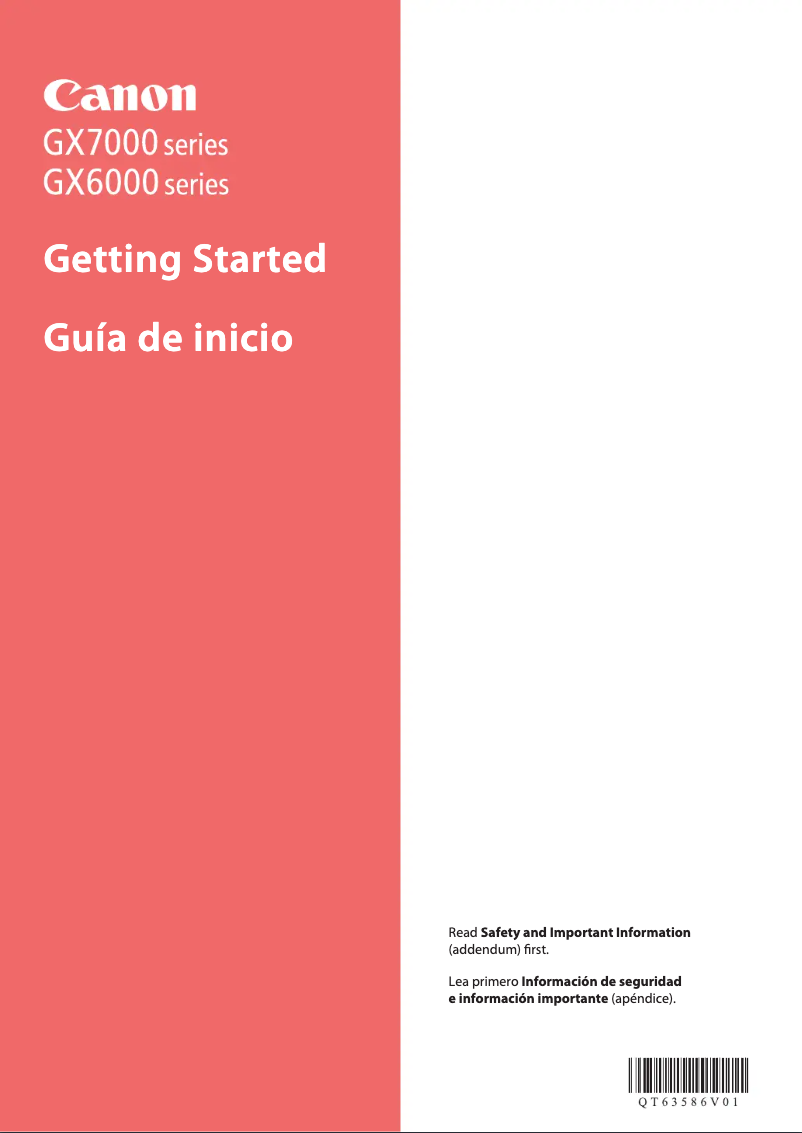
Manual of product MAXIFY GX6020
Editorial note
The Canon MAXIFY GX6020 is a multifunction printer that stands out for its superior print quality, ideal for professional documents and presentations. With features such as printing, copying, and scanning, as well as advanced connectivity via Wi-Fi, it integrates perfectly into a modern work environment. Its generous paper tray also contributes to increased productivity by reducing the need for frequent refills. However, some drawbacks must be considered. The printer can be relatively bulky, making it difficult to place in tight spaces. Additionally, its initial cost is higher than that of many other inkjet models, which may not suit all budgets. The print speed, while satisfactory for general use, may be lower than that of some laser models, especially when printing in large quantities. Finally, the initial setup can be complex for some users, requiring technical skills. In terms of user experience, feedback is generally positive, although improvements are desirable regarding the documentation provided to facilitate onboarding. The Canon MAXIFY GX6020 thus positions itself as a solid choice for professionals seeking a versatile and quality printer, while being aware of its limitations.Score details
User experience
The user experience is generally positive, although some users report that the initial setup can be complex and require a certain level of technical skill.
Performance
Performance is satisfactory for general use, but print speed may be lower than that of some laser models, especially for high-volume printing.
Design
The design is functional, but the printer can be relatively bulky, making it difficult to place in tight workspaces.
Value for money
The initial cost may be high compared to other inkjet printers, which may not suit all budgets, although the device is energy-efficient.
Features
The Canon MAXIFY GX6020 stands out for its versatile features, with printing, copying, and scanning capabilities, as well as advanced connectivity.
Support
The 20-page user manual is available, but some users may find difficulties during the initial setup.
Documentation
The provided documentation is helpful but could be improved to facilitate product onboarding.
Advantages
High-quality printing for documents
Energy-saving to reduce costs
Printing, copying, and scanning features
Wi-Fi connectivity and mobile printing
Large-capacity paper tray
Disadvantages
Bulky, difficult to place in small spaces.
High initial cost, not for all budgets.
Print speed lower than some laser models.
Expensive ink cartridge replacements.
Complex initial setup for some users.
Technical Specifications MAXIFY GX6020
General Information
-
ModelMAXIFY GX6020
-
Brand
-
Category
-
Type
-
SKU1663179
-
MPN1663179
Frequently Asked Questions
What is the recommended method for removing jammed paper from the printer?
Why is my printer rejecting original cartridges?
What are the possible reasons for poor print quality?
What is the difference between a laser printer and an inkjet printer?
Why does my inkjet printer leave black streaks on my prints?
What does the acronym DPI mean?
Is the manual for the Canon MAXIFY GX6020 available in French?
Similar products


More product categories from brand Canon
Computers and accessories Canon
Camera and photography Canon
Other Canon
Audio Canon
Software Canon
Interior Canon
More product types from brand Canon





Presentation of product MAXIFY GX6020 specifications from brand Canon
General Information
The Canon MAXIFY GX6020 is a multifunction printer model, manufactured by Canon, a brand recognized for its excellence and innovation in the office equipment sector. This model, identified by the reference MAXIFY GX6020 | 4470C002, is designed to deliver high-quality performance and optimize the user experience.
Advantages
This printer stands out for its exceptional print quality, ideal for producing professional documents and presentations. Its energy-efficient design helps reduce operating costs while being environmentally friendly. Furthermore, the MAXIFY GX6020 proves to be versatile, integrating printing, copying, and scanning features suitable for various office needs.
The device's advanced connectivity allows for easy Wi-Fi connection and the ability to print from mobile devices, facilitating its integration into a modern work environment. Additionally, its large-capacity paper tray reduces the need for frequent refills, thereby increasing productivity.
Disadvantages
However, it is important to note that the Canon MAXIFY GX6020 can be relatively bulky, which may pose issues in restricted workspaces. Its initial cost may also be higher than that of other inkjet printers, which may not suit all budgets. Moreover, while its print speed is satisfactory for general use, it may be lower than that of some laser models, especially for high-volume printing.
The ink cartridges, although designed to last, can be costly to replace once depleted. Finally, some users have reported that the initial setup of the printer can be complex, requiring a certain level of technical skill for optimal use.


