

Manual of product PIXMA G4470
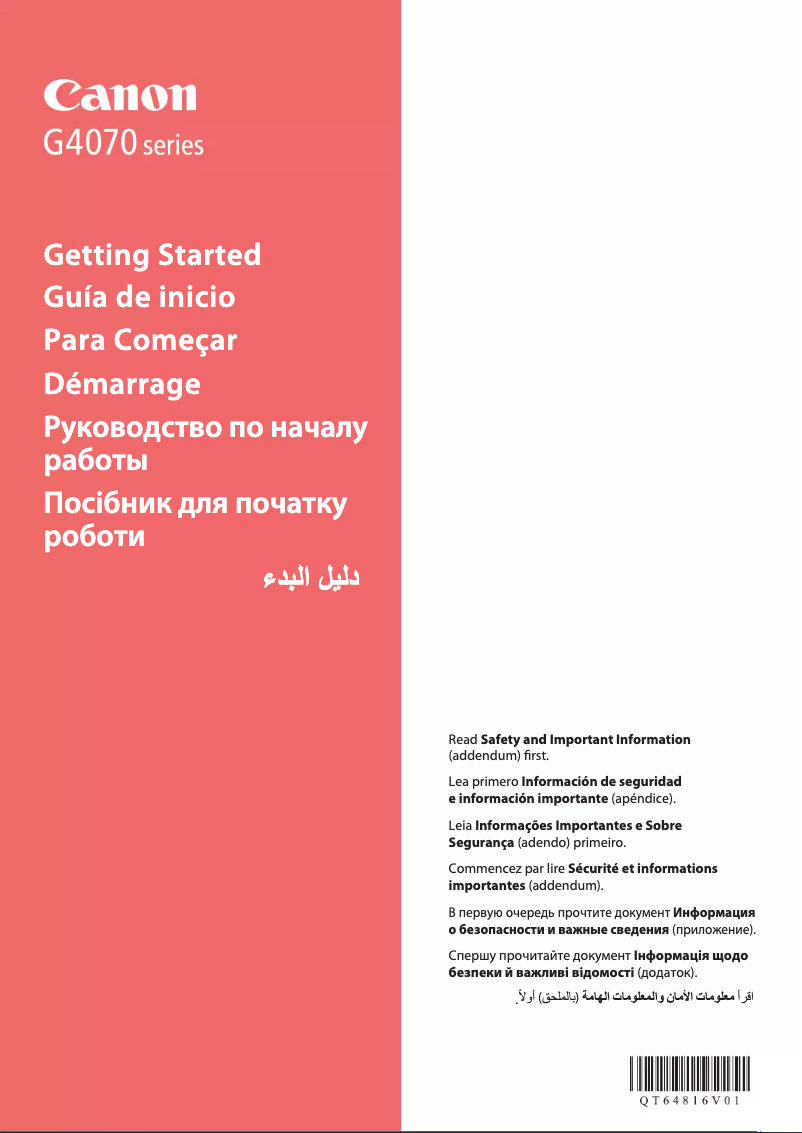
Editorial note
The Canon PIXMA G4470 stands out for its high-quality prints, making it ideal for professional documents and photos. With its all-in-one functionality, it allows for printing, copying, and scanning, thus providing a complete solution for office needs. Additionally, its ink tank system helps reduce printing costs, a major advantage for high-volume users. The intuitive interface and included user manual make it easy to use, even for novices. However, the initial cost of the printer may seem high compared to other models. Its size and weight may also pose space issues for those working in confined environments. Print times for color documents may be longer than those of laser printers, and the print quality in draft mode may not meet professional standards. Finally, while the interface is generally accessible, some users may find it complex. Overall, the Canon PIXMA G4470 is a versatile printer that excels in several areas, but it is essential to consider its drawbacks to determine if it meets your specific needs.Score details
User experience
Ease of use is a major asset thanks to its intuitive interface and the included user manual, although some users may find the interface complex.
Performance
Print performance is excellent for professional documents and photos, but color printing times may be longer than those of laser printers.
Value for money
The initial cost is relatively high, but the economical printing technology helps reduce printing costs in the long run, especially for high-volume users.
Design
Although the design is modern, the size and weight may pose a problem for those with limited workspace.
Features
The versatility of the all-in-one printer, offering printing, copying, and scanning functions, as well as advanced Wi-Fi connectivity, makes it a very comprehensive choice.
Advantages
Clear and precise prints.
All-in-one printer: print, copy, scan.
Ink savings for high-volume printing.
Easy to use and set up.
Wi-Fi connectivity for wireless printing.
Disadvantages
High initial cost compared to other models.
Bulky size and weight for small spaces.
Longer color printing time.
Insufficient draft quality for professional documents.
Complex user interface for some.
Technical Specifications PIXMA G4470
General Information
-
ModelPIXMA G4470
-
Brand
-
Category
-
Type
-
SKU1846191
-
MPN1846191
Frequently Asked Questions
How can I remove the paper jammed in the printer?
Why does my printer not recognize the original cartridges?
Why is the quality of my prints poor?
What are the differences between a laser printer and an inkjet printer?
Why does my inkjet printer leave black streaks on prints?
What does the acronym DPI mean?
Is the manual for the Canon PIXMA G4470 available in French?
Similar products


More product categories from brand Canon
Computers and accessories Canon
Camera and photography Canon
Other Canon
Audio Canon
Software Canon
Interior Canon
More product types from brand Canon





Presentation of product PIXMA G4470 specifications from brand Canon
General Information
The Canon PIXMA G4470 printer is a versatile model from the renowned Canon brand, known for its excellence and innovation in the field of printing devices. Designed to meet the varied needs of users, the PIXMA G4470 combines performance and ease of use, ensuring an optimal printing experience.
Advantages
The Canon PIXMA G4470 stands out for several major strengths:
- High-quality printing: It produces sharp and precise prints, ideal for professional documents as well as photos.
- Versatility: As an all-in-one printer, it allows for printing, copying, and scanning, providing a complete solution for all your office needs.
- Cost-effective printing technology: Thanks to its ink tank system, it reduces printing costs, which is particularly advantageous for users with high printing volumes.
- Ease of use: With an included user manual and a user-friendly interface, it is accessible even for less experienced users.
- Advanced connectivity: The ability to print wirelessly via Wi-Fi makes using the printer more flexible by allowing connection to various devices.
Disadvantages
However, some aspects may be perceived as disadvantages:
- The initial cost of the printer may seem relatively high compared to other inkjet printer models available on the market.
- Its size and weight may pose challenges for integrating it into limited workspace.
- Printing times for color documents may be longer than those of some laser printers.
- The print quality in draft mode may not be sufficient for documents intended for professional presentations.
- For users unfamiliar with multifunction printers, the user interface may appear complex.


