

Manual of product Selphy CP500
Editorial note
The Canon Selphy CP500 is a compact photo printer that stands out for its remarkable print quality. Thanks to its advanced technology, it produces sharp and vibrant photos, ideal for capturing your memories. Its compact design makes it a practical choice for travel and events, allowing you to easily print photos at any time. The user experience is very positive due to the device's user-friendliness, facilitated by a clear user manual. This makes printing accessible even for novices. However, it is important to note that the print speed can be slow, especially for high-quality prints, which may frustrate hurried users. Additionally, the connectivity, while varied, does not offer advanced options like Wi-Fi or Bluetooth, which can complicate file transfers. Another aspect to consider is the cost of consumables, such as photo paper and ink cartridges, which can be relatively high. Despite this, the durability of the prints is a strong point, with water and wear-resistant photos ensuring their longevity. In summary, the Canon Selphy CP500 is an excellent option for those looking for a portable and quality photo printer, while keeping in mind its few limitations in terms of speed and connectivity.Score details
User experience
The user experience is very positive due to the ease of use and the clear manual, making printing accessible even for novices.
Performance
The printing performance is good for quality photos, but the speed can be a drawback for users in a hurry.
Design
The compact and portable design is a real asset, allowing for easy transport of the printer during trips or events.
Value for money
Although the print quality is excellent, the cost of consumables such as photo paper and ink cartridges can be relatively high.
Features
The connectivity options are varied, but lack advanced features like Wi-Fi or Bluetooth, which can make file transfer less convenient.
Robustness
The durability of the prints is a strong point, with photos resistant to water and wear, ensuring their longevity.
Advantages
Printing sharp and vibrant photos
Compact and portable design
Easy to use for everyone
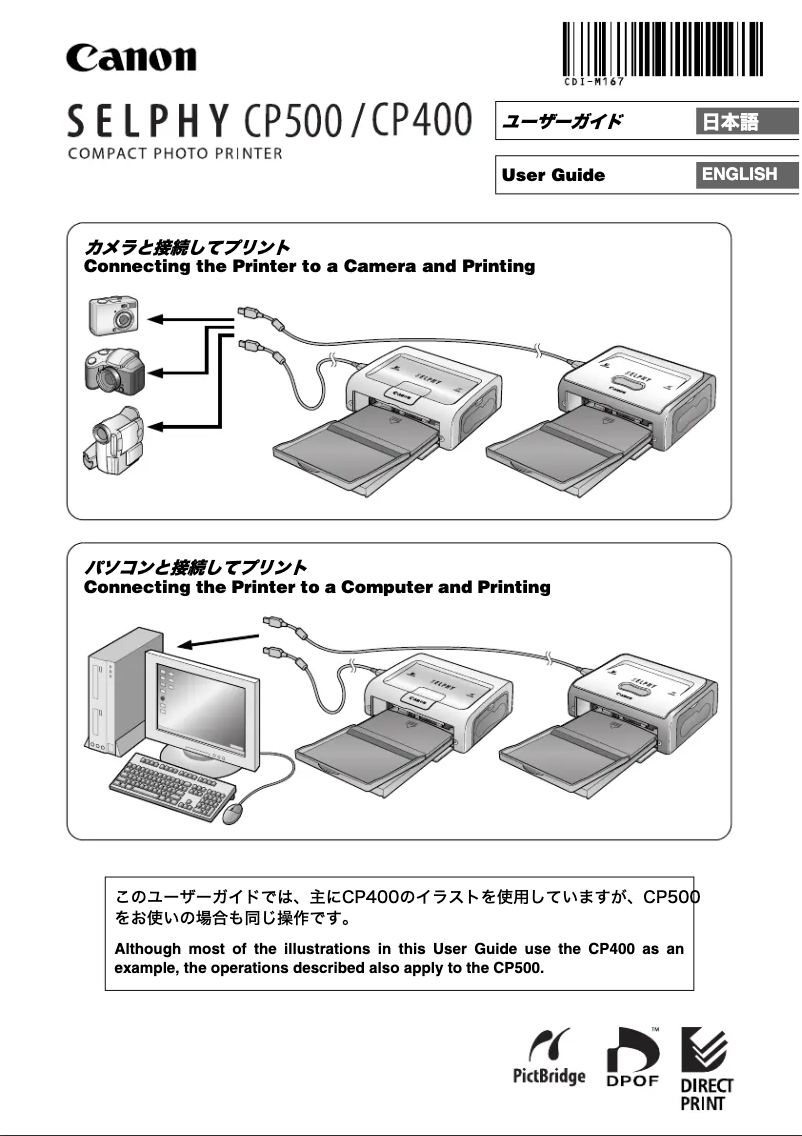
Direct connection with smartphone and camera
Water and wear-resistant prints
Disadvantages
Limited capacity for large prints.
High cost of consumables.
Slow printing speed.
Connectivity without Wi-Fi or Bluetooth.
Insufficient print quality for professionals.
Technical Specifications Selphy CP500
General Information
-
ModelSELPHY CP500
-
Brand
-
Category
-
Type
-
SKU1267282
-
MPN1267282
Frequently Asked Questions
What is the most effective method for removing jammed paper from the printer?
Why is my printer refusing to accept original cartridges?
What are the possible reasons why my prints are of poor quality?
How does a laser printer differ from an inkjet printer?
Why is my inkjet printer producing black streaks on my prints?
What does the term DPI mean?
Is the manual for the Canon Selphy CP500 available in French?
Similar products


More product categories from brand Canon
Computers and accessories Canon
Camera and photography Canon
Other Canon
Audio Canon
Software Canon
Interior Canon
More product types from brand Canon





Presentation of product Selphy CP500 specifications from brand Canon
General Information
The Canon Selphy CP500 is a printer from the renowned brand Canon, known for its excellence and innovation in the printing device sector. This compact model is specifically designed to provide an exceptional printing experience, allowing for the production of high-quality photos from various devices.
Advantages
This printer stands out for several strengths:
- High-quality printing: Thanks to its advanced printing technology, the Selphy CP500 produces sharp and vibrant images, perfect for enhancing your photo albums.
- Compact and portable: Its ergonomic design makes it easy to transport, ideal for printing memories during trips or events.
- Ease of use: With a clear manual, this printer is user-friendly and accessible, even for those without prior printing experience.
- Versatile connectivity: The Selphy CP500 allows for direct printing from your smartphone or camera, simplifying the printing process.
- Durability of prints: The prints produced are water and wear-resistant, ensuring that your memories remain intact over time.
Disadvantages
Despite its many advantages, the Canon Selphy CP500 has some limitations:
- Limited processing capacity: Due to its compact size, the printer may not be suitable for large prints or varied formats.
- Consumable costs: Ink cartridges and photo paper can be relatively expensive compared to other options on the market.
- Printing speed: The printing pace can be slow, especially for high-quality prints, which may be an issue for users in a hurry.
- Restricted connectivity: The lack of advanced options such as Wi-Fi or Bluetooth limits the ease of file transfer.
- Variable print quality: While generally satisfactory, the quality of prints may not meet the standards of professionals or discerning photographers.


