
Manual of product UP-400
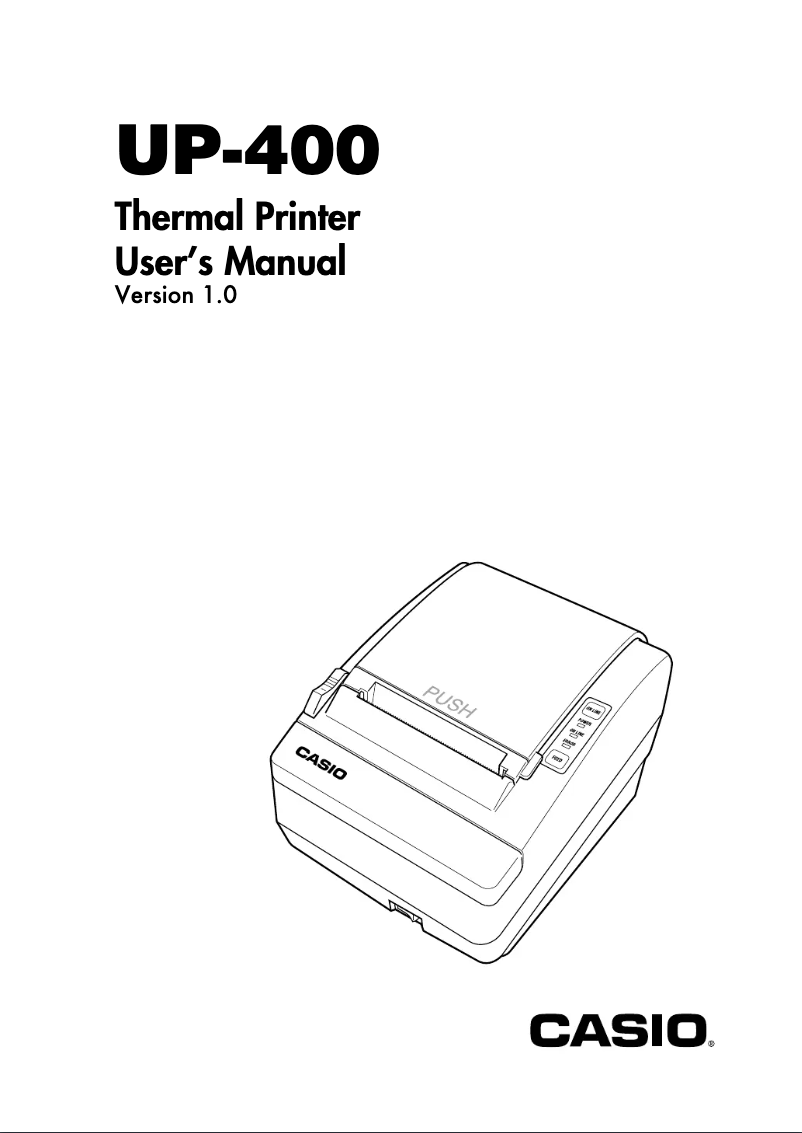
Editorial note
The Casio UP-400 printer stands out for its high print quality, delivering clear and professional documents, making it an ideal choice for demanding users. Its modern and compact design allows for easy integration into various work environments, thus optimizing the available space. Additionally, the Casio brand is known for its durability, which inspires confidence in the longevity of the device. However, the UP-400 model has some drawbacks. Its price may seem high compared to other printers on the market, which could deter some users. Furthermore, its weight and dimensions may limit its portability, making its use in varied environments more difficult. It is also worth noting that the availability of spare parts may be limited, which could pose problems in case maintenance is needed. Finally, the operating noise can be high, which may be disruptive in quiet workspaces. In terms of user experience, although the printer is designed to be intuitive, the interface may not be as simple as that of its competitors, which can pose challenges for less experienced users. Nevertheless, the product comes with a user manual, facilitating installation and understanding of its features. Overall, the Casio UP-400 is a quality printer, but it is essential to consider its drawbacks before making a purchasing decision.Score details
User experience
The UP-400 model is designed to provide an intuitive user experience, although the interface may not be as simple as that of other printers.
Performance
The printer offers high print quality, ensuring clear and professional documents, making it a solid choice for demanding users.
Design
Its modern and compact design allows for easy integration into any work environment, thus optimizing space.
Value for money
The price may be considered high compared to other printers on the market, which may deter some potential users.
Robustness
The Casio brand is known for its durability, providing some confidence in the product's longevity, although the availability of spare parts may be an issue.
Usability
Ease of use is an asset, but the weight and dimensions of the printer may limit its portability in various environments.
Support
The product comes with a 20-page user manual, facilitating installation and understanding of the printer's features.
noise_level
The operating noise of the printer can be loud, which may be disruptive in quiet work environments.
Advantages
High-quality printing.
Reliable and durable brand.
Intuitive and quick to use.
Compact and modern design.
User manual provided.
Disadvantages
High cost compared to other models.
Less portable due to its weight.
Limited availability of spare parts.
Non-intuitive user interface.
Noisy operation in quiet environments.
Technical Specifications UP-400
General Information
-
ModelUP-400
-
Brand
-
Category
-
Type
-
SKU860617
-
MPN860617
Frequently Asked Questions
What is the recommended method for removing paper jammed in the printer?
Why is my printer refusing to accept original cartridges?
Why is the quality of my prints poor?
What is the difference between a laser printer and an inkjet printer?
Why does my inkjet printer leave black streaks on prints?
What does the acronym DPI mean?
Is the Casio UP-400 manual available in French?
Similar products


More product categories from brand Casio
Personal care Casio
Audio Casio
Phones Casio
Other Casio
Interior Casio
Software Casio
More product types from brand Casio


Presentation of product UP-400 specifications from brand Casio
General Information
The Casio UP-400 printer is a reference model in the field of printing equipment, manufactured by the renowned brand Casio, known for its commitment to quality and technological innovation. This model is designed to deliver remarkable performance, thus ensuring an enhanced user experience.
Advantages
Among the main strengths of the Casio UP-400 printer, we can mention:
- High print quality: Producing accurate and professional documents.
- Brand reliability: Casio is synonymous with durability, which inspires confidence in users regarding the product's longevity.
- Ease of use: Designed to be intuitive, it allows for quick and effective handling.
- Compact design: Its modern design allows it to easily fit into various work environments, thus optimizing the available space.
- Accessible user manual: A user guide is provided, facilitating the installation and understanding of the printer's features.
Disadvantages
It is also important to consider some disadvantages associated with this model:
- Cost: The price of the Casio UP-400 printer may be higher than that of other models on the market, which could deter some potential buyers.
- Portability: Its weight and dimensions may limit its use in various environments.
- Availability of parts: Replacement parts and consumables may be less easily accessible, complicating maintenance.
- User interface: The interface may not be as intuitive as that of other printers, which can pose challenges for less experienced users.
- Noise level: The operation of the printer may generate noticeable noise, which can be disruptive in quiet workspaces.


