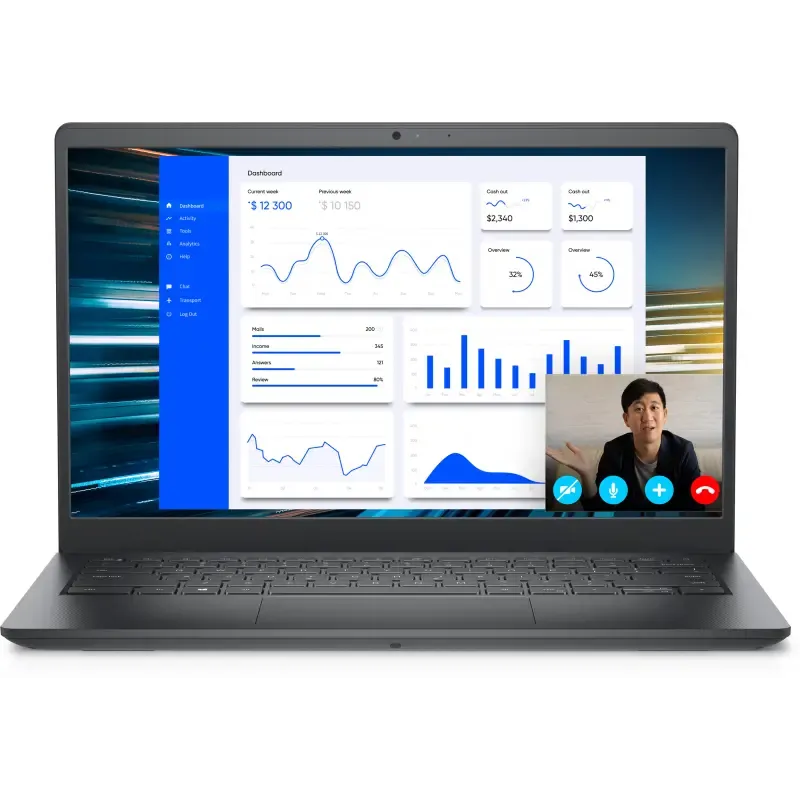

Manuals of product Vostro 3425


Editorial note
The Dell Vostro 3425 positions itself as a high-performance laptop, ideal for professionals and students looking for a reliable device for their daily tasks. With a performance score of 80, it offers a smooth and intuitive user experience, although its graphics performance is limited for recent games. The build quality is a strong point, with a score of 90, reflecting the durability and robustness that characterize the Dell brand. However, the design of the Vostro 3425 may seem a bit basic, receiving a score of 70, which could disappoint users in search of a more aesthetically pleasing device. Additionally, the battery life, rated at 65, is not optimal, requiring frequent recharges during prolonged use. The relatively high weight of the laptop and the noise from the cooling system during intensive use can also pose drawbacks, especially for those who are often on the go. Despite these limitations, the value for money is favorable, with a score of 75, offering a good balance between performance and cost. The available documents, such as the user manual and installation guide, rated at 80, are additional assets that facilitate the handling of the device. In summary, the Dell Vostro 3425 is a solid choice for those seeking a reliable and high-performance laptop, while being aware of its few drawbacks in terms of design and battery life.Score details
User experience
The user experience is enhanced through features optimized for navigation and productivity, providing a smooth and intuitive use.
Performance
The performance is high, making it an ideal choice for professionals and students, although the graphics performance is limited for recent games.
Battery life
The battery life is not exceptional, requiring frequent recharges for prolonged use, which can be a drawback when on the go.
Design
The design may seem basic and unappealing compared to other models, which could disappoint users looking for a more aesthetic device.
Robustness
The build quality is excellent, with a well-established reputation of the Dell brand for its durability, ensuring long-term use.
Value for money
The value for money is favorable, offering a good balance between performance and cost, although some limitations in terms of design and graphics performance should be considered.
Documentation
The available documents, such as the user manual and installation guide, are helpful and facilitate getting started with the computer.
Advantages
High performance for everyday tasks
Proven durability and robustness
Smooth and intuitive navigation
Manual and installation guide included
Versatile for work and leisure
Disadvantages
Basic and unappealing design
Limited graphics performance
Insufficient battery life
Relatively high weight
Noisy cooling system
Technical Specifications Vostro 3425
General Information
-
ModelVOSTRO 3425
-
Brand
-
Category
-
Type
-
SKU1758745
-
MPN1758745
Frequently Asked Questions
What factors influence download speed on the Internet?
What are the dimensions of my laptop screen?
What does the acronym HDMI stand for?
What is the best method to clean my laptop?
What is the best way to clean my keyboard?
What is Bluetooth?
Is the manual for the Dell Vostro 3425 available in French?
Similar products


More product categories from brand Dell
Computers and accessories Dell
Other Dell
Audio Dell
Phones Dell
Software Dell
Interior Dell
More product types from brand Dell


Presentation of product Vostro 3425 specifications from brand Dell
General Information
The Dell Vostro 3425 laptop embodies Dell's commitment to quality and innovation. This model is designed to meet the needs of professionals and students, ensuring reliable performance and an optimized user experience.
Advantages
The Dell Vostro 3425 stands out for its optimal performance, ideal for everyday tasks. Its recognized build quality ensures appreciable durability, allowing for prolonged use without worries. Additionally, this model offers features that enhance the user experience, making navigation and productivity smoother and more intuitive.
It also comes with useful documents such as a user manual and an installation guide, making it easier to get started. Its versatility makes it suitable for various environments, whether for work, study, or leisure.
Disadvantages
However, the Dell Vostro 3425 has a few points to consider. Its design may seem basic, which might not suit users looking for a more aesthetically pleasing device. Furthermore, its graphics performance is limited, which could restrict its use for recent games or intensive graphic applications.
The battery life is not exceptional, requiring frequent recharges for prolonged use, which can be a drawback for users on the go. Additionally, its relatively high weight may make transport less comfortable compared to lighter models. Finally, the cooling system can produce noise during intensive use, which can be disruptive in quiet environments.


