

Manuals of product DN-13020
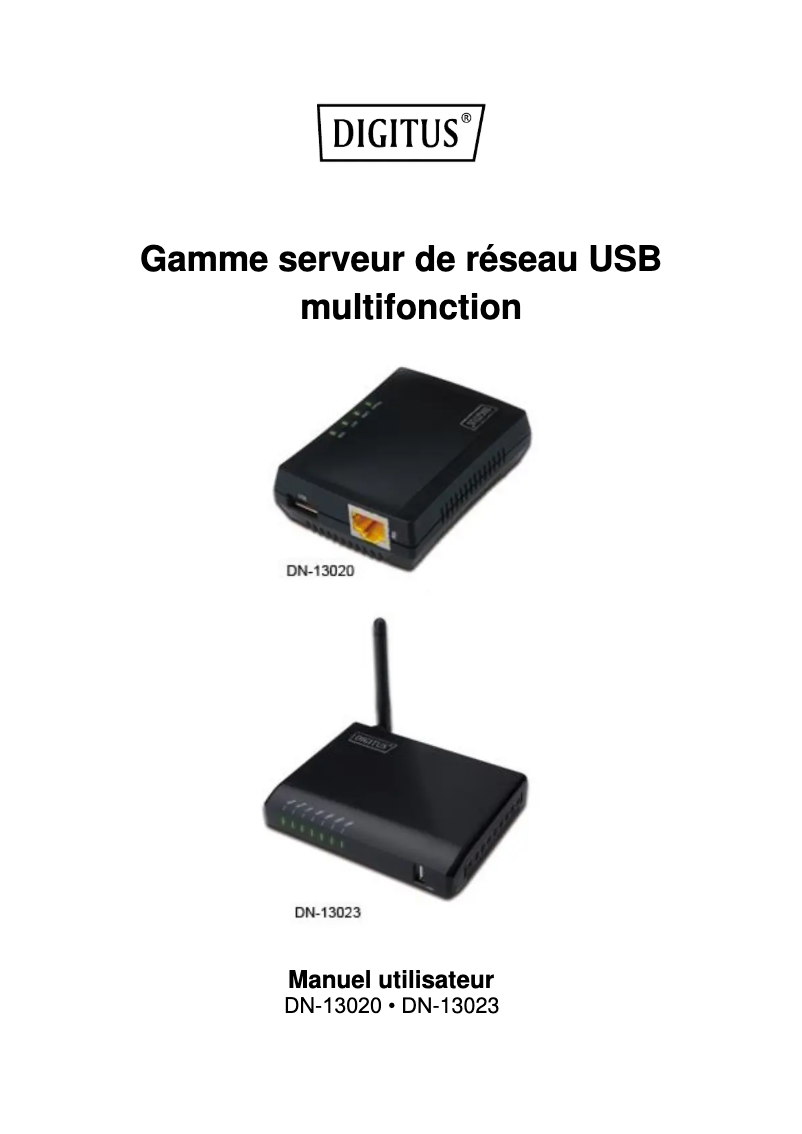
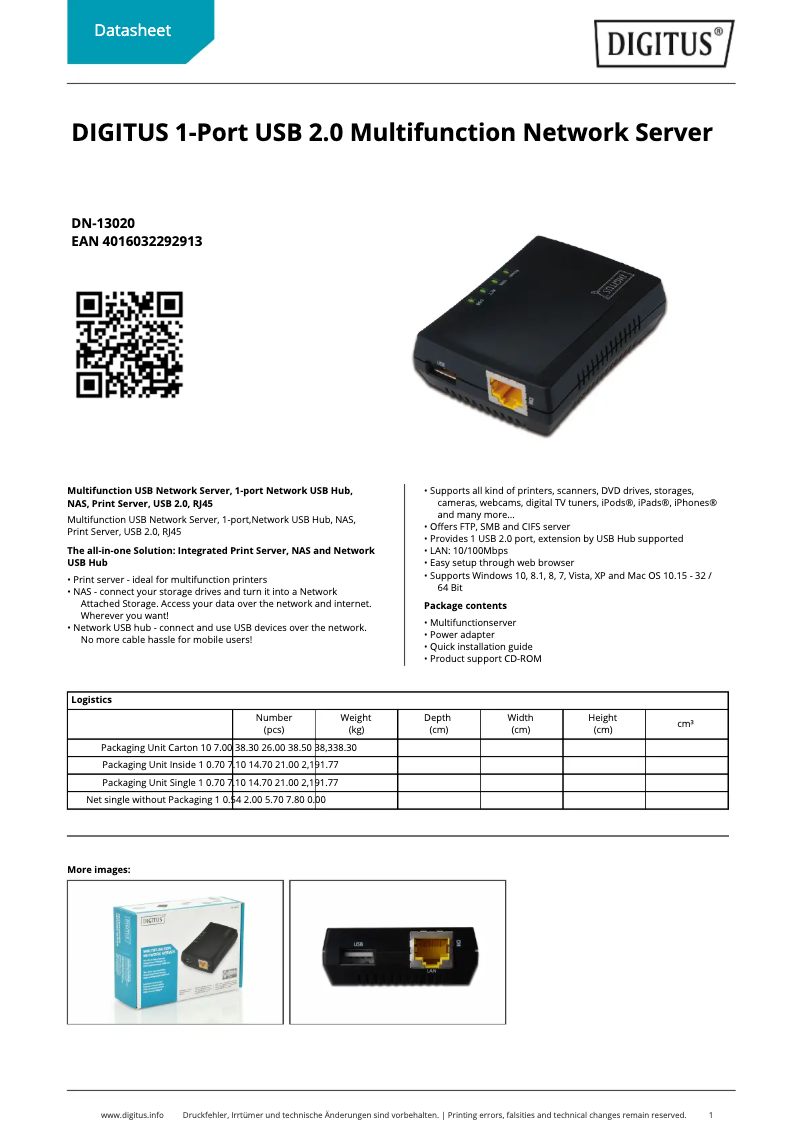
Editorial note
The Digitus DN-13020 is a printer that stands out for its fast and stable connectivity thanks to its Ethernet LAN connection, making it an ideal choice for demanding users. Its built-in display and LED indicators enhance the user experience, providing a clear view of the device's status. Additionally, the included external power adapter and user guide facilitate immediate and optimal setup. However, some aspects may pose problems. The lack of parallel ports and serial ports limits compatibility with certain older equipment, which could disappoint users with legacy peripherals. Furthermore, while the transfer rate of 10/100 Mbit/s is sufficient for many applications, it may seem slow compared to modern Gigabit transfer standards. The limited number of USB ports, with only one port available, may also not suit users needing to connect multiple devices simultaneously. In terms of compatibility, although the product supports a wide range of operating systems, it seems more geared towards older versions of Windows and Mac, which may pose challenges for users of more recent systems. Overall, the Digitus DN-13020 offers good value for money, with a modern design and robust packaging that ensures effective protection during transport. However, its limited compatibility and connectivity specifications may make it less adaptable to the needs of contemporary users.Score details
User experience
The user experience is enhanced by the built-in screen and LED indicators, which allow for a clear visualization of the device's status.
Performance
Although the transfer rate of 10/100 Mbit/s is adequate for many uses, it may seem slow compared to modern printers offering Gigabit transfer speeds.
connectivity
The Ethernet LAN connection ensures fast and stable connectivity, but the lack of parallel ports and serial ports limits compatibility with some older equipment.
Value for money
The included external power adapter and user guide add value to the product, ensuring optimal operation right out of the box.
Usability
Compatibility with a wide range of operating systems is an advantage, but the model seems to be primarily suited for older systems, which may pose issues for users of recent systems.
Design
The design is modern and the sturdy packaging ensures effective protection during transport and storage of the product.
Advantages
Fast and stable Ethernet connection
Compatible with Windows and Mac
Built-in screen with LED indicators
External power supply for reliability
Sturdy box for protection
Disadvantages
No parallel or serial ports
Transfer speed limited to 10/100 Mbit/s
Only one USB port available
No upgrade options
Compatibility limited to older operating systems
Technical Specifications DN-13020
General Information
-
ModelDN-13020
-
Brand
-
Category
-
Type
-
SKU1770602
-
MPN1770602
Network
-
Network standards-
-
Network connection typeEthernet LAN
-
LAN Ethernet: data transfer rate10, 100 Mbit/s
Protocols
-
Supported network protocolsFTP
-
SMB
-
CIFS
Connectivity
-
Quantity of USB 2.0 Ports1
-
Quantity of USB 2.0 Ports1
-
Number of serial ports0
-
Number of serial ports0
-
DC InputYes
Features
-
Built-in screenNo
-
Product colorBlack
-
Built-in screenNo
-
IndicatorsActivity, Link, Power, USB
-
Power LED indicatorYes
-
Country of originTaiwan
Software
-
Support for the Windows operating systemWindows 7 Home Basic
-
Support for the Mac operating systemWindows 7 Home Basic x64
-
Windows 7 Home Premium
-
Windows 7 Home Premium x64
-
Windows 7 Professional
-
Windows 7 Professional x64
-
Windows 7 Starter
-
Windows 7 Starter x64
-
Windows 7 Ultimate
-
Windows 7 Ultimate x64
-
Windows 8
-
Windows 8 Enterprise
-
Windows 8 Enterprise x64
-
Windows 8 Pro
-
Windows 8 Pro x64
-
Windows 8 x64
-
Windows Vista Business
-
Windows Vista Business x64
-
Windows Vista Enterprise
-
Windows Vista Enterprise x64
-
Windows Vista Home Basic
-
Windows Vista Home Basic x64
-
Windows Vista Home Premium
-
Windows Vista Home Premium x64
-
Windows Vista Ultimate
-
Windows Vista Ultimate x64
-
Windows XP Home
-
Windows XP Home x64
-
Windows XP Professional
-
Windows XP Professional x64
-
Mac OS X 10.0 Cheetah
-
Mac OS X 10.1 Puma
-
Mac OS X 10.2 Jaguar
-
Mac OS X 10.3 Panther
-
Mac OS X 10.4 Tiger
-
Mac OS X 10.5 Leopard
-
Mac OS X 10.6 Snow Leopard
-
Mac OS X 10.7 Lion
-
Mac OS X 10.8 Mountain Lion
Packaging contents
-
User GuideYes
-
User GuideYes
Packaging information
-
Type of packagingBox
Frequently Asked Questions
What is the recommended method for removing paper jammed in the printer?
Why is my printer not recognizing the original cartridges?
What are the possible causes of poor print quality?
How does a laser printer differ from an inkjet printer?
Why is my inkjet printer leaving black streaks on prints?
What does the acronym DPI mean?
Is the manual for the Digitus DN-13020 available in French?
Similar products


More product categories from brand Digitus
Other Digitus
Interior Digitus
Audio Digitus
Software Digitus
Tools Digitus
Phones Digitus
More product types from brand Digitus








Presentation of product DN-13020 specifications from brand Digitus
General Information
The Digitus DN-13020 is a printer from the Digitus brand, known for its commitment to quality and innovation in the electronics sector. This model, identified by the EAN code 4014619122776 and 4016032292913, is designed to provide reliable performance and an enhanced user experience.
Network
Connected via Ethernet LAN, the Digitus DN-13020 ensures fast and stable communication, meeting the needs of users concerned about their network. With a data transfer rate of up to 100 Mbit/s, this printer guarantees optimal efficiency during use.
Protocols
This printer supports several network protocols, including FTP, SMB, and CIFS, allowing for smooth and reliable communication for various printing and file-sharing needs.
Connectivity
The Digitus DN-13020 is equipped with an Ethernet LAN (RJ-45) port and a single USB 2.0 port, ensuring an effective connection for your devices. Although it does not have parallel or serial ports, it is compatible with DC power supplies thanks to its DC input.
Features
With an elegant black finish, the Digitus DN-13020 printer features a built-in display that enhances the user experience by providing a clear view of the various functions. It is also equipped with several LED indicators, including Activity, Link, Power, and USB, allowing users to monitor the operational status of the device. Manufactured in Taiwan, this printer stands out for its modern design.
Software
The Digitus DN-13020 is compatible with a wide range of operating systems, including several versions of Windows (such as Windows 7, 8, Vista, XP) and Mac systems (from Mac OS X 10.0 to 10.8). This compatibility ensures simplified integration into various work environments.
Packaging Contents
The packaging includes an external power adapter, essential for ensuring stable power supply, as well as a user guide to maximize the use of all the printer's features.
Packaging Information
The Digitus DN-13020 is delivered in a box, designed to provide optimal protection during transport and storage, thus preserving the integrity of the device.


