

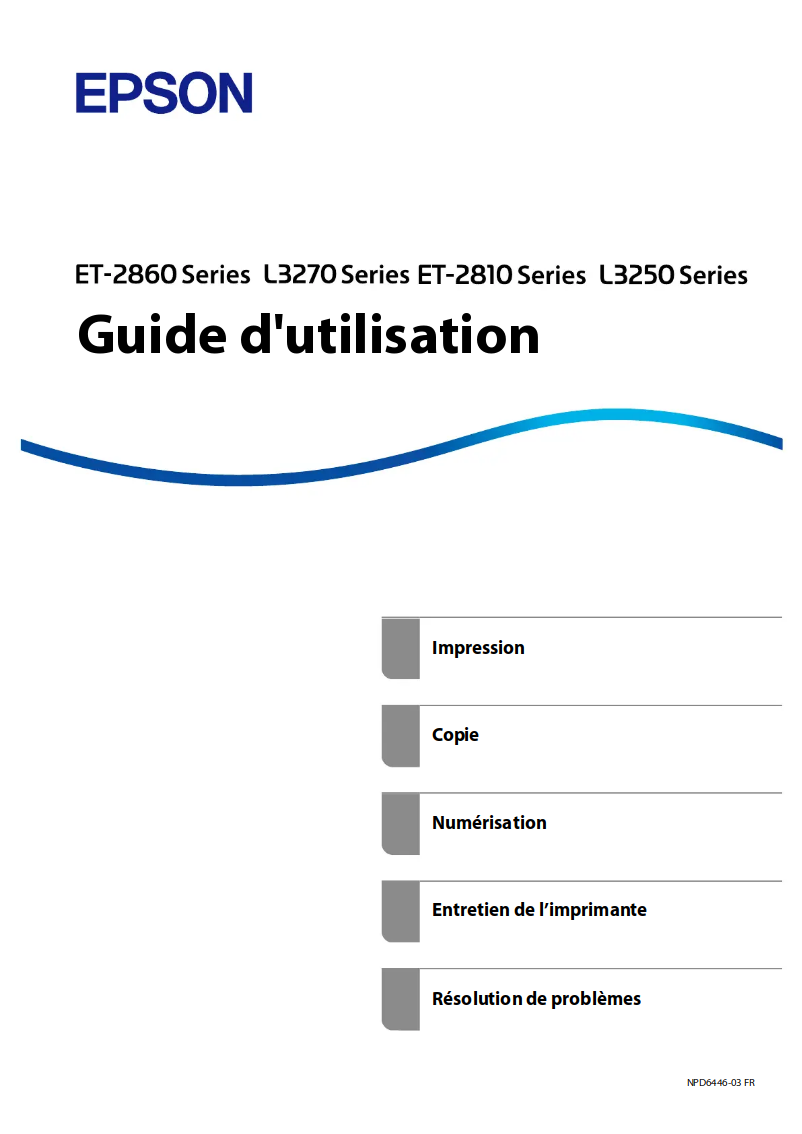
Manuals of product EcoTank ET-2865
Editorial note
The Epson EcoTank ET-2865 printer stands out for its innovative design and features tailored to the needs of modern users. With its rechargeable ink tank system, it allows for significant savings on long-term printing costs, making this investment wise for those who print frequently. Additionally, the ease of use and the included installation guide facilitate setup, even for novice users, providing a very positive user experience. In terms of performance, the EcoTank ET-2865 excels in print quality, producing sharp documents and vibrant images, ideal for professional presentations. Its versatile connectivity, including Wi-Fi, allows for wireless printing from various devices, adding to its practicality. However, several drawbacks may deter some users. The initial purchase cost is relatively high compared to traditional printer models, and its bulky size can pose space issues for those with limited desk space. Furthermore, the ink tank system may require an adjustment period for those accustomed to traditional cartridges, and while the EcoTank reduces long-term printing costs, replacing the tanks can represent a significant expense. In summary, the Epson EcoTank ET-2865 is a high-performing and economical printer, but its initial cost and size may be factors to consider for potential users.Score details
User experience
The user experience is very positive due to the ease of use and the included installation guide, making setup accessible even for novices.
Performance
The printing performance is excellent, providing sharp documents and high-quality images, ideal for professional use.
Value for money
Although the initial cost is high, the savings on ink costs in the long term can justify the investment for many users.
Design
The compact design of the EcoTank ET-2865 allows for easy integration into various workspaces, although its size may be a drawback for some.
Features
The versatile connectivity, including Wi-Fi, is a plus, but some features may seem limited compared to higher-end models.
Advantages
Ink economy with refillable tanks
Simple and intuitive setup
High-quality printing
Wi-Fi connectivity for wireless printing
Compact design for space-saving
Disadvantages
High purchase cost compared to classic models
Bulkiness, not suitable for small offices
Adjustment time to the tank system
Replacement of tanks is expensive in the long run
Limited connectivity compared to high-end models
Technical Specifications EcoTank ET-2865
General Information
-
ModelECOTANK ET-2865
-
Brand
-
Category
-
Type
-
SKU1967625
-
MPN1967625
Frequently Asked Questions
What is the best method to remove paper jammed in the printer?
Why is my printer refusing to accept original cartridges?
What are the possible reasons for poor print quality?
What is the difference between a laser printer and an inkjet printer?
Why is my inkjet printer producing black streaks?
What does the acronym DPI mean?
Is the manual for the Epson EcoTank ET-2865 available in French?
Similar products


More product categories from brand Epson
More product types from brand Epson




Presentation of product EcoTank ET-2865 specifications from brand Epson
General Information
The Epson EcoTank ET-2865 is a printer from the renowned brand Epson, known for its commitment to quality and innovation in the printing device sector. This model, the EcoTank ET-2865, offers exceptional performance and an optimized user experience, meeting the diverse needs of modern users.
Advantages
Ink savings: Thanks to its EcoTank system, this printer significantly reduces printing costs with refillable ink tanks, providing extended autonomy and limiting the frequency of replacements.
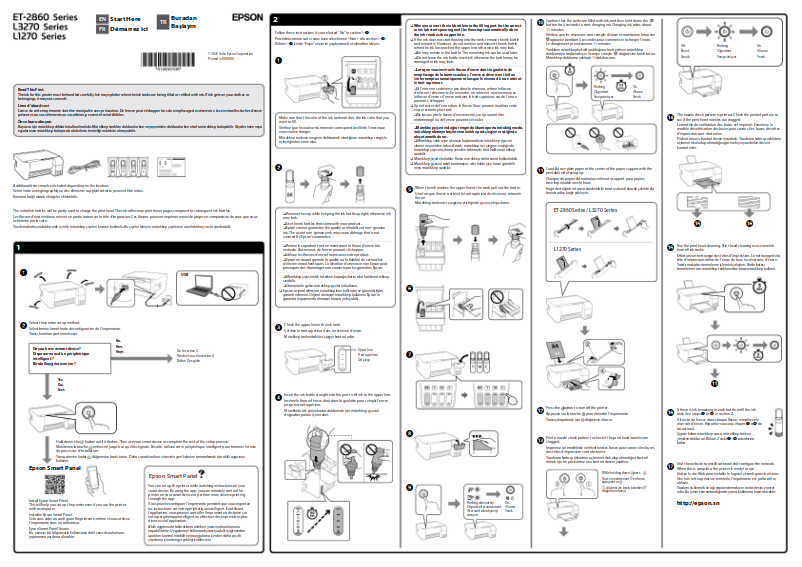
Ease of use: The EcoTank ET-2865 stands out with its intuitive features and an included installation guide, ensuring easy setup, even for novice users.
Superior print quality: With Epson's advanced printing technology, this device produces sharp documents and vibrant images, ideal for professional presentations and photographic prints.
Versatile connectivity: This printer supports multiple connectivity options, including Wi-Fi, allowing convenient wireless printing from mobile devices and computers.
Compactness: Its compact design makes it easy to integrate into various workspaces, optimizing the use of available space.
Disadvantages
Initial cost: The purchase price of the EcoTank ET-2865 may be higher than that of some traditional printers, which could deter some users.
Printer size: Although compact, the size of the printer may be considered bulky for users with limited office space.
Adjustment to the tank system: New users, especially those accustomed to traditional ink cartridges, may require some time to adapt to the ink tank system.
Replacement costs: Despite the reduction in long-term printing costs, replacing ink tanks can represent a significant expense.
Connectivity features: Some connectivity features may be less advanced than those offered by high-end models, which may not suit all users.


