

Manuals of product G3X Touch
Editorial note
The Garmin G3X Touch stands out for its intuitive touchscreen interface that makes navigation and the use of its many features easier. Although the initial learning curve may be a bit challenging for new users, once mastered, this interface provides an optimal user experience. Additionally, the model is designed to ensure high performance, making it a reliable choice for appliance enthusiasts. However, the price of the G3X Touch may seem high compared to other similar models, which could make it less accessible for some users. It is also important to note that the screen size may not be suitable for all installations, limiting its use in tight spaces. Some users might find that certain advanced features are unnecessary, especially if they do not need them. In terms of documentation, Garmin offers a user manual and an installation guide, allowing for a quick start and optimal use. Compatibility with various Garmin accessories is a plus, although the lack of compatibility with some third-party devices may restrict integration possibilities in a larger system. Ultimately, the Garmin G3X Touch remains a solid choice for those seeking a quality product, despite a few drawbacks to consider.Score details
User experience
The intuitive touchscreen interface makes navigation and use of features easier, although the initial learning curve may be a bit challenging for new users.
Performance
The G3X Touch model is designed to deliver optimal performance, ensuring an enhanced user experience.
Value for money
The price may be high compared to other similar models, which could make it less accessible for some users.
Usability
Although the interface is modern, it may require some adjustment time, and the screen size may not be suitable for all installations.
Features
Compatibility with various Garmin accessories, although some advanced features may seem unnecessary for certain users.
Documentation
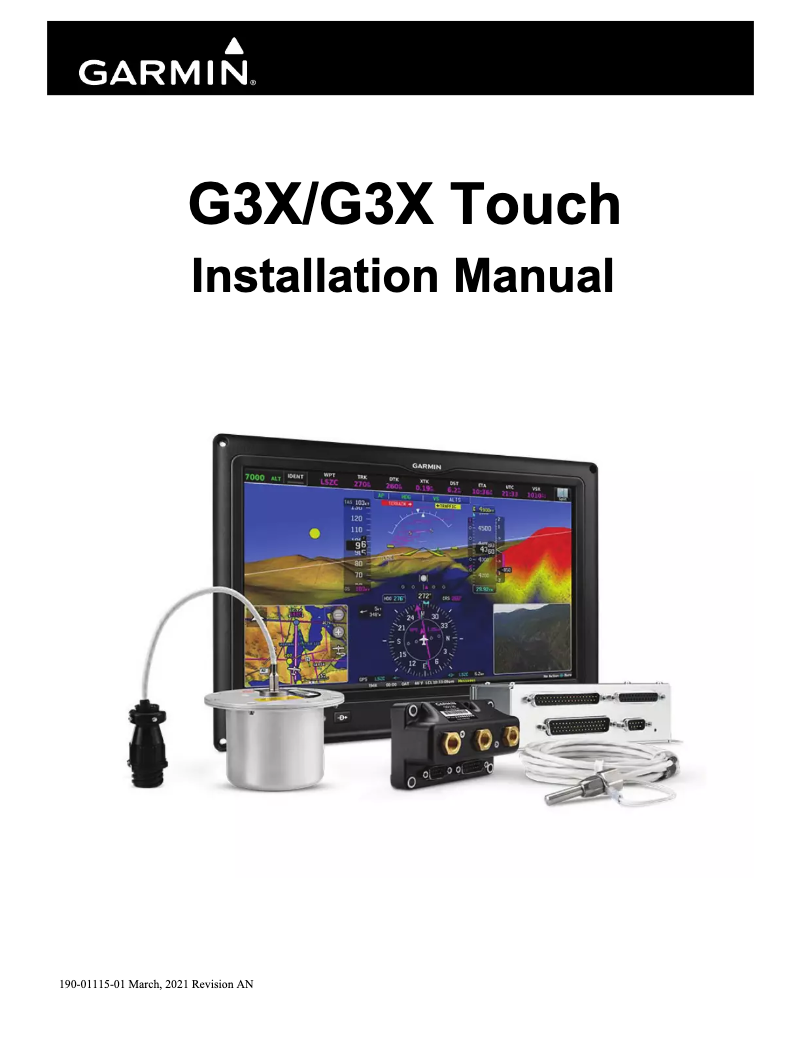
Two documents available (user manual and installation guide) allow for a quick start and optimal use.
Advantages
Intuitive touch interface for easy navigation.
Recognized brand for quality and innovation.
Documentation available for quick start.
Optimal performance and enhanced user experience.
Compatible with various Garmin accessories.
Disadvantages
High price compared to the competition
Interface requiring a learning curve
Limited screen size for certain spaces
Advanced features deemed unnecessary by some
Lack of compatibility with certain devices
Technical Specifications G3X Touch
General Information
-
ModelG3X TOUCH
-
Brand
-
Category
-
Type
-
SKU1388774
-
MPN1388774
Frequently Asked Questions
How do I calibrate the altimeter on my Garmin G3X Touch?
What are the steps to create a flight plan on my Garmin G3X Touch?
Can I customize the data fields on the G3X Touch, and if so, how?
What is the procedure to update the navigation database on my Garmin G3X Touch?
How do I adjust the screen brightness on my Garmin G3X Touch?
Is the manual for the Garmin G3X Touch available in French?
Similar products


More product categories from brand Garmin
Cars and accessories Garmin
Other Garmin
Shape and health Garmin
Phones Garmin
Audio Garmin
Personal care Garmin
Interior Garmin
Tools Garmin
Software Garmin
More product types from brand Garmin


Presentation of product G3X Touch specifications from brand Garmin
General Information
The Garmin G3X Touch is an innovative device designed by the renowned brand Garmin, known for its reliability and technological advancements in the electronics sector. This model, the G3X Touch, stands out for its high performance and an enhanced user interface, thus providing an intuitive and smooth experience.
Advantages
This model is characterized by a user-friendly touch interface, making it easy to navigate through its various features. Additionally, the reputation of the Garmin brand ensures users consistent quality and innovation. The product comes with helpful documents, such as a user manual and an installation guide, allowing for a quick start and optimal use. Its design also allows for compatibility with various Garmin accessories, thus offering the possibility to expand its functionalities according to the specific needs of each user.
Disadvantages
However, the Garmin G3X Touch has some drawbacks. Its price may be considered high compared to other models available on the market, making its acquisition less accessible for some. Although its modern interface is an asset, it may require a learning curve for new users, making the initial learning process more complex. Furthermore, the screen size may not be suitable for all installations, limiting its use in tighter spaces. Some users may also find that the advanced features are unnecessary or too complex, especially if they do not need all the options offered. Finally, the lack of compatibility with certain third-party devices may restrict integration possibilities within a larger system.


