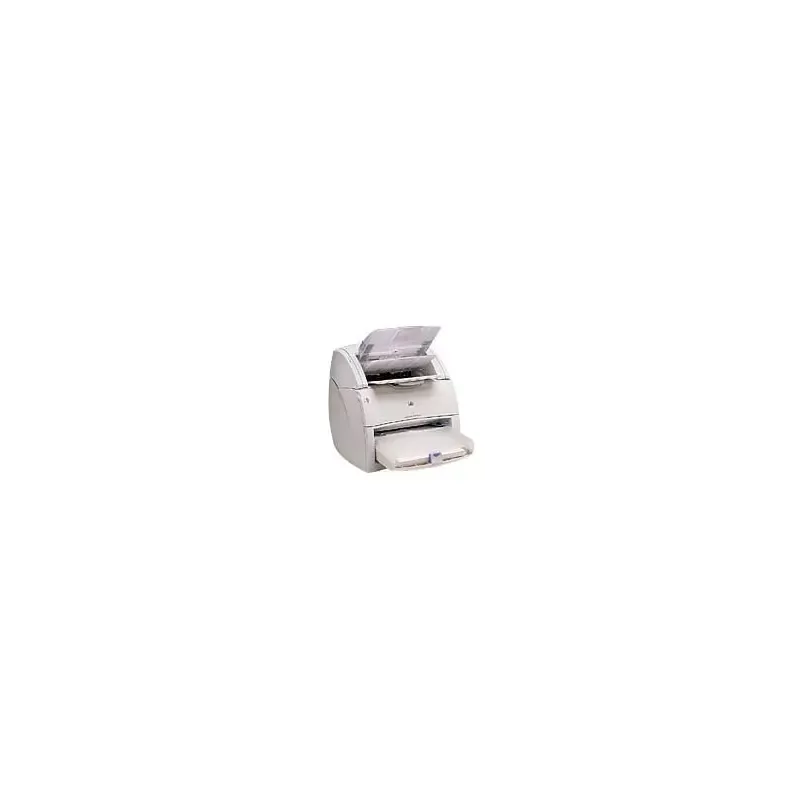

Manual of product LaserJet 1220

Editorial note
The HP LaserJet 1220 printer stands out for its exceptional print quality, thanks to laser technology that ensures sharp and precise documents, ideal for professional use. Users also appreciate the reliability of the HP brand, known for its durable and high-performing products, thus providing a satisfying long-term experience. Moreover, its compact design allows it to be easily integrated into small workspaces while maintaining good print quality. However, some drawbacks deserve to be highlighted. The printer can be relatively noisy during printing, which could be disturbing in a quiet environment. Furthermore, the HP LaserJet 1220 only supports standard paper size, limiting flexibility for projects requiring specific formats. Additionally, the high cost of toners can increase the total cost of ownership, and the lack of wireless connectivity features may disappoint users looking for a modern printing solution. In terms of performance, the printer meets common printing needs, although its print speed may be lower than that of newer models. In summary, the HP LaserJet 1220 represents a wise choice for those who prioritize print quality and reliability, but it may not be suitable for everyone due to its limitations in modern features.Score details
User experience
The user experience is generally positive due to the ease of use and exceptional print quality, although the noise during printing can be disturbing.
Performance
The printer's performance is optimal for common printing tasks, although the printing speed may be lower than that of newer models.
Value for money
The cost of toners can be high, which increases the total cost of ownership, but the print quality partly justifies this investment.
Design
The compact design of the printer allows for easy integration into small workspaces while maintaining good print quality.
Features
The lack of wireless connectivity features limits its use in a modern environment, and it only supports standard paper size.
Advantages
Clear and precise prints
Reliable and durable brand
Intuitive and simple to use
High efficiency and productivity
Compact design for small spaces
Disadvantages
Noisy during printing
Limited to standard paper sizes
High toner costs
No wireless connectivity
Slower printing speed than recent models
Technical Specifications LaserJet 1220
General Information
-
ModelLASERJET 1220
-
Brand
-
Category
-
Type
-
SKU87886
-
MPN87886
Frequently Asked Questions
What is the recommended method for removing jammed paper from the printer?
Why is my printer not recognizing the original cartridges?
What could be the causes of poor print quality?
How does a laser printer differ from an inkjet printer?
Why is my inkjet printer leaving black streaks on prints?
What does the acronym DPI mean?
Is the manual for the HP LaserJet 1220 available in French?
Similar products


More product categories from brand HP
Computers and accessories HP
Other HP
Phones HP
Audio HP
Interior HP
Software HP
More product types from brand HP


Presentation of product LaserJet 1220 specifications from brand HP
General Information
The HP LaserJet 1220 printer is a model from the renowned brand HP, known for its commitment to quality and innovation in the office equipment sector. This model is designed to provide optimal printing performance and an enhanced user experience, tailored to the diverse needs of professional users.
Advantages
The HP LaserJet 1220 stands out for its exceptional print quality, thanks to its laser technology that ensures clear and precise prints, ideal for work documents. The reliability of the HP brand guarantees durability and consistent performance, allowing for a satisfying long-term experience.
Its use is facilitated by a well-designed user manual, enabling users to quickly familiarize themselves with its features. Furthermore, its compact design allows it to easily fit into small workspaces without sacrificing print quality.
Disadvantages
However, the HP LaserJet 1220 has some drawbacks. It can be relatively noisy during printing, which may disrupt a quiet work environment. Additionally, this printer only supports standard paper size, thus limiting flexibility for projects requiring other dimensions.
The cost of toners can also be considered high, which increases the total cost of ownership over time. The lack of wireless connectivity features may be a drawback for those seeking a more modern and convenient solution. Finally, while the printing speed is adequate, it may be slower than some newer models available on the market.


