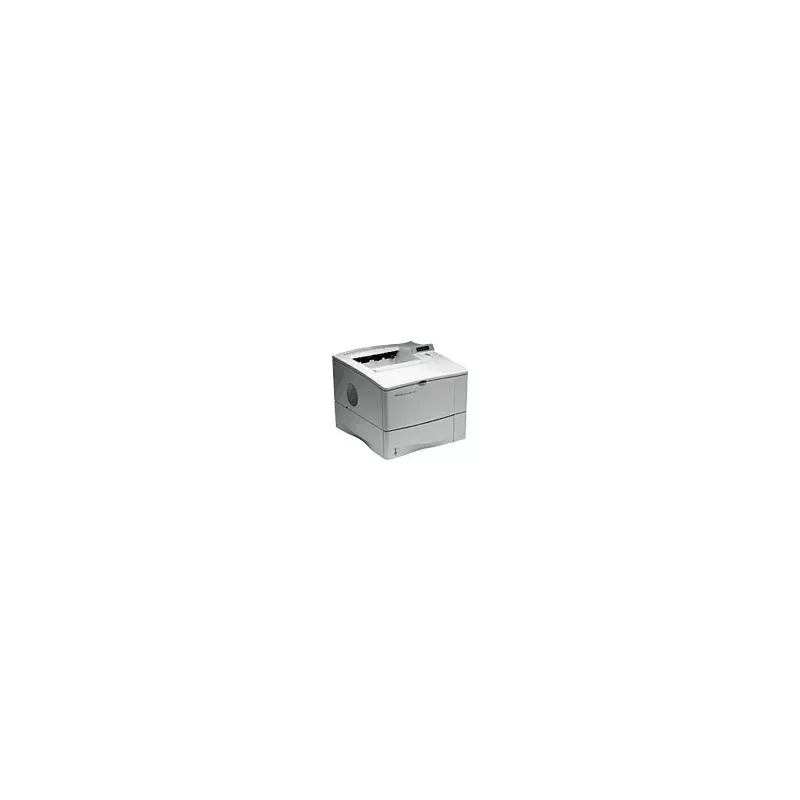

Manual of product LaserJet 4000

Editorial note
The HP LaserJet 4000 printer stands out for its exceptional print quality, delivering clear and precise documents thanks to its laser technology. Designed to meet the needs of professional users, it ensures remarkable reliability and durability, even under high print volumes. Its ease of use is a major asset, with a comprehensive user manual that allows for quick and uncomplicated handling. However, some drawbacks must be taken into account. The cost of toners and replacement parts can be high, increasing the long-term operating cost. Additionally, its weight and size make it difficult to move, limiting its flexibility of use in different environments. The lack of modern features, such as wireless connectivity or automatic duplex printing, makes it less competitive compared to newer models. Finally, the noise level during printing can be disruptive in quiet workspaces. In summary, the HP LaserJet 4000 is a robust and high-performing printer, ideal for professional printing needs, but its operating cost and lack of modern features may limit its appeal for some users.Score details
User experience
The user experience is overall positive, with an easy setup thanks to a detailed user manual. Users can quickly start printing without complications.
Performance
The printer's performance is optimal, ensuring fast printing times and efficient task management, although the printing speed may not be sufficient for very high volumes.
Battery life
The printer is optimized to consume less energy, contributing to environmentally friendly use, but this does not offset the high cost of toners.
Design
The design of the printer is functional, but its weight and size can make it difficult to move, thus limiting usage flexibility.
Value for money
The cost of toners and replacement parts is high, which can increase long-term operating costs, making the printer less attractive in the long run.
Features
The lack of modern features such as wireless connectivity or automatic duplex printing may make it less competitive compared to newer models.
Usability
Ease of use is a strong point, allowing users to print without complications thanks to clear instructions in the manual.
Robustness
The reliability and durability of the printer are excellent, designed to last and operate efficiently even with high printing volumes.
Support
Customer support is satisfactory, with a comprehensive user manual, but it could be improved with additional online resources.
Advantages
High-quality laser printing.
Guaranteed reliability and durability.
Simple and quick to use.
Fast and efficient performance.
Optimized energy savings.
Disadvantages
High cost of toners and parts.
Weight and size difficult to move.
Lack of modern features.
High noise level during printing.
Insufficient printing speed for large volumes.
Technical Specifications LaserJet 4000
General Information
-
ModelLASERJET 4000
-
Brand
-
Category
-
Type
-
SKU859075
-
MPN859075
Frequently Asked Questions
What is the recommended method for removing paper jammed in the printer?
Why is my printer not recognizing the original cartridges?
What are the possible reasons for poor print quality?
How does a laser printer differ from an inkjet printer?
Why is my inkjet printer leaving black streaks on prints?
What does the acronym DPI mean?
Is the manual for the HP LaserJet 4000 available in French?
Similar products


More product categories from brand HP
Computers and accessories HP
Other HP
Phones HP
Audio HP
Interior HP
Software HP
More product types from brand HP


Presentation of product LaserJet 4000 specifications from brand HP
General Information
The HP LaserJet 4000 printer is a product of the HP brand, known for its expertise in technology and quality in the printing device sector. This model, identified by the reference LaserJet 4000 | RP000343263, is designed to deliver superior performance and a smooth user experience.
Advantages
One of the main features of the HP LaserJet 4000 is its exceptional print quality. Thanks to laser technology, it produces documents with remarkable clarity and precision, making this device ideal for professional printing. Additionally, its reliability and durability make it a trusted choice, even for high-volume printing, ensuring efficient long-term use.
The ease of use is also a major asset. With an accessible user manual, users can quickly familiarize themselves with the printer and start printing without difficulty. In terms of optimal performance, the model is designed to ensure fast printing times and efficient management of print tasks.
Finally, the HP LaserJet 4000 is optimized to save energy, thus contributing to a more environmentally friendly usage while maintaining high performance.
Disadvantages
However, some aspects may be considered disadvantages. For example, the cost of toners and replacement parts can be high, increasing the long-term operating cost. Additionally, the weight and size of the printer may limit its portability, making it less convenient to move in different environments.
Moreover, the HP LaserJet 4000 lacks modern features such as wireless connectivity or automatic duplex printing, which may make it less attractive compared to newer models. The noise level during printing can also be relatively high, which may disrupt quiet workspaces. Finally, while its printing speed is reasonable, it may not satisfy users with very high printing needs.


