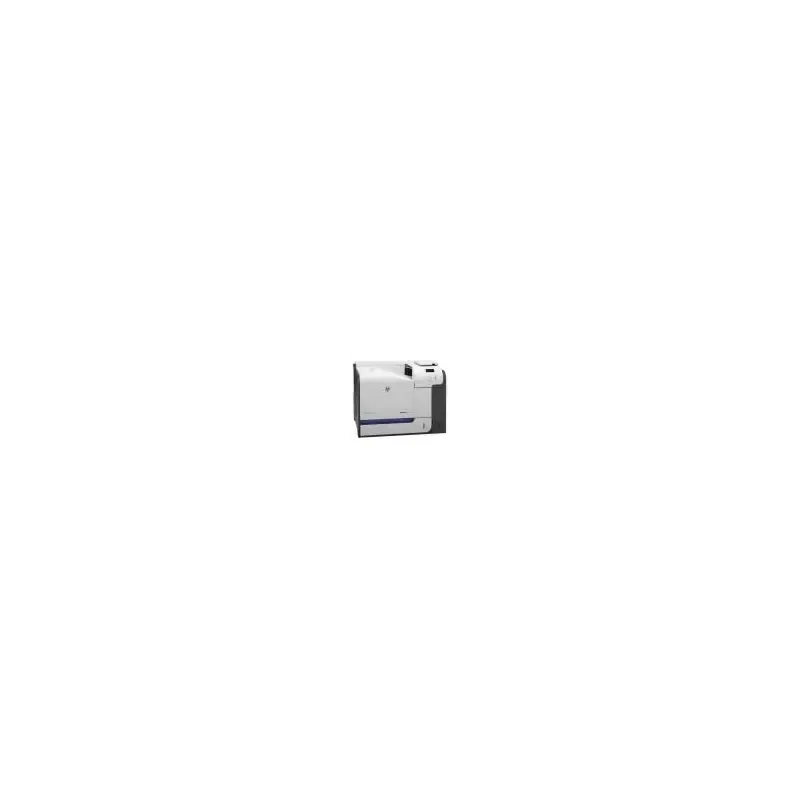

Manual of product LaserJet Enterprise 500 M551dn

Editorial note
The HP LaserJet Enterprise 500 M551dn printer stands out for its superior print quality, thanks to its laser technology that ensures sharp and precise results, particularly suited for professional documents. Its energy efficiency is also a strong point, allowing for reduced operating costs and the user's carbon footprint. Moreover, ease of use is a major asset, thanks to a clear user manual that promotes quick handling, even for novice users. HP's reputation for the robustness and durability of its devices reinforces confidence in this model, capable of handling a high print volume. However, some drawbacks should be considered. The initial purchase cost can be high, which could represent a significant investment for small businesses or home users. Additionally, the relatively large size of the printer may pose space issues in cramped offices. The noise generated during printing can also be disruptive in shared work environments. Finally, toner cartridges can be expensive to replace and require regular maintenance to maintain optimal performance, which can be burdensome for some users. In summary, the HP LaserJet Enterprise 500 M551dn printer is a wise choice for those seeking quality and reliability, although it is important to consider the costs and space it requires.Score details
User experience
Ease of use is a major asset, with a clear user manual that allows for quick onboarding for all levels.
Performance
The print quality is exceptional thanks to laser technology, providing sharp and precise prints ideal for professional documents.
Design
Although the printer is robust, its relatively large size can pose space issues in some work environments.
Value for money
The initial purchase cost is high, which can represent a significant investment for small businesses or home users.
Robustness
HP's reputation for manufacturing ensures a durable and reliable device capable of handling high print volumes.
Features
Advanced connectivity options allow for easy integration into modern work environments.
Support
Regular maintenance is necessary to maintain optimal performance, which can be burdensome for some users.
Advantages
High-quality laser printing
Significant energy savings
Quick and intuitive handling
Proven reliability and durability
Varied connectivity for easy integration
Disadvantages
High purchase cost for small businesses.
Bulky size, difficult to place.
Noticeable noise during printing.
Expensive toner cartridges to replace.
Regular maintenance required for performance.
Technical Specifications LaserJet Enterprise 500 M551dn
General Information
-
ModelLASERJET ENTERPRISE 500 M551DN
-
Brand
-
Category
-
Type
-
SKU52813
-
MPN52813
Frequently Asked Questions
What is the recommended method for removing jammed paper from the printer?
Why is my printer not recognizing the original cartridges?
What are the possible reasons for poor print quality?
How does a laser printer differ from an inkjet printer?
Why does my inkjet printer leave black streaks on my prints?
What does the acronym DPI mean?
Is the manual for the HP LaserJet Enterprise 500 M551dn available in French?
Similar products


More product categories from brand HP
Computers and accessories HP
Other HP
Phones HP
Audio HP
Interior HP
Software HP
More product types from brand HP


Presentation of product LaserJet Enterprise 500 M551dn specifications from brand HP
General Information
The model HP LaserJet Enterprise 500 M551dn is a laser printer from the brand HP, known for its commitment to quality and innovation in the printing device sector. This model is designed to deliver exceptional performance, ensuring a smooth and efficient user experience. The EAN code 886111577040 allows for precise identification of the product in distribution systems.
Advantages
This printer stands out for its superior print quality, thanks to its laser technology that produces clear and precise documents, perfectly suited to professional needs. Furthermore, it is designed to be energy efficient, thus helping to reduce operating costs and carbon footprint. The ease of use is another major asset of this model, which comes with a clear manual for quick handling. In addition, the reliability and durability of the device are ensured by HP's reputation, guaranteeing stable performance even during high print volumes. Finally, the advanced connectivity of the printer allows for easy integration into various modern work environments.
Disadvantages
However, it is important to note that the initial acquisition cost of the HP LaserJet Enterprise 500 M551dn can be considerable, which may be a barrier for small businesses or home users. Additionally, the size of the printer may pose space issues in offices or restricted environments. The noise generated during printing can also be a disadvantage in shared workspaces. The toner cartridges, while necessary for optimal operation, can be expensive to replace, increasing long-term operating costs. Finally, regular maintenance is required to maintain the printer's performance, which can be a constraint for some users.


