

Manual of product LaserJet Enterprise M5039xs
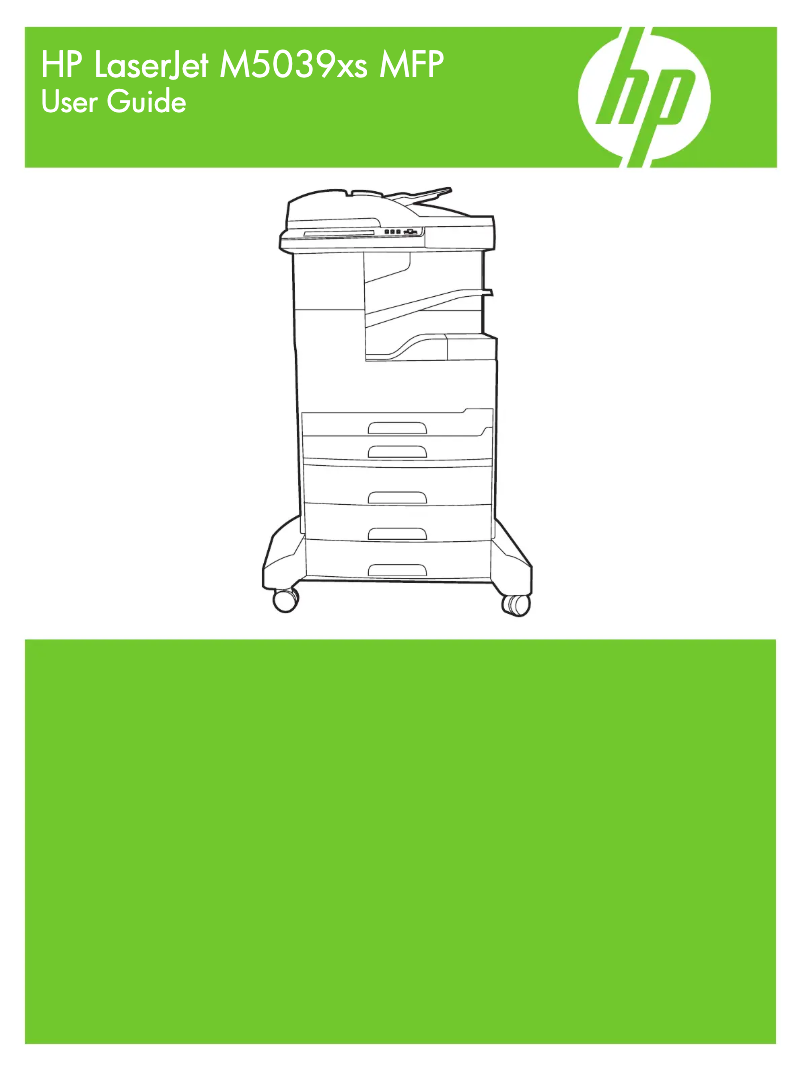
Editorial note
The HP LaserJet Enterprise M5039xs printer stands out for its impressive performance and exceptional print quality. With high printing speeds, it is perfectly suited for office environments where time is crucial. Laser technology ensures documents of remarkable clarity, with sharp text and precise images, making it an ideal choice for demanding professionals. However, its initial purchase cost can be a barrier for small businesses or individuals, representing a significant investment. Additionally, its bulkiness can pose space issues, as can the maintenance and replacement costs of toners, which can be high. The warm-up time is also a drawback, potentially delaying printing, especially during sporadic use. Regarding user experience, the intuitive interface and accessible user manual make setup and use easy, even for novices. Nevertheless, compatibility issues with certain operating systems can complicate technical support and require updates. Overall, the HP LaserJet Enterprise M5039xs is a robust and reliable printer, ideal for heavy use. Despite a high purchase cost, its quality and durability can justify this investment for users seeking a high-performance solution for their printing needs.Score details
User experience
The user experience is very satisfactory thanks to an intuitive interface and an accessible user manual, making setup and use simple even for novices.
Performance
The printing performance is excellent with high speeds and superior print quality, making it an ideal choice for demanding office environments.
Value for money
The initial purchase cost is high, which can be a barrier for small businesses, but the quality and durability may justify this investment.
Robustness
The printer is robust and designed to withstand intensive use, which is an asset for offices requiring consistent reliability.
Usability
Although the interface is intuitive, the device's bulk and warm-up time can pose usability issues in tight spaces.
Support
Compatibility issues with certain operating systems may require updates, which can complicate technical support.
Advantages
Fast and efficient printing
Exceptional print quality
Proven reliability and durability
Intuitive ease of use
Significant energy savings
Disadvantages
High purchase cost for small businesses.
Bulky, requires a lot of space.
High toner and maintenance costs.
Long warm-up time.
Compatibility issues with certain systems.
Technical Specifications LaserJet Enterprise M5039xs
General Information
-
ModelLASERJET ENTERPRISE M5039XS
-
Brand
-
Category
-
Type
-
SKU137611
-
MPN137611
Frequently Asked Questions
What is the recommended method for removing paper jammed in the printer?
Why is my printer not recognizing original cartridges?
What are the possible reasons for poor print quality?
What is the difference between a laser printer and an inkjet printer?
Why is my inkjet printer leaving black streaks on prints?
What does the acronym DPI mean?
Is the manual for the HP LaserJet Enterprise M5039xs available in French?
Similar products


More product categories from brand HP
Computers and accessories HP
Other HP
Phones HP
Audio HP
Interior HP
Software HP
More product types from brand HP


Presentation of product LaserJet Enterprise M5039xs specifications from brand HP
General Information
The HP LaserJet Enterprise M5039xs printer is a model from the HP brand, which is widely recognized for its commitment to quality and innovation in the electronics sector. This model, identified by the reference LaserJet Enterprise M5039xs | CE966A, is designed to deliver remarkable performance, making the user experience smoother and more efficient. The EAN code for this product, 884962659908, 0884962659908, 0884962659892, allows for unique identification in distribution systems.
Advantages
This printer has many advantages:
- Fast and efficient printing: The HP LaserJet Enterprise M5039xs stands out for its high printing speeds, perfect for work environments where every minute counts.
- Superior print quality: Thanks to its laser technology, it produces documents with exceptional clarity, offering well-defined text and precise images.
- Reliability and durability: Designed to withstand intensive use, this printer is the ideal solution for demanding professional needs.
- Ease of use: Its intuitive interface and accessible manual allow for easy setup and use, even for inexperienced users.
- Energy efficiency: The HP LaserJet Enterprise M5039xs is designed to be energy-efficient, helping to reduce operating costs and environmental impact.
Disadvantages
However, it is important to note some disadvantages:
- The acquisition cost can be relatively high, representing a significant investment for small businesses or individual users.
- Its size may pose space issues in offices or at home.
- Maintenance and toner replacement costs can also be high, increasing the total cost of ownership.
- The warm-up time can be long, which may delay the start of printing, especially during sporadic use.
- Compatibility issues with certain operating systems may require updates or technical adjustments.


