

Manuals of product LaserJet M3027

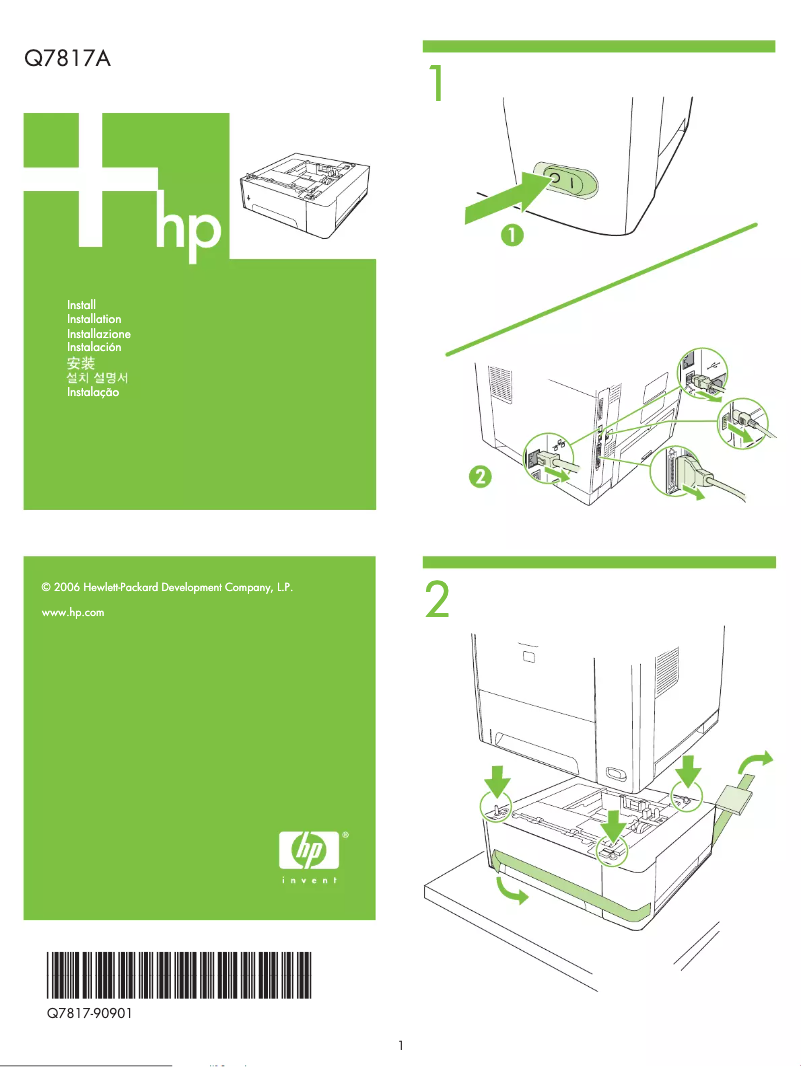
Editorial note
The HP LaserJet M3027 stands out for its superior print quality, delivering sharp text and precise images, making it an ideal choice for professional use. Its versatility is a major asset: it allows for printing, copying, scanning, and sending faxes, thus meeting the varied needs of modern offices. Additionally, ease of use is enhanced by the provided help documents, such as the user manual and installation guide. However, some drawbacks are worth mentioning. The printer is relatively bulky, which can be an issue in small workspaces. Its initial purchase cost is also higher than that of other models, and replacement toners can represent an additional investment. In terms of performance, while the print quality is excellent, the speed may not be sufficient for high-demand office environments. Furthermore, the operating noise can be a disadvantage for users sensitive to sound, especially in shared spaces. Overall, the HP LaserJet M3027 is a robust and reliable product, benefiting from HP's reputation for durability. Although it has some limitations, its advantages make it a wise choice for professionals seeking a quality multifunction printer.Score details
User experience
The user experience is enhanced by the provided help documents, such as the user manual and installation guide, making the setup straightforward.
Performance
The print performance is of high quality, but the speed may not be suitable for high-demand office environments.
Value for money
Although the print quality is superior, the initial purchase cost and the price of replacement toners can represent a significant investment.
Design
The printer can be bulky, making it less suitable for small workspaces.
Robustness
The HP brand is known for its reliability, which adds assurance regarding the product's durability.
Usability
The versatility of the printer, allowing for printing, copying, scanning, and faxing, enhances its utility, although the operating noise may be a drawback.
Advantages
High-quality laser prints
Multifunction printer: prints, copies, scans, faxes
Simplified installation and use
HP brand recognized for its reliability
Workflow optimization
Disadvantages
Bulky for small workspaces
High initial purchase cost
Expensive replacement toners
Insufficient printing speed for offices
Disturbing operating noise
Technical Specifications LaserJet M3027
General Information
-
ModelLASERJET M3027
-
Brand
-
Category
-
Type
-
SKU87787
-
MPN87787
Frequently Asked Questions
What is the recommended method for removing jammed paper from the printer?
Why is my printer refusing to accept original cartridges?
Why is the quality of my prints poor?
What are the differences between a laser printer and an inkjet printer?
Why is my inkjet printer producing black streaks on prints?
What does the acronym DPI mean?
Is the manual for the HP LaserJet M3027 available in French?
Similar products


More product categories from brand HP
Computers and accessories HP
Other HP
Phones HP
Audio HP
Interior HP
Software HP
More product types from brand HP


Presentation of product LaserJet M3027 specifications from brand HP
General Information
The HP LaserJet M3027 is a multifunction printer from the renowned brand HP, known for its commitment to quality and innovation in the field of printing technologies. This model, designated LaserJet M3027 | CC478A, is designed to deliver optimal performance, perfectly adapting to the varied needs of professional users.
With unique EAN codes such as 0882780570184 and 0883585038565, the HP LaserJet M3027 stands out in the distribution system, ensuring accurate product identification.
Advantages
Superior print quality: Thanks to its laser printing technology, this device provides sharp text and precise images, ideal for professional use.
Versatility: It is a multifunction printer capable of printing, copying, scanning, and sending faxes, making it an all-in-one tool suitable for various office environments.
Ease of use: Setup and daily use are simplified with accompanying documents such as the user manual and installation guide.
Brand reliability: As a HP product, the M3027 benefits from a strong reputation for durability and effective after-sales service.
Efficient document management: Its advanced features allow for optimized workflow, contributing to improved overall productivity.
Disadvantages
Bulkiness: The HP LaserJet M3027 can be relatively large, making it less suitable for confined workspaces.
Initial cost: Its purchase price may be higher than that of other inkjet models, which may not fit all budgets.
Cost of toners: Replacement toners can also represent a significant investment, increasing the total cost of ownership.
Print speed: Although reasonable, the print speed may not satisfy high-demand office environments.
Noise level: The operating noise could be a drawback for sensitive users, especially in shared workspaces.


