

Manuals of product Officejet 100

Editorial note
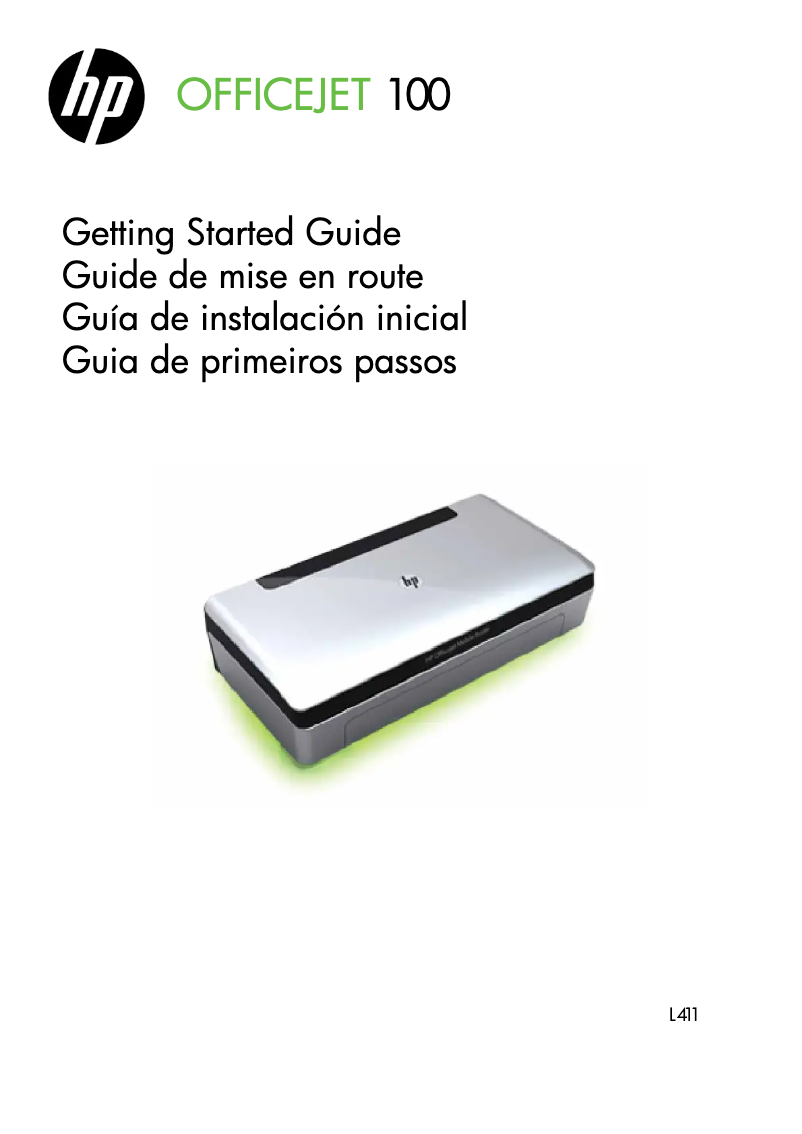
The HP Officejet 100 is a portable printer that stands out for its compactness and ability to deliver high-quality printing, ideal for professionals on the go. Its ease of setup and use is enhanced by accompanying documents, such as the user manual and installation guide, which allow for quick familiarization. However, some drawbacks deserve to be highlighted. Although the design is compact, the weight and bulk of the printer can make it less convenient to transport for frequent mobile use. Additionally, the printing speed may be slower than that of other models, which could frustrate users with urgent needs. The cost of ink cartridges is another point to consider, as it can increase the total cost of ownership over the long term. In terms of features, the HP Officejet 100 does not offer scanning or copying options, which may disappoint those looking for a multifunction printer. Despite these limitations, the printer remains reliable and its energy efficiency helps reduce operating costs while being environmentally friendly. Ultimately, the HP Officejet 100 is a solid option for those seeking a quality portable printer, but it is important to weigh the pros and cons to ensure it meets your specific needs.Score details
User experience
The user experience is positive due to the ease of setup and intuitive use, with accompanying documents available.
Performance
Print performance is high in terms of quality, but speed can be a drawback for those with fast printing needs.
Battery life
The energy efficiency of the HP Officejet 100 helps reduce operating costs, although this does not compensate for the relatively high weight.
Design
The design is compact, but the weight and bulk can make it less convenient to transport for frequent mobile use.
Value for money
The high cost of ink cartridges can increase the total cost of ownership, which is a disadvantage to consider.
Features
Scanning and copying features are limited, which may disappoint users looking for a multifunction printer.
Support
The available documents, such as the user manual and installation guide, provide good support for quick familiarization.
Advantages
Compact and portable for professionals.
High-quality printing for documents.
Easy setup and use.
Reliability for continuous productivity.
Energy efficiency for reduced costs.
Disadvantages
Bulky and heavy for mobile use.
Slow printing speed compared to others.
Expensive ink cartridges that often need replacing.
Wireless connectivity sometimes unstable.
Limited features for scanning and photocopying.
Technical Specifications Officejet 100
General Information
-
ModelOFFICEJET 100
-
Brand
-
Category
-
Type
-
SKU10548
-
MPN10548
Frequently Asked Questions
How can I remove the jammed paper from the printer?
Why is my printer not recognizing the original cartridges?
What are the possible reasons for poor print quality?
How does a laser printer differ from an inkjet printer?
Why does my inkjet printer leave black streaks on my prints?
What does the acronym DPI mean?
Is the user manual for the HP Officejet 100 available in French?
Similar products


More product categories from brand HP
Computers and accessories HP
Other HP
Phones HP
Audio HP
Interior HP
Software HP
More product types from brand HP


Presentation of product Officejet 100 specifications from brand HP
General Information
The HP Officejet 100 printer is a product of the HP brand, known for its commitment to quality and innovation in the electronics sector. This model, the Officejet 100, is designed to deliver high performance and a smooth user experience. The EAN code 885631849088 uniquely identifies this product in distribution systems.
Advantages
This printer is particularly appreciated for its compactness and portability, making it an ideal choice for professionals on the go, allowing for easy printing wherever you are. The print quality is also a major asset, providing clear and precise documents, essential for quality presentations or reports. Additionally, its installation is simple and quick, thanks to a well-designed user manual and installation guide. The HP Officejet 100 is also known for its reliability, minimizing the risk of breakdowns and ensuring continuous productivity. Finally, its energy efficiency helps reduce operating costs while being environmentally friendly.
Disadvantages
However, the HP Officejet 100 has some drawbacks. Its weight may be considered relatively high, making transport less convenient for frequent mobile use. Moreover, the printing speed may sometimes be slower than that of other portable printer models, which may not suit users with urgent printing needs. The ink cartridges, while high quality, can be expensive and require frequent replacements, thus increasing the long-term operating cost. Wireless connectivity can also be unstable, complicating printing from certain devices. Finally, it is important to note that its scanning and copying features are quite limited, which may not meet the needs of users looking for a multifunction printer.


