

Manuals of product Officejet Pro 276dw
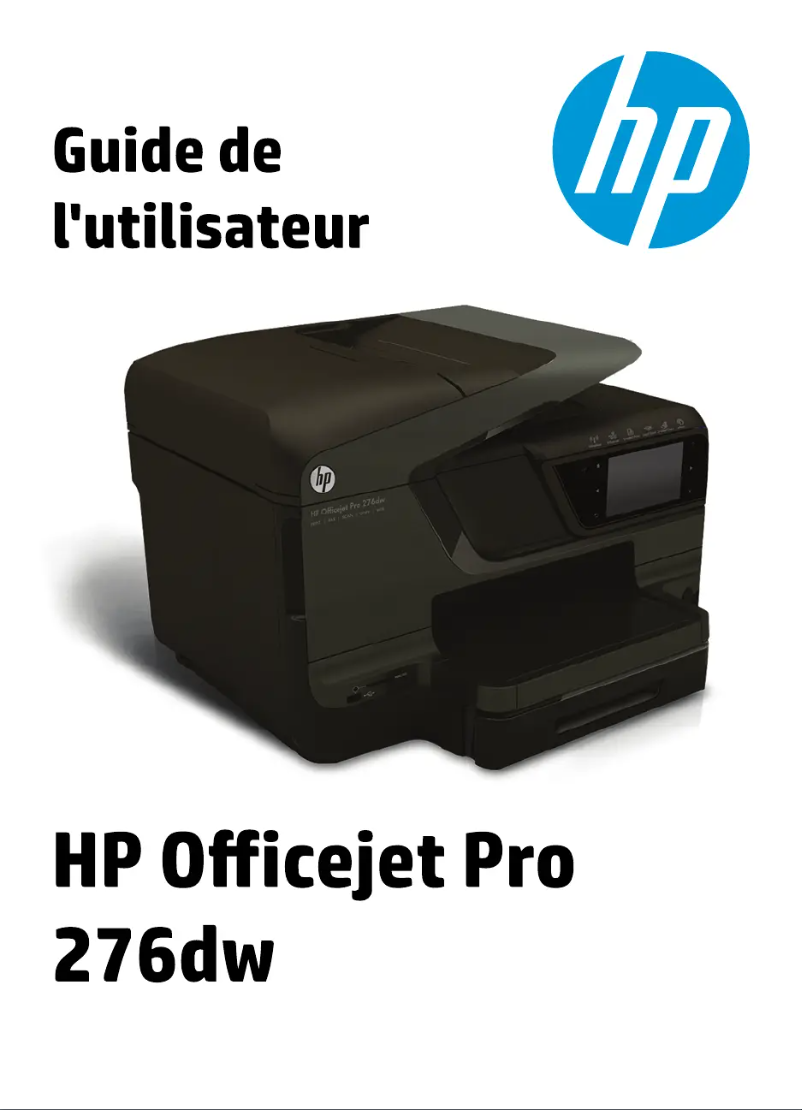

Editorial note
The HP Officejet Pro 276dw printer stands out for its fast and high-quality printing performance, making it an ideal choice for high-demand office environments. Its automatic duplex printing feature simplifies document management, while wireless connectivity allows for easy printing from various devices. Additionally, its energy-efficient design helps reduce environmental impact. However, some drawbacks must be considered. The high cost of ink cartridges can increase the total cost of ownership, and the printer may be relatively slow when printing in large quantities, which can affect productivity. Furthermore, setting up certain features, such as Wi-Fi connectivity, can be complicated for less experienced users. Its weight and size may also complicate installation in tight spaces, and the noise generated during printing can be disruptive in quiet work environments. In terms of user experience, the HP Officejet Pro 276dw receives a high rating due to well-designed features, although some users may encounter difficulties during setup. Technical support is strong, with comprehensive documentation that facilitates onboarding. Overall, this printer offers good value for money, but it is essential to consider operating costs and performance limitations based on your specific needs.Score details
User experience
The user experience is generally positive due to well-thought-out features, although some options may be complicated to set up for less experienced users.
Performance
Print performance is fast and high quality, but the printer can be relatively slow for high-volume printing tasks.
Design
The design is functional, but the weight and size of the printer can make installation and moving it difficult in tight spaces.
Value for money
The cost of ink cartridges can be high, increasing the total cost of ownership of the printer.
Support
Technical support is solid, with comprehensive documentation including a user manual and installation guide, making it easy to get started.
Usability
Wireless connectivity is convenient, but it can pose configuration issues for some users.
Robustness
The printer is robust, but the noise produced during printing can be disruptive in a quiet work environment.
Advantages
Fast and high-quality printing.
Automatic double-sided printing.
Wireless connectivity for mobile devices.
Energy-saving and energy-efficient.
Comprehensive documentation and technical support.
Disadvantages
High cost of ink cartridges.
Slow printing for large volumes.
Complicated Wi-Fi setup for beginners.
Weight and size difficult to move.
Annoying noise in a quiet environment.
Technical Specifications Officejet Pro 276dw
General Information
-
ModelOFFICEJET PRO 276DW
-
Brand
-
Category
-
Type
-
SKU108989
-
MPN108989
Frequently Asked Questions
What is the recommended method for removing jammed paper from the printer?
Why is my printer refusing to accept original cartridges?
What are the possible reasons for poor print quality?
How is a laser printer different from an inkjet printer?
Why does my inkjet printer leave black streaks on my prints?
What does the acronym DPI mean?
Is the manual for the HP Officejet Pro 276dw available in French?
Similar products


More product categories from brand HP
Computers and accessories HP
Other HP
Phones HP
Audio HP
Interior HP
Software HP
More product types from brand HP


Presentation of product Officejet Pro 276dw specifications from brand HP
General Information
The HP Officejet Pro 276dw printer, produced by the renowned brand HP, is recognized for its commitment to quality and innovation in the office equipment sector. This model, identified by the code Officejet Pro 276dw | CR770-69002-RFB, offers superior performance and an optimized user experience. For easy identification in distribution systems, the product is associated with the following EAN codes: 886112196042, 886112196059, 887111570666, and 887111570703.
Advantages
The HP Officejet Pro 276dw stands out for its printing speed and exceptional quality, making it an ideal choice for demanding office environments. Its versatile features include automatic duplex printing, facilitating document management. Wireless connectivity allows for easy printing from various mobile devices and laptops. Additionally, its energy-efficient design contributes to energy savings while being environmentally friendly. To facilitate its use, the printer comes with comprehensive documentation, including a user manual and an installation guide.
Disadvantages
However, the HP Officejet Pro 276dw has some drawbacks. The high cost of ink cartridges can increase the total cost of ownership of the printer. Furthermore, for high-volume printing tasks, the speed may be relatively slow, which could affect productivity in a busy office. Some less experienced users may also find the setup of advanced features, such as Wi-Fi connectivity, complex. Finally, its weight and size can complicate installation and movement, especially in tight spaces, and the noise generated during printing can be disruptive in a quiet work environment.


