

Manuals of product Photosmart D6100
Editorial note
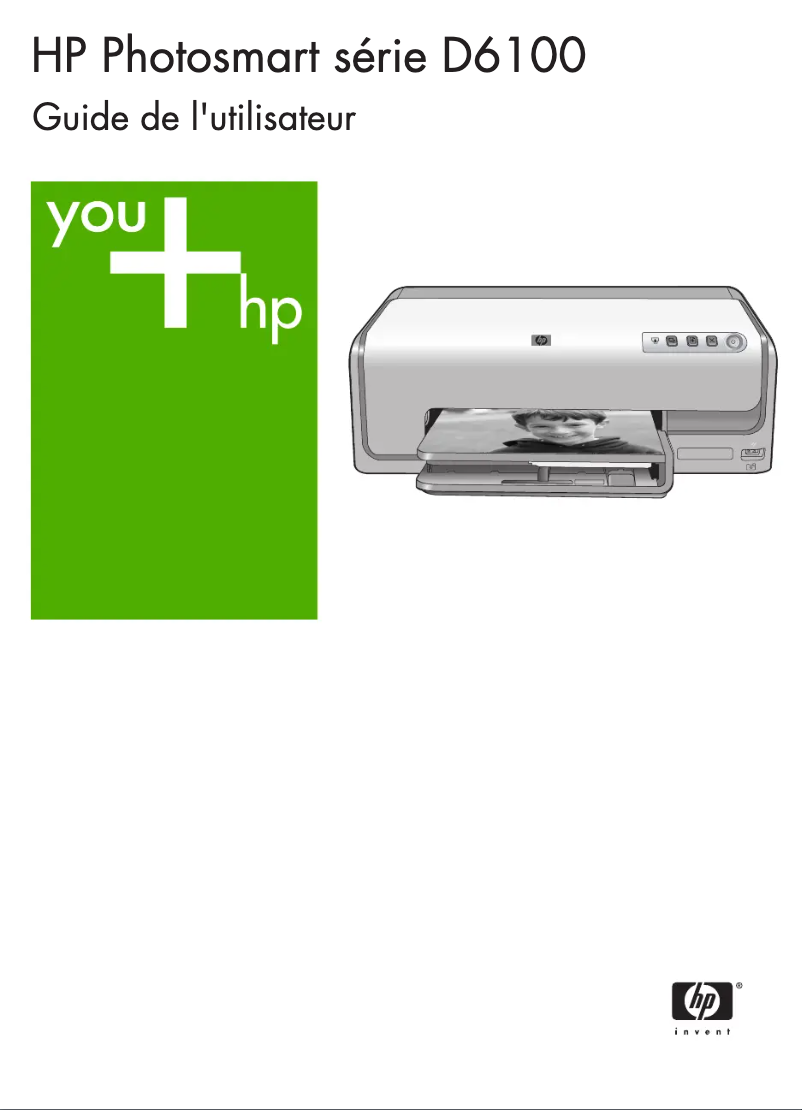
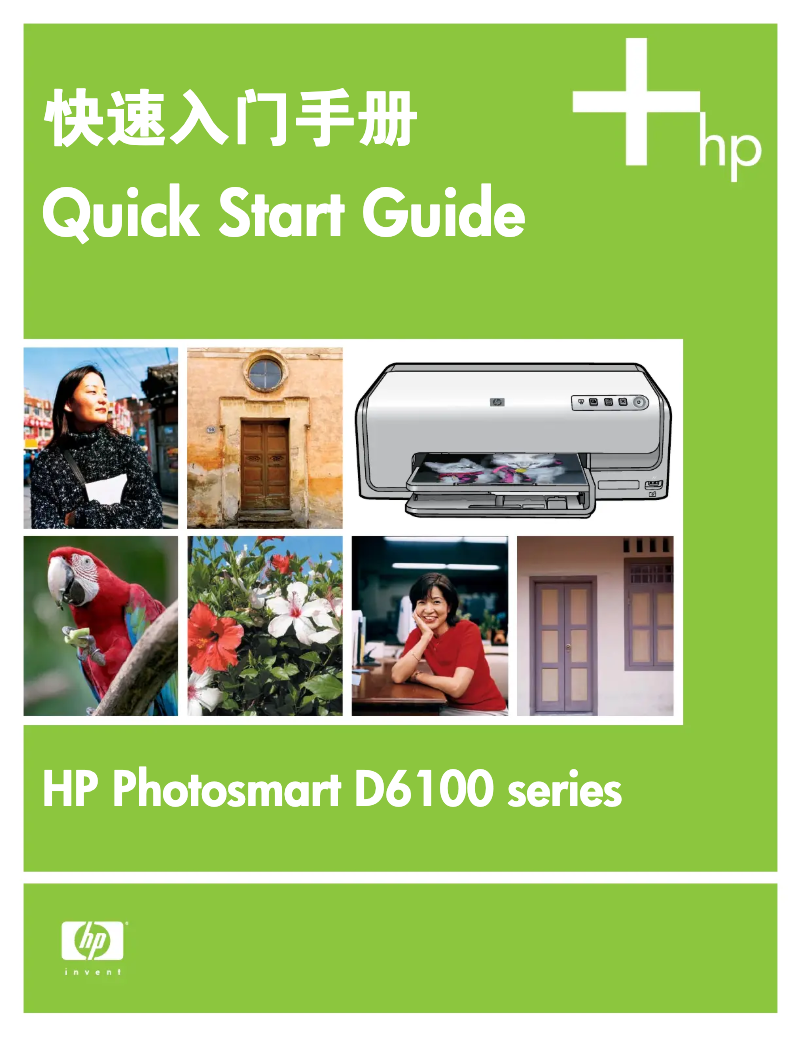
The HP Photosmart D6100 printer stands out for its exceptional print quality, making it ideal for those looking to print high-quality photos and documents. Its versatility is also a major asset, as it offers printing, scanning, and copying functions, all in one device. Additionally, the enhanced connectivity allows for wireless printing from various devices, providing appreciated flexibility for modern users. However, there are some drawbacks to note. Ink consumption can be high, leading to recurring costs that may weigh on users' budgets. Furthermore, the printer may show signs of slowness when printing color documents, which can be frustrating for those who prioritize speed. Compatibility issues with certain recent operating systems can also pose challenges. Moreover, paper loading can sometimes be tricky, leading to frequent jams if the paper is not positioned correctly. In terms of user experience, the ease of setup and the available user guides allow for quick handling, even for novices. The HP brand, known for its reliability, ensures a certain level of durability, although issues such as paper jams can affect the robustness of the device. In summary, the HP Photosmart D6100 offers a quality printing experience, but users should be aware of ink costs and challenges related to speed and compatibility. It is an interesting choice for home or professional use, provided that its limitations are taken into account.Score details
User experience
The user experience is positive due to the ease of use and the available guides, making setup simple even for novices.
Performance
Print performance is excellent for photos, but the printer can be slow when printing color documents, which may frustrate some users.
Features
The printer offers good versatility with printing, scanning, and copying functions, and improved connectivity for wireless printing.
Value for money
Although print quality is high, ink consumption can lead to recurring costs, which may affect the perception of value.
Robustness
HP is a well-known brand for its durability, but issues like paper jams can affect the reliability of the device.
Advantages
High-quality prints
Ease of installation and use
All-in-one device: print, scan, copy
Wireless printing from various devices
Reliable and durable brand
Disadvantages
High ink consumption.
Slow color printing.
Limited compatibility with certain systems.
Delicate paper loading.
Unreliable wireless connectivity.
Technical Specifications Photosmart D6100
General Information
-
ModelPHOTOSMART D6100
-
Brand
-
Category
-
Type
-
SKU1798503
-
MPN1798503
Frequently Asked Questions
What is the recommended method for removing a jammed paper from the printer?
Why does my printer not recognize the original cartridges?
What are the possible reasons for poor print quality?
What are the main differences between a laser printer and an inkjet printer?
Why does my inkjet printer produce black lines on my prints?
What does the acronym DPI mean?
Is the manual for the HP Photosmart D6100 available in French?
Similar products


More product categories from brand HP
Computers and accessories HP
Other HP
Phones HP
Audio HP
Interior HP
Software HP
More product types from brand HP


Presentation of product Photosmart D6100 specifications from brand HP
General Information
The HP Photosmart D6100 is a printer from the HP brand, globally recognized for its commitment to quality and innovation in the field of electronic devices. This model, the Photosmart D6100, is designed to provide reliable performance and an enriching user experience.
Advantages
This printer stands out for exceptional print quality, capable of producing documents and photos with remarkable clarity thanks to its advanced color printing technologies.
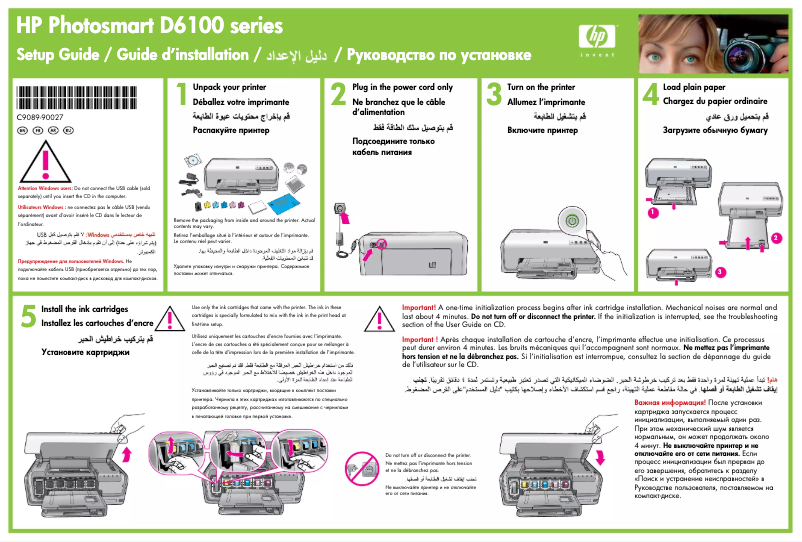
Its ease of use is also a major asset, with an installation guide and a manual available to assist users, including those who are less familiar with printers.
Moreover, the HP Photosmart D6100 presents itself as a versatile device, combining printing, scanning, and copying functions, making it suitable for both home and professional use.
The enhanced connectivity allows for wireless printing from various devices such as computers, tablets, and smartphones, thus offering appreciated flexibility in use. Finally, the reputation of the HP brand ensures durability and reliability, making it a wise choice for those seeking a quality product.
Disadvantages
However, it is important to note some disadvantages associated with the HP Photosmart D6100. The ink consumption can be relatively high, leading to recurring costs for the user.
Additionally, the printer may prove to be slow when printing color documents, which can be frustrating for those who need speed.
The limited compatibility with certain recent operating systems could also pose integration issues in modern computing environments.
Finally, the paper loading can sometimes be tricky, leading to frequent jams if the paper is not properly positioned, and the wireless connectivity features may be subject to interruptions, affecting the reliability of remote printing.


