
Manual of product GZ-MG360
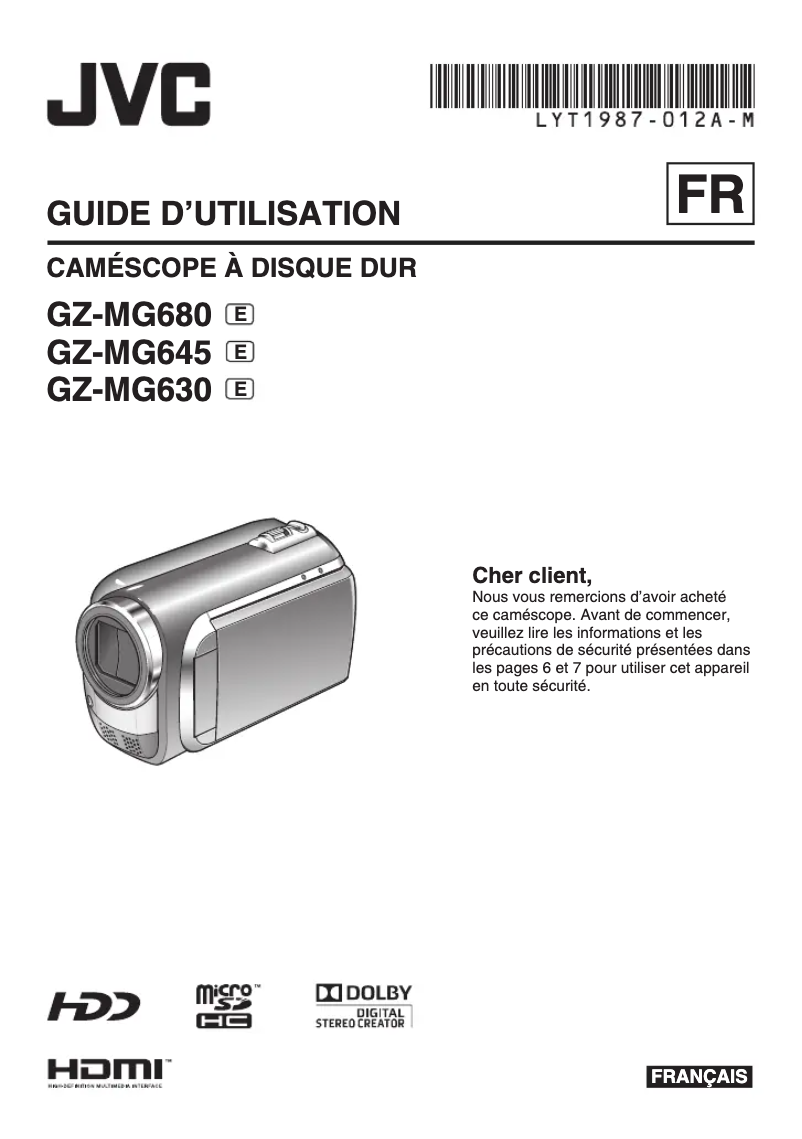
Editorial note
The JVC GZ-MG360 is a camcorder that stands out for its compactness and ergonomic design, making it easier to transport and handle during shooting. JVC's reputation for reliability and innovation is an additional asset, ensuring a pleasant user experience, especially thanks to the availability of a user manual that helps with getting started, particularly for beginners. However, the user experience is nuanced by a few weaknesses. The image quality, while generally satisfactory for family recordings, may be inferior to that of competing models, especially in low-light conditions. Additionally, the internal storage capacity is limited, which may require the purchase of additional memory cards for those considering extended recordings. In terms of features, the GZ-MG360 lacks some advanced options, such as optical image stabilization, which may disappoint users looking for professional performance. The user interface, while comprehensive, may seem complex for novices, making navigation through the various functions less intuitive. In summary, the JVC GZ-MG360 is a camcorder suitable for family and creative use, with generally good performance, but it may not satisfy demanding users due to its limitations in image quality and advanced features.Score details
User experience
The user experience is mixed, with a user manual available to facilitate onboarding, but the interface may seem complex for beginners.
Performance
Performance is generally good for recordings, but image quality may be lower than that of competing models, especially in low light.
Design
The design is ergonomic and compact, making it easy to transport and handle during shooting.
Value for money
The value for money is acceptable, but the limited storage capacity and the absence of certain advanced features may be disappointing.
Features
The camcorder lacks some advanced features, such as optical image stabilization, which may limit its use for more demanding projects.
Advantages
Reliability and innovation of the JVC brand
Optimal performance for smooth shooting
User manual for beginners
Suitable for family and creative recordings
Compact and ergonomic design for easy transport
Disadvantages
Poor image quality in low light
Unwieldy weight and size for transport
Limited internal storage, memory cards required
Complex user interface for beginners
Lack of optical image stabilization
Technical Specifications GZ-MG360
General Information
-
ModelGZ-MG360
-
Brand
-
Category
-
Type
-
SKU863040
-
MPN863040
Frequently Asked Questions
What is a megapixel?
What does the abbreviation "MP" mean?
Is the manual for the JVC GZ-MG360 available in French?
Similar products




More product categories from brand JVC
More product types from brand JVC





Presentation of product GZ-MG360 specifications from brand JVC
General Information
The JVC GZ-MG360 is a camcorder from the JVC brand, known for its commitment to quality and innovation in the electronics sector. This model offers solid performance, allowing users to capture precious moments with appreciable fluidity.
Designed to meet the varied expectations of users, the GZ-MG360 is ideal for family recordings as well as for more creative projects. Its compactness and ergonomic design make it easy to transport, making shooting more practical and enjoyable.
The camcorder comes with a user manual, which is a major asset for beginners looking to quickly familiarize themselves with its features.
Advantages
- Reliability and innovation from the JVC brand, ensuring a quality product.
- Optimal performance for a smooth shooting experience.
- User manual included, simplifying the handling.
- Design suitable for various uses, whether for family events or personal creations.
- Compact and ergonomic design for easy transport.
Disadvantages
- Image quality may not match that of some competing models, especially in low-light environments.
- The weight and size of the camcorder may make it less convenient to carry.
- Limited internal storage capacity, requiring the use of additional memory cards for extended recording sessions.
- User interface potentially complex for novices, making navigation less intuitive.
- Lack of advanced features such as optical image stabilization, which may disappoint users seeking professional performance.


