
Manual of product LT-24FD100
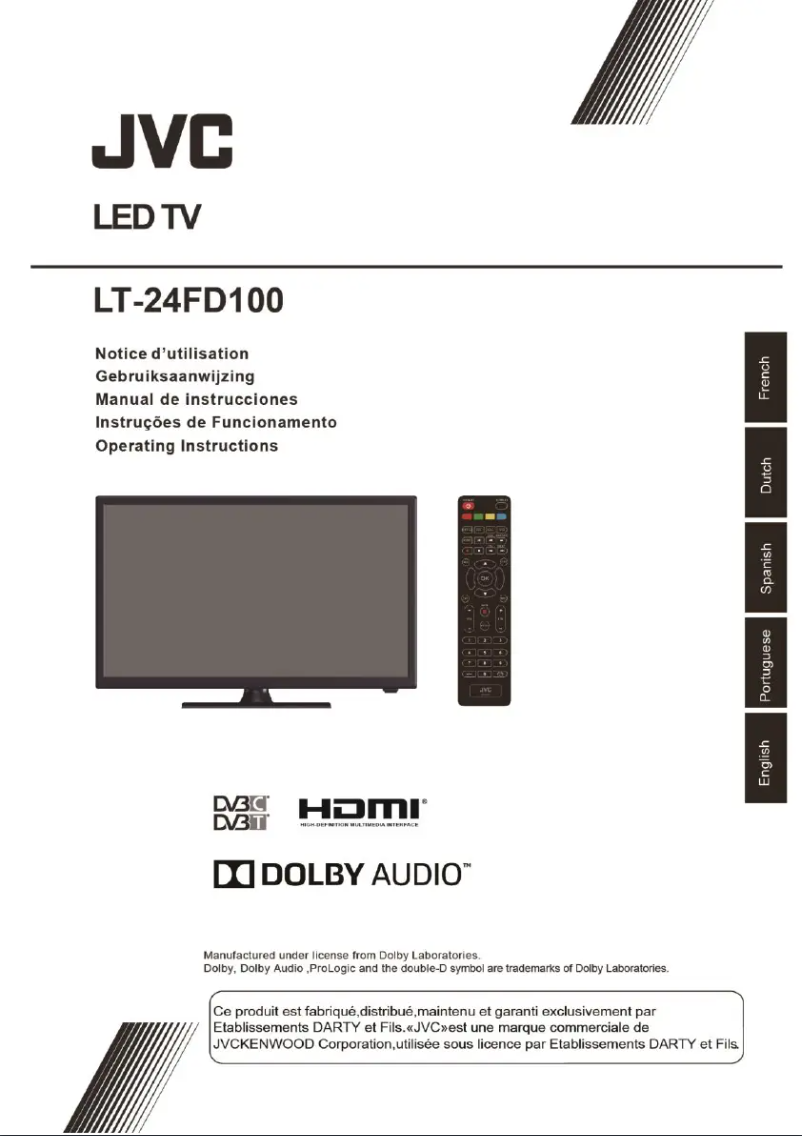
Editorial note
The JVC LT-24FD100 television stands out for its brand reputation, synonymous with reliability and durability. With high-level visual and sound performance, this model offers a pleasant viewing experience, although it may require the use of external speakers to optimize audio quality. Its compact 24-inch design makes it particularly suitable for small spaces, such as bedrooms or kitchens, even if its size may be insufficient for large living rooms. However, the LT-24FD100 has some limitations. It lacks advanced features, such as Smart TV connectivity, which restricts access to streaming applications. Additionally, the image quality may not meet expectations for high-definition content, and the viewing angle can affect the perception of the image for viewers positioned on the sides. The user experience is facilitated by an included user manual, which makes the installation and use of the television's features easy. In summary, the JVC LT-24FD100 is a wise choice for those looking for a compact and reliable television, but it is important to consider its limitations if a more immersive viewing experience is desired.Score details
User experience
The user experience is enhanced by user-friendly features, making navigation and access to multimedia content easier.
Performance
The visual and audio performance is top-notch, although the sound quality may require external speakers for a better experience.
Design
The compact 24-inch design is ideal for small spaces, but may be insufficient for large living rooms.
Features
The model lacks some advanced features, such as Smart TV connectivity, which limits access to streaming applications.
Usability
The included user manual makes it easy to install and use the various features of the television.
Robustness
The JVC brand is known for its quality and innovation, ensuring good reliability and durability of the product.
Advantages
Renowned brand for reliability and durability
Optimal visual and sound performance
User-friendly navigation for a better experience
Compact, ideal for small spaces
User manual included for convenience
Disadvantages
24-inch screen too small.
Lack of Smart TV features.
Mediocre sound quality.
Limited viewing angle.
Resolution lower than recent models.
Technical Specifications LT-24FD100
General Information
-
ModelLT-24FD100
-
Brand
-
Category
-
Type
-
SKU1529435
-
MPN1529435
Frequently Asked Questions
What is the optimal viewing distance for my JVC television?
What should I do if my television no longer detects a signal?
What are the dimensions of my television screen?
What does HDMI mean?
Is it possible to connect devices from different brands via Bluetooth?
Why is my JVC LT-24FD100 television not producing sound?
How do I connect external devices to the JVC LT-24FD100 television?
What should I do if the image quality is unsatisfactory?
Can I set up my universal remote to work with this television?
How do I set up the JVC LT-24FD100 television to receive digital channels?
Is the manual for the JVC LT-24FD100 available in French?
Similar products


More product categories from brand JVC
More product types from brand JVC





Presentation of product LT-24FD100 specifications from brand JVC
General Information
The JVC LT-24FD100 television embodies JVC's commitment to quality and innovation in the multimedia device sector. This 24-inch model is designed to provide an enjoyable viewing experience, thanks to optimized visual and audio performance. Its compact size makes it particularly suitable for small spaces such as bedrooms or kitchens, while still maintaining acceptable image quality.
Advantages
- Brand reputation: JVC is synonymous with reliability and durability, undeniable assets for the LT-24FD100 model.
- Visual performance: This television is designed to deliver satisfactory image quality, thereby enhancing the viewing experience.
- Ease of use: With its user-friendly interface, navigating through multimedia content is simplified.
- Compact: With its 24-inch format, it easily fits into small spaces without sacrificing display quality.
- User manual included: The product comes with a user guide, facilitating the installation and operation of its features.
Disadvantages
- Screen size: The 24 inches may be deemed insufficient for living rooms or large spaces, thus limiting the immersive experience.
- Limited features: This model lacks certain advanced options, such as Smart TV connectivity, restricting access to popular streaming applications.
- Sound quality: The sound may not meet expectations, which could necessitate the addition of external speakers for a better audio experience.
- Viewing angle: Display performance may decrease when viewing the screen from the side, due to a restricted viewing angle.
- Resolution: The resolution may be lower than that of newer models, thus limiting the visual experience for high-definition content.


