

Manual of product LT-24FD110
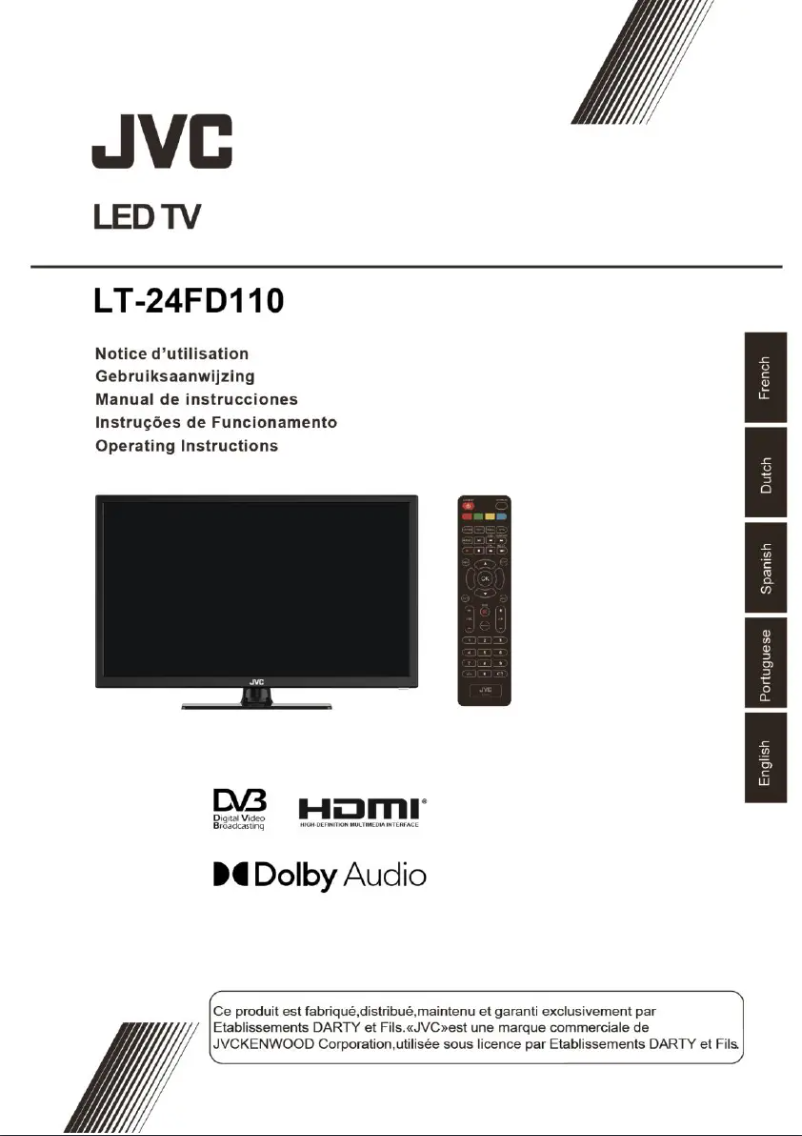
Editorial note
The JVC LT-24FD110 television offers a satisfactory user experience thanks to its included user manual, making installation and use easier. Its compact design is a major asset, making this model ideal for small spaces while providing an effective entertainment solution. However, some aspects may disappoint. The screen size, with a diagonal of 24 inches, may not be suitable for large rooms or for those seeking total immersion. Additionally, the modest resolution may not satisfy users looking for high-definition image quality, especially for streaming modern content. Connectivity is also limited, which restricts the possibilities of connecting to other devices. In terms of value, the price-to-quality ratio is acceptable, but the limited features and lack of certain advanced options, such as Smart TV, may make some buyers hesitate. Finally, the sound quality of the built-in speakers leaves much to be desired, often making it necessary to purchase an external audio system for an optimal listening experience. In summary, the JVC LT-24FD110 is a good choice for use in small spaces, but it may not meet the expectations of users looking for more advanced audiovisual performance.Score details
User experience
The user experience is generally satisfactory thanks to an included user manual that facilitates the installation and use of the television.
Performance
The viewing performance is acceptable, but the modest resolution may disappoint those looking for high-definition image quality.
Design
The compact design of the JVC LT-24FD110 is well thought out, ideal for small spaces while providing unobtrusive entertainment.
Value for money
The value for money is acceptable, but the limited features and restricted connectivity may not justify the purchase for some users.
Features
The model lacks advanced features such as Smart TV and compatibility with streaming apps, which limits its appeal.
sound_quality
The sound quality of the built-in speakers is subpar, making it necessary to purchase an external audio system for a better experience.
Advantages
Recognized brand for innovation and reliability
Optimal viewing performance
User manual included
EAN code for traceability
Compact design for small spaces
Disadvantages
Screen size limited to 24 inches
Resolution lower than HD
Limited connectivity, few ports
Basic features, no Smart TV
Mediocre sound quality from the speakers
Technical Specifications LT-24FD110
General Information
-
ModelLT-24FD110
-
Brand
-
Category
-
Type
-
SKU1789454
-
MPN1789454
Frequently Asked Questions
What is the recommended viewing distance for my JVC television?
What should I do if my television is no longer receiving a signal?
What are the dimensions of my television screen?
What does the acronym HDMI stand for?
Is it possible to connect devices from different brands via Bluetooth?
How do I choose the desired program rating for parental control on my JVC LT-24FD110 television?
How do I disable the parental control feature on the JVC LT-24FD110 television?
Is the manual for the JVC LT-24FD110 available in French?
Similar products


More product categories from brand JVC
More product types from brand JVC





Presentation of product LT-24FD110 specifications from brand JVC
General Information
The JVC LT-24FD110 television embodies JVC's commitment to quality and innovation in the multimedia device sector. Designed to provide an enjoyable viewing experience, this 24-inch model is ideal for small spaces. Its EAN code, 4975769474859, ensures unique identification, thus facilitating its purchase and traceability in the distribution system.
Advantages
- Brand Quality: JVC is a well-known brand for its reliability, ensuring a quality product.
- Optimal Performance: The LT-24FD110 is designed to deliver satisfactory viewing performance, enhancing your audiovisual experience.
- User Manual Included: The presence of a guide makes the installation and use of the television easier.
- Unique Identification: The EAN code allows for easy traceability of the product.
- Compact Design: Its suitable size makes it an ideal entertainment solution for small spaces.
Disadvantages
- Limited Screen Size: With its 24-inch diagonal, this television may not be suitable for large rooms or for those seeking total immersion.
- Modest Resolution: The JVC LT-24FD110 does not offer the high-definition image quality sought by some users, especially for streaming.
- Restricted Connectivity: This model may have a limited number of ports, which restricts connection possibilities to other devices.
- Limited Features: Compared to newer models, it lacks some advanced features like Smart TV or voice control.
- Inferior Sound Quality: The built-in speakers may not provide a satisfactory audio experience, potentially requiring the addition of a soundbar.


