
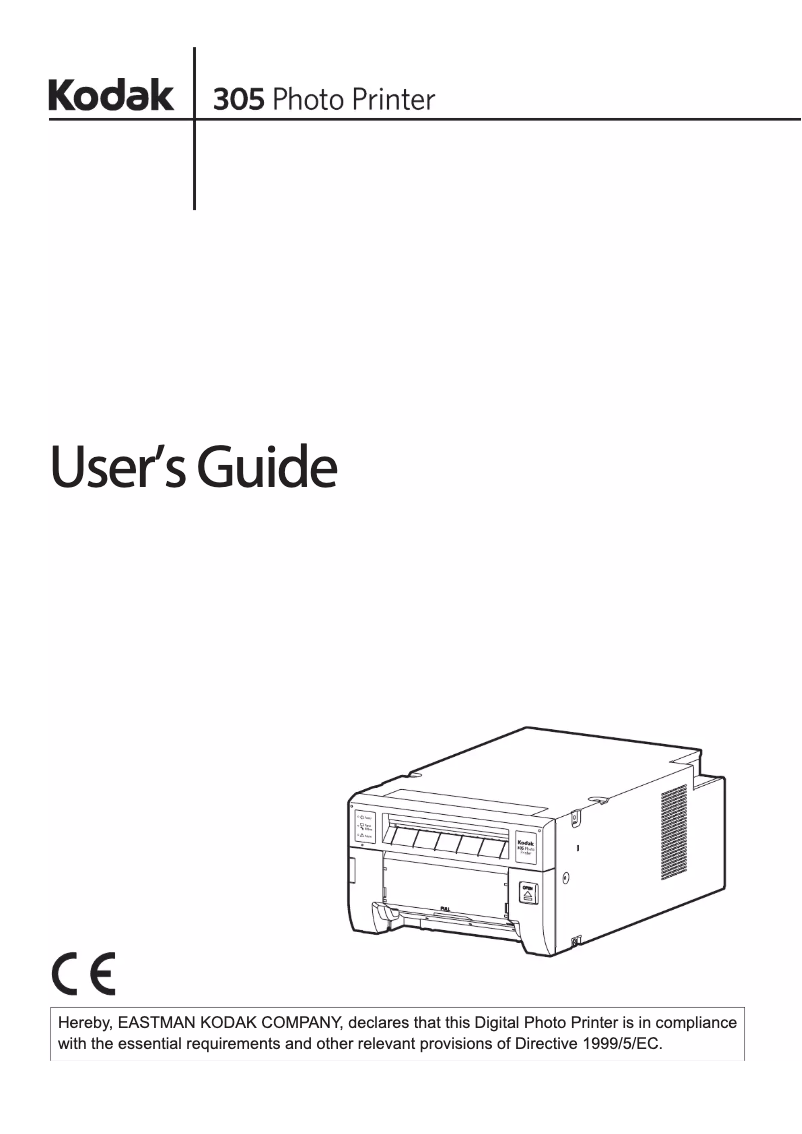
Manual of product 305 Photo printer
Editorial note
The Kodak 305 Photo printer stands out for its ability to produce high-quality photographic prints, accurately capturing details and colors. Its user-friendly interface and included user manual make the experience easy for novices, making printing accessible and quick. Additionally, its compact and portable design allows for easy installation in various spaces and for taking it on the go. However, this model has some drawbacks. The cost of ink cartridges and photo paper can be relatively high, increasing the cost per print, which may not suit all budgets. Furthermore, the printing speed is sometimes slow, which can frustrate hurried users. The printer's connectivity is limited, supporting only certain interfaces, which may restrict its use with various devices. Finally, it lacks some advanced features, such as automatic duplex printing, and its paper volume is relatively low, requiring frequent refills. Overall, the Kodak 305 Photo printer is a solid choice for those looking for a quality photo printer, but it is important to consider its limitations in terms of costs and features.Score details
User experience
The user experience is very positive thanks to a user-friendly interface and an included user manual, making printing simple even for novices.
Performance
The printing performance is excellent for high-quality photos, although the printing speed can be slow, which may be an issue for users in a hurry.
Value for money
The cost of ink cartridges and photo paper is relatively high, increasing the cost per print, which may not suit all budgets.
Design
The design is compact and portable, allowing for easy setup in various spaces and convenient transport.
Features
Although the printer is versatile and capable of printing different types of photos, it lacks some advanced features, such as automatic duplex printing.
Robustness
Kodak, as a recognized brand, ensures satisfactory reliability and durability, reinforcing users' trust in its products.
Usability
Although easy to use, connectivity is limited, supporting only certain interfaces, which may restrict its use with various devices.
Advantages
High-quality photographic print
User-friendly and easy-to-use interface
Reliable and well-known brand
Compact and lightweight for transport
Prints various types of photos
Disadvantages
High cost of cartridges and paper.
Slow printing speed for high quality.
Limited connectivity with some devices.
Lack of automatic duplex printing.
Low paper capacity, frequent refills.
Technical Specifications 305 Photo printer
General Information
-
Model305 PHOTO PRINTER
-
Brand
-
Category
-
Type
-
SKU860499
-
MPN860499
Frequently Asked Questions
What is the best method to remove paper jammed in the printer?
Why is my printer not recognizing the original cartridges?
Why is the quality of my prints poor?
What is the difference between a laser printer and an inkjet printer?
Why is my inkjet printer producing black streaks?
What does the acronym DPI mean?
Is the manual for the Kodak 305 Photo printer available in French?
Similar products


More product categories from brand Kodak
More product types from brand Kodak






Presentation of product 305 Photo printer specifications from brand Kodak
General Information
The Kodak 305 Photo Printer embodies the excellence of the Kodak brand, renowned for its innovation and quality in the imaging field. This model is designed to deliver remarkable performance while enhancing the user experience. With its advanced technology, it ensures photo prints with exceptional sharpness and richness of colors.
Advantages
High-quality printing: The Kodak 305 Photo Printer is perfectly suited to produce vibrant and detailed photographs, faithfully capturing every nuance.
Ease of use: With an intuitive interface and a user manual provided, this device is accessible even to novices, making the printing process simple and quick.
Brand reliability: As an iconic brand, Kodak inspires confidence with its recognized expertise in the photographic field, ensuring durability and performance.
Compact and portable: Its lightweight design and small size allow for easy installation in various environments, while being light enough to take along when traveling.
Versatility: This model can print a variety of photos, making it ideal for all occasions, whether for family events or creative projects.
Disadvantages
Consumable costs: The price of ink cartridges and photo paper can be high, leading to a significant cost per print.
Printing speed: The printing speed may be limited, especially for high-quality prints, which may not suit users in a hurry.
Limited connectivity: The printer may be limited in terms of compatibility, supporting only certain protocols or interfaces, which can restrict its use with various devices.
Limited features: This model may lack some advanced options, such as automatic duplex printing, which could disappoint some users.
Paper capacity: The volume of paper that the printer can hold is relatively low, requiring frequent reloads during bulk printing.


