

Manuals of product ECOSYS FS-4000DN
Editorial note
The Kyocera ECOSYS FS-4000DN printer stands out for its high performance, making it an ideal choice for work environments that require fast and quality printing. Its reputation for durability and reliability, inherited from the Kyocera brand, also helps to reduce long-term maintenance costs. Additionally, its energy-efficient features allow for a decrease in electricity consumption, which is an asset for companies concerned about their environmental impact. However, some drawbacks deserve to be highlighted. The high cost of consumables, such as toners and drums, can significantly increase operating expenses. The printer can also be noisy during operation, which could disrupt a quiet work environment. Furthermore, its size may pose issues in cramped offices, requiring careful space planning. The user interface, deemed not very intuitive by some, could also complicate navigation through the settings, while the limited network connectivity may not meet the needs of modern offices that prioritize wireless connections. In summary, the Kyocera ECOSYS FS-4000DN is a high-performing and durable printer, but its operating cost, noise level, size, and connectivity limitations are factors to consider for successful integration into a work environment.Score details
Performance
The Kyocera ECOSYS FS-4000DN printer offers high performance, ideal for work environments requiring fast and high-quality printing.
durability
Thanks to Kyocera's reputation, this model ensures increased durability and reliability, thus reducing costs related to repairs and replacements.
Battery life
Although the printer is energy-efficient, the cost of consumables remains high, which can increase long-term operating costs.
Usability
Ease of use is appreciated with documents available for installation, although the user interface may seem unintuitive to some.
Support
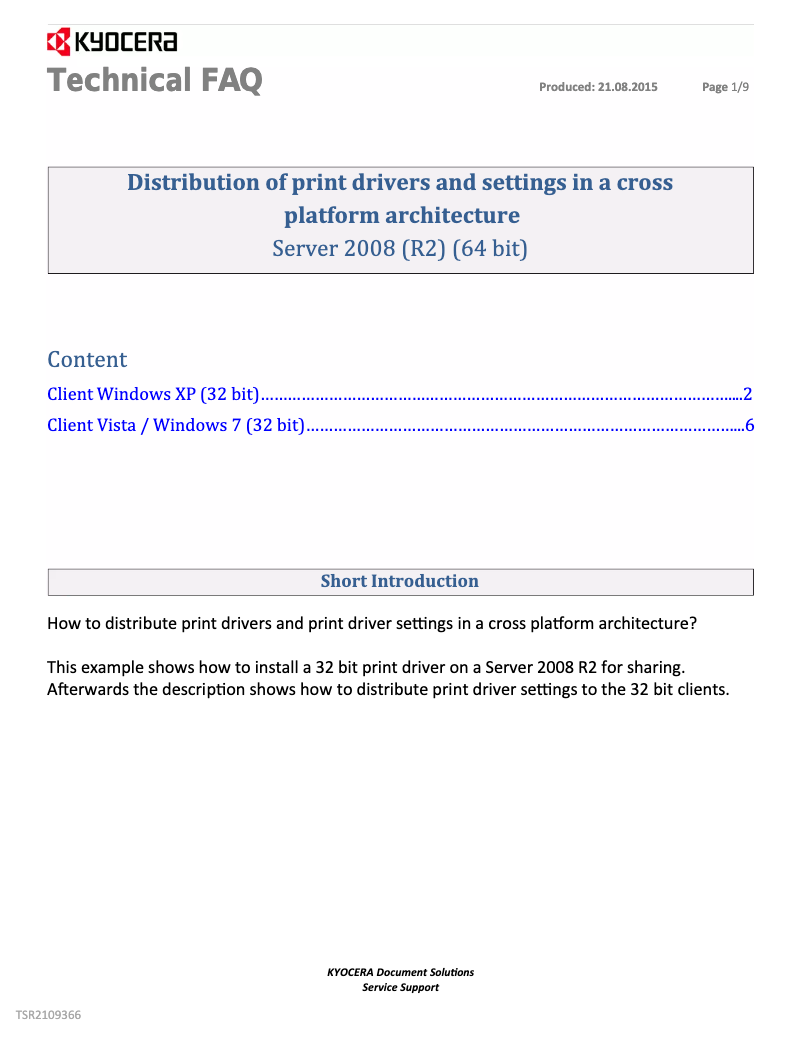
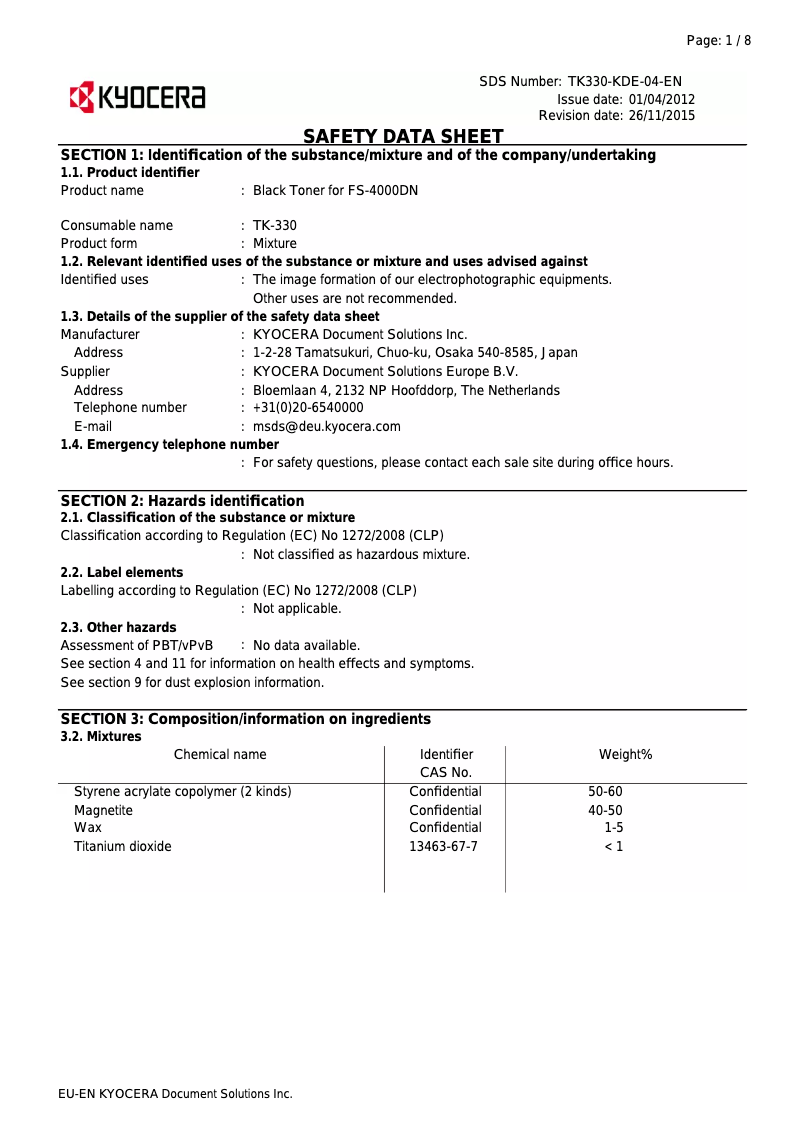
Technical support is accessible thanks to the presence of documents such as FAQs and safety instructions, facilitating problem resolution.
Design
The size of the printer can be cumbersome for small offices, and its noise level can be disturbing in a quiet work environment.
connectivity
Network connectivity is limited, which can pose problems for offices requiring a wireless connection or integration with modern systems.
Advantages
Fast and high-quality printing
Increased durability and reliability
Reduced energy consumption
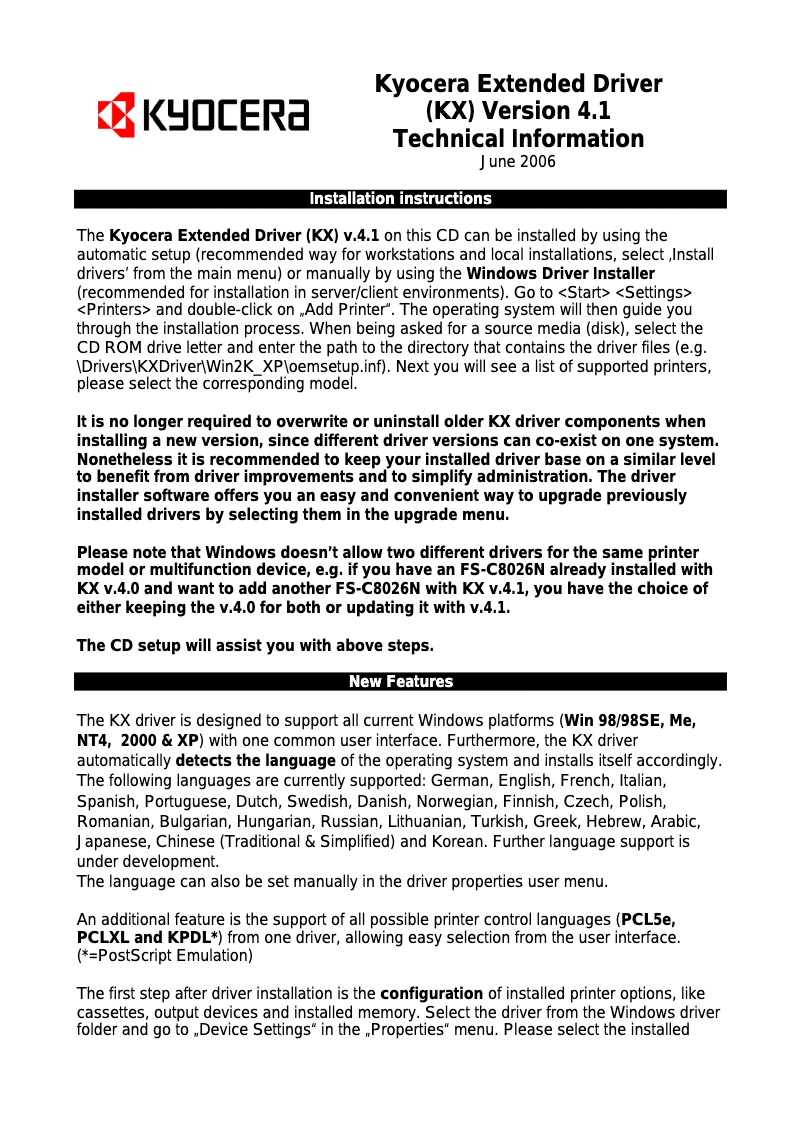
Simple and quick installation
Accessible and helpful technical support
Disadvantages
High cost of consumables
Noise during printing
Bulky size for small offices
Unintuitive user interface
Limited network connectivity
Technical Specifications ECOSYS FS-4000DN
General Information
-
ModelECOSYS FS-4000DN
-
Brand
-
Category
-
Type
-
SKU1247533
-
MPN1247533
Frequently Asked Questions
What is the recommended method for removing a jammed paper from the printer?
Why is my printer rejecting original cartridges?
What could be the reasons for poor print quality?
What is the difference between a laser printer and an inkjet printer?
Why does my inkjet printer leave black streaks on prints?
What does the acronym DPI mean?
Is the manual for the Kyocera ECOSYS FS-4000DN available in French?
Similar products


More product categories from brand Kyocera
Phones Kyocera
Other Kyocera
More product types from brand Kyocera


Presentation of product ECOSYS FS-4000DN specifications from brand Kyocera
General Information
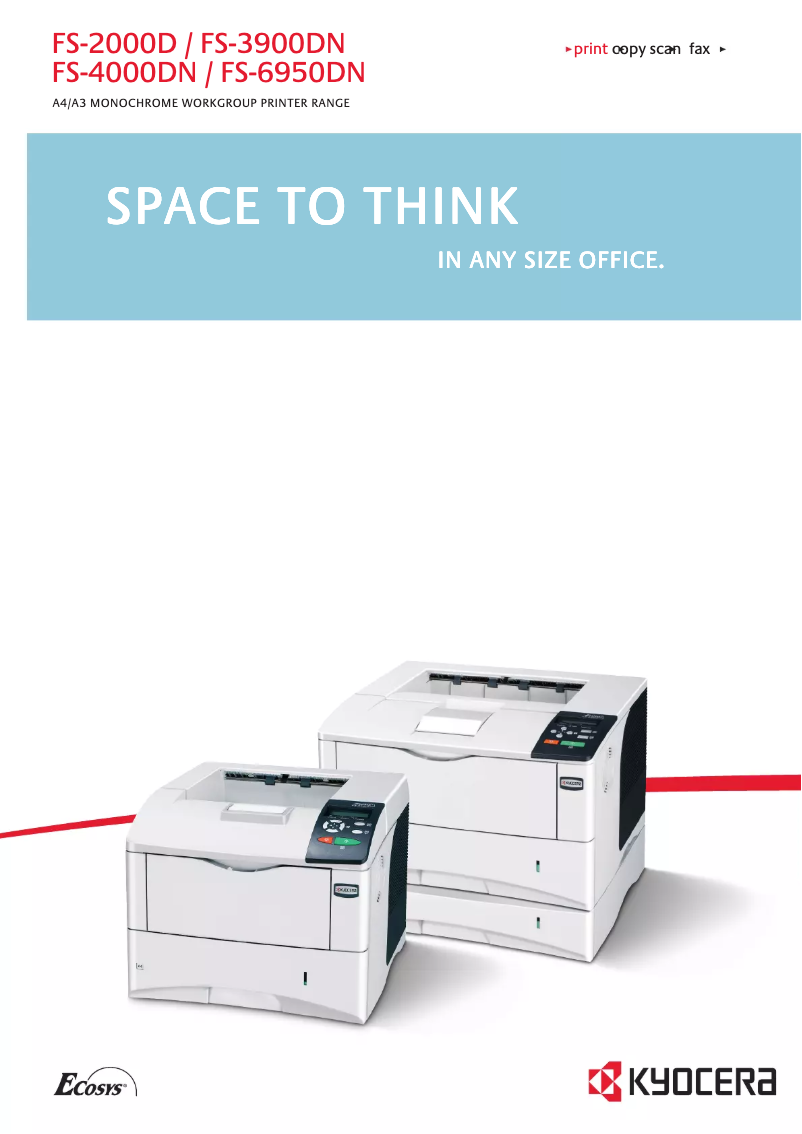
The Kyocera ECOSYS FS-4000DN printer is a high-end model designed by the Kyocera brand, known for its constant innovation and the quality of its products in the office equipment sector. This model, the ECOSYS FS-4000DN, is specifically developed to deliver exceptional performance, thus meeting the needs of professional work environments that require speed and precision during printing.
The EAN code 0632983006917 allows for the unique identification of this product within the distribution network, thereby facilitating inventory and order management.
Advantages
High performance: The printer is designed to deliver fast and precise print quality, ideal for demanding professional tasks.
Durability and reliability: Thanks to Kyocera's expertise, this model is designed for prolonged use, thus minimizing costs related to maintenance and frequent replacements.
Energy efficiency: The ECOSYS FS-4000DN incorporates energy-saving features that reduce electricity consumption, contributing to lower energy bills and a reduced environmental impact.
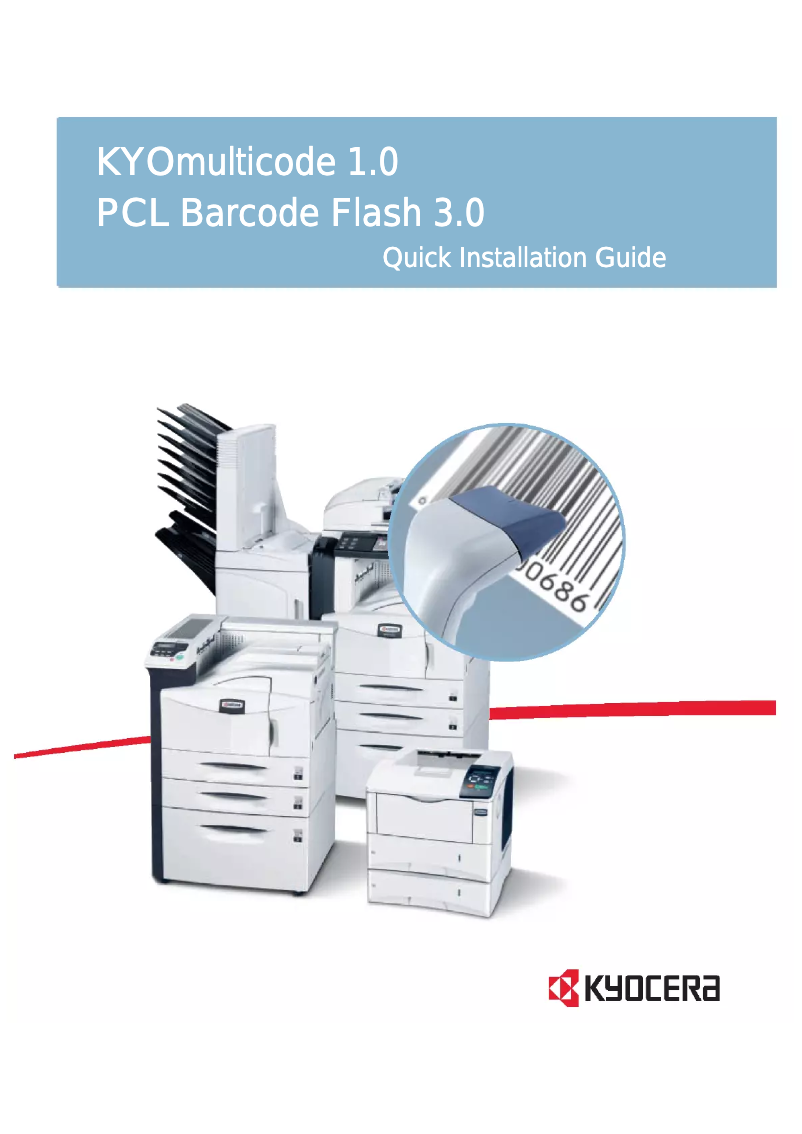
Ease of use: The printer comes with support documents such as the user manual and a product brochure, making installation and commissioning simple and accessible.
Accessible technical support: Resources like a FAQ and safety instructions are available to help users quickly resolve common issues.
Disadvantages
Cost of consumables: Toners and drums can have a relatively high cost, which may increase long-term operating expenses.
Noise level: The printer can be noisy during printing, which may be disruptive in work environments where silence is required.
Bulky size: The model can take up considerable space, making its integration difficult in smaller offices.
User interface: Some users may find the interface not very intuitive, making navigation through the settings less smooth.
Limited connectivity: Network connectivity options may not meet the needs of modern offices requiring wireless connections or integration with advanced systems.


