
Manual of product Ecosys FS-600
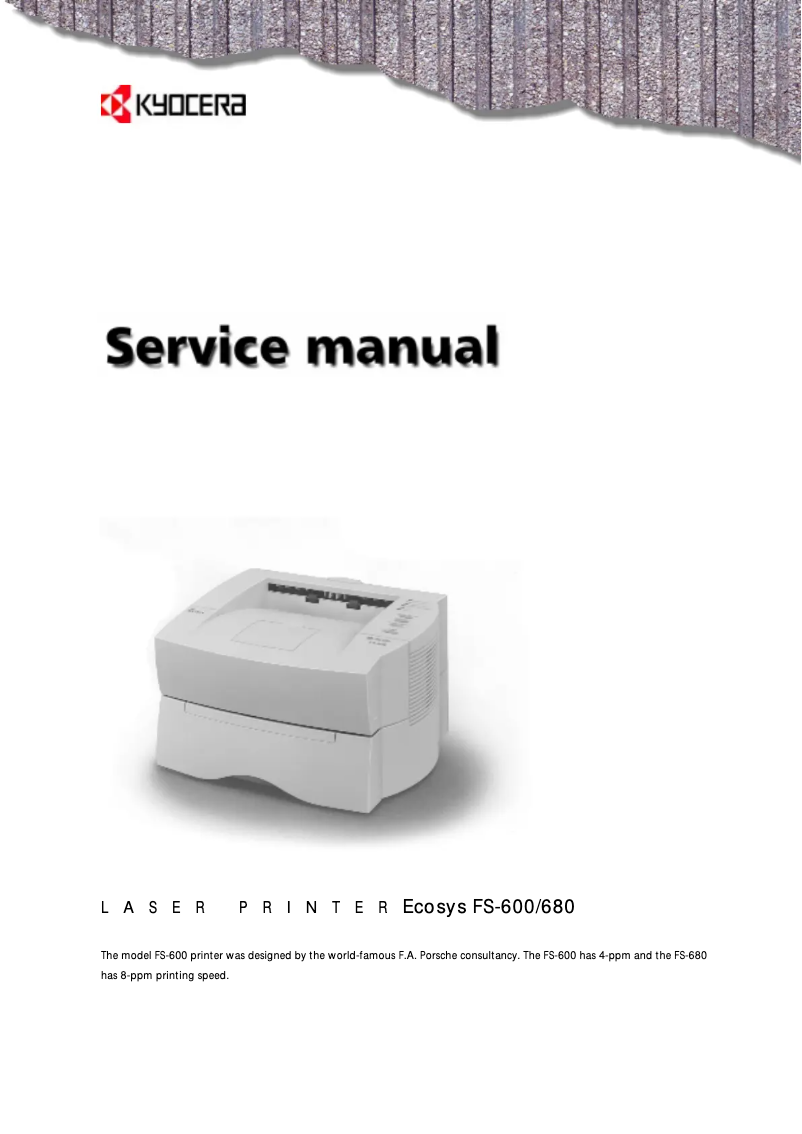
Editorial note
The Kyocera Ecosys FS-600 printer stands out for its high performance, offering fast and quality printing, making it an ideal choice for demanding professional environments. The robustness and reliability of this model, supported by the reputation of the Kyocera brand, ensure a long lifespan and require little maintenance. Additionally, its ergonomic design and intuitive features enhance the user experience, making daily printing tasks smoother. However, some drawbacks are worth mentioning. The initial purchase cost can be relatively high compared to other models, which may deter some buyers. Furthermore, the printer can be noisy during use, which can be disruptive in quiet work environments. Although the printing speed is reasonable, it may not meet the needs of users with very high printing volumes. The lack of automatic duplex printing is also a point to consider for those who prioritize eco-friendly solutions. Finally, toner cartridges can represent an additional cost in the long run. In summary, the Kyocera Ecosys FS-600 is a high-performing and reliable printer, ideal for professional use, but its initial cost and some missing features may prompt exploration of other options.Score details
Performance
The Kyocera Ecosys FS-600 printer offers high performance, ensuring fast and high-quality printing, which is essential in professional environments.
Robustness
The durability and reliability of the product are remarkable, with a well-established reputation of the Kyocera brand for the robustness of its devices.
User experience
The user experience is enhanced by an ergonomic design and intuitive features, providing smooth daily use.
Value for money
The initial purchase cost may seem high compared to other models, which may deter some buyers despite the quality.
Features
Although the printer does not have automatic duplex printing, it incorporates energy-saving technologies that are an asset for the environment.
Support
The product comes with a comprehensive user manual, facilitating quick problem resolution and optimizing usage.
noise
The printer can be noisy during printing, which can be a disadvantage in quiet work environments.
Advantages
Fast and high-quality printing
Durability and low maintenance requirements
Intuitive and ergonomic use
Reduction in energy consumption
Comprehensive user manual included
Disadvantages
High initial cost compared to competitors
Noisy during printing
Average printing speed for large volumes
No automatic double-sided printing
Expensive toner cartridges to replace
Technical Specifications Ecosys FS-600
General Information
-
ModelECOSYS FS-600
-
Brand
-
Category
-
Type
-
SKU87450
-
MPN87450
Frequently Asked Questions
What is the recommended method for removing jammed paper from the printer?
Why is my printer refusing to accept original cartridges?
What could be the reasons for poor print quality?
What are the differences between a laser printer and an inkjet printer?
Why is my inkjet printer leaving black streaks on my prints?
What does the acronym DPI mean?
Is the manual for the Kyocera Ecosys FS-600 available in French?
Similar products


More product categories from brand Kyocera
Phones Kyocera
Other Kyocera
More product types from brand Kyocera


Presentation of product Ecosys FS-600 specifications from brand Kyocera
General Information
The Kyocera Ecosys FS-600 printer, from the renowned brand Kyocera, is designed to meet the demands of professional environments. Known for its quality and innovation, Kyocera ensures high performance and optimized use with this model.
The Ecosys FS-600 stands out for its ability to provide fast, high-quality printing, essential for businesses that require an efficient workflow. Its ergonomic design and intuitive features contribute to a pleasant user experience, thus facilitating daily printing tasks.
Advantages
This printer is recognized for its durability and reliability, making it a wise choice for those seeking a device that requires minimal maintenance. Additionally, it incorporates advanced technologies aimed at reducing energy consumption, which not only decreases the ecological footprint but also allows for savings on electricity bills.
Users will also appreciate the comprehensive user manual provided with the printer, which makes setup and troubleshooting easier.
Disadvantages
However, it is important to note that the acquisition cost of the Ecosys FS-600 may be higher than that of other similar models on the market. Furthermore, the printer may emit a considerable noise level during printing, which could be disruptive in a quiet workspace.
Although its printing speed is adequate, it may not satisfy users with very high printing needs. Additionally, the lack of certain features, such as automatic duplex printing, may be a drawback for those who prioritize more eco-friendly printing solutions. Finally, the cost of toner cartridges can increase the total cost of ownership in the long run.


