

Manuals of product ECOSYS P2040dn
Editorial note
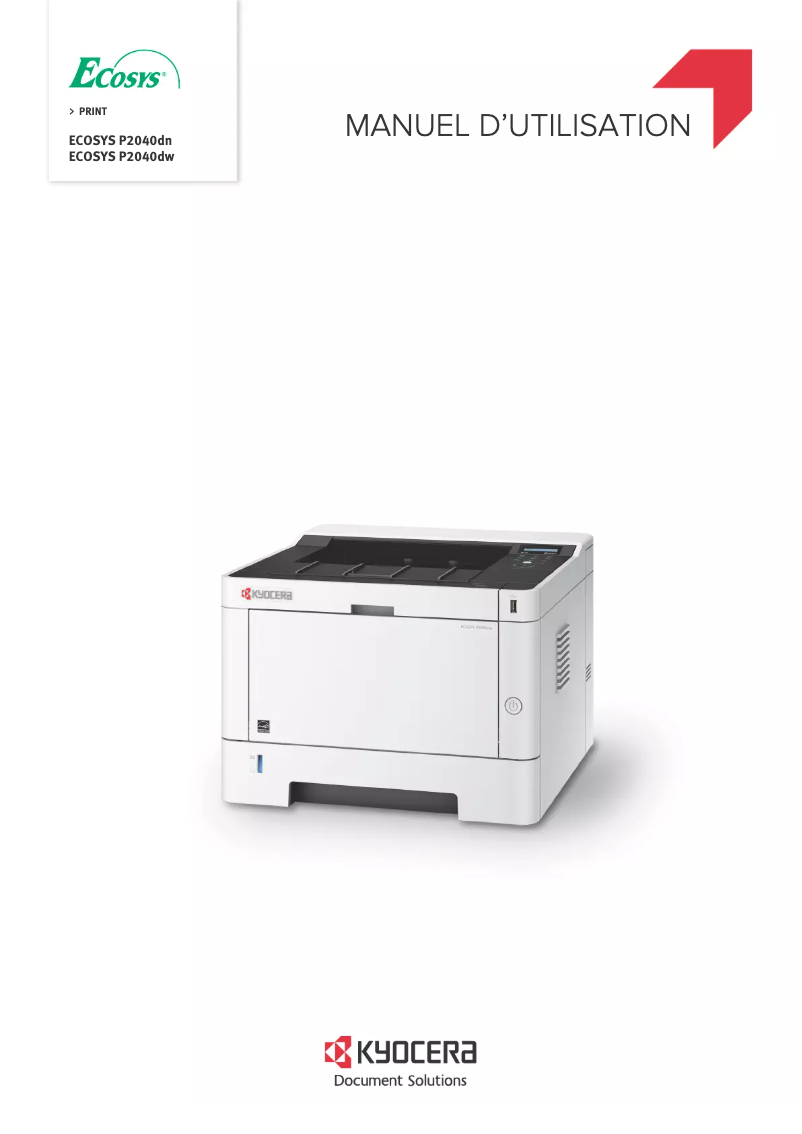
The Kyocera ECOSYS P2040dn printer stands out for its impressive performance, offering a print speed of up to 40 pages per minute. This makes it an ideal choice for demanding work environments where print volume is high. Its laser printing technology ensures a maximum resolution of 1200 x 1200 DPI, providing sharp and high-quality prints. Additionally, the manual duplex printing feature contributes to a more eco-friendly use by reducing paper consumption. However, the lack of Wi-Fi connectivity limits usage flexibility, requiring a direct connection via an Ethernet cable to print from mobile devices. The manual duplex printing mode may also prove less convenient for those seeking automation of this process. Weighing 14 kg, the printer can be difficult to move, which could pose issues in offices where reorganization is frequent. In terms of value for money, the Kyocera ECOSYS P2040dn offers good value, particularly due to its advanced printing technology and high resolution. However, the absence of color functionality may restrict its use for documents requiring graphic elements. Finally, compatibility with various operating systems (Windows, Mac, Linux) ensures good support for users. Additionally, the availability of documents such as the user manual and FAQ facilitates device handling, contributing to an overall satisfactory user experience.Score details
User experience
The user experience is satisfactory, although the lack of Wi-Fi connectivity limits usage flexibility.
Performance
The performance is excellent with a printing speed of up to 40 pages per minute, ideal for high volumes.
Features
Features like manual duplex printing help reduce paper consumption, but the manual mode can be less convenient.
Value for money
The value for money is good, especially with laser printing technology and a resolution of 1200 x 1200 DPI, but the lack of color may limit some users.
Robustness
The weight of 14 kg makes the printer less easy to move, which can be a problem in dynamic work environments.
Support
Compatibility with various operating systems (Windows, Mac, Linux) ensures usage flexibility and good support for users.
Battery life
Although this category is not applicable, optimized energy consumption in sleep mode helps reduce operating costs.
Documentation
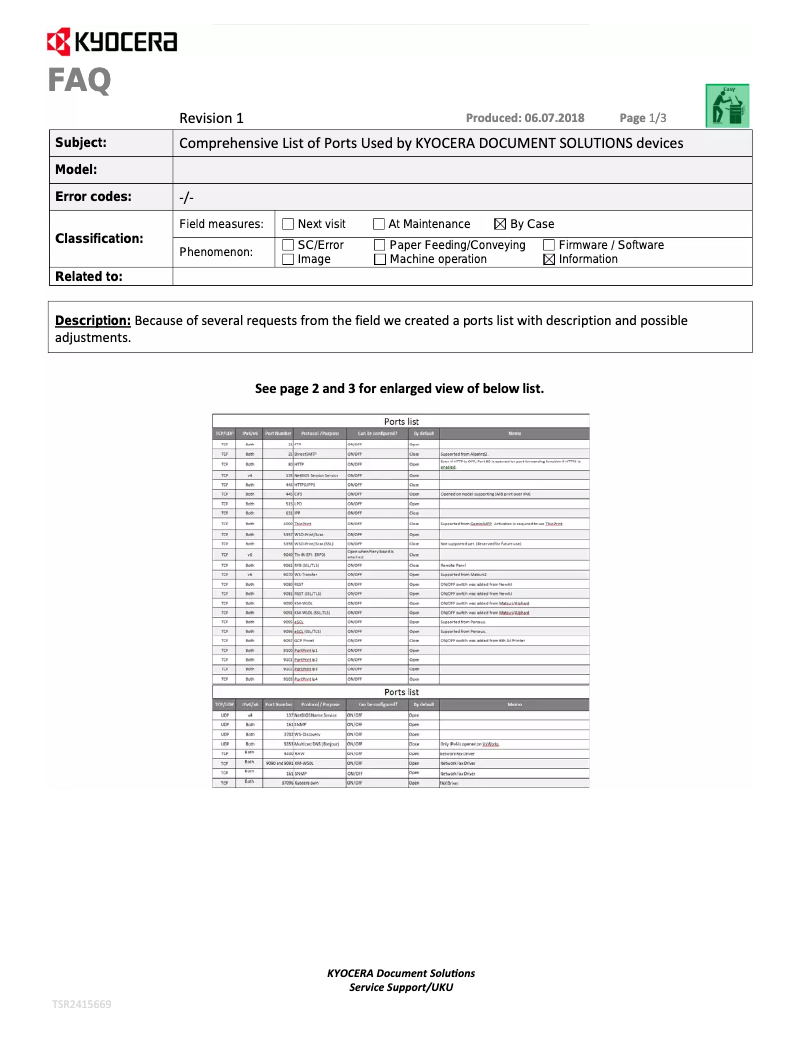
The availability of documents such as the user manual and FAQ facilitates the setup and effective use of the printer.
Advantages
Printing up to 40 pages per minute
Laser resolution 1200 x 1200 DPI
Manual duplex printing
Input capacity of 850 sheets
Compatible with Windows, Mac, Linux
Blue Angel and ENERGY STAR certifications
Disadvantages
No Wi-Fi connectivity
Manual duplex printing
Weight of 14 kg
Input capacity limited to 850 sheets
No color printing
Technical Specifications ECOSYS P2040dn
General Information
-
ModelECOSYS P2040DN
-
Brand
-
Category
-
Type
-
SKU786622
-
MPN786622
Print speed
-
ColorNo
-
Black print resolution1200 x 1200 DPI
-
Double-sided printingYes
-
Print speed (black, normal quality, A4/US Letter)40 ppm
-
Preheating time15 s
-
Copy time for the first page (Black, normal)6.4 s
-
Duplex printing modeAuto
-
Printing technologyLaser
-
Duplex printing speed (Black, normal quality, A4/US Letter)20 ppm
-
Black print resolution1200 x 1200 DPI
Features
-
Service cycle (Maximum)50000 pages per month
-
Number of print cartridges1
-
Printing colorsBlack
-
Languages of the page descriptionPCL 5e, PCL 6, PCL XL, XPS
-
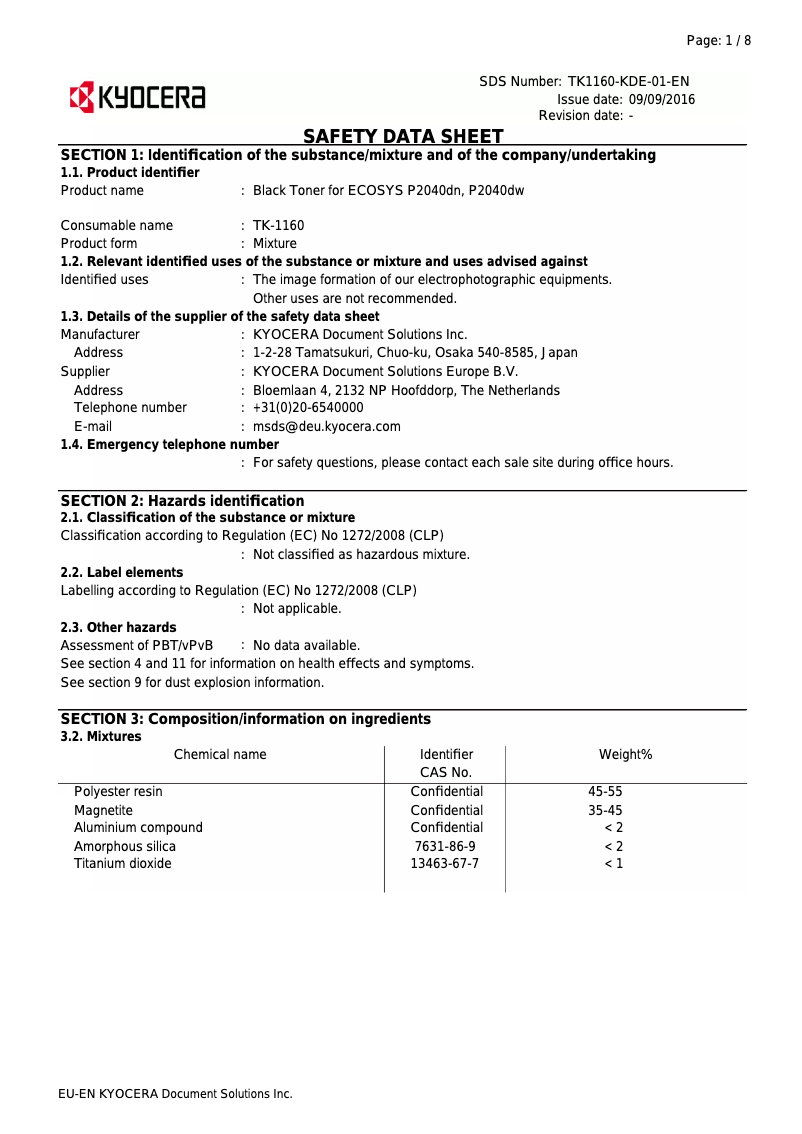
Replacement cartridgesTK-1160 (7,200 pages)
Weight and dimensions
-
Width375 mm
-
Depth393 mm
-
Height272 mm
-
Weight14000 g
Power
-
AC input voltage220 - 240 V
-
AC input frequency50 - 60 Hz
-
Average power consumption in Print mode620 W
-
Energy consumption (loan)8 W
-
Electricity consumption (stop)0.1 W
-
Energy consumption (eco mode)0.8 W
-
Energy Star, typical electrical consumption (TEC)1.6 kWh/week
Representation / realization
-
Sound pressure level (impression)48.8 dB
-
Built-in memory card readerYes
-
Processor frequency800 MHz
-
Maximum internal memory256 MB
-
Maximum internal memory256 MB
-
Built-in memory card readerYes
-
Compatible memory cardsSD, SDHC
Design
-
CertificationTÜV/GS, CE
-
Product colorBlack, White
-
Built-in screenYes
-
ScreenLCD
-
Number of lines displayed2 lines
-
Market positionDomestic and professional
-
Color displayNo
Input and output capacity
-
Input capacity of multi-purpose trays100 sheets
-
Input capacity of the paper tray 1250 sheets
-
Maximum input capacity850 sheets
-
Paper feed typeCassette, Paper tray
-
Input capacity of the paper tray 1250 sheets
-
Input capacity of the paper tray 1250 sheets
-
Multifunctional trayYes
-
Total number of power supply units1
-
Input capacity of the paper tray 1250 sheets
-
Maximum number of feed bins3
Paper management
-
Maximum ISO A series paper sizeA4
-
ISO, Format Series A (A0...A9)A4, A5, A6
-
Type of paper tray supportPlain paper
-
Type of paper tray supportPlain paper
-
ISO, Formats Series-B (B0...B9)B5, B6
-
Non-ISO print support sizesLegal (media size), Letter (media size)
-
Support width customization70 - 216 mm
-
Customization of support length148 - 356 mm
-
Weight of the multifunctional tray support60 - 220 g/m²
-
Weight of paper tray support60 - 163 g/m²
-
Maximum print format216 x 356 mm
-
Weight of paper tray support60 - 163 g/m²
Network
-
Ready-to-use networkYes
-
BluetoothNo
-
Ready-to-use networkYes
-
Mobile printing technologiesApple AirPrint, Google Cloud Print, Kyocera Mobile Print, Mopria Print Service
-
Wiring technology10/100/1000Base-T(X)
-
LAN Ethernet: data transfer rate10,100,1000 Mbit/s
-
BluetoothNo
-
BluetoothNo
-
Wifi standardsNot supported
Minimum system requirements
-
Support for the Linux operating systemYes
-
Support for the Linux operating systemYes
-
Support for the Linux operating systemYes
Connectivity
-
Standard interfacesEthernet, USB 2.0
-
USB portYes
-
USB portYes
-
Quantity of USB 2.0 Ports1
Sustainability
-
Sustainability certificatesBlue Angel
-
ENERGY STAR
Packaging information
-
Package width500 mm
-
Package depth516 mm
-
Package height400 mm
-
Package weight18000 g
Packaging contents
-
Cartridge(s) includedYes
-
Included cartridge capacity (black)3600 pages
-
Cables includedSector
Logistics data
-
Harmonized System Code84433210
Frequently Asked Questions
What is the weight of the Kyocera ECOSYS P2040dn printer?
What is the recommended method for removing a paper jam from the printer?
Why is my printer not recognizing the original cartridges?
What could be the reasons for poor print quality?
What is the difference between a laser printer and an inkjet printer?
Why is my inkjet printer producing black lines?
What does the acronym DPI mean?
What certifications does the Kyocera ECOSYS P2040dn have?
How many cartridges can the Kyocera ECOSYS P2040dn hold?
What is the height of the Kyocera ECOSYS P2040dn printer?
What is the width of the Kyocera ECOSYS P2040dn printer?
What is the depth of the Kyocera ECOSYS P2040dn?
Why won't my printer turn on?
How can I resolve a paper jam in the Kyocera ECOSYS P2040dn?
Why do my prints appear faint or of lower quality?
How do I connect my printer to a wireless network?
What should I do if my printer indicates to replace the used toner recovery box?
Does the Kyocera ECOSYS P2040dn have a maximum resolution of 1200 x 1200 DPI?
Can the Kyocera ECOSYS P2040dn support a monthly duty cycle of 50,000 pages?
Does the Kyocera ECOSYS P2040dn support duplex printing?
What is the print speed of the Kyocera ECOSYS P2040dn printer?
What is the warm-up time and first page print time for the Kyocera ECOSYS P2040dn?
Is the manual for the Kyocera ECOSYS P2040dn available in French?
Similar products


More product categories from brand Kyocera
Phones Kyocera
Other Kyocera
More product types from brand Kyocera


Presentation of product ECOSYS P2040dn specifications from brand Kyocera
General Information
The Kyocera ECOSYS P2040dn is a monochrome printer from the Kyocera brand, known for its innovation and reliability in the office equipment sector. This model, identified by the number 1102RX3NL0, is designed to deliver high performance and an optimal user experience. Its EAN code, which ensures precise identification in distribution systems, is as follows: 0632983040249, 0632983933671, 4058154141878, 4058154154465, 5057454659143, 5704174158820.
Print Speed
The Kyocera ECOSYS P2040dn is a monochrome printer, meaning it only produces black prints. Its maximum resolution reaches 1200 x 1200 DPI, ensuring documents of exceptional clarity, suitable for both professional and personal needs. With a print speed of 40 pages per minute in black (normal quality, A4/US Letter format), it efficiently handles large volumes of documents. Additionally, its warm-up time is 15 seconds, while the first page print delay is only 6.4 seconds. It also features a manual duplex printing function, contributing to a more eco-friendly management of paper resources.
Features
The maximum service cycle of the Kyocera ECOSYS P2040dn is 50,000 pages per month, making it suitable for heavy use. It uses a single black toner cartridge, providing exceptional print quality. Replacement cartridges are of type TK-1160, with a capacity of 7,200 pages. This printer is compatible with several page description languages, including PCL 5e, PCL 6, PCL XL, and XPS, allowing for great flexibility in use.
Dimensions and Weight
The dimensions of the printer are as follows: 375 mm in width, 393 mm in depth, and 272 mm in height. Its weight is 14 kg, which may make it more difficult to move.
Power Consumption
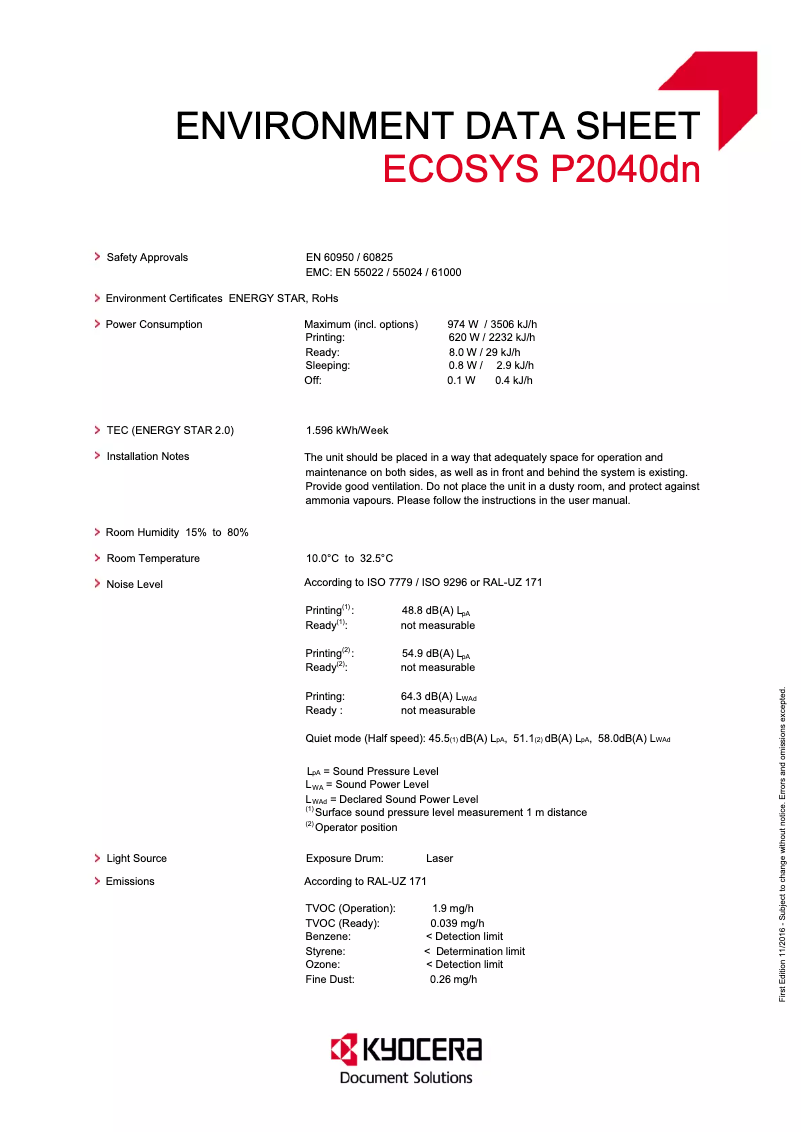
The Kyocera ECOSYS P2040dn operates with an input voltage of 220 - 240 V and a frequency of 50 - 60 Hz. Its power consumption is 620 W in print mode, while it consumes only 8 W in standby mode and 0.1 W when turned off. In energy-saving mode, its energy usage is 0.8 W, ensuring optimal energy efficiency.
Noise Level
The sound pressure level during printing is 48.8 dB, allowing for relatively quiet operation, suitable for noise-sensitive work environments.
Connectivity and Compatibility
The Kyocera ECOSYS P2040dn is equipped with an Ethernet/LAN interface for stable network connection. However, there is no Wi-Fi connectivity, which requires a wired connection to print from mobile devices. It is compatible with several operating systems, including Windows, Mac, and Linux, offering great flexibility to users.
Durability and Packaging
This printer is certified by Blue Angel and ENERGY STAR, attesting to its compliance with environmental standards. Regarding packaging, the dimensions of the package are 500 mm in width, 516 mm in depth, and 400 mm in height, with a total weight of 18 kg, ensuring adequate protection during transport.
Contents of the Package
The Kyocera ECOSYS P2040dn comes with a black toner cartridge with a capacity of 3,600 pages, allowing for immediate use. A power cable is also included, ensuring optimal electrical connection.
Logistics Data
The harmonized system code for this model is 84433210, which facilitates its identification in international trade.


