

Manuals of product ECOSYS P5026cdw
Editorial note
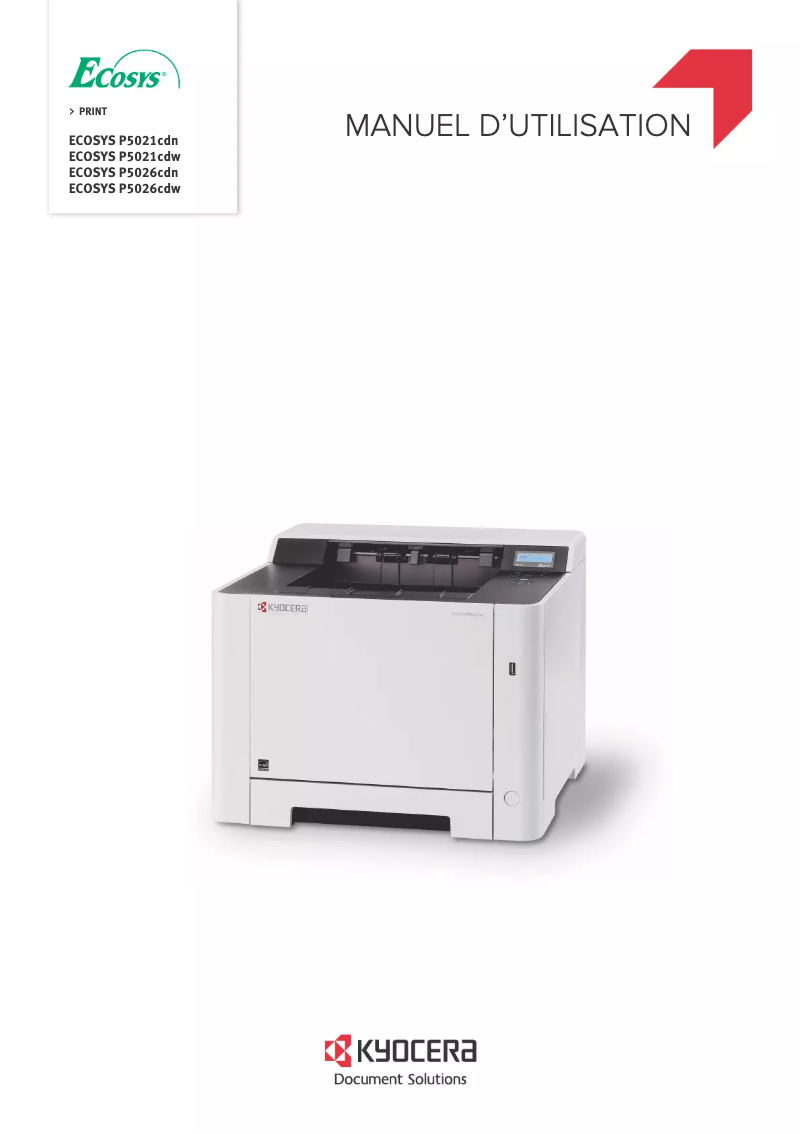
The Kyocera ECOSYS P5026cdw printer stands out for its exceptional print quality, with a maximum resolution of 1200 x 1200 DPI that ensures precise details and vibrant colors. Its built-in duplex printing feature is a major asset, promoting optimal paper usage and reducing printing costs. With a print speed of 26 pages per minute, both in black and color, it effectively meets the needs of demanding work environments. However, there are a few drawbacks to note. Its weight of 21 kg can complicate moving and installation, particularly in tight spaces. Additionally, the warm-up time of 29 seconds may be a disadvantage for those seeking immediate printing. The total paper capacity of 250 sheets may prove insufficient in high-volume printing environments, requiring frequent reloads. In terms of performance, the user experience is generally positive thanks to an intuitive interface, although compatibility with certain older versions of Mac and Linux may pose issues. The modern design of the printer is appreciated, but its weight can be a hindrance to its mobility. From an economic perspective, the value for money is excellent, supported by efficient energy consumption, as evidenced by its ENERGY STAR certification. The provided documentation, including a user manual and FAQs, facilitates onboarding and troubleshooting, thus adding to the robustness and reliability of this product.Score details
User experience
The user experience is generally positive thanks to an intuitive interface and practical features, although compatibility with some older versions of Mac and Linux may pose issues.
Performance
Performance is solid with a print speed of 26 ppm and a resolution of 1200 x 1200 DPI, but the warm-up time of 29 seconds can be a drawback for users seeking immediate printing.
Design
The design is modern, but the weight of 21 kg can make moving and installation difficult, especially in tight spaces.
Value for money
The value for money is excellent, with high-quality printing and built-in duplex printing features that optimize paper usage.
Usability
The printer is easy to use and offers good wireless connectivity, but the 250-sheet paper capacity may be insufficient in very demanding work environments.
Robustness
The product is robust and ENERGY STAR certified, ensuring good environmental compliance while reducing operating costs.
Support
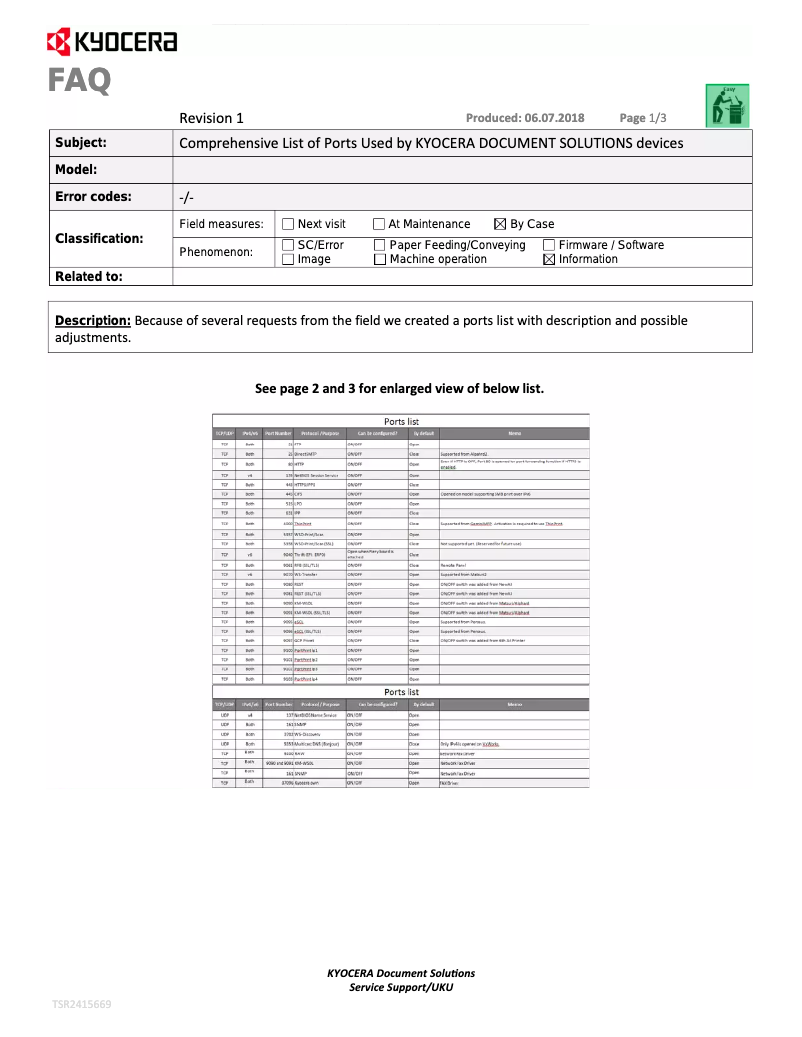
The documentation is comprehensive with a user manual and FAQs, making it easy to get started and troubleshoot.
Advantages
Printing 1200 x 1200 DPI, precise details
Integrated double-sided printing, saves paper
Printing speed 26 pages per minute
Wi-Fi and Ethernet connectivity, flexible
ENERGY STAR certified, energy efficient
250-sheet paper capacity
Maximum input of 550 sheets
Disadvantages
Weight of 21 kg difficult to move
Preheating time of 29 seconds
Capacity of 250 sheets insufficient
Limited compatibility with older systems
Noise level of 47.4 dB bothersome
Technical Specifications ECOSYS P5026cdw
General Information
-
ModelECOSYS P5026CDW
-
Brand
-
Category
-
Type
-
SKU781728
-
MPN781728
Print speed
-
Double-sided printingYes
-
Color resolution1200 x 1200 DPI
-
Double-sided printingYes
-
Printing technologyLaser
-
Print speed (color, draft quality, A4/US Letter)26 ppm
-
Print speed (color, draft quality, A4/US Letter)26 ppm
-
Color resolution1200 x 1200 DPI
-
Preheating time29 s
-
Copy time for the first page (Black, normal)9.5 s
-
Copy time for the first page (color, normal)10.5 s
Features
-
Service cycle (Maximum)50000 pages per month
-
Number of print cartridges2
-
Languages of the page descriptionMicrosoft XPS, PCL 5c, PCL 6, PCL XL, PDF 1.7, PostScript 3
-
Printing colorsBlack, Cyan, Magenta, Yellow
Input and output capacity
-
Total power capacity250 sheets
-
Maximum input capacity550 sheets
-
Input capacity of multi-purpose trays50 sheets
-
Total number of power supply units1
-
Paper feed typeCassette, Paper tray
-
Total output capacity- sheets
-
Maximum output capacity150 sheets
-
Multifunctional trayYes
Paper management
-
Maximum ISO A series paper sizeA4
-
Type of paper tray supportOrdinary paper
-
ISO, Format Series A (A0...A9)A4, A5, A6
-
ISO, Formats Series-B (B0...B9)B5, B6
-
Non-ISO print support sizesLetter
-
Weight of paper tray support60 - 163 g/m²
-
Weight of the multifunctional tray support60 - 220 g/m²
-
Support weight supported in duplex mode60 - 120 g/m²
-
Support width customization70 - 216 mm
-
Customization of support length148 - 356 mm
Network
-
WifiYes
-
WifiYes
-
Ready-to-use networkNo
-
Wifi standards802.11b, 802.11g, Wi-Fi 4 (802.11n)
-
Mobile printing technologiesGoogle Cloud Print, Mopria Print Service
Connectivity
-
Standard interfacesRJ-45
-
Quantity of USB 2.0 PortsUSB 2.0
-
Wireless LAN
-
1
Representation / realization
-
Maximum internal memory512 MB
-
Maximum internal memory512 MB
-
Sound pressure level (impression)47.4 dB
-
Sound pressure level (silent mode)43.4 dB
-
Integrated into the processorYes
-
Processor familyARM Cortex
-
Processor modelA9
-
Processor frequency800 MHz
Design
-
Product colorBlack, White
-
Built-in screenYes
-
CertificationGS, TÜV, CE
Power
-
AC input voltage220 - 240 V
-
AC input frequency50 - 60 Hz
-
Average power consumption in Print mode375 W
-
Energy consumption (loan)33 W
-
Electricity consumption (stop)0.9 W
Sustainability
-
Sustainability certificatesENERGY STAR
Minimum system requirements
-
Support for the Linux operating systemYes
-
Support for the Mac operating systemMac OS X 10.10 Yosemite, Mac OS X 10.11 El Capitan, Mac OS X 10.8 Mountain Lion, Mac OS X 10.9 Mavericks
-
Support for the Linux operating systemYes
Weight and dimensions
-
Depth410 mm
-
Depth410 mm
-
Height329 mm
-
Weight21000 g
Packaging contents
-
Cartridge(s) includedYes
Frequently Asked Questions
What is the weight of the Kyocera ECOSYS P5026cdw?
What is the best method to remove paper jammed in the printer?
Why is my printer not accepting original cartridges?
Why is the quality of my prints poor?
What is the difference between a laser printer and an inkjet printer?
Why is my inkjet producing black streaks?
What does the acronym DPI mean?
What certifications does the Kyocera ECOSYS P5026cdw have?
How many cartridges can be installed in the Kyocera ECOSYS P5026cdw?
What is the height of the Kyocera ECOSYS P5026cdw?
What is the width of the Kyocera ECOSYS P5026cdw?
What is the depth of the Kyocera ECOSYS P5026cdw?
Is the manual for the Kyocera ECOSYS P5026cdw available in French?
Similar products


More product categories from brand Kyocera
Phones Kyocera
Other Kyocera
More product types from brand Kyocera


Presentation of product ECOSYS P5026cdw specifications from brand Kyocera
General Information
The Kyocera ECOSYS P5026cdw printer is a model from the Kyocera brand, renowned for its innovation and quality in the home appliance sector. This model, identified by the code 870B61102RB3NL0, is designed to deliver high performance and an improved user experience. The EAN code, 0632983933541 and 4058154137796, allows for unique identification in distribution systems.
Print Speed
This printer is capable of printing in color with an impressive resolution of 1200 x 1200 DPI, ensuring sharp and detailed results for all your prints. It also features duplex printing, allowing for paper savings while reducing costs. Thanks to its Laser printing technology, it offers a print speed of 26 pages per minute for both black and color documents. The warm-up time is 29 seconds, and the time to the first page is 9.5 seconds for black prints and 10.5 seconds for color prints.
Features
The printer's maximum duty cycle is 50,000 pages per month, making it suitable for heavy use. It uses 2 cartridges for quality printing. Supported page formats include Microsoft XPS, PCL, PDF, and PostScript, providing great flexibility.
Input and Output Capacity
The total paper capacity is 250 sheets, with a maximum input capacity of 550 sheets. The multifunction tray can hold up to 50 sheets, providing flexibility for different types of documents. The maximum output capacity is 150 sheets.
Paper Management
This printer supports paper formats from the ISO A series, including A4, A5, and A6. It is compatible with various media types such as plain paper, with a supported weight ranging from 60 to 163 g/m² for the main tray and up to 220 g/m² for the multifunction tray.
Network
Connectivity is a strong point of the Kyocera ECOSYS P5026cdw, with Ethernet and Wi-Fi options, allowing printing from various devices. It supports the Wi-Fi standard 802.11b/g/n, ensuring a stable and fast connection.
Connectivity
This printer is equipped with standard interfaces, including a USB 2.0 port, making it easy to connect with other devices.
Representation / Performance
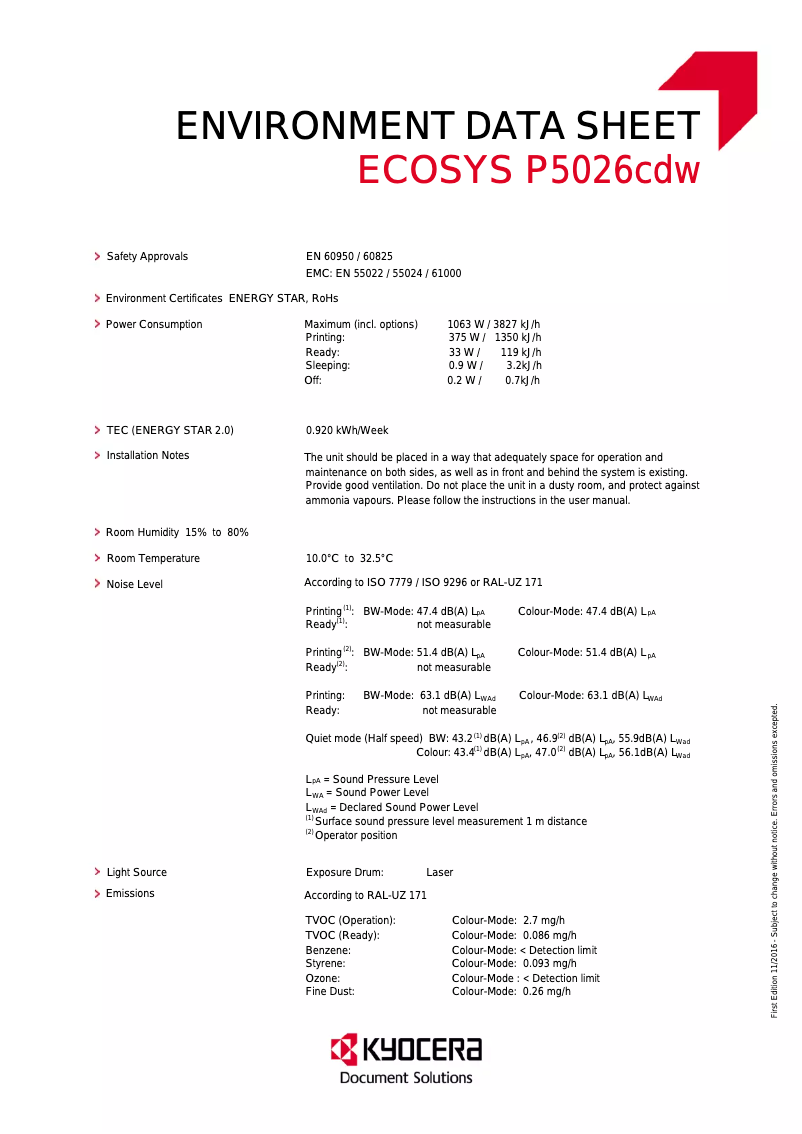
With an internal memory of 512 MB, the printer can efficiently manage data and applications. The sound pressure level in print mode is 47.4 dB, while in silent mode, it drops to 43.4 dB, which is ideal for quiet work environments.
Design
The design of the printer is modern, with a black and white finish. It features a built-in display for intuitive use. Additionally, it is certified GS, TÜV, and CE, ensuring compliance with safety standards.
Power
The Kyocera ECOSYS P5026cdw operates with an AC input voltage of 220 - 240 V and a frequency of 50 - 60 Hz. Its average power consumption in print mode is 375 W, while it consumes only 33 W in standby mode and 0.9 W when turned off.
Durability
This printer is certified ENERGY STAR, attesting to its energy efficiency and environmental friendliness.
Minimum System Requirements
The Kyocera ECOSYS P5026cdw is compatible with various operating systems, including Windows, Mac (versions 10.8 to 10.11), and Linux, making it a versatile choice for different users.
Weight and Dimensions
With dimensions of 410 mm wide, 410 mm deep, and 329 mm high, the printer weighs 21 kg, which may make it somewhat cumbersome to move.
Package Contents
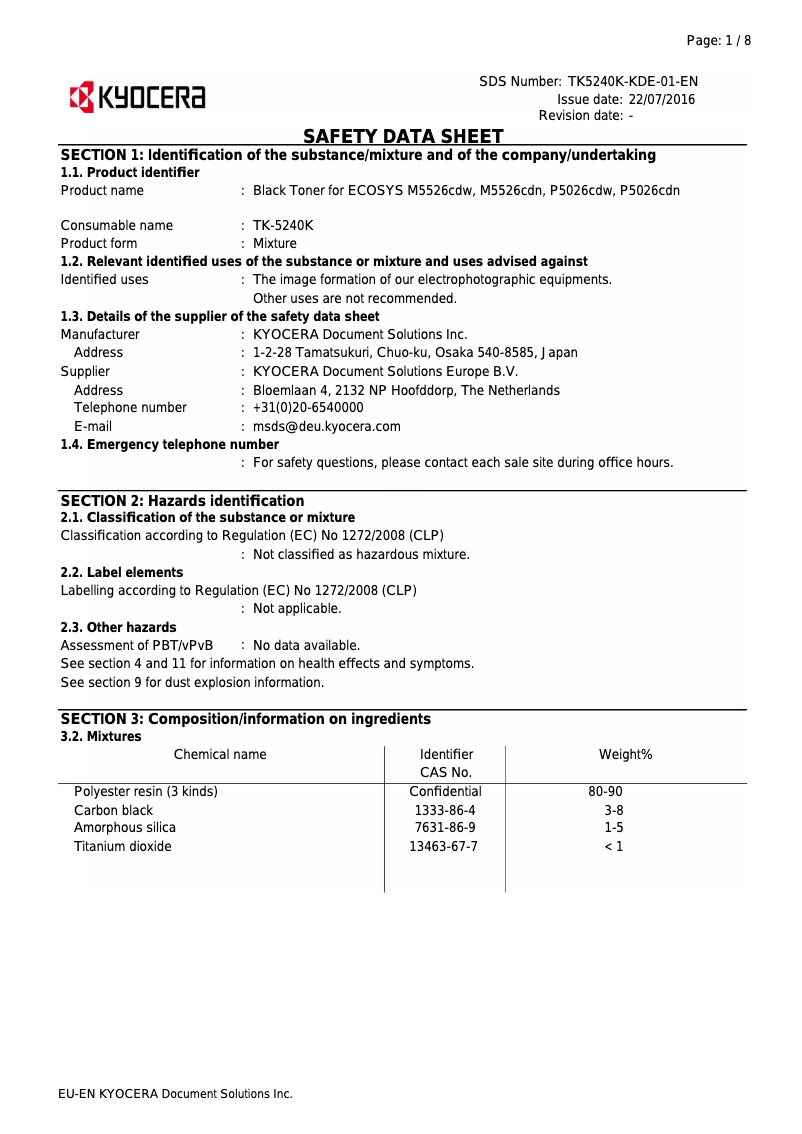
The product includes included cartridges, allowing you to start printing immediately without additional purchases.


