

Manuals of product ECOSYS P6235cdn


Editorial note
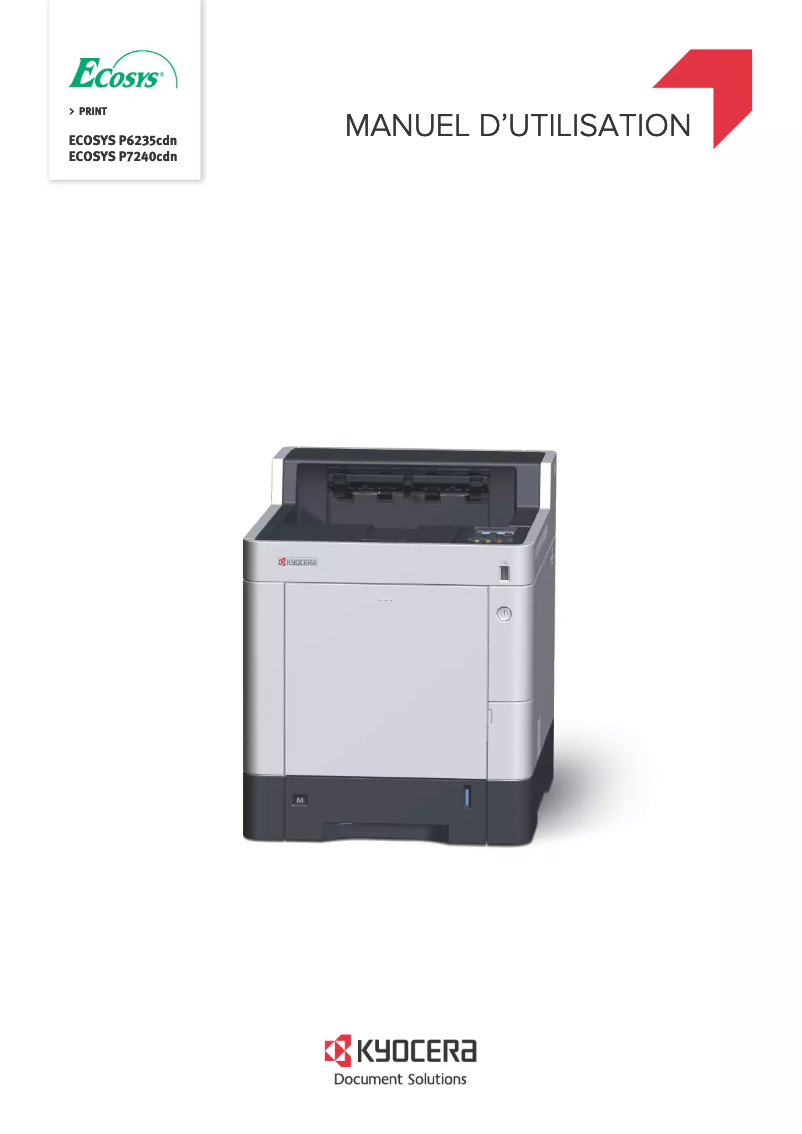
The Kyocera ECOSYS P6235cdn printer stands out for its exceptional print quality, achieving a maximum resolution of 1200 x 1200 DPI, ensuring clear and professional documents. Its print speed of 35 pages per minute also allows for an efficient workflow, particularly in demanding office environments. The duplex printing feature contributes to optimal resource use while reducing paper consumption. Additionally, its network connectivity via Ethernet/LAN facilitates integration into modern offices, and the secure printing function ensures the confidentiality of sensitive documents. However, some drawbacks must be considered. Weighing 29,500 g, its mobility can be challenging, limiting its flexibility of use. Although the print speed is adequate for daily use, it may seem lower compared to other high-end models, especially in high-volume printing contexts. The maximum paper capacity of 2,100 sheets, while suitable for many users, may not be sufficient for those with massive printing needs. Furthermore, the lack of built-in Wi-Fi connectivity could restrict its use in certain work environments where wireless connections are preferred. The writing scores reflect an overall positive user experience, with a score of 82 for user experience, although the weight of the device is a friction point. Performance was rated at 78, indicating satisfactory efficiency but with possible areas for improvement. Features received a score of 85, highlighting the excellence of its options, while the available documentation scored 85, which is promising, although access to online resources would be beneficial. In summary, the Kyocera ECOSYS P6235cdn is a high-performing and reliable printer, ideal for users seeking quality and advanced features, but its weight and certain connectivity limitations may not suit all work environments.Score details
User experience
The user experience is generally positive with an intuitive interface, but the weight of 29,500 g can make movement difficult.
Performance
The printing speed of 35 ppm is efficient for daily use, but may seem lower than other high-end models in high-volume environments.
Design
The design is functional and suitable for the office, but the weight may pose a problem in terms of usability flexibility.
Features
Features such as duplex printing and Ethernet/LAN connectivity are excellent, but the lack of built-in Wi-Fi may limit flexibility.
Value for money
The product offers good value for money with high-quality prints and significant paper capacity, but the maximum capacity of 2,100 sheets may not be sufficient for high-volume users.
Support
The available documentation is comprehensive, but additional information on technical support could enhance the user experience.
Documentation
The available documents, such as the user manual and FAQ, are helpful, but access to online resources would be a plus.
Advantages
High-quality printing up to 1200 x 1200 DPI
Printing speed of 35 pages per minute
Double-sided printing to reduce paper usage
Ethernet/LAN connectivity for easy integration
Secure printing for sensitive documents
2100-sheet capacity for high volumes
Disadvantages
Heavy weight, difficult to move
Printing speed lower than other models
Limited feed capacity for large volumes
No built-in Wi-Fi connectivity
Too long preheating time
Technical Specifications ECOSYS P6235cdn
General Information
-
ModelECOSYS P6235CDN
-
Brand
-
Category
-
Type
-
SKU1148573
-
MPN1148573
Print speed
-
Secure printingYes
-
Maximum resolution1200 x 1200 DPI
-
Secure printingYes
-
Printing technologyLaser
-
Print speed (black, normal quality, A4/US Letter)35 ppm
-
Preheating time25 s
-
Copy time for the first page (Black, normal)6.5 s
-
Copy time for the first page (color, normal)7.5 s
-
Duplex printing speed (Black, normal quality, A4/US Letter)32 ppm
-
Secure printingYes
Features
-
Number of print cartridges-
-
Service cycle (Maximum)- pages per month
-
Languages of the page descriptionPCL 5c, PCL 6, PCL XL, PostScript 3, XPS
-
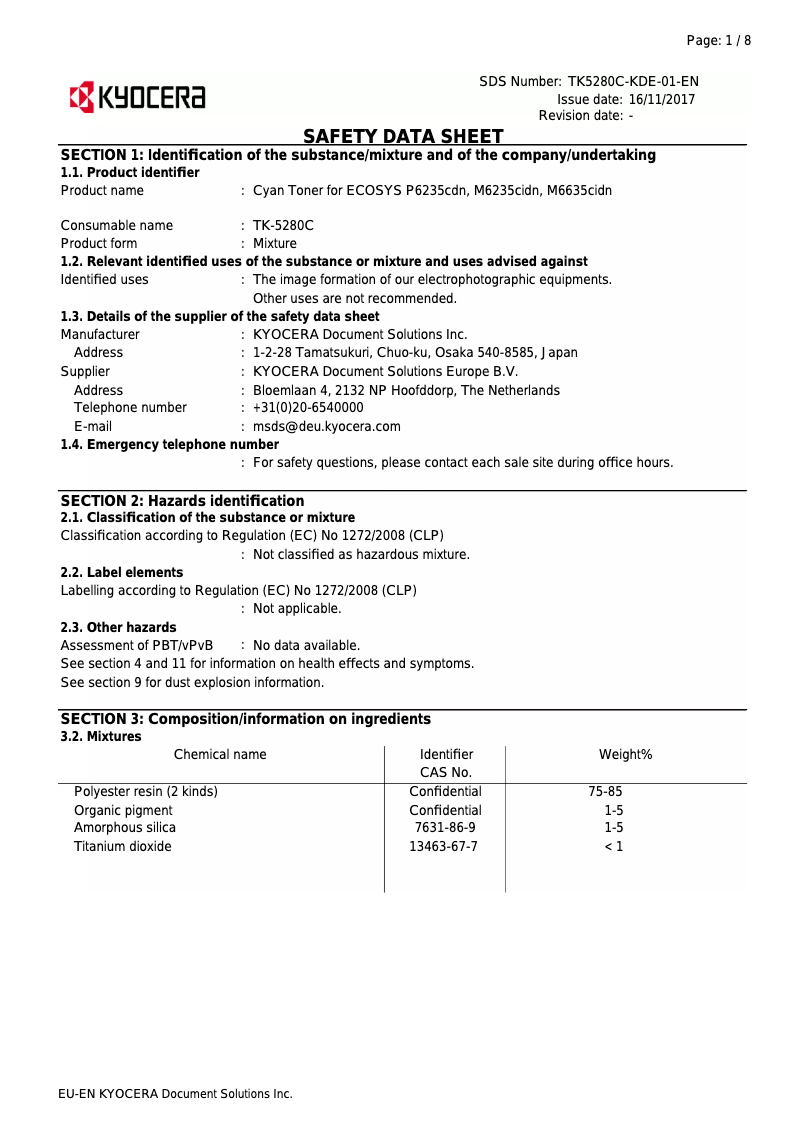
Replacement cartridgesTK-5280K, TK-5280M, TK-5280Y, TK-5280C
-
Printing colorsBlack, Cyan, Magenta, Yellow
Input and output capacity
-
Maximum output capacity500 sheets
-
Maximum input capacity2100 sheets
-
Input capacity of multi-purpose trays100 sheets
-
Paper feed typeCassette, Paper tray
-
Total output capacity- sheets
-
Maximum output capacity500 sheets
-
Total number of power supply units1
-
Multifunctional trayYes
Paper management
-
Maximum ISO A series paper sizeA4
-
Type of paper tray supportOrdinary paper
-
ISO, Format Series A (A0...A9)A4, A5, A6
-
ISO, Formats Series-B (B0...B9)B5, B6
-
Weight of paper tray support60 - 163 g/m²
-
Weight of the multifunctional tray support60 - 220 g/m²
-
Non-ISO print support sizesFolio (media size), Ledger (media size), Legal (media size), Letter (media size)
-
Support width customization70 - 216 mm
-
Customization of support length148 - 356 mm
-
Maximum print format216 x 356 mm
-
Types of multi-purpose binsLegal, Letter, Plain paper
Network
-
Wifi-
-
Ready-to-use network-
-
Ethernet/LANYes
-
Wiring technology10/100/1000Base-T(X)
-
Mobile printing technologiesApple AirPrint, Google Cloud Print, Kyocera Mobile Print, Mopria Print Service
-
LAN Ethernet: data transfer rate10,100,1000 Mbit/s
Connectivity
-
Standard interfacesRJ-45, USB 2.0
-
Optional connectivityWireless LAN
-
Direct printingYes
Representation / realization
-
Internal memory1000 MB
-
Maximum internal memory3000 MB
-
Internal storage capacity128 GB
-
Integrated into the processorYes
-
Sound pressure level (impression)52 dB
-
Sound power level (standby)30 dB
-
Integrated into the processorYes
-
Processor familyARM Cortex
-
Processor modelA9
-
Processor frequency1200 MHz
-
Number of processor cores2
-
Storage mediaHDD
Design
-
Built-in screen-
-
Product colorBlack
-
CertificationWhite
-
TÜV/GS
-
CE
Power
-
AC input voltage220 - 240 V
-
AC input frequency50 Hz
-
Average power consumption in Print mode523 W
-
Energy consumption (standby mode)0.6 W
-
Energy consumption (loan)74 W
Minimum system requirements
-
Support for the Linux operating systemYes
-
Support for the Mac operating systemMac OS X 10.10 Yosemite, Mac OS X 10.11 El Capitan, Mac OS X 10.12 Sierra, Mac OS X 10.13 High Sierra, Mac OS X 10.8 Mountain Lion, Mac OS X 10.9 Mavericks
-
Support for the Linux operating systemYes
Weight and dimensions
-
Width390 mm
-
Depth532 mm
-
Height469.5 mm
-
Weight29500 g
Frequently Asked Questions
What is the weight of the Kyocera ECOSYS P6235cdn?
What is the best method to remove paper jammed in the printer?
Why does my printer not recognize original cartridges?
What are the possible causes of poor print quality?
What is the difference between a laser printer and an inkjet printer?
Why does my inkjet printer leave black streaks on prints?
What does the term DPI mean?
What certifications does the Kyocera ECOSYS P6235cdn have?
How many cartridges can be installed in the Kyocera ECOSYS P6235cdn?
What is the height of the Kyocera ECOSYS P6235cdn?
What is the width of the Kyocera ECOSYS P6235cdn?
What is the depth of the Kyocera ECOSYS P6235cdn?
What is the storage capacity of the Kyocera ECOSYS P6235cdn?
Is the manual for the Kyocera ECOSYS P6235cdn available in French?
Similar products


More product categories from brand Kyocera
Phones Kyocera
Other Kyocera
More product types from brand Kyocera


Presentation of product ECOSYS P6235cdn specifications from brand Kyocera
General Information
The Kyocera ECOSYS P6235cdn model is a versatile device from the Kyocera brand, known for its innovation and quality in the printer sector. This model, identified by the code 870B61102TW3NL0, is designed to deliver high performance and an optimized user experience. The product is identifiable by its EAN code 0632983934302, 0632983933947, ensuring effective traceability in distribution systems.
Print Speed
The Kyocera ECOSYS P6235cdn is a color printer, featuring a maximum resolution of 1200 x 1200 DPI, ensuring sharp and professional prints. Its duplex printing capability optimizes paper usage, contributing to eco-friendly resource management. With a print speed of 35 pages per minute in black and white, this device effectively meets the demands of a dynamic work environment. The warm-up time of 25 seconds and the first page print times of 6.5 seconds for black and 7.5 seconds for color prints ensure fast operation. Additionally, the duplex print speed is 32 ppm, thus providing increased productivity.
Features
The maximum service cycle of the Kyocera ECOSYS P6235cdn is designed to support intensive use, although no specific figure is mentioned. The printer uses a single cartridge and is compatible with several page description languages, such as PCL 5c, PCL 6, PCL XL, PostScript 3, and XPS. Replacement cartridges include models TK-5280K, TK-5280M, TK-5280Y, TK-5280C, ensuring high-quality prints.
Input and Output Capacity
The Kyocera ECOSYS P6235cdn has a total feed capacity of 500 sheets and a maximum input capacity of 2100 sheets, allowing for the management of large document volumes without interruption. Its multifunction tray supports up to 100 sheets, providing flexibility for different paper sizes.
Paper Management
This printer supports paper sizes up to A4 and is compatible with a variety of paper types, including plain paper, envelopes, and labels. The supported paper weight ranges from 60 to 163 g/m² for the main tray and from 60 to 220 g/m² for the multifunction tray. Custom paper dimensions are also possible, with a width of 70 to 216 mm and a length of 148 to 356 mm.
Network
The Kyocera ECOSYS P6235cdn is equipped with Ethernet/LAN connectivity, allowing for easy integration into modern office environments. Although it does not have built-in Wi-Fi, it is compatible with mobile printing solutions, facilitating printing from various devices. The data transfer rate is 10, 100, 1000 Mbit/s, ensuring a fast and efficient connection.
Connectivity
The standard interfaces of the Kyocera ECOSYS P6235cdn ensure optimal connectivity with various devices, while the optional wireless LAN connectivity expands usage possibilities. The direct printing feature allows for efficient printing from your devices without requiring complex processes.
Representation / Performance
With an internal memory of 1000 MB and a maximum capacity of 3000 MB, the Kyocera ECOSYS P6235cdn is designed to efficiently handle large amounts of data. Its sound pressure level in print mode is 52 dB, allowing for relatively quiet operation, while the standby level is 30 dB.
Design
The elegant color of the Kyocera ECOSYS P6235cdn is a blend of black and white, fitting perfectly into various office environments. The printer is also equipped with a built-in display for ease of use. It is certified according to TÜV/GS and CE standards, ensuring compliance with safety and performance requirements.
Power
The Kyocera ECOSYS P6235cdn operates on an AC input voltage of 220 - 240 V with a frequency of 50 Hz. Its power consumption in print mode is 523 W, while it consumes only 0.6 W in standby mode, thus promoting energy efficiency.
Minimum System Requirements
This model is compatible with several operating systems, including Windows, Mac (versions ranging from OS X 10.8 to 10.13), and Linux, ensuring versatile use across various platforms.
Weight and Dimensions
The dimensions of the Kyocera ECOSYS P6235cdn are 390 mm in width, 532 mm in depth, and 469.5 mm in height, with a total weight of 29,500 g, which may make its movement and installation a bit more complex in certain work environments.


