

Manuals of product ECOSYS PA4500x
Editorial note
The Kyocera ECOSYS PA4500x printer stands out for its exceptional print quality, delivering sharp and precise results, ideal for professional documents. Its user-friendly interface and simple setup enhance the user experience, allowing for quick printing. Additionally, its energy-efficient design helps reduce operating costs while being environmentally friendly. The durability and reliability of this device are also noteworthy, due to Kyocera's reputation for robust products. However, a few drawbacks deserve mention. The initial purchase cost can be a barrier for small businesses or individuals. Furthermore, although the printer is energy-efficient, it requires regular maintenance that can incur additional costs. Its size may also pose a problem for limited workspaces, requiring a relatively large dedicated area. Finally, some advanced features may prove complex to configure for users less familiar with technology, leading to a learning curve. In summary, the Kyocera ECOSYS PA4500x is a high-performing and robust printer, ideal for demanding professionals. However, its price and maintenance requirements may limit its accessibility to certain users.Score details
User experience
The user experience is very positive thanks to a user-friendly interface and simple setup, allowing users to start printing quickly.
Performance
The print quality is exceptional, providing sharp and accurate prints, ideal for professional documents.
Battery life
Although the printer is energy efficient, it requires regular maintenance which can incur additional costs.
Design
The size of the printer can be a drawback for tight workspaces, requiring a relatively large dedicated space.
Value for money
The initial purchase cost is high, which can be a barrier for small businesses or individuals.
Support
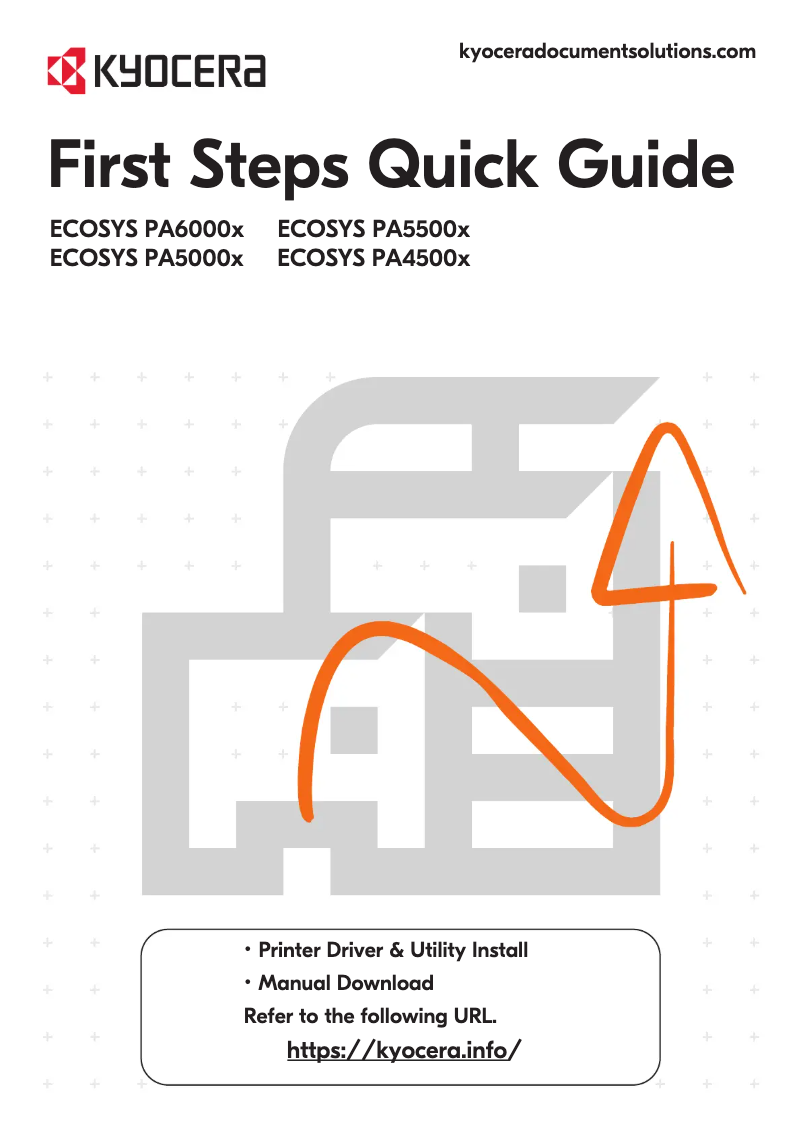
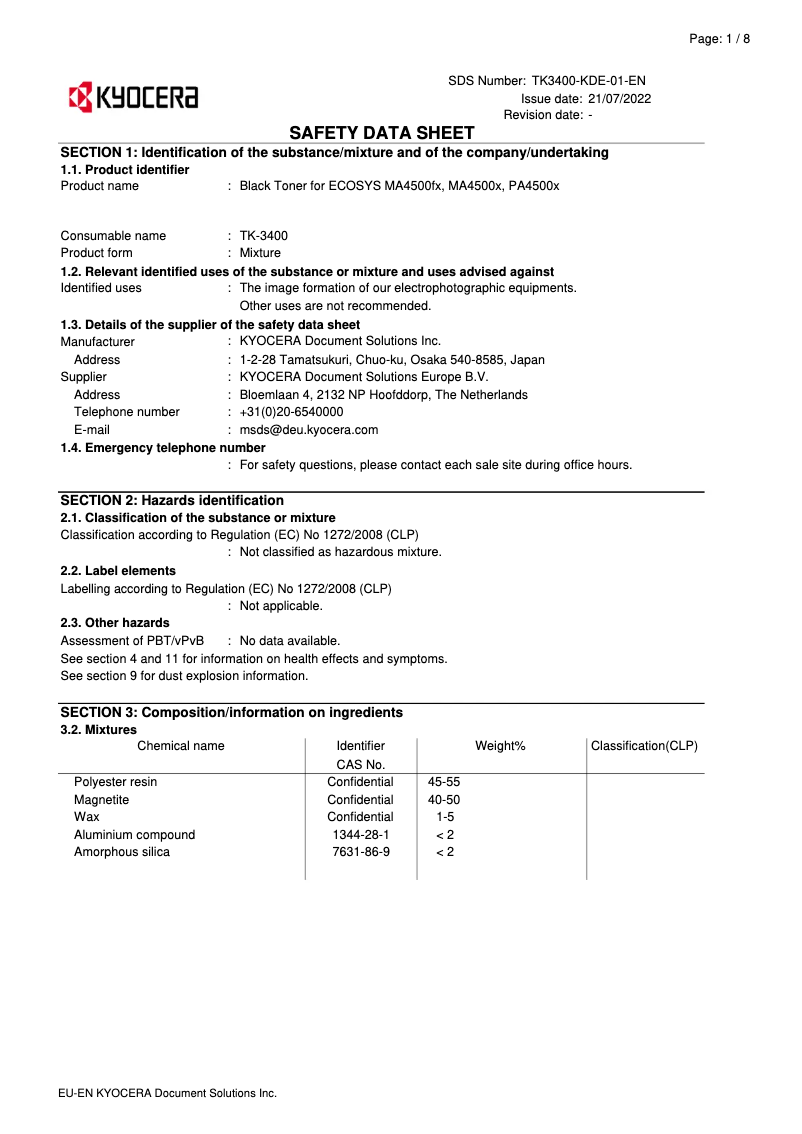
The product comes with a user manual and safety instructions, making it easy to get started and ensuring safe use.
Usability
Some advanced features can be complex to set up for users who are not familiar with technology, leading to a learning curve.
Robustness
Designed to withstand heavy use, this printer demonstrates the durability and reliability of the Kyocera brand.
Advantages
Clear and precise prints
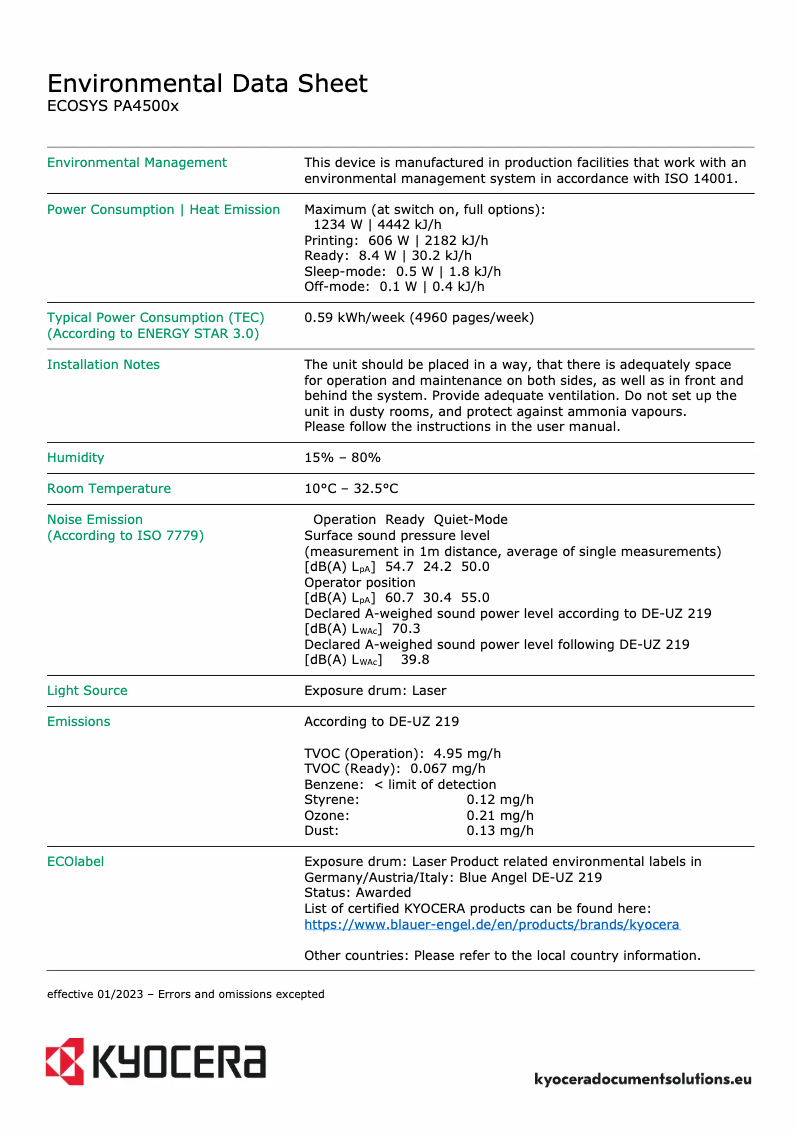
Reduced energy consumption
Durability for heavy use
User-friendly and simple interface
Comprehensive documentation provided
Disadvantages
High purchase cost for small businesses
Regular maintenance and expensive parts
Bulky size for limited spaces
Complexity of advanced features
Noticeable noise during high-volume printing
Technical Specifications ECOSYS PA4500x
General Information
-
ModelECOSYS PA4500X
-
Brand
-
Category
-
Type
-
SKU1719393
-
MPN1719393
Frequently Asked Questions
How can I remove a jammed paper from the printer?
Why is my printer not recognizing the original cartridges?
What are the possible reasons for poor print quality?
How does a laser printer differ from an inkjet printer?
Why is my inkjet printer leaving black streaks on prints?
What does the acronym DPI mean?
Why won't my printer turn on?
How can I eliminate paper jams in my printer?
Why are my prints blurry?
How do I connect my printer to a Wi-Fi network?
What should I do if my printer displays an error code?
Is the manual for the Kyocera ECOSYS PA4500x available in French?
Similar products


More product categories from brand Kyocera
Phones Kyocera
Other Kyocera
More product types from brand Kyocera


Presentation of product ECOSYS PA4500x specifications from brand Kyocera
General Information
The Kyocera ECOSYS PA4500x printer is a flagship model from the Kyocera brand, known for its commitment to quality and innovation in the office equipment sector. This model, designated under the reference ECOSYS PA4500x | 110C0Y3NL0/PROMO2, stands out for its superior performance and an optimized user experience.
Advantages
The Kyocera ECOSYS PA4500x offers exceptional print quality, producing sharp and precise documents, making it ideal for professional uses such as presentations and reports. Furthermore, its energy-efficient design helps reduce energy consumption, thereby lowering operating costs while preserving the environment.
Its durability and reliability are also noteworthy, as this device is built to withstand intensive use, ensuring increased longevity. The ease of use is another major asset; the user-friendly interface and simplified setup allow users to quickly start their printing tasks.
Finally, the product comes with support and detailed documentation, including a user manual and safety instructions, making it easier to handle and ensuring safe usage.
Disadvantages
However, some aspects may pose a problem. The initial purchase cost of the printer can be relatively high, which may be a barrier for small businesses or individuals. Additionally, despite its optimal performance, the device may require regular maintenance and part replacements, leading to additional costs.
The size of the printer may also be a disadvantage for limited workspace, requiring significant dedicated space. Some advanced features may prove complex to configure for users who are not familiar with technology, which could result in a learning curve.
Finally, it is worth noting that the operating noise can be noticeable, especially when printing large volumes of documents, which can be disruptive in a quiet work environment.


