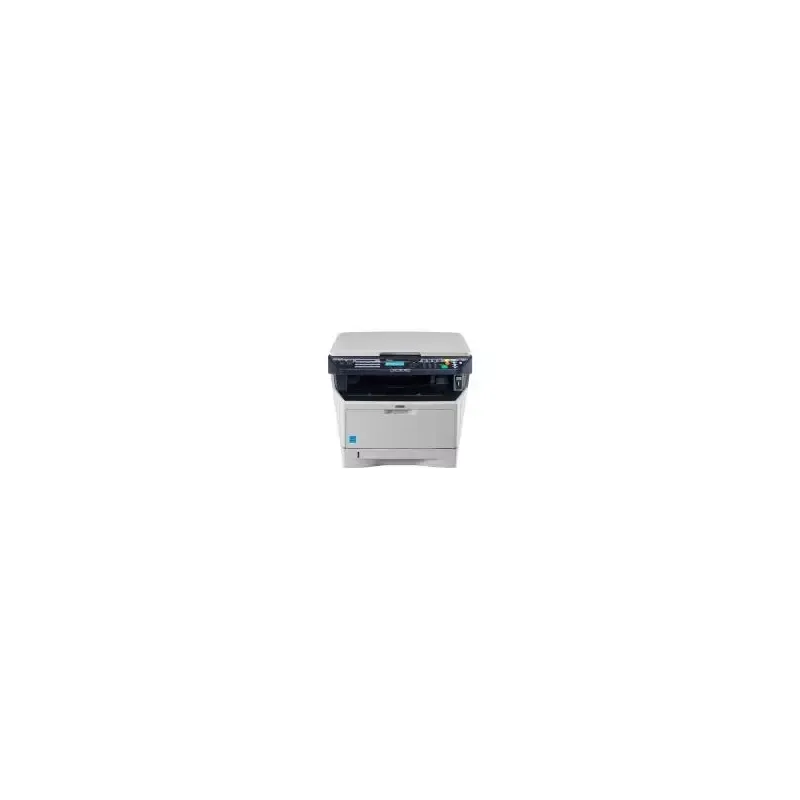

Manuals of product FS-1028MFP
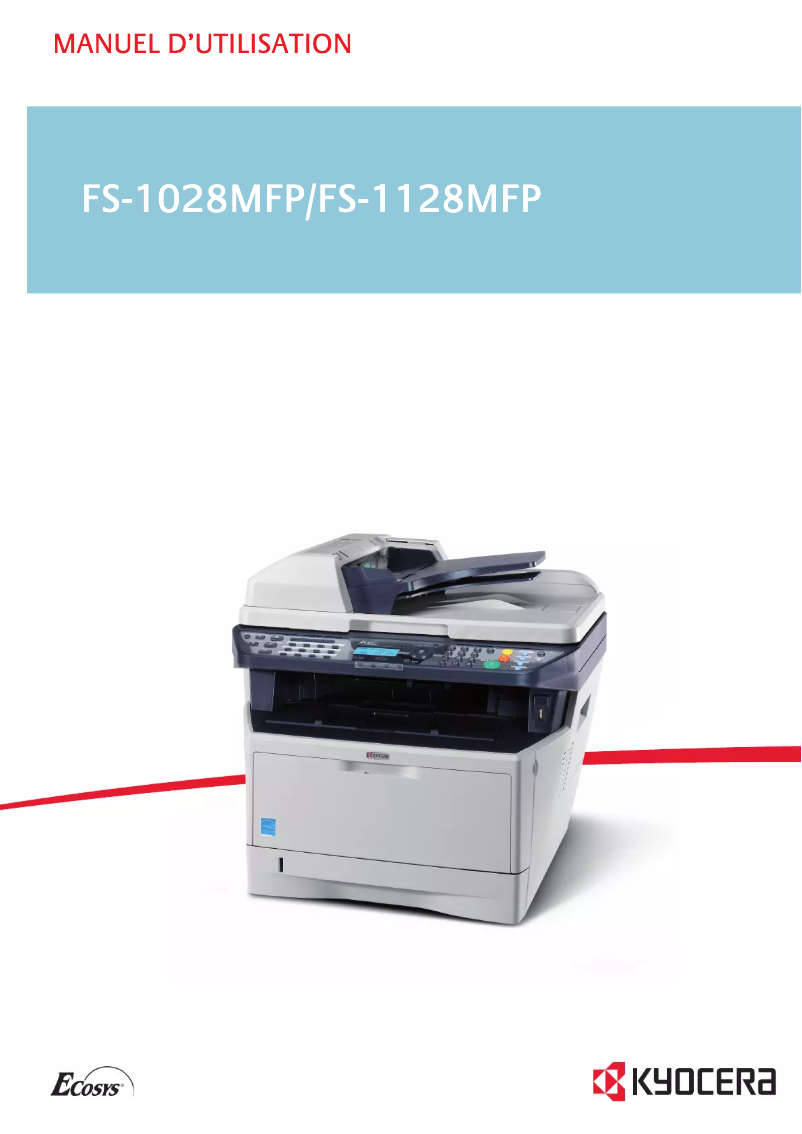


Editorial note
The Kyocera FS-1028MFP positions itself as a multifunction printer suitable for professional needs, offering a printing speed of 28 pages per minute (ppm) and a maximum resolution of 1200 x 1200 DPI. These features allow for clear and precise documents while effectively meeting the demands of a daily work environment. Additionally, the built-in duplex printing function helps reduce paper consumption, which is an asset for environmentally conscious companies. The color scanning capability with 256 levels of gray also ensures faithful and detailed reproductions. However, some drawbacks should be noted. The lack of Wi-Fi connectivity limits usage flexibility in modern offices where wireless connections are often preferred. Furthermore, with a weight of 15 kg, the printer may prove to be less portable, which can pose issues in confined workspaces. The internal memory of 256 MB may also be insufficient for handling heavy printing tasks, leading to slowdowns. Finally, the absence of advanced features such as digital sender or fax may restrict its use in certain professional situations. In terms of performance, the user experience is generally positive, with an intuitive interface and well-suited features. However, the value for money is considered acceptable, although the device may seem limited compared to models offering more advanced functionalities. The robustness of the printer is also a point to consider, as its weight can be a disadvantage for some users. Overall, the Kyocera FS-1028MFP is a solid choice for professional use, but it is crucial to weigh the pros and cons before making a purchase.Score details
User experience
The user experience is generally positive due to an intuitive interface and features well-suited to professional needs.
Performance
The printing speed of 28 ppm is efficient, but may not be sufficient for high-demand environments.
Features
The duplex printing and color scanning features with 256 levels of gray are major assets for professional use.
Value for money
The value for money is acceptable, but the lack of Wi-Fi connectivity and some advanced functions may limit perceived value.
Robustness
The weight of 15 kg makes the device less portable, which can be problematic in tight workspaces.
Usability
Although the device is easy to use, the 256 MB internal memory can lead to slowdowns during heavy printing tasks.
Advantages
Fast printing: 28 pages per minute
Maximum resolution: 1200 x 1200 DPI
Built-in duplex printing
Color scanning with 256 levels of gray
Network connectivity via Ethernet
Disadvantages
No Wi-Fi connectivity
Weight of 15 kg, difficult to move
Internal memory limited to 256 MB
No advanced features available
Insufficient printing speed for offices
Technical Specifications FS-1028MFP
General Information
-
ModelFS-1028MFP
-
Brand
-
Category
-
Type
-
SKU140766
-
MPN140766
Print speed
-
Maximum resolution1200 x 1200 DPI
-
Print speed (black, normal quality, A4/US Letter)28 ppm
-
Copy time for the first page (Black, normal)6 s
-
Preheating time15 s
-
Printing technologyLaser
-
PrintingNo
-
Double-sided printingYes
Digitization
-
Gray levels256
-
DigitizationMonochrome scanning
Copier
-
Max. resolution of copies600 x 600 DPI
-
Release time of the first print (black, normal)6.9 s
-
CopySingle copy
Representation / realization
-
Processor frequency450 MHz
-
Internal memory256 MB
Other features
-
Maximum internal memory0.768 GB
-
Compatible operating systemsWindows 2000/XP/Server2003/Vista/7/Server2008
-
Power requirements220 - 240
-
Dimensions (LxWxH)494 x 410 x 366 mm
-
EmulationsPCL 6, PCL 5e, Postscript 3 KPDL3, IBM Proprinter X24, EPSON LQ 850, DIABLO630, PRESCRIBE, PDF, XPS
-
Usage cycle (maximum)2800 pages per month
-
All-in-one functionsCopy, Scan
-
All-in-one color functionsNo
Network
-
Ethernet/LANYes
-
WifiNo
Connectivity
-
Standard interfacesUSB 2.0
-
USB portYes
Power
-
Electricity consumption (average operation)494 W
-
Energy consumption (standby mode)88 W
Weight and dimensions
-
Weight15000 g
Paper management
-
Maximum number of paper bins800
-
Non-ISO print support sizesFolio
Fax
-
FaxNo
Features
-
Digital senderNo
-
Service cycle (Maximum)20,000 pages per month
Design
-
Market positionProfessional
Frequently Asked Questions
What is the weight of the Kyocera FS-1028MFP printer?
What is the recommended method for removing paper jammed in the printer?
Why does my printer not recognize original cartridges?
Why does my printing quality seem poor?
What are the differences between a laser printer and an inkjet printer?
Why does my inkjet printer leave black streaks on my prints?
What does the acronym DPI mean?
Is the manual for the Kyocera FS-1028MFP printer available in French?
Similar products


More product categories from brand Kyocera
Phones Kyocera
Other Kyocera
More product types from brand Kyocera


Presentation of product FS-1028MFP specifications from brand Kyocera
General Information
The Kyocera FS-1028MFP printer is a model recognized for its robustness and reliability, fitting into the lineage of products from the Kyocera brand, known for its innovations in the office equipment sector. This model, identified by the reference FS-1028MFP | 012H93EU, is designed to meet the demands of professional environments while ensuring a quality user experience.
Print Speed
With a maximum print resolution of 1200 x 1200 DPI, this printer produces documents with remarkable clarity, suitable for both professional and personal needs. Its print speed reaches 28 pages per minute in black and white, making it an efficient tool for daily use. The time to print the first page is 6 seconds, allowing for a quick start, while the warm-up time is only 15 seconds. Thanks to its laser printing technology, the FS-1028MFP ensures consistent and precise quality. The printer also offers a color printing function, providing vibrant and detailed results. Additionally, it supports duplex printing, helping to reduce paper costs and optimize resource use.
Scanning
The Kyocera FS-1028MFP is also equipped with advanced scanning capabilities, with 256 levels of gray allowing for detailed nuances in images. Its color scanning function ensures faithful and vibrant reproductions of your documents, which is particularly useful for professional presentations.
Copier
As a copier, the device offers a maximum resolution of 600 x 600 DPI, ensuring high-quality copies. The output time for the first black and white copy is 6.9 seconds, effectively meeting the needs of a dynamic office. Moreover, it supports color copying, allowing for accurate reproduction of original colors.
Performance/Execution
This model is powered by a processor running at 450 MHz, ensuring quick task execution. Its internal memory of 256 MB allows for efficient management of routine operations, although this may be a limitation for heavier tasks.
Other Features
The maximum internal memory of the Kyocera FS-1028MFP can reach 0.768 GB, facilitating the storage of various data. It is compatible with several operating systems, including Windows XP, Vista, and 7, ensuring smooth integration into various computing environments. The power requirements are 220 to 240 V, ensuring reliable operation. Its dimensions of 494 x 410 x 366 mm allow it to fit easily into a workspace. With a maximum duty cycle of 2800 pages per month, it is suitable for users with regular printing needs. Additionally, its all-in-one functions include copying and scanning, offering appreciated versatility.
Network
The Kyocera FS-1028MFP printer is equipped with network connectivity via Ethernet/LAN, facilitating its integration into modern office environments. However, it does not have Wi-Fi connectivity, which may limit its flexibility of use in certain contexts.
Connectivity
It is equipped with standard interfaces, ensuring effective connectivity with various devices. A USB port is also present, allowing for quick and simple connection with other devices.
Power
In terms of consumption, the printer uses an average of 494 W during operation, while in standby mode, it consumes 88 W, thus contributing to energy savings when the device is not in use.
Weight and Dimensions
Weighing 15 kg, the Kyocera FS-1028MFP is designed for stable use, although its weight may make it more complicated to move in tight spaces.
Paper Management
With a maximum capacity of 800 sheets in its paper trays, this device ensures effective paper management, thus reducing interruptions for reloading. It is also capable of printing on different formats, including Folio size, which adds to its flexibility.
Fax
It is worth noting that the Kyocera FS-1028MFP does not have fax functionality, which could limit certain professional uses.
Features
This model does not include a digital sending function, which may be a disadvantage for users looking to optimize their document management. However, its maximum service cycle of 20000 pages per month makes it a solid choice for intensive operations.
Design
The Kyocera FS-1028MFP is primarily intended for professional use, with features specifically designed to meet the needs of businesses.


