
Manual of product FS-1750
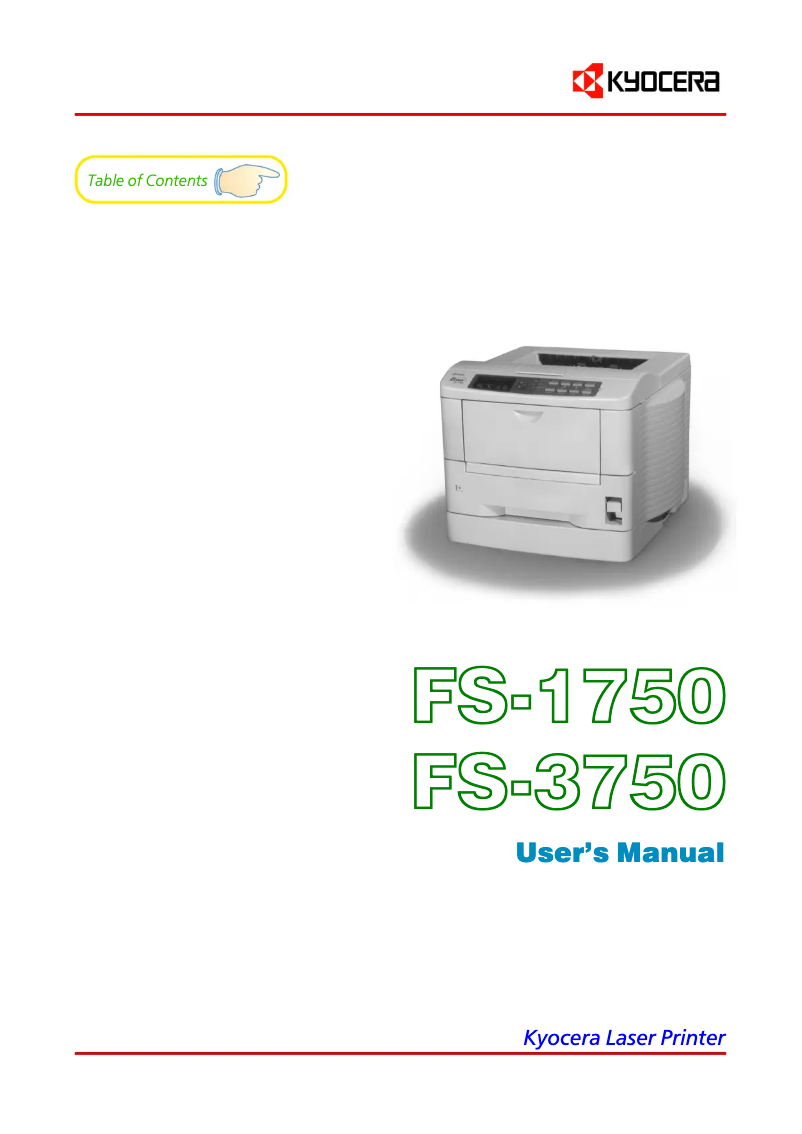
Editorial note
The Kyocera FS-1750 printer stands out for its optimal performance, delivering high-quality prints that ensure professional results for all your documents. Its ease of use is also a major asset, thanks to a clear user manual that allows for quick handling, even for novices. Its compact design allows it to fit easily into tight workspaces without compromising its performance. However, some drawbacks are worth mentioning. The printer can be relatively noisy during operation, which can be disruptive in a quiet environment. Additionally, the high cost of toner cartridges can impact the long-term budget. The FS-1750 also lacks certain modern features, such as wireless connectivity or automatic duplex printing, which are increasingly expected by users. Finally, while the printing speed is adequate, it may not be sufficient for those with very high printing needs. In summary, the Kyocera FS-1750 is a reliable and efficient printer, ideal for light professional use, but its limitations in terms of features and noise may not suit all users.Score details
Performance
The Kyocera FS-1750 offers high-quality prints, ensuring professional results for all your documents.
User experience
Ease of use is a major asset, thanks to a clear user manual that allows for quick familiarization, even for beginners.
Value for money
Although the printer is reliable, the high cost of toner cartridges can impact the budget in the long run.
Design
Its compact design allows it to easily fit into tight workspaces without compromising performance.
noise_level
The printer can be relatively noisy during operation, which can be disruptive in a quiet environment.
Features
The FS-1750 model may lack some modern features, such as wireless connectivity or automatic duplex printing.
Usability
Although it is easy to use, its weight and dimensions can make installation and relocation more difficult.
Performance
The printing speed is adequate, but may not be sufficient for users with very high printing needs.
Advantages
High-quality prints
Reliable and durable brand
Easy to set up and use
Energy-efficient and cost-effective
Compact design for small spaces
Disadvantages
Noisy printer in operation
High cost of toner cartridges
Lack of modern features
Difficult installation in small spaces
Insufficient printing speed for some
Technical Specifications FS-1750
General Information
-
ModelFS-1750
-
Brand
-
Category
-
Type
-
SKU87480
-
MPN87480
Frequently Asked Questions
What is the best method to remove paper jammed in the printer?
Why is my printer not recognizing the original cartridges?
What are the possible reasons for poor print quality?
How does a laser printer differ from an inkjet printer?
Why does my inkjet printer leave black streaks on prints?
What does the acronym DPI mean?
Is the manual for the Kyocera FS-1750 available in French?
Similar products


More product categories from brand Kyocera
Phones Kyocera
Other Kyocera
More product types from brand Kyocera


Presentation of product FS-1750 specifications from brand Kyocera
General Information
The Kyocera FS-1750 printer is a model recognized for its reliability and performance. Designed by the Kyocera brand, known for its innovation in the office equipment sector, this printer ensures optimal print quality for a variety of documents.
The FS-1750 stands out for its ease of use; it comes with a manual that simplifies its setup, making it accessible even to novice users. Additionally, its compact design allows for easy integration into tight workspaces while maintaining high performance.
This model has also been designed with energy efficiency in mind, contributing to reductions in electricity costs while minimizing its environmental impact.
Advantages
- Optimal performance: High-quality prints for professional results.
- Reliability: The reputation of Kyocera ensures appreciable durability over the long term.
- Ease of use: Comprehensive user manual allowing for quick handling.
- Energy efficiency: Eco-friendly design reducing electricity costs.
- Compactness: Easily integrates into limited work environments.
Disadvantages
- Noise level: The printer can be relatively loud, which may disrupt quiet environments.
- Cost of cartridges: Toner cartridges can be expensive, impacting the long-term budget.
- Limited features: Lack of certain modern options, such as wireless connectivity or automatic duplex printing.
- Weight and dimensions: Its weight can complicate installation and movement in tight spaces.
- Print speed: While adequate, it may not suffice for very high printing needs.


